How to copy a Transparent Image into Google Slides


Easily copy and paste transparent images into Google Slides to enhance your presentations seamlessly
How to Copy a Transparent Image into Google Slides
Using transparent images in Google Slides can enhance your presentations by seamlessly blending visuals with the background.
Whether it's a PNG with transparency or an edited image, follow these simple steps to copy and insert it into Google Slides without losing its transparency.
Steps to Copy a Transparent Image into Google Slides
Step 1: Find or Create a Transparent Image
Use an image with a transparent background (usually in PNG format).

If you need to remove the background, use tools like Remove.bg or Canva’s Background Remover.
Step 2: Copy the Transparent Image
If your image is online, right-click on it and select Copy Image.
If your image is on your computer, open it, then press Ctrl + C (Windows) / Cmd + C (Mac) to copy.
Step 3: Open Google Slides and Select a Slide
Go to Google Slides and open your presentation.
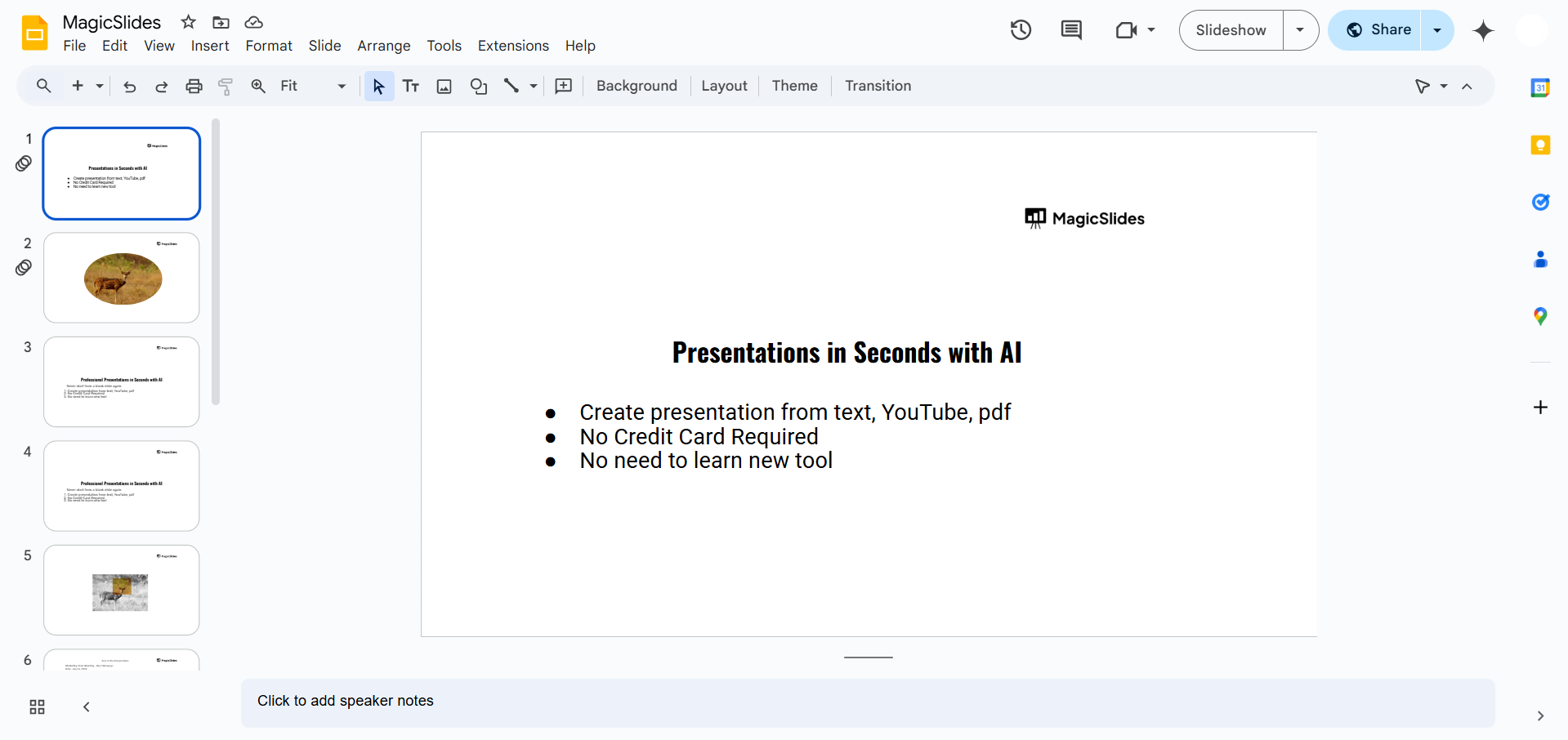
Click on the slide where you want to insert the transparent image.
Step 4: Paste the Image into Google Slides
Press Ctrl + V (Windows) / Cmd + V (Mac) to paste the image onto the slide.
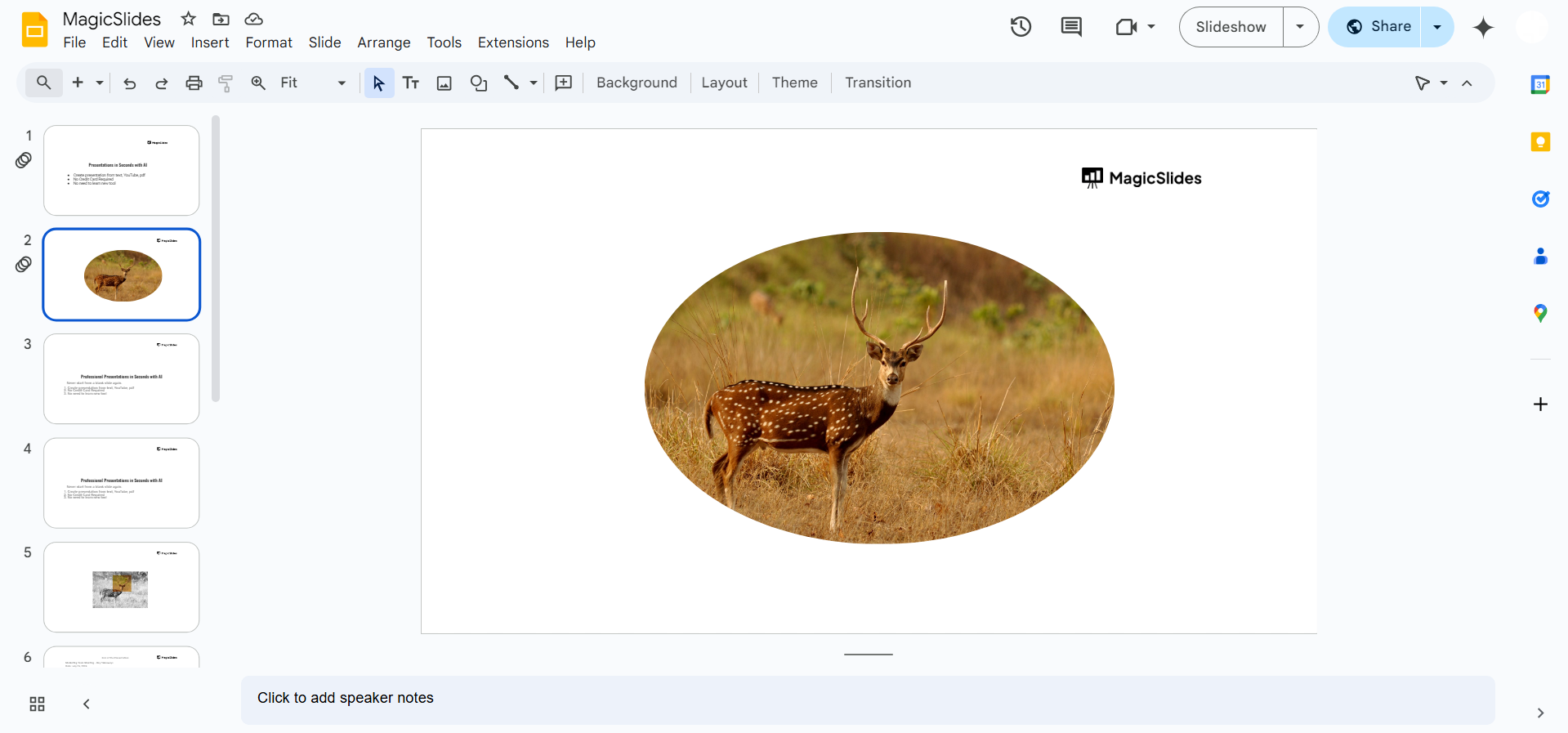
Alternatively, you can right-click on the slide and select Paste.
Step 5: Resize and Position the Image
Click on the image to resize it using the corner handles. Drag the image to the desired position on the slide.
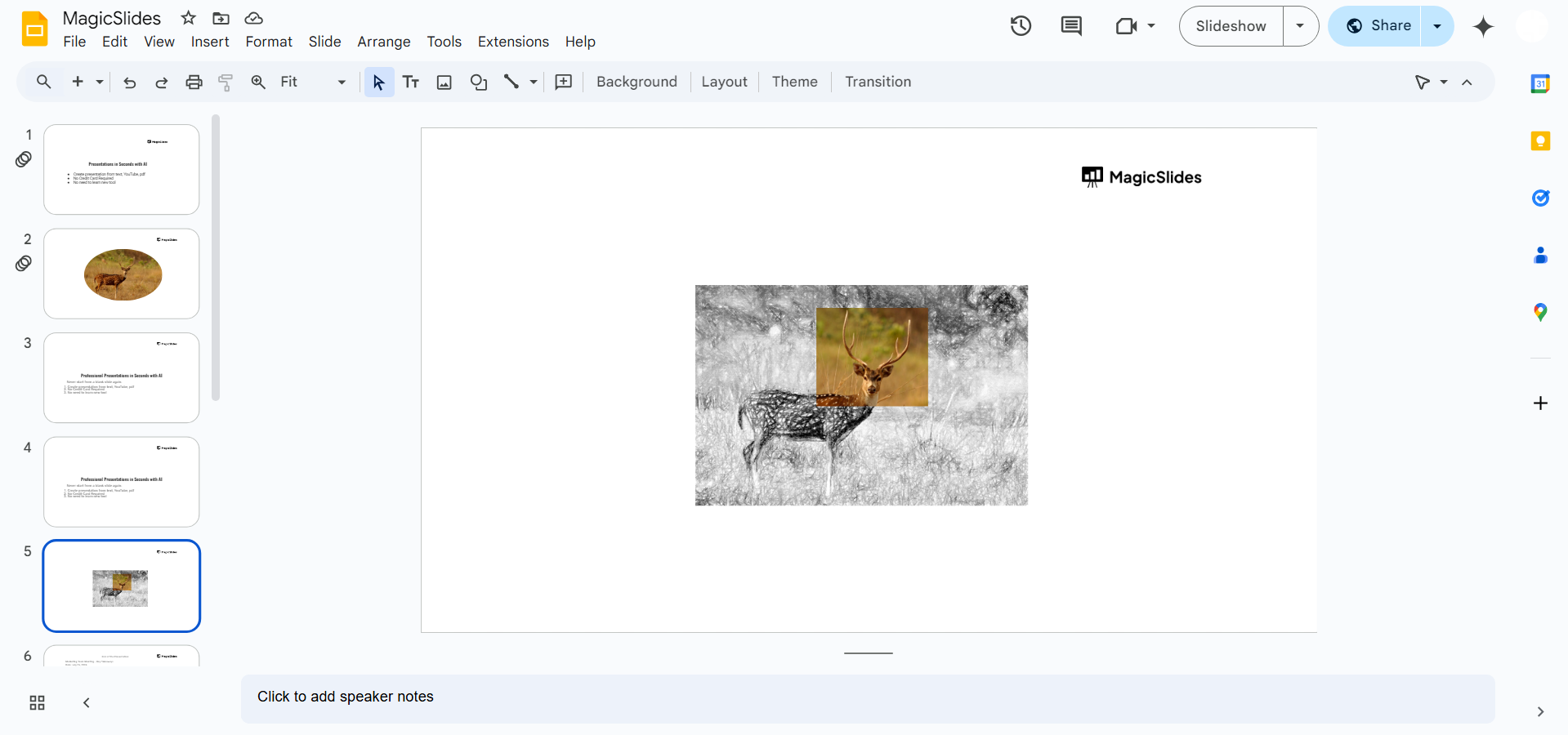
Using transparent images enhances your slides, but why stop there? With MagicSlides.app, you can create fully designed AI-powered presentations in seconds just enter your topic, and your slides are ready!
Conclusion
By following these steps, you can easily insert a transparent image into Google Slides without losing quality.
Transparent images help create professional, visually appealing presentations with seamless backgrounds.
FAQs on Copying Transparent Images into Google Slides
Why does my image lose transparency when pasted?
This may happen if the image is copied from a source that converts it into a non-transparent format. Instead, try downloading and then uploading it to Google Slides.
Can I make an image transparent directly in Google Slides?
Yes! Click on the image, go to Format options > Adjustments, and reduce the Transparency slider.
What file format works best for transparent images?
PNG is the best format for transparent images, as JPEGs do not support transparency.
Now you can easily copy transparent images into Google Slides for better-looking presentations! 🚀


