How to do ranked choice voting in Google forms


Revolutionize your Google Forms surveys with ranked choice voting, a step towards inclusive decision-making.
Explore the world of democracy in action by implementing ranked choice voting in Google Forms. Engage your audience with a more nuanced and inclusive voting system. This step-by-step guide will walk you through the process of setting up ranked choice voting seamlessly.
How to do ranked choice voting in Google forms
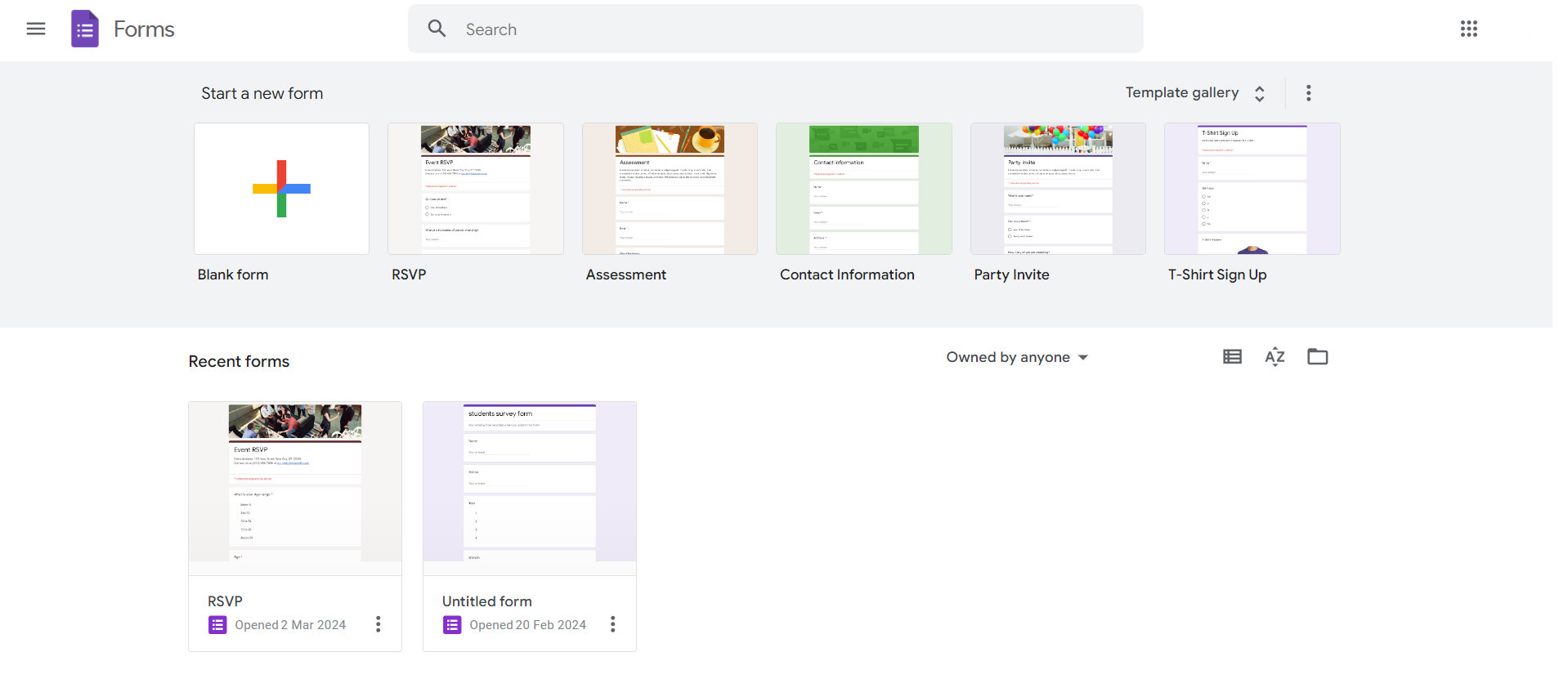
Create a New Google Form:
Begin by opening Google Forms and creating a new form for your voting process. Add the necessary questions, options, and details.
Enable Add-ons:
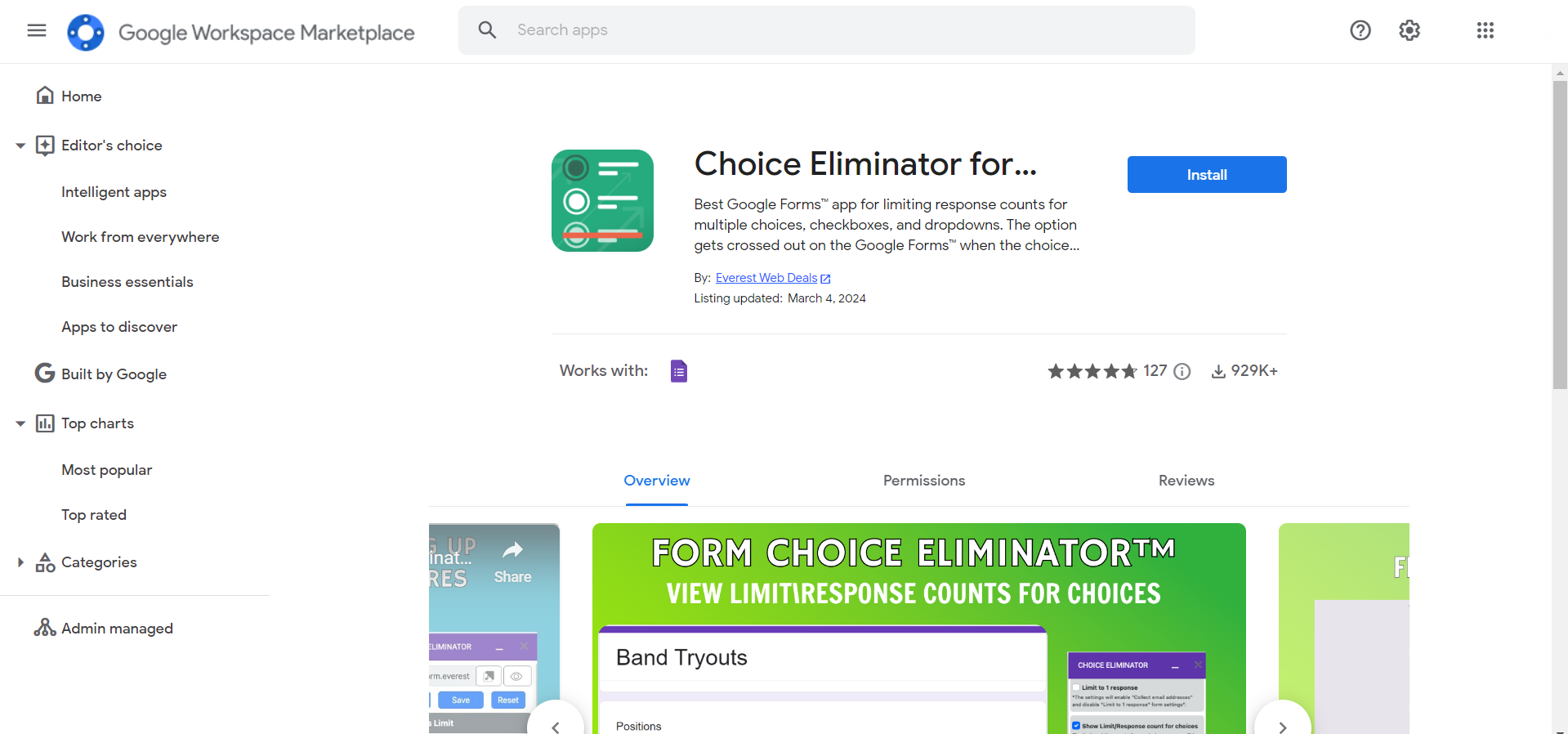
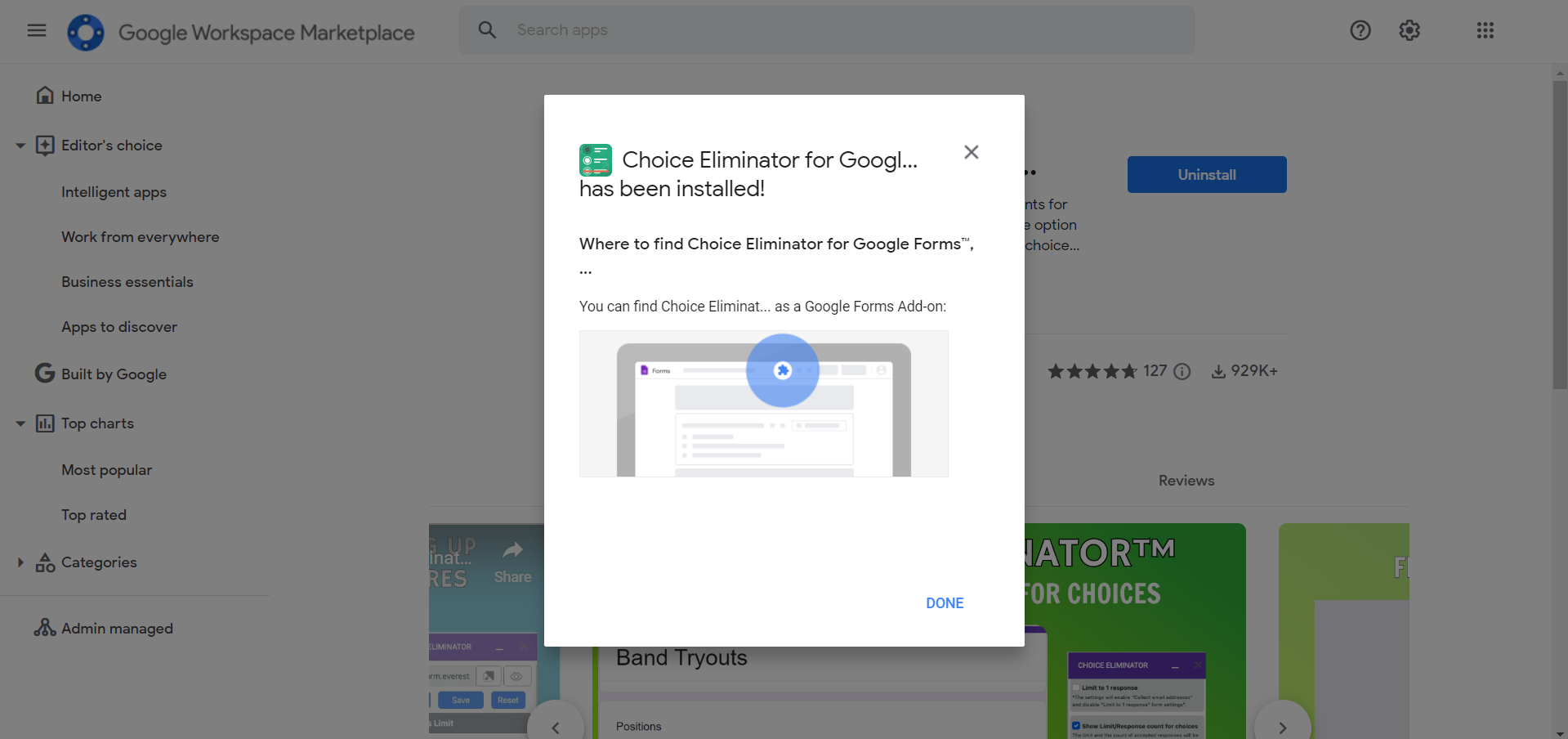
Click on the puzzle piece icon at the top-right corner of your form and select "Add-ons." Search for "Choice Eliminator 2" and install it.
Configure Choice Eliminator 2:
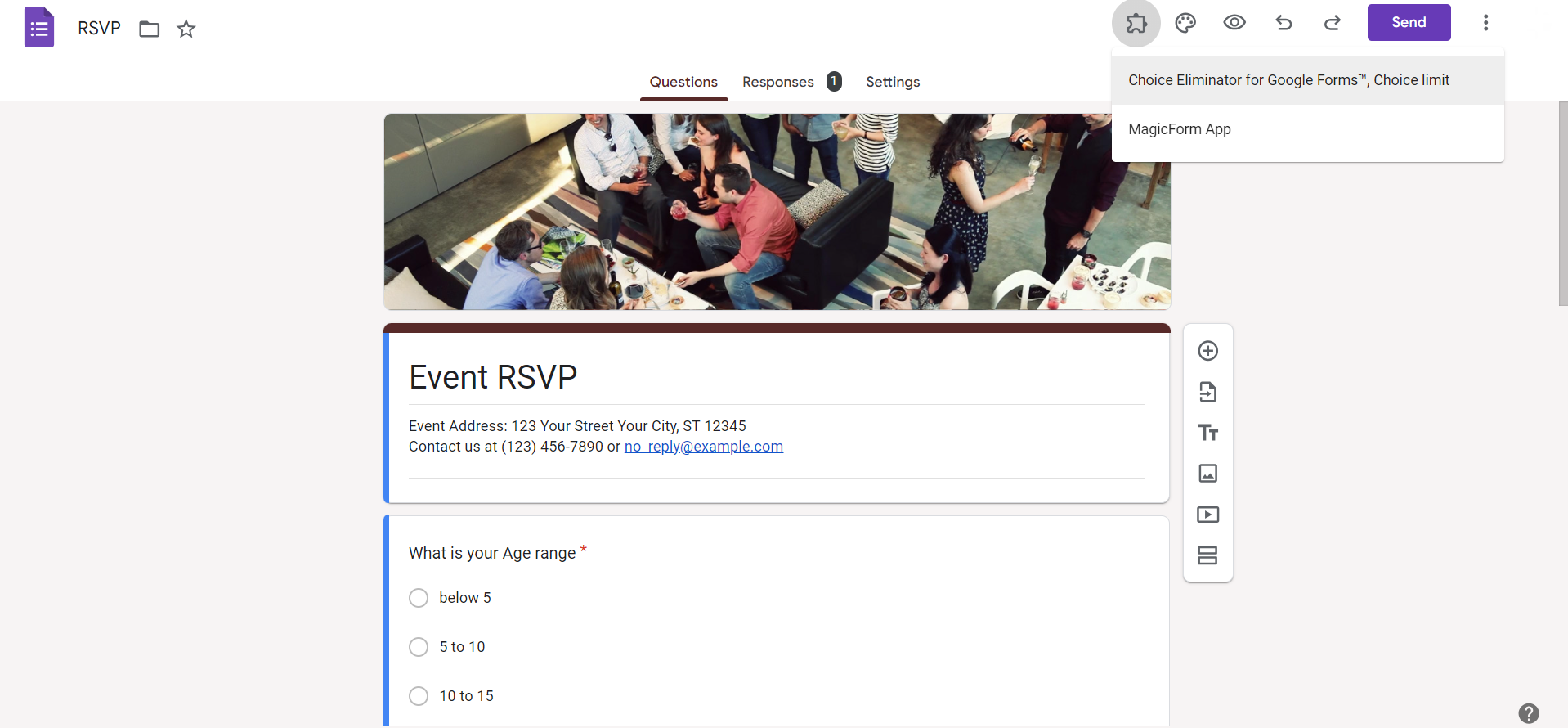
Once installed, go back to your form, and click on the puzzle piece icon again. Open "Choice Eliminator 2" and configure settings to remove choices as they are selected.
Set Up Ranking Options:
Utilize the multiple-choice grid question type to allow voters to rank options. Enable the "Go to section based on answer" option to guide respondents through ranking.
Create Sections for Each Choice:
Set up sections in your form, each dedicated to one option. In each section, ask voters to rank the current option against others using the multiple-choice grid.
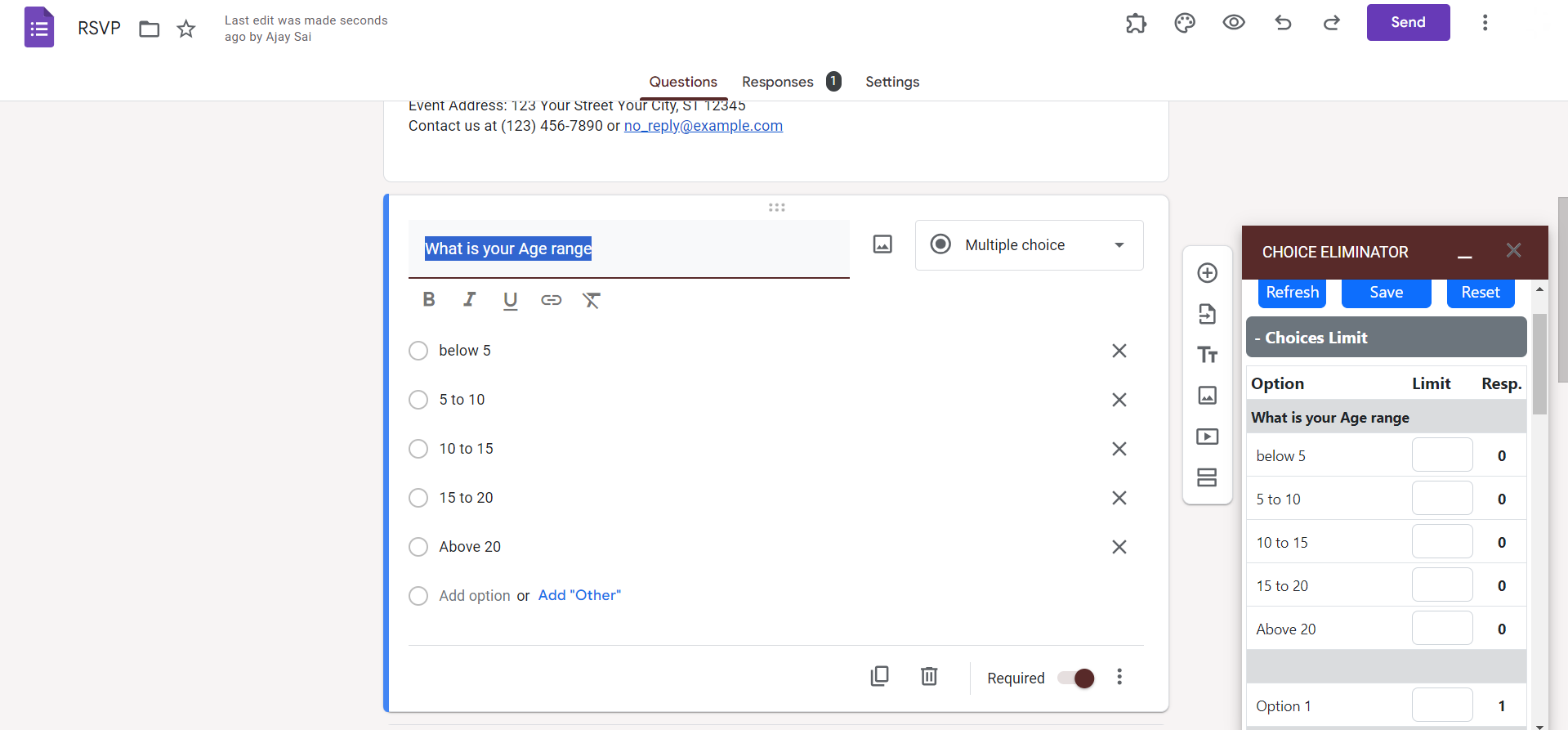
Use Sections for Additional Rounds:
If needed, create additional sections for subsequent rounds of voting. For each round, configure questions and eliminate choices based on previous rankings.
Collect Responses:
Share your form with voters, allowing them to rank options in each section. Responses will be automatically collected and tabulated.
Review Results:
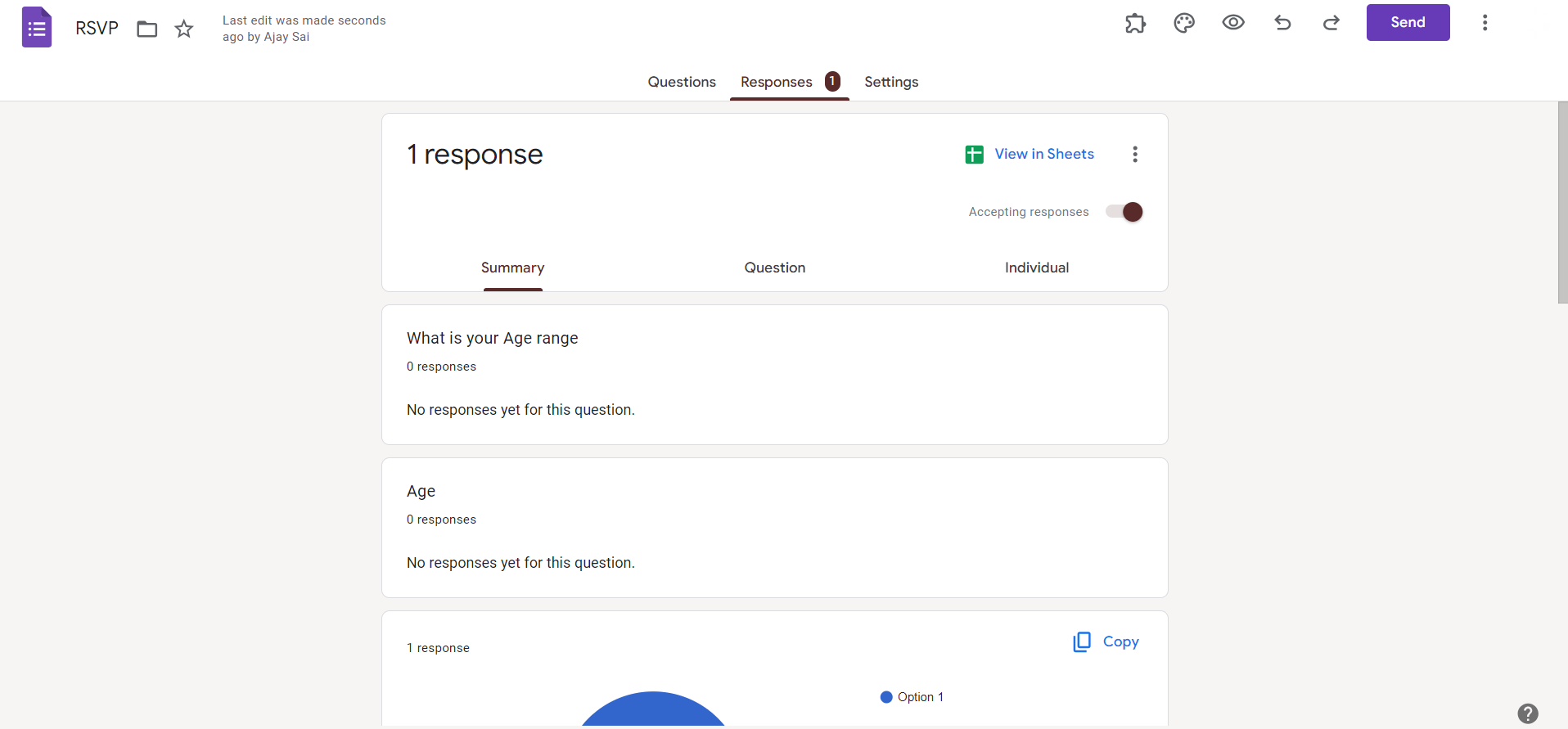
Analyze the results in Google Forms or export the data to Google Sheets for a comprehensive view of the ranked choice voting outcome.
Conclusion:
Ranked choice voting in Google Forms adds a layer of depth to your surveys or elections, ensuring a more nuanced representation of preferences. By following these steps, you can seamlessly integrate this democratic process into your Google Forms, fostering inclusivity and providing a richer understanding of collective opinions. Elevate your voting experience with this user-friendly and efficient approach.
Frequently Asked Questions:
Can voters change their rankings after submitting their choices in ranked choice voting?
No, once submitted, responses are final. Encourage careful consideration before participants finalize their rankings.
How does Choice Eliminator 2 work in the context of ranked choice voting?
Choice Eliminator 2 removes selected options, simulating the elimination process in ranked choice voting rounds.
Is there a limit to the number of options that can be ranked in Google Forms?
Google Forms supports extensive rankings, but very large lists may impact user experience. Keep it manageable.
Can I use this method for any type of survey, or is it best suited for elections?
While designed for elections, this method suits any survey requiring nuanced preference rankings for options.


