How to get Free SVG Icons


Learn how to find and download high-quality, free SVG icons to enhance your designs effortlessly
SVG (Scalable Vector Graphics) icons are essential for creating high-quality, resolution-independent visuals in presentations, websites, and designs.
Unlike raster images, SVG icons remain crisp and clear regardless of screen size or zoom level. The best part? You can access thousands of professional SVG icons online for free.
In this guide, we’ll walk you through the step-by-step process to get free SVG icons quickly and easily.
How to Get Free SVG Icons Step-by-Step Guide to Get Free SVG Icons
Step 1: Visit a Reliable Free SVG Icon Website
Start by heading over to a reputable website that offers free SVG icons. Some popular sites include:
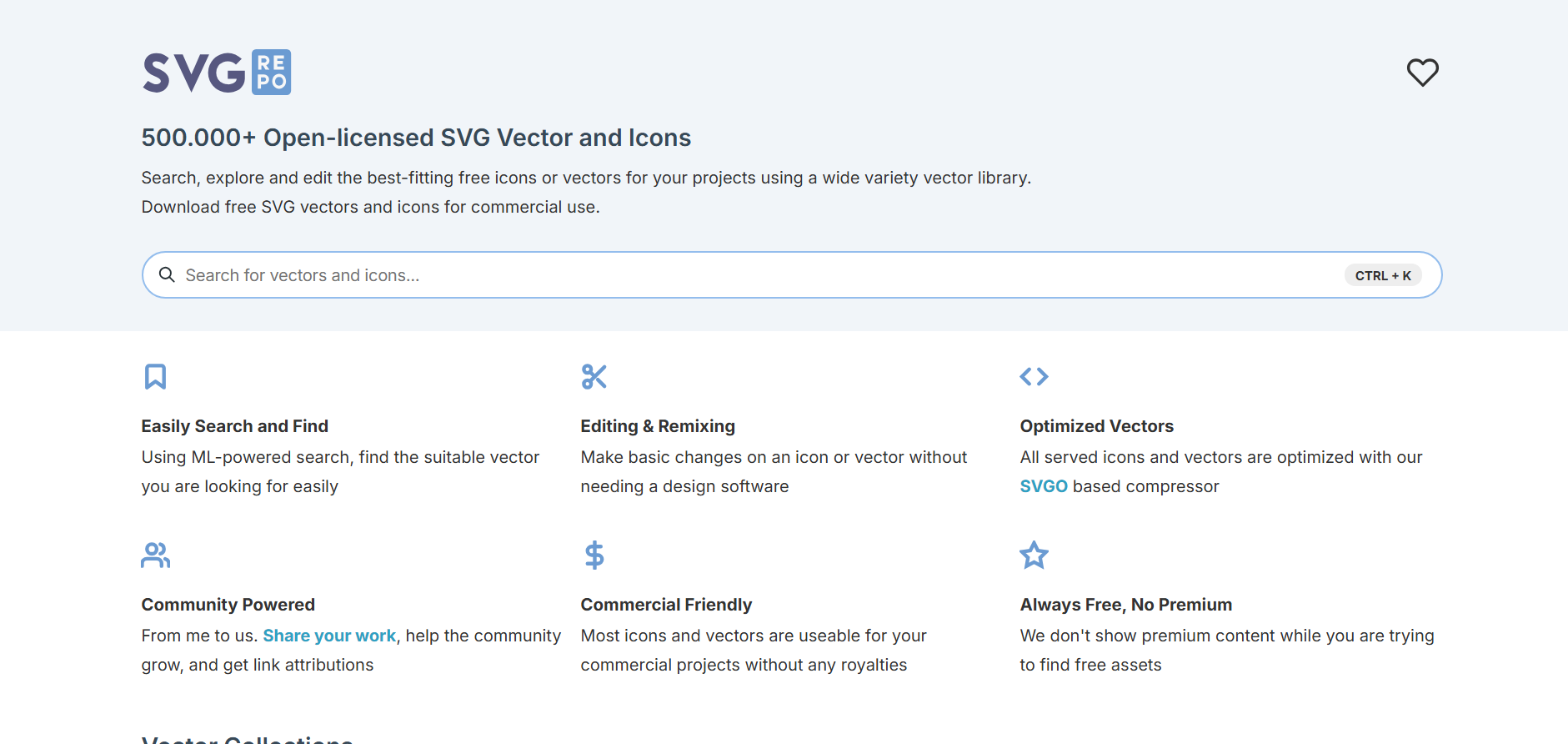
For this tutorial, let’s use SVGRepo as an example.
Step 2: Search for the Icon You Need
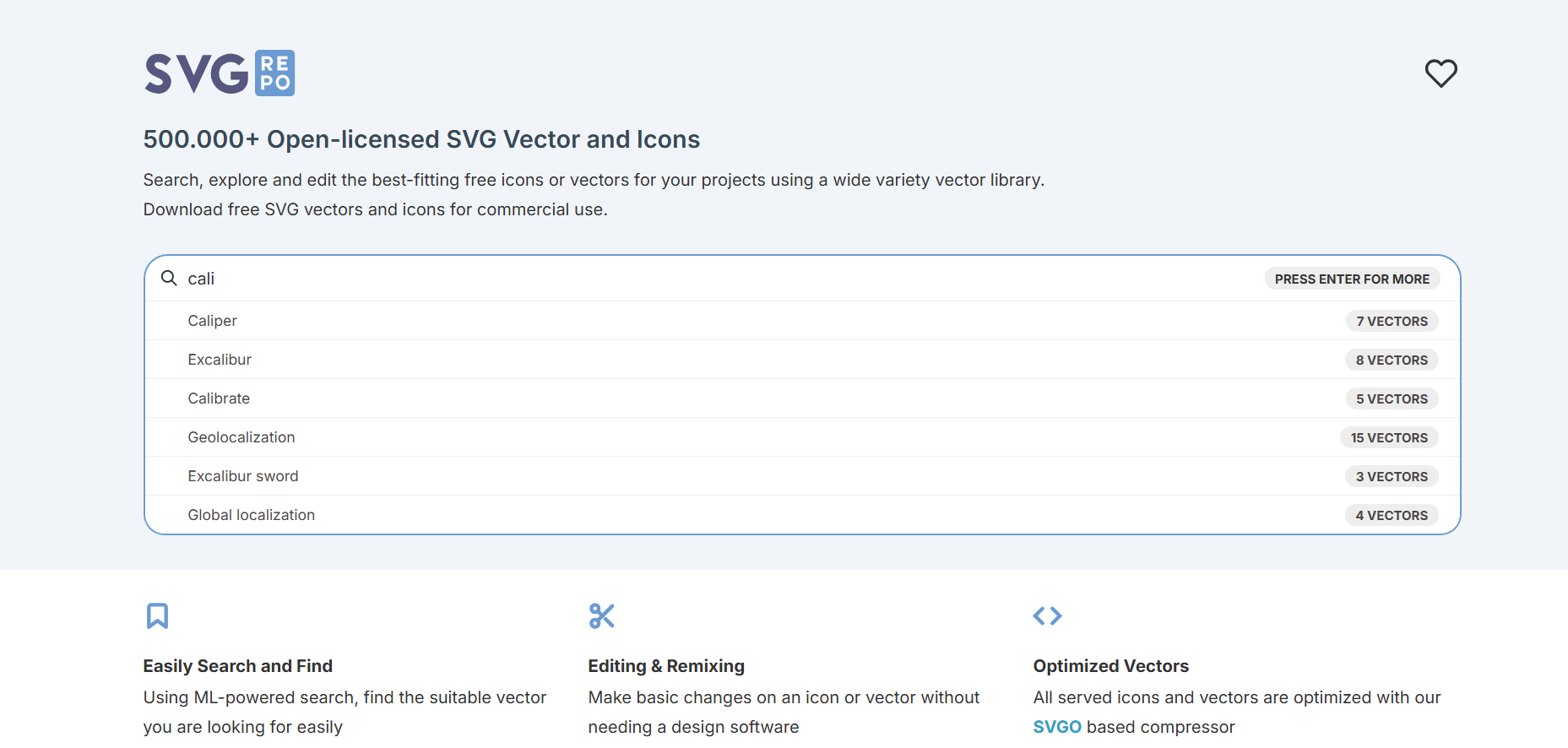
Use the search bar on the website to type in a keyword related to the icon you’re looking for. For example, if you need a “download” icon, just type download and press enter.
Step 3: Browse and Select an Icon
Scroll through the search results and find the icon that best fits your design needs. Most platforms allow you to preview the icon, view it in different styles (outline, solid, colored), and check usage licenses.
Tired of spending hours crafting a presentation? Here’s a smarter solution MagicSlides.
Whether it’s for work, school, or a pitch deck, building a presentation from scratch can take hours from researching and organizing content to designing each slide. But what if you could skip all that and have your presentation ready in under a minute? That’s exactly what MagicSlides does for you.
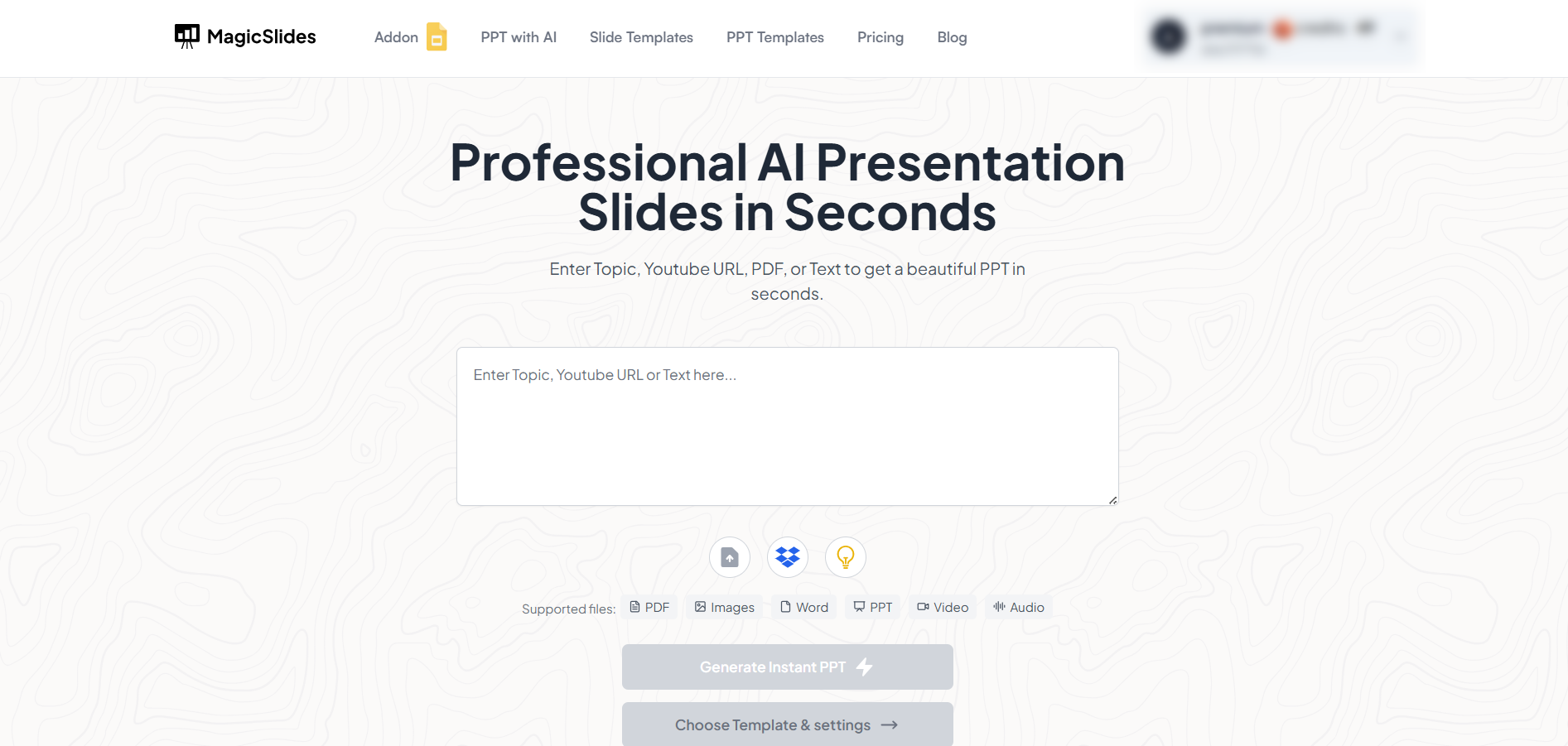
MagicSlides is an AI-powered tool that creates professional, engaging presentations with just one prompt. Simply enter your topic, and the platform will generate a full deck complete with structured content, design elements, and suggested visuals.
Here’s what you’ll love about MagicSlides:
- Instant slide generation with just one prompt
- Smart content organization and bullet points
- Visually polished designs, no design skills needed
- Multiple formats: Download as PowerPoint, use in Google Slides
- Supports customization, edits, and re-generation
- Converts YouTube videos, URLs, or text into full presentations
- Perfect for business, education, content creation, and more
Want to try it yourself? Click here to start creating your first presentation for free!
Step 4: Download the SVG Icon
Once you've selected an icon:
- Click on it to open its download page.
- Choose SVG as the file format.
- Hit the Download button.
Some sites may ask you to credit the author, while others don’t require attribution for free use.
Step 5: Use the SVG Icon in Your Project
After downloading:
- You can drag and drop the SVG file directly into your design tool (Canva, Figma, PowerPoint, etc.)
- Or open it with a code/text editor for web development projects.
SVG files are editable, scalable, and perfect for both digital and print use.
Conclusion
Getting free SVG icons is simple and effective for enhancing your designs without sacrificing quality.
Whether you’re designing a presentation, a website, or digital content, these icons can elevate your visual communication.
By following the above steps, you can find, download, and use SVG icons seamlessly without spending a dime.
Frequently Asked Questions
Are free SVG icons safe to use?
Yes, most reputable icon websites provide safe and virus-free downloads. Just make sure to use trusted sources.
Can I edit SVG icons after downloading them?
Absolutely! SVG files can be edited using design tools like Adobe Illustrator, Figma, Inkscape, or even code editors.
Do I need to credit the creator of free SVG icons?
It depends on the website. Some icons are free for commercial use with no attribution, while others require crediting the author.


