How to make a personality quiz on Google forms


Transform your surveys into personalized experiences with our guide on crafting engaging personality quizzes on Google Forms.
Personality quizzes add an engaging touch to surveys, making data collection interactive and fun. Google Forms provides a straightforward way to design and distribute personality quizzes that captivate your audience. In this comprehensive guide, we'll walk you through each step of creating a personality quiz on Google Forms, allowing you to craft surveys that reveal insights into your respondents' unique traits.
How to make a personality quiz on Google forms
Step 1: Open Google Forms
Begin by opening Google Forms and selecting "Blank" to create a new form specifically tailored for your personality quiz.
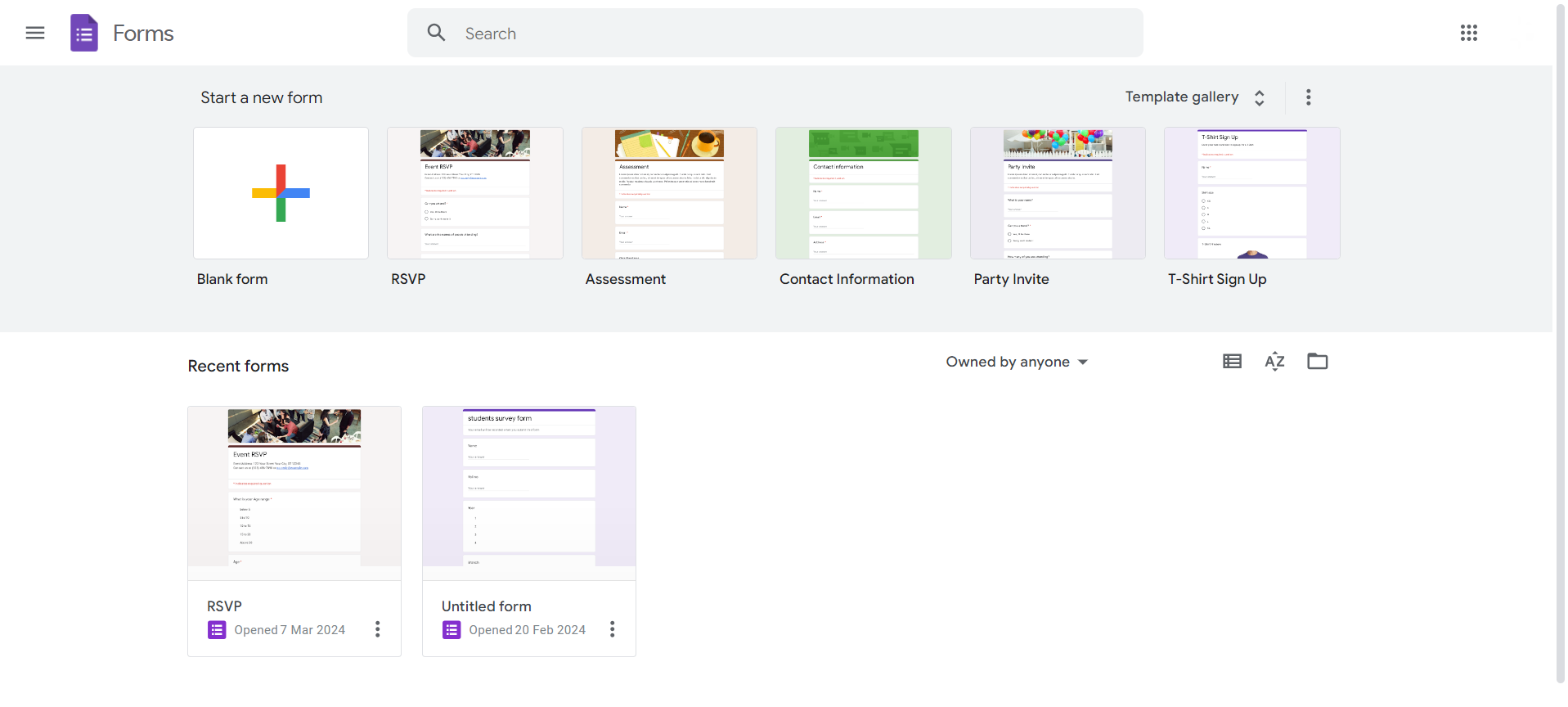
Step 2: Add Your Personality Assessment Questions
Craft a series of questions designed to reveal different aspects of the respondent's personality. Consider using a mix of multiple-choice, scale, and open-ended questions for variety.
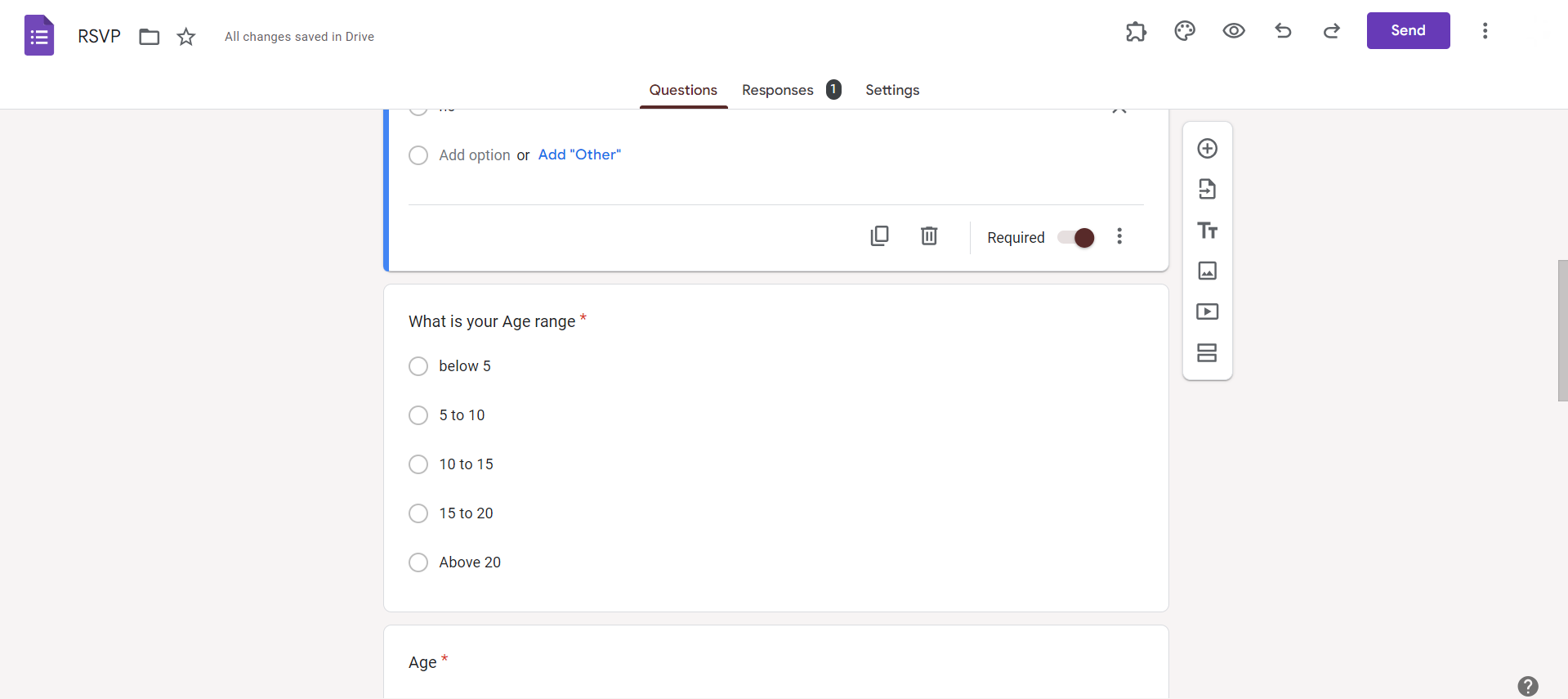
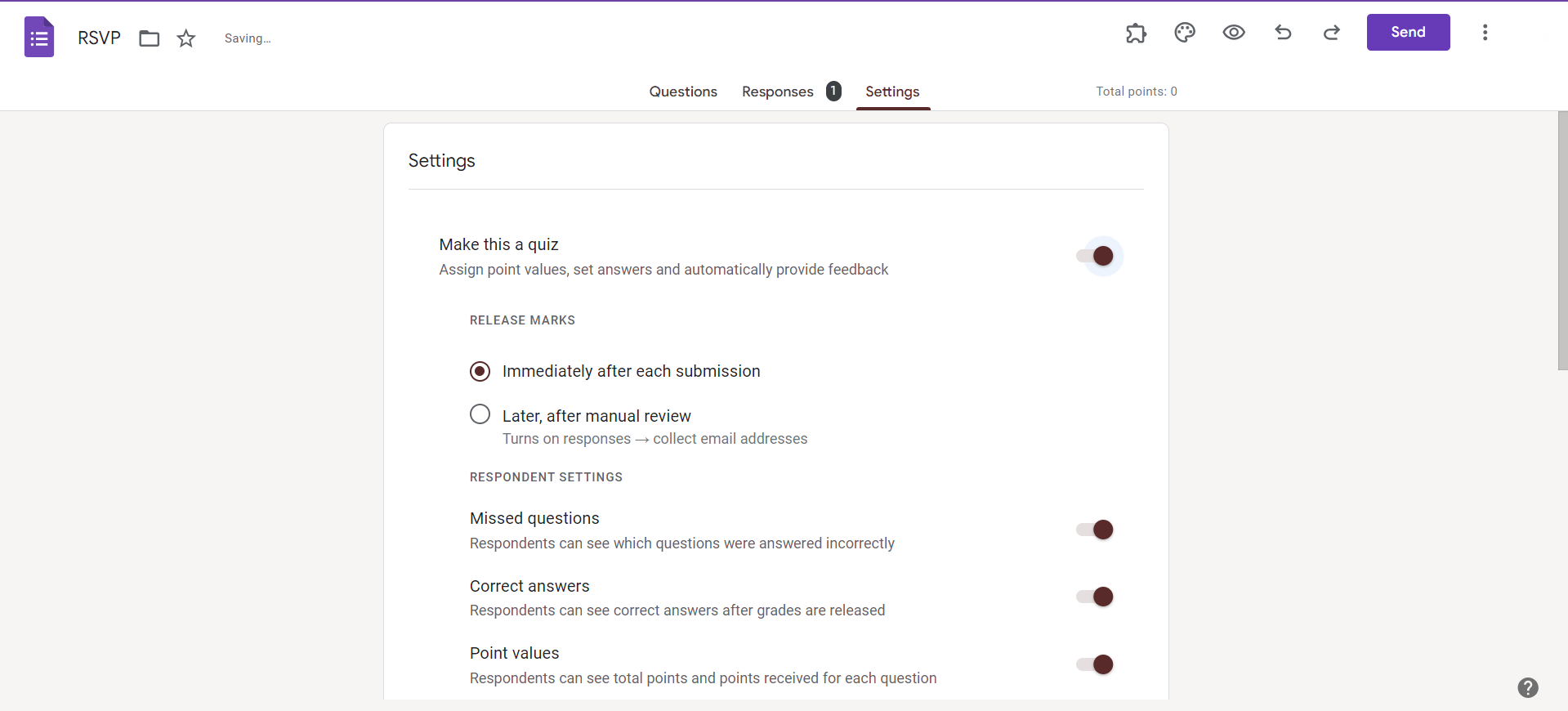
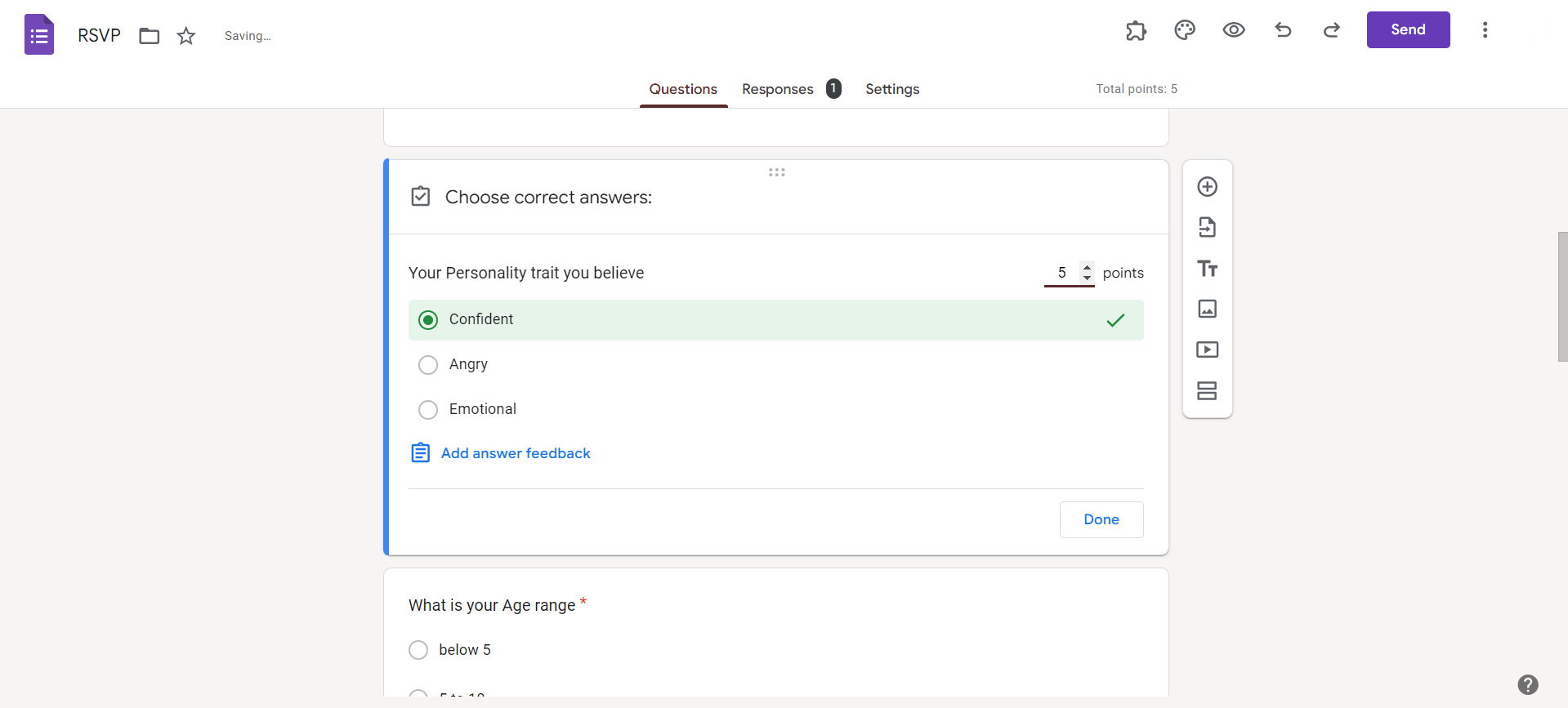
Go to Settings and toggle over make this form a quiz option so that you can now start adding correct answers and assign scores to each questions for evaluation.
Step 3: Set Up Conditional Logic
Use the "Go to section based on answer" feature to set up conditional logic. This ensures that respondents are directed to specific sections based on their previous answers, enhancing the quiz's personalization.
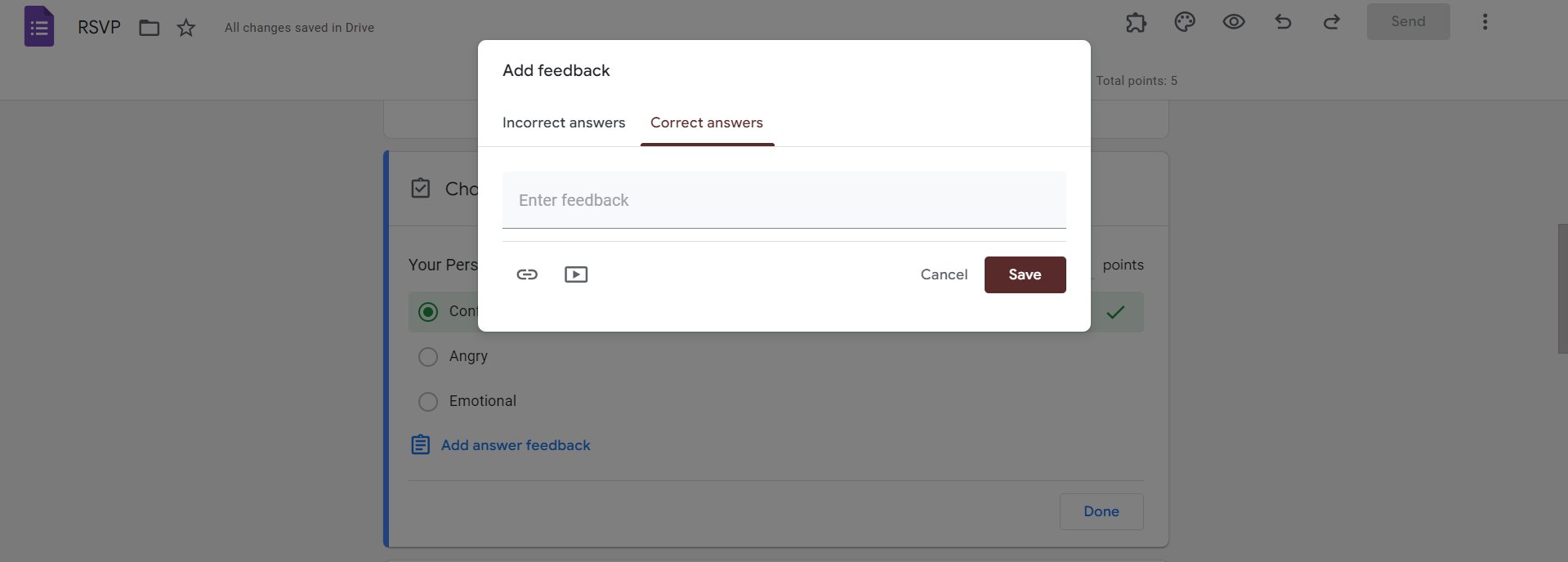
Step 4: Assign Scores to Answers
For each response option, assign scores that correspond to different personality traits. This step lays the foundation for the personalized results your quiz will generate.
Step 5: Create Result Pages
Design result pages that correspond to different personality outcomes. Use text, images, or a combination to communicate the unique characteristics associated with each result.
Conclusion:
Elevate your data collection efforts by infusing personality into your surveys with a custom personality quiz on Google Forms. By following these straightforward steps, you can create an engaging experience for respondents while gaining valuable insights into their unique traits. Tailor your questions, assign scores strategically, and implement conditional logic to unveil personalized results that make your personality quiz truly one-of-a-kind.
Frequently Asked Questions:
Can I add images to enhance the visual appeal of my Google Forms personality quiz?
Yes, you can include images in your questions and result pages, adding a visual dimension to the quiz.
Is there a limit to the number of personality outcomes I can create in Google Forms?
While Google Forms doesn't have a strict limit, it's recommended to keep the number reasonable for clarity.
Can respondents see their results immediately after completing the personality quiz?
Yes, by utilizing the "Go to section based on answer" feature, you can provide instant, personalized results.
How can I share the personality quiz with participants once it's created?
Share your Google Forms personality quiz by generating a shareable link or embedding it on websites, making participation convenient.


