How to make an anonymous Google form


Learn how to ensure participant privacy with an easy guide on creating anonymous Google Forms
When gathering information through Google Forms, ensuring participant anonymity is crucial for honest responses.
In this guide, we'll walk through the steps to create an anonymous Google Form, promoting confidentiality in your data collection process.
How to make an anonymous Google form
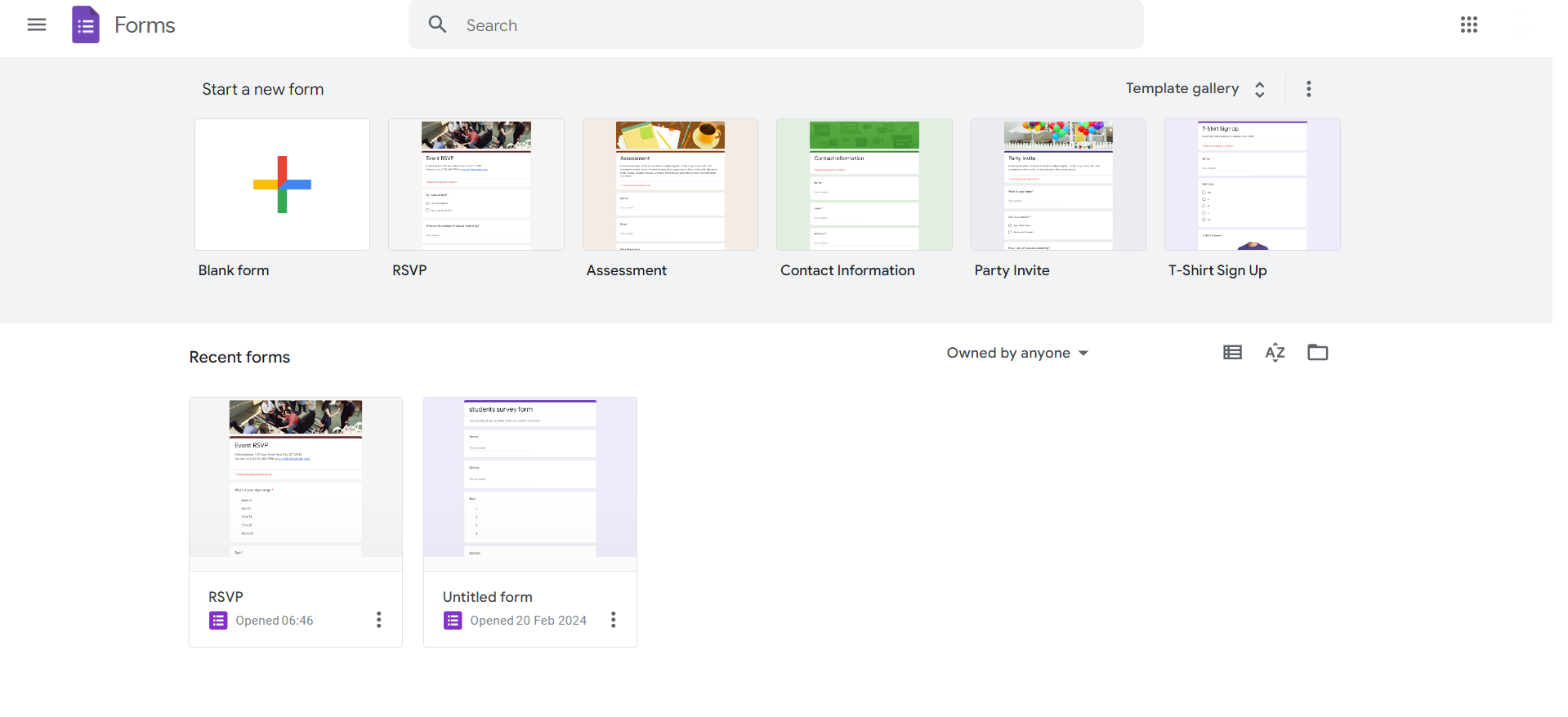
Step 1: Access Google Forms
Open your Google Drive, click on the "+ New" button, and select "Google Forms" to begin the form creation process.
Step 2: Form Creation
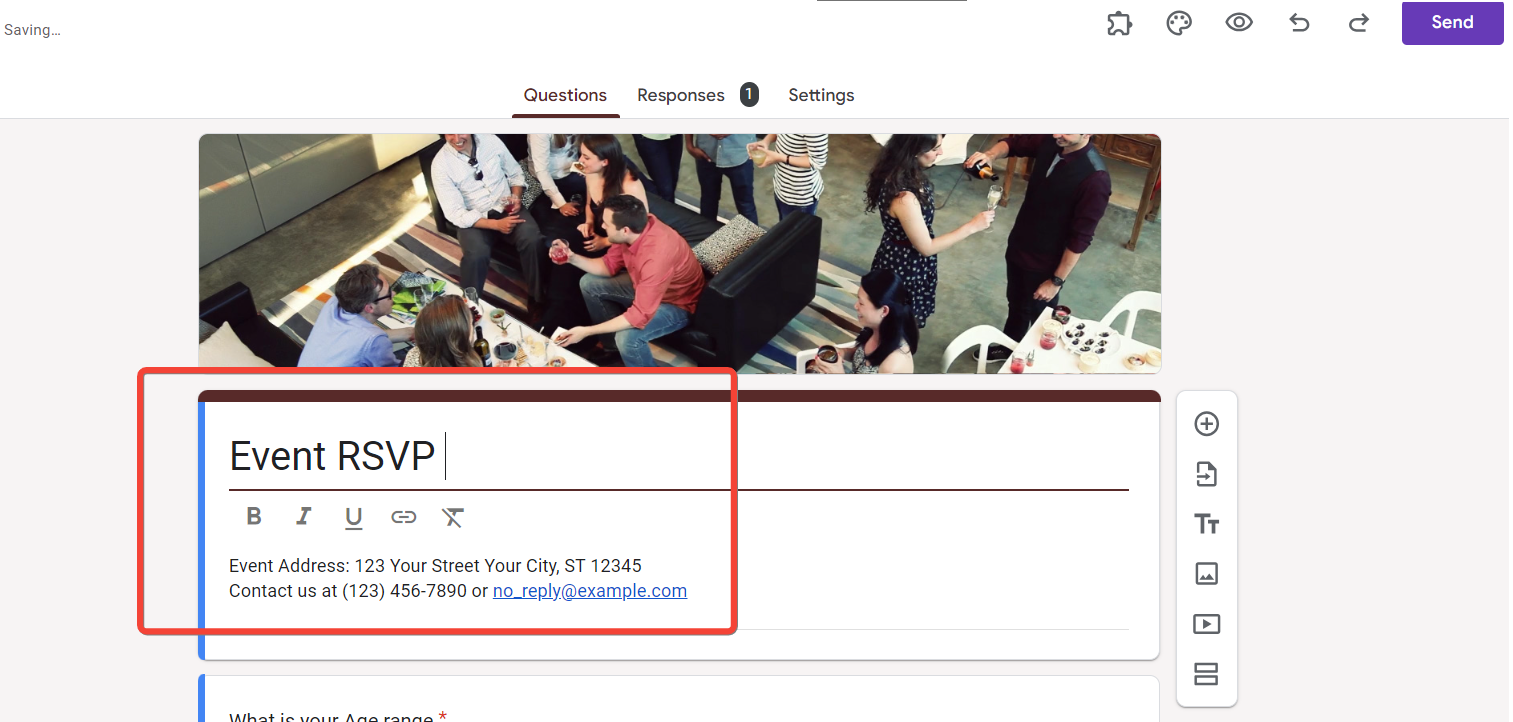
Develop your form by adding questions, titles, or descriptions as needed to structure your survey or questionnaire.
Step 3: Access Settings
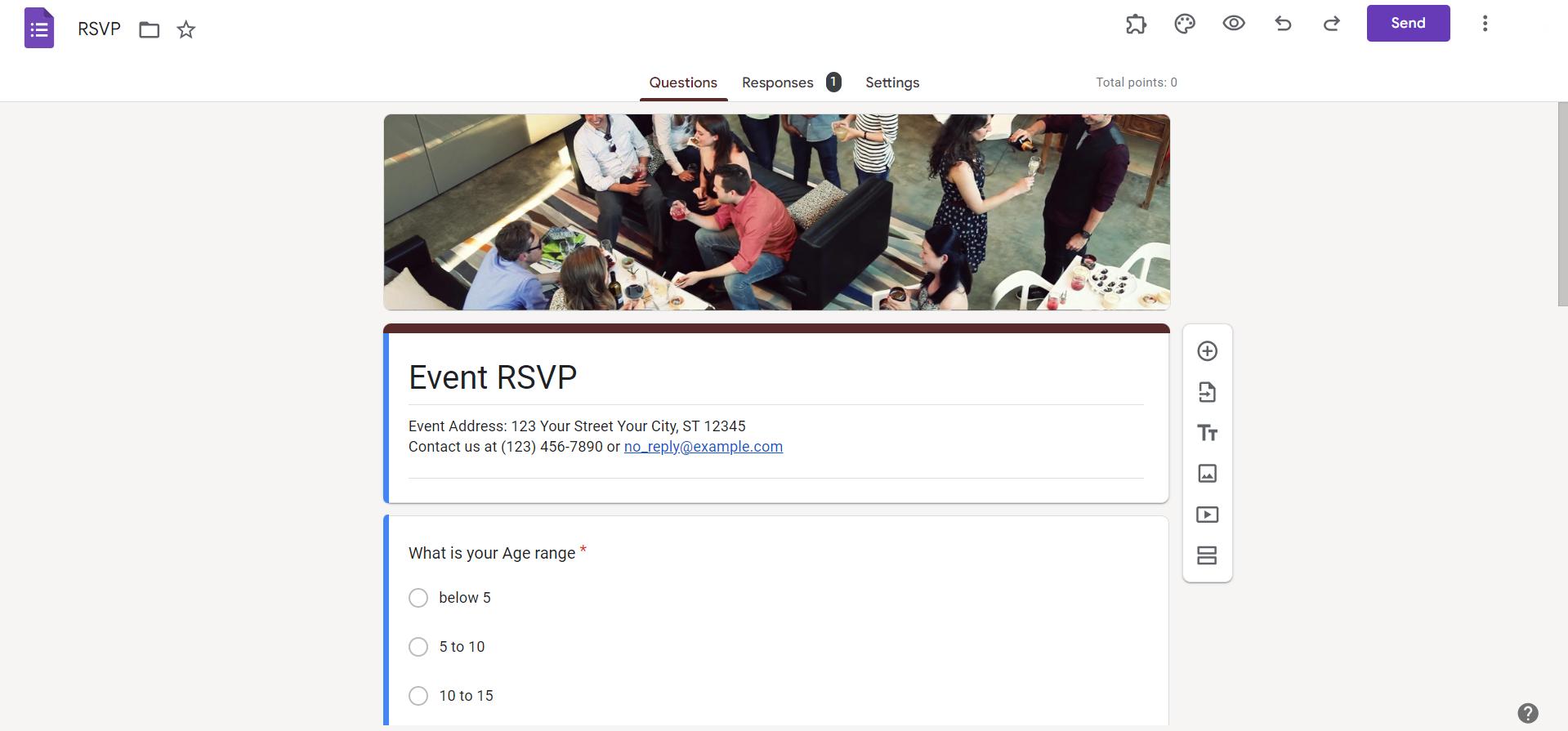
Click on the gear icon located in the top-right corner to access the "Settings" menu for your Google Form.
Step 4: Toggle Anonymous Responses
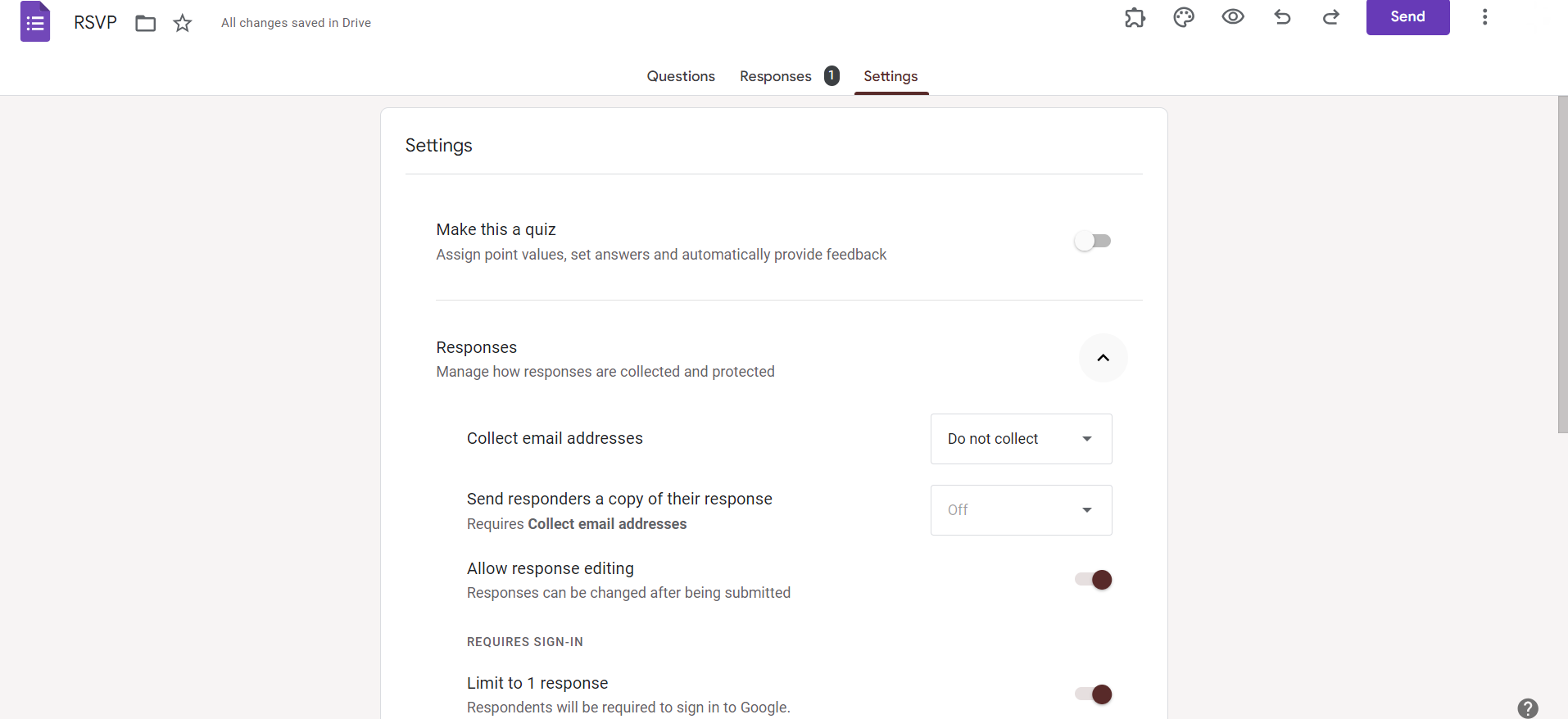
Within the "Settings" menu, locate the "Collect email addresses" option and toggle it off to allow for anonymous responses.
Step 5: Customize Confirmation Message
Optionally, you can customize the confirmation message to reassure respondents about the anonymity of their responses.
Making your Google forms anonymous is most important part of quizzing your test takers, know the simplest way to do it from here
Conclusion:
Creating an anonymous Google Form is a straightforward process that goes a long way in fostering open and candid feedback.
By following these steps, you not only ensure participant privacy but also encourage more genuine and unbiased responses.
Use this guide to enhance the integrity of your data collection efforts and create a more trustworthy environment for information exchange.
Tired of maing presentations? what if we tell you you can make presentation with just a prompt, convert YouTube videos to PPTs, convert website content to PPTs? Yes! checkout magicslides.app that does all and enjoy the free credits to make presentations in seconds.
Frequently Asked Questions:
Can respondents be truly anonymous in a Google Form?
Yes, by turning off the "Collect email addresses" option in the settings, respondents remain anonymous.
Is it possible to customize the confirmation message in an anonymous Google Form?
Absolutely, customizing the confirmation message helps reassure respondents about the anonymity of their responses.
Can I track individual responses while keeping the survey anonymous?
No, turning off the email collection feature ensures complete anonymity, and individual responses are not traceable.
Does creating an anonymous Google Form affect the ability to analyze data effectively?
No, data analysis remains unaffected; however, consider the absence of respondent identifiers during evaluation.


