How to mirror an object in PowerPoint


Discover how to easily mirror objects in PowerPoint for enhanced visual appeal in presentations.
Mirroring an object in PowerPoint can add visual interest and creativity to your presentations. Whether you want to create symmetrical designs or emphasize a specific element, knowing how to mirror objects is a valuable skill. In this step-by-step guide, we'll explore how you can easily mirror objects in PowerPoint to enhance the visual appeal of your slides.
How to mirror an object in PowerPoint
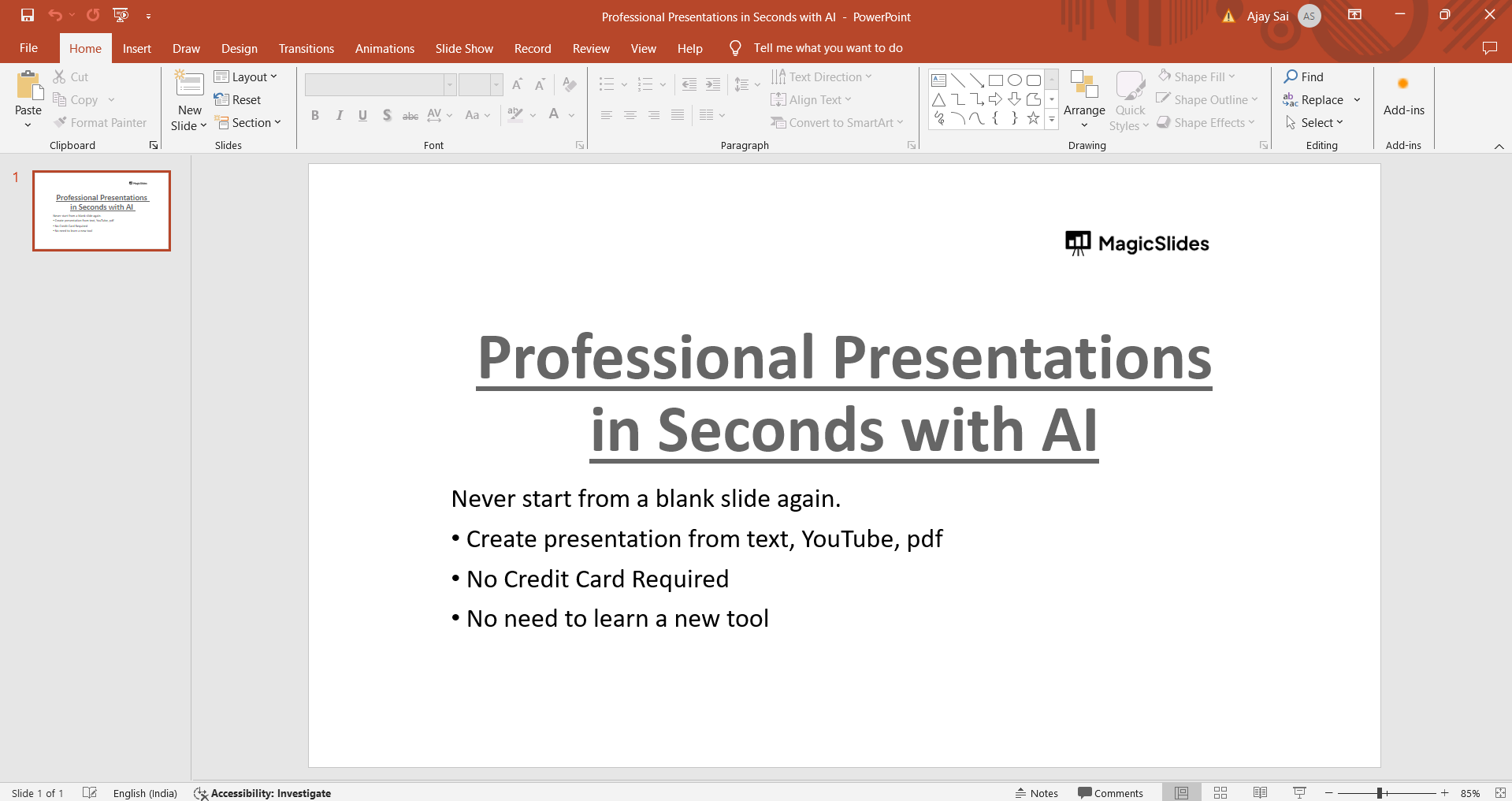
Step 1: Open Your PowerPoint Presentation
Begin by opening the PowerPoint presentation containing the object you want to mirror. Navigate to the slide where the object is located.
Step 2: Select the Object
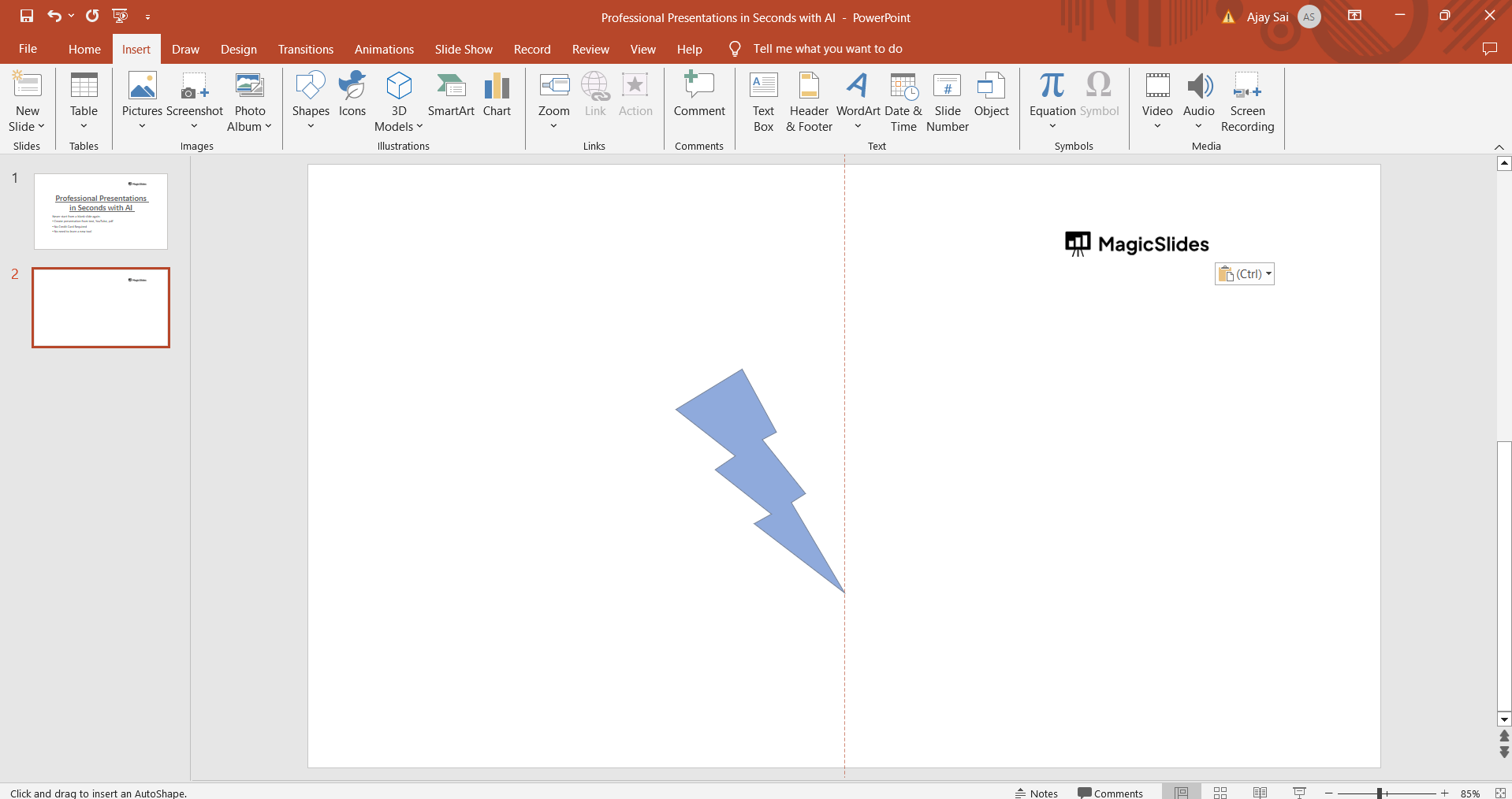
Click on the object (such as a shape, image, or text box) that you want to mirror. Ensure that the object is selected before proceeding to the next step.
Step 3: Access the Format Shape or Format Picture Options
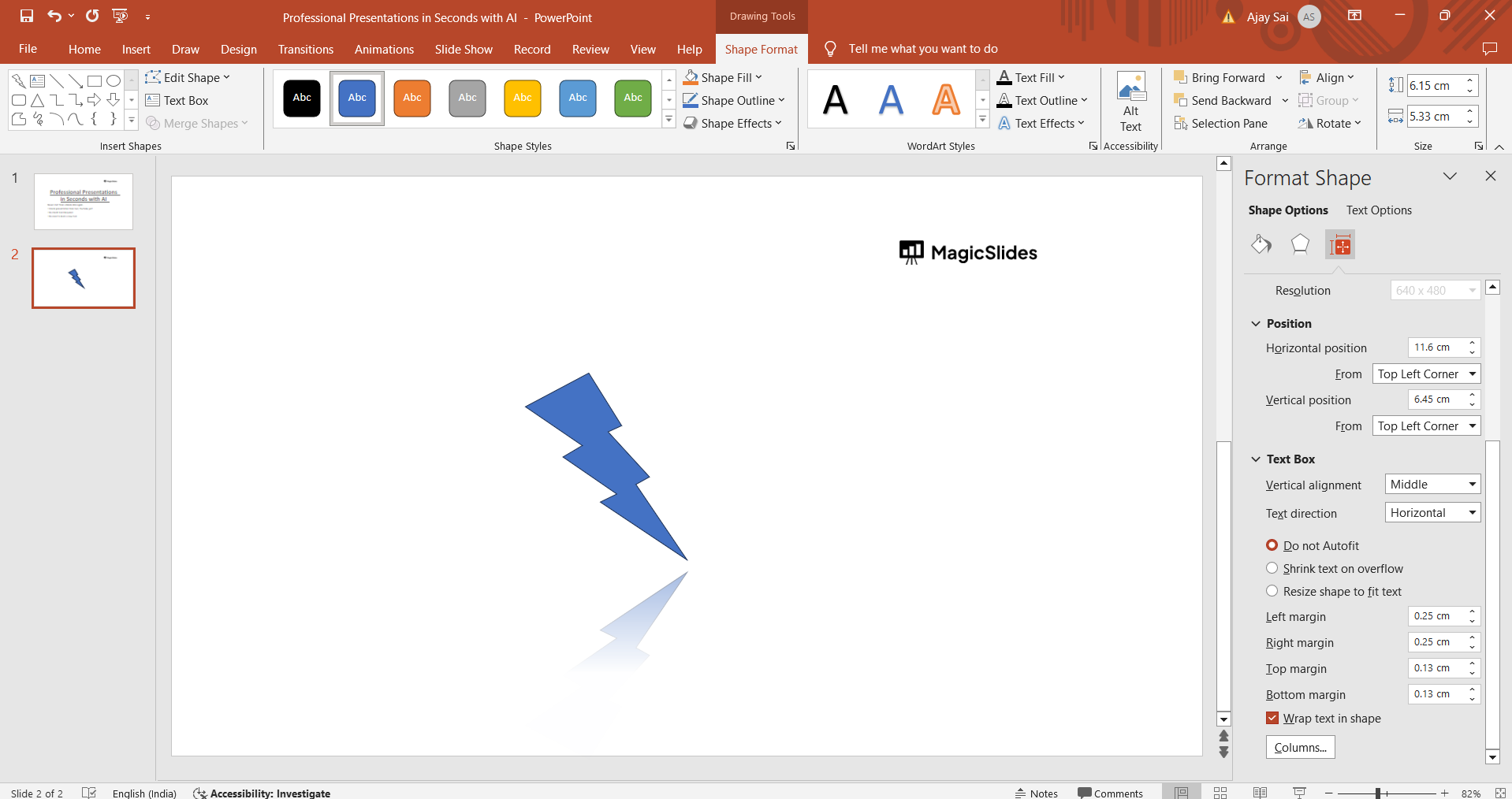
Right-click on the selected object to open a contextual menu. From the menu, choose either "Format Shape" or "Format Picture," depending on the type of object you're working with. This action will open the formatting options for the selected object.

Step 4: Apply the Mirror Effect
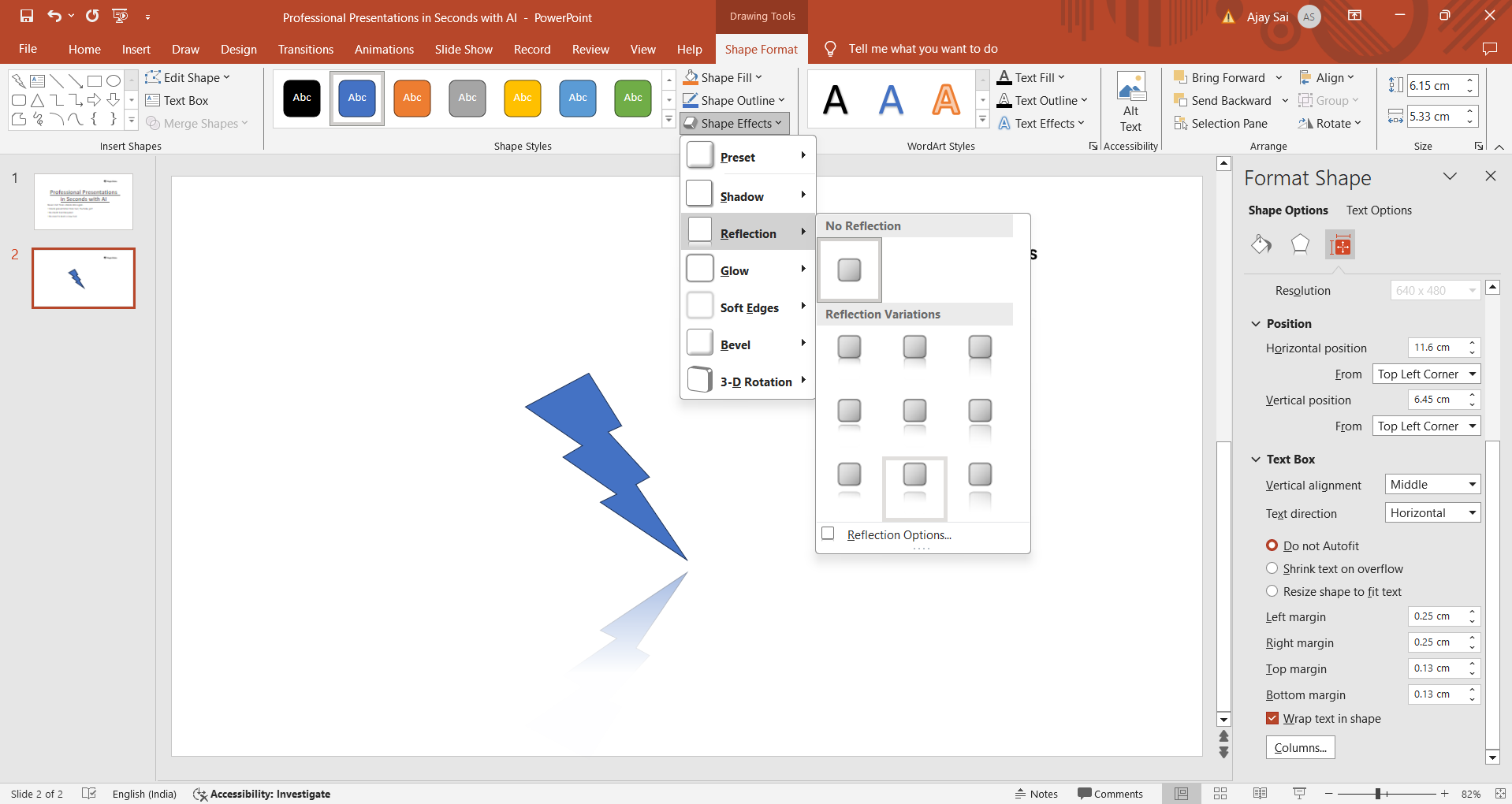
In the Format Shape or Format Picture pane, look for the "Effects" or "Effects Options" tab. Within this tab, locate the "3-D Rotation" or "Reflection" options. Here, you can apply the mirror effect to the object by adjusting the reflection settings.
Step 5: Customize the Mirror Effect
Depending on your design preferences, you can customize the mirror effect by adjusting parameters such as the reflection angle, transparency, and distance. Preview the changes in real-time to achieve the desired mirrored effect.
Step 6: Confirm and Close
Once you're satisfied with the mirrored effect applied to the object, click "OK" or close the Format Shape/Format Picture pane to apply the changes to your PowerPoint slide.
Conclusion:
Mirroring objects in PowerPoint is a simple yet powerful technique that can elevate the visual impact of your presentations. Whether you're creating diagrams, showcasing graphics, or designing custom layouts, knowing how to mirror objects allows you to unleash your creativity and enhance the overall aesthetics of your slides. By following this step-by-step guide, you can effortlessly incorporate mirrored effects into your PowerPoint designs, captivating your audience and delivering engaging presentations.
→ You can also mirror an image like the way you have mirrored an object, check out this quick tutorial to mirror an image in PowerPoint: https://www.magicslides.app/blog/how-to-mirror-an-image-in-ms-powerpoint.
Frequently Asked Questions:
Can I mirror any type of object in PowerPoint?
Yes, you can mirror shapes, images, text boxes, and other objects using the formatting options.
Does mirroring an object affect its original orientation?
No, mirroring an object creates a mirrored copy while retaining the original object's orientation.
Can I adjust the intensity of the mirror effect in PowerPoint?
Yes, PowerPoint allows you to customize the mirror effect's angle, transparency, and other parameters.
Does PowerPoint offer predefined mirror templates or effects?
PowerPoint provides various reflection and 3-D rotation presets that you can apply for instant mirror effects.


