How to Rehearse Presentations Using AI Tools


Learn how to rehearse presentations using AI tools for better delivery, confidence, and engagement. Use MagicSlides.app for instant AI-generated slides.
Public speaking and delivering presentations can be challenging, but thorough rehearsal can significantly improve confidence and effectiveness. Traditionally, rehearsing a presentation involved practicing in front of a mirror, recording yourself, or presenting to a small audience. However, AI-powered tools have transformed the way we prepare, making practice sessions more interactive, efficient, and insightful.
In this blog post, we will explore how to rehearse presentations using AI tools and introduce MagicSlides.app, an AI-powered presentation tool that simplifies slide creation and enhances the preparation process.
Why Rehearsing a Presentation is Important
Before diving into AI tools, it is essential to understand the importance of rehearsal:
- Builds Confidence – The more you practice, the more comfortable you become with the content.
- Improves Clarity – Helps refine your message and eliminate unnecessary details.
- Enhances Timing – Ensures your presentation fits within the allotted time.
- Reduces Nervousness – Repeated rehearsals create familiarity, reducing anxiety.
- Strengthens Engagement – Practicing tone, gestures, and pauses makes the presentation more effective.
While traditional rehearsal methods work well, AI tools offer an advanced approach by providing instant feedback, improving delivery, and enhancing slide content.
AI Tools for Rehearsing Presentations
1. AI-Powered Speech Analysis Tools
These tools analyze speech patterns, providing feedback on tone, pace, clarity, and filler words. Some offer real-time insights to enhance delivery.
- Microsoft Speaker Coach (formerly Presenter Coach)
- Available in Microsoft PowerPoint
- Provides feedback on pacing, filler words, and clarity
- Offers pronunciation suggestions
- Orai
- AI-based public speaking coach
- Provides feedback on tone, energy, and fluency
- Helps reduce filler words and improve articulation
2. AI-Powered Virtual Audience Simulations
Practicing in front of an AI-powered virtual audience can simulate real-life scenarios, helping speakers feel more comfortable and prepared. These tools mimic audience reactions and offer performance feedback.
- VirtualSpeech
- Simulates public speaking scenarios
- Provides real-time feedback on eye contact and voice modulation
- Helps build confidence through interactive training
3. AI-Powered Teleprompters
If using a script while rehearsing, AI-powered teleprompters help maintain eye contact and control pacing.
- Bigvu
- AI-driven teleprompter with script guidance
- Automatically adjusts scrolling speed based on speech
- Supports mobile and desktop use
4. AI-Powered Presentation Creation Tools
Having a well-structured, visually appealing presentation is just as important as rehearsing the delivery. MagicSlides.app helps instantly generate slides, allowing presenters to focus more on practice.
How to Create and Rehearse Presentations Using MagicSlides.app
MagicSlides.app is an AI-powered tool that helps users generate professional presentations instantly. It is especially useful for those who want to save time on slide creation and dedicate more effort to rehearsal.
Steps to Use MagicSlides.app
- Visit MagicSlides.app
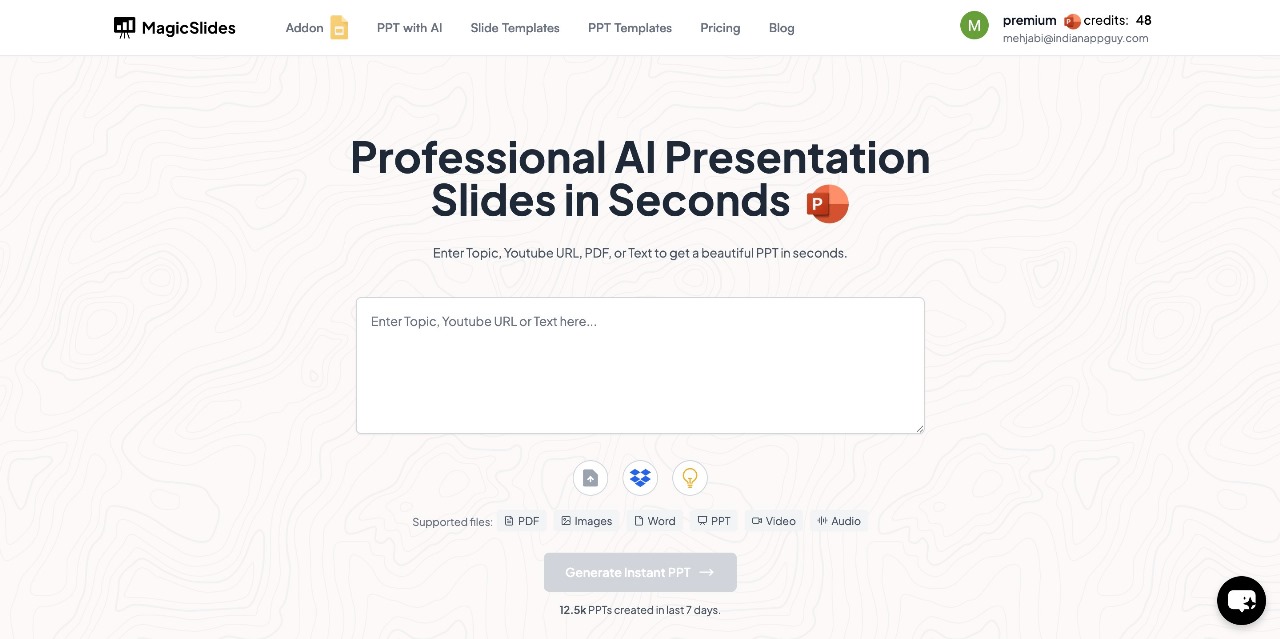
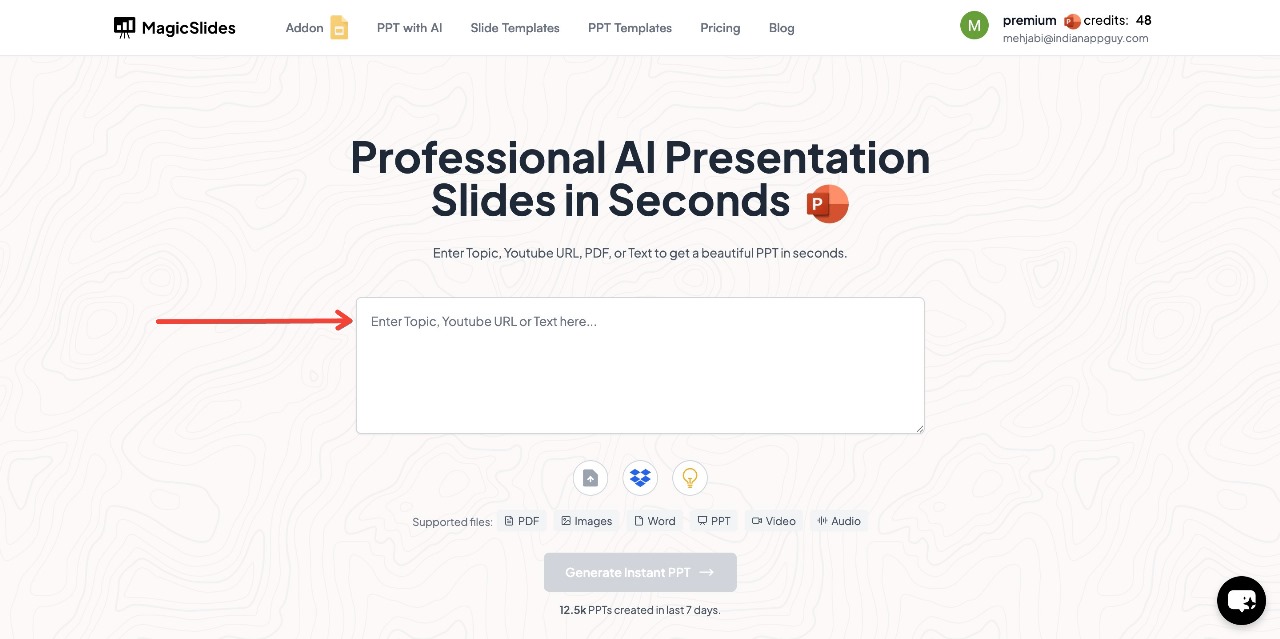
- Enter your topic in the given space
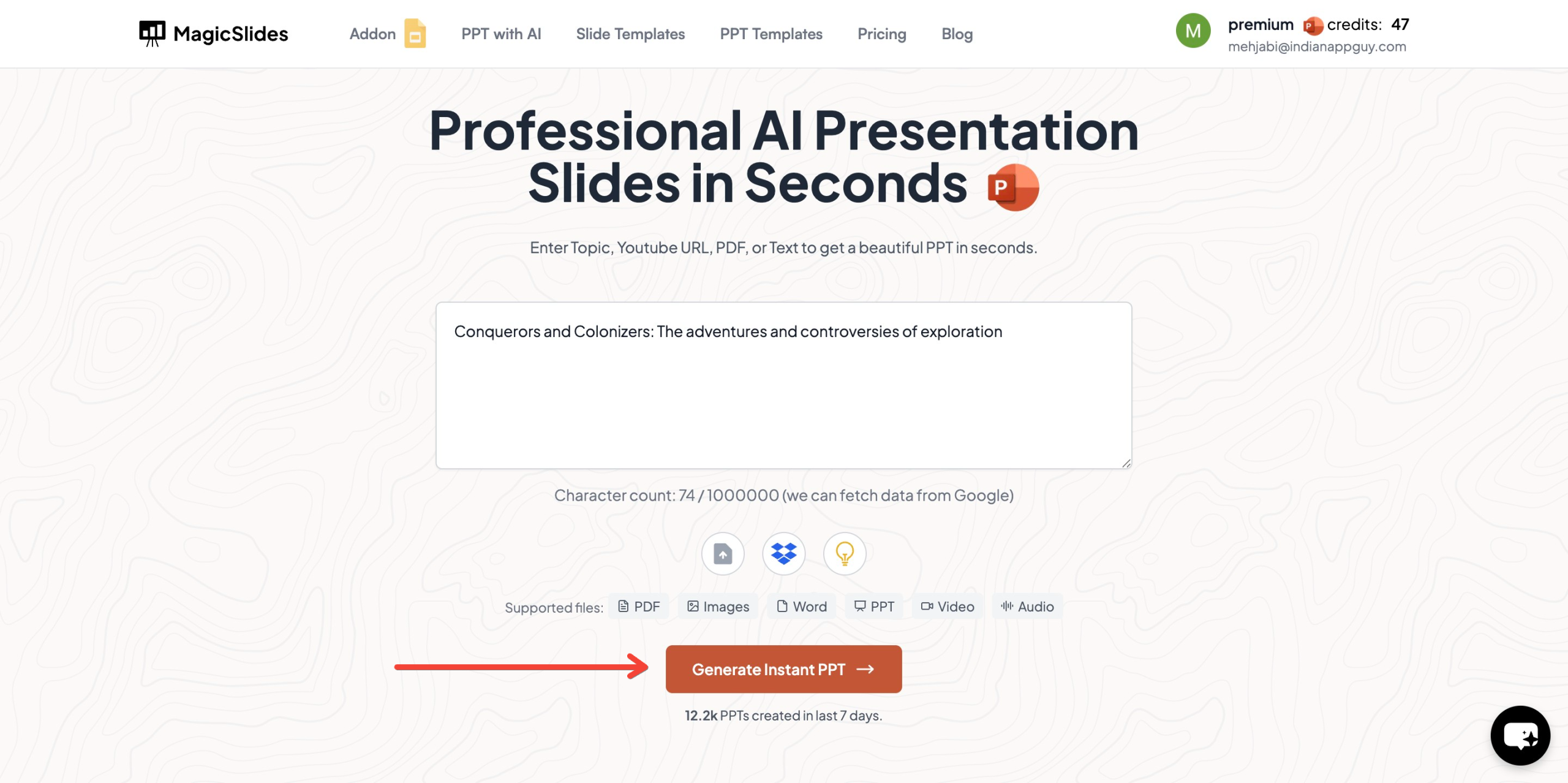
- Click "Generate Instant PPT"
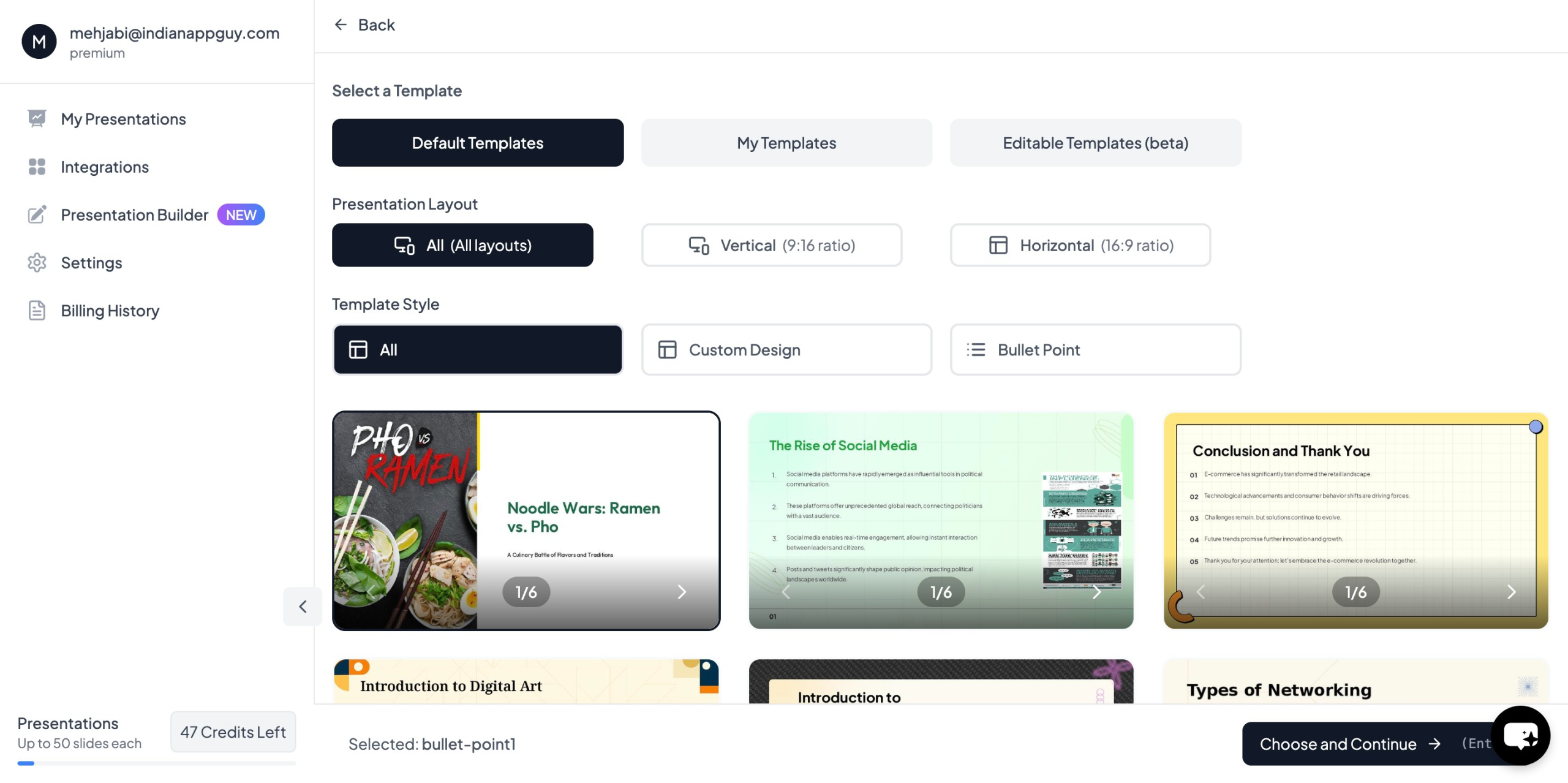
- Choose your template and number of slides as prompted
- Fill in the required details, Click "Generate Instant PPT"
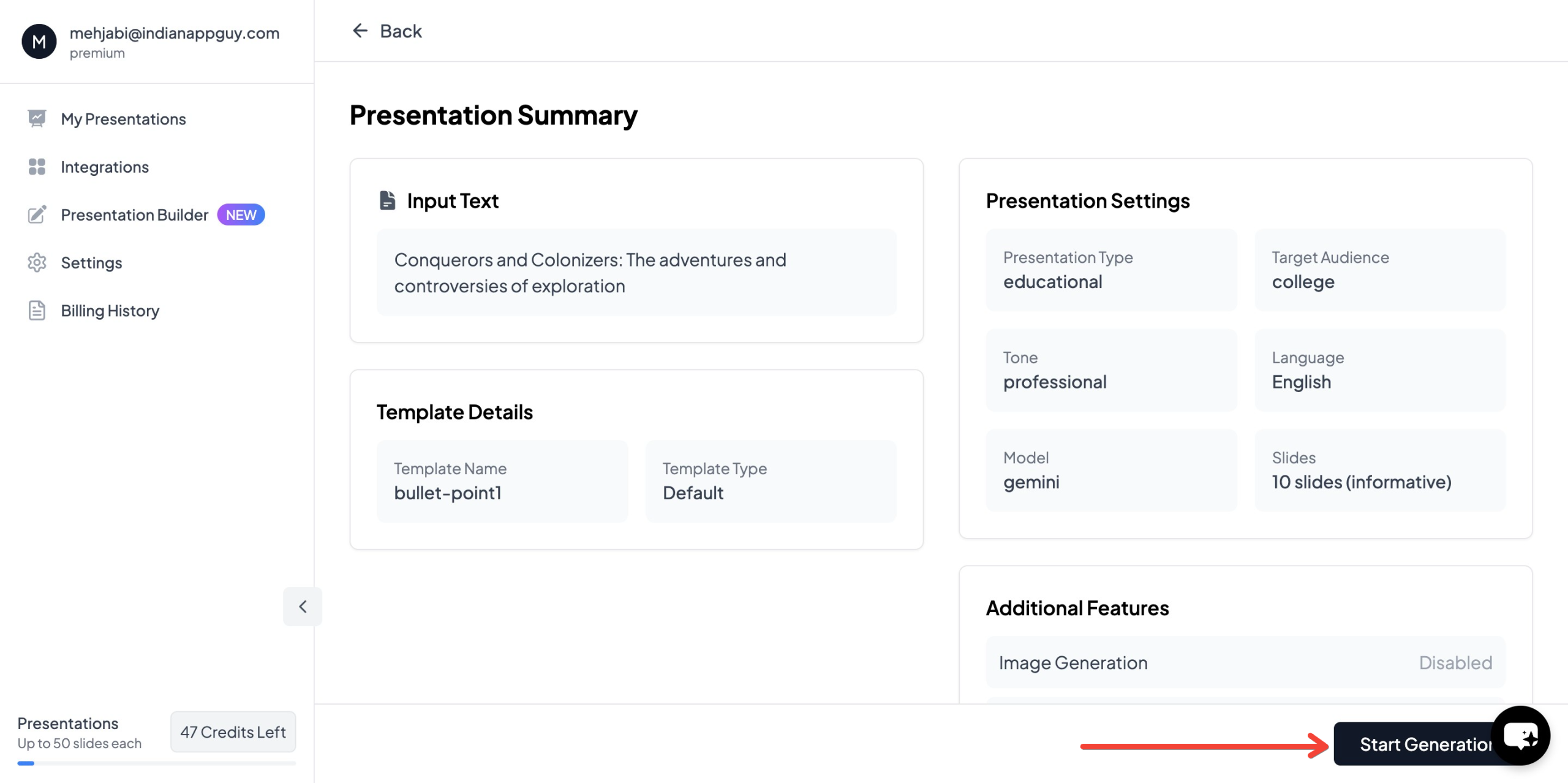
- Your professionally designed presentation will be ready in seconds

MagicSlides integrates with Google Slides and supports multiple formats, including PDF and video conversion, making it a comprehensive tool for preparing presentations.
MagicSlides.app Pricing & Features
MagicSlides offers three pricing plans to cater to different needs.
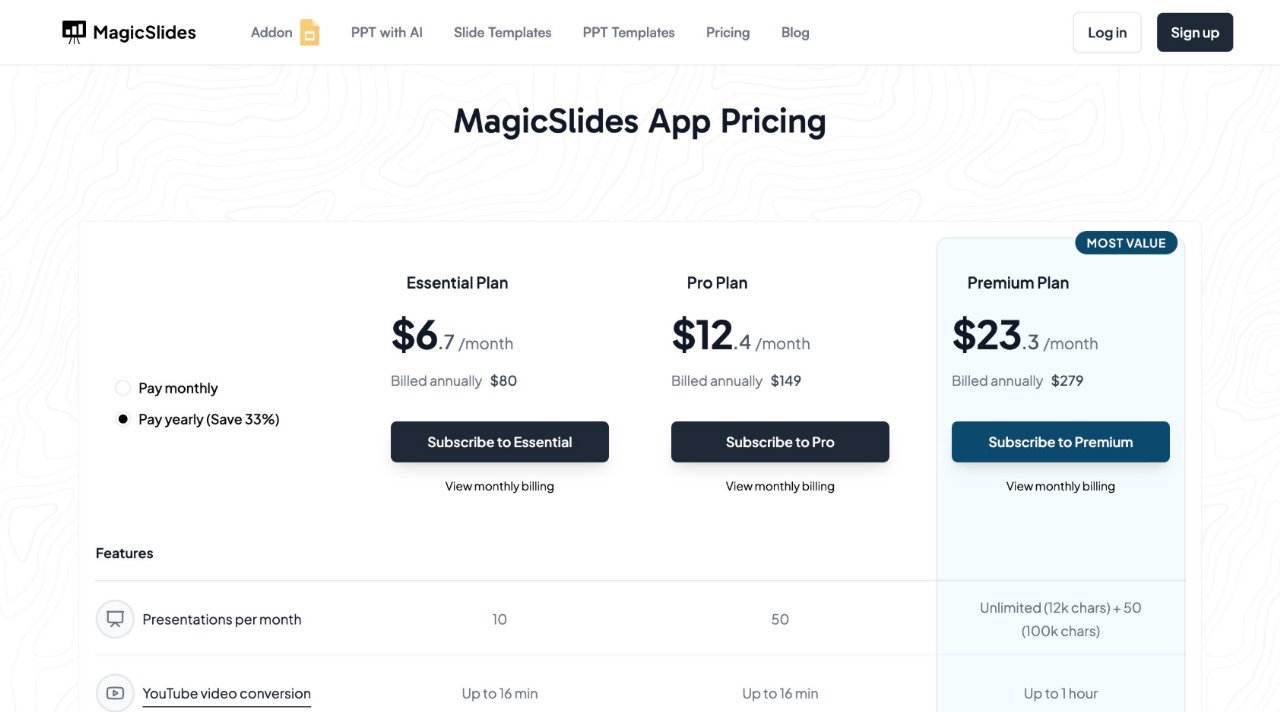
For those unsure of which plan to choose, MagicSlides offers a plan calculator to help users find the best fit.
Conclusion
Rehearsing presentations using AI tools can make practice sessions more effective, providing valuable feedback on speech delivery, audience engagement, and pacing. AI-powered tools like MagicSlides.app simplify slide creation, allowing presenters to focus more on refining their performance.
By leveraging speech analysis tools, virtual audience simulations, AI teleprompters, and instant presentation generators, professionals, students, and business leaders can deliver more confident and polished presentations.
Try MagicSlides.app today to enhance your presentation skills and streamline your workflow.


