How to view submitted Google forms


Unlock the potential of your data: Learn how to effortlessly view and analyze submitted Google Forms.
After collecting responses through your Google Form, the next crucial step is accessing and reviewing the submitted data. In this guide, we'll walk you through the process of viewing submitted Google Forms. By following these steps, you can effortlessly gain insights, analyze responses, and make informed decisions based on the data gathered. Let's dive into the details of efficiently navigating through your Google Forms submissions.
How to view submitted Google forms
Step 1: Open Google Forms
Begin by navigating to forms.google.com or access Google Forms through Google Drive. Locate and open the specific form for which you want to view submissions.
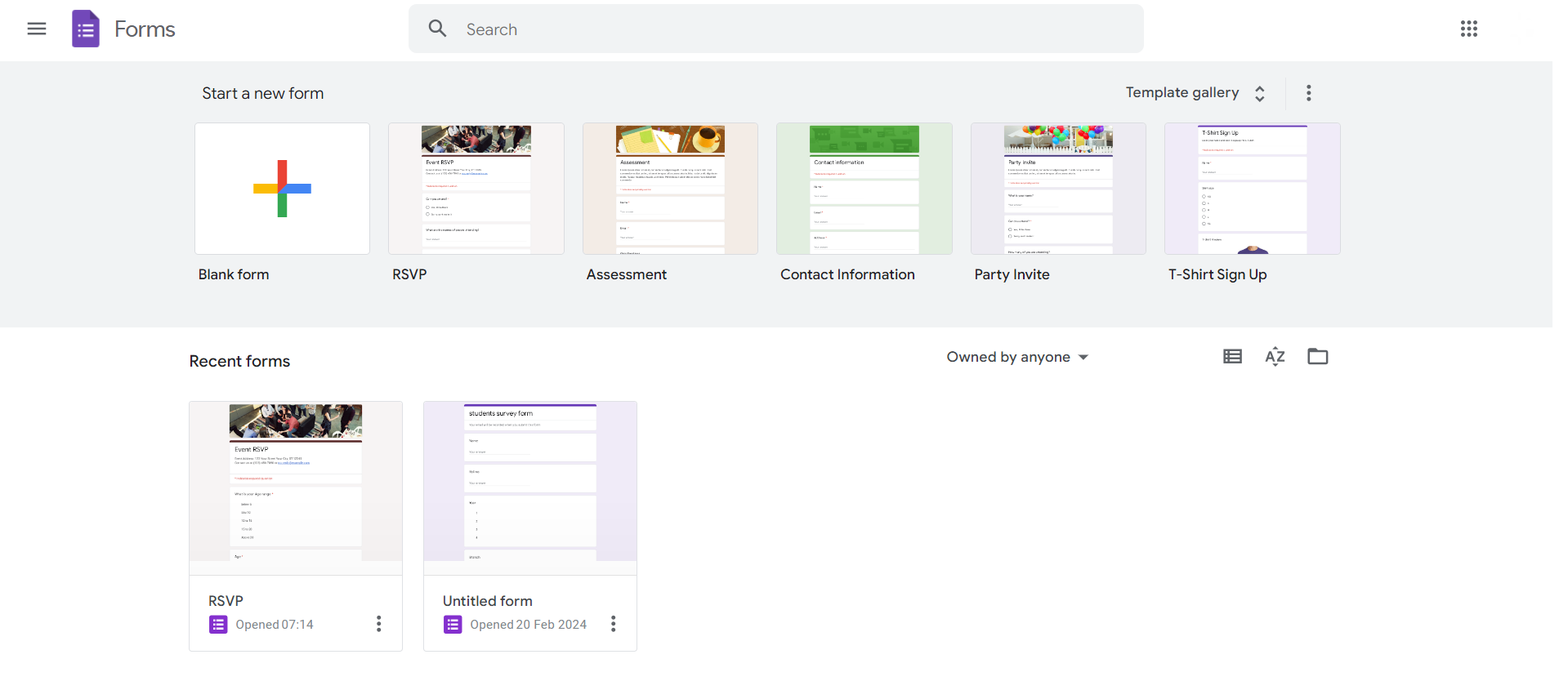
Step 2: Go to the Responses Tab
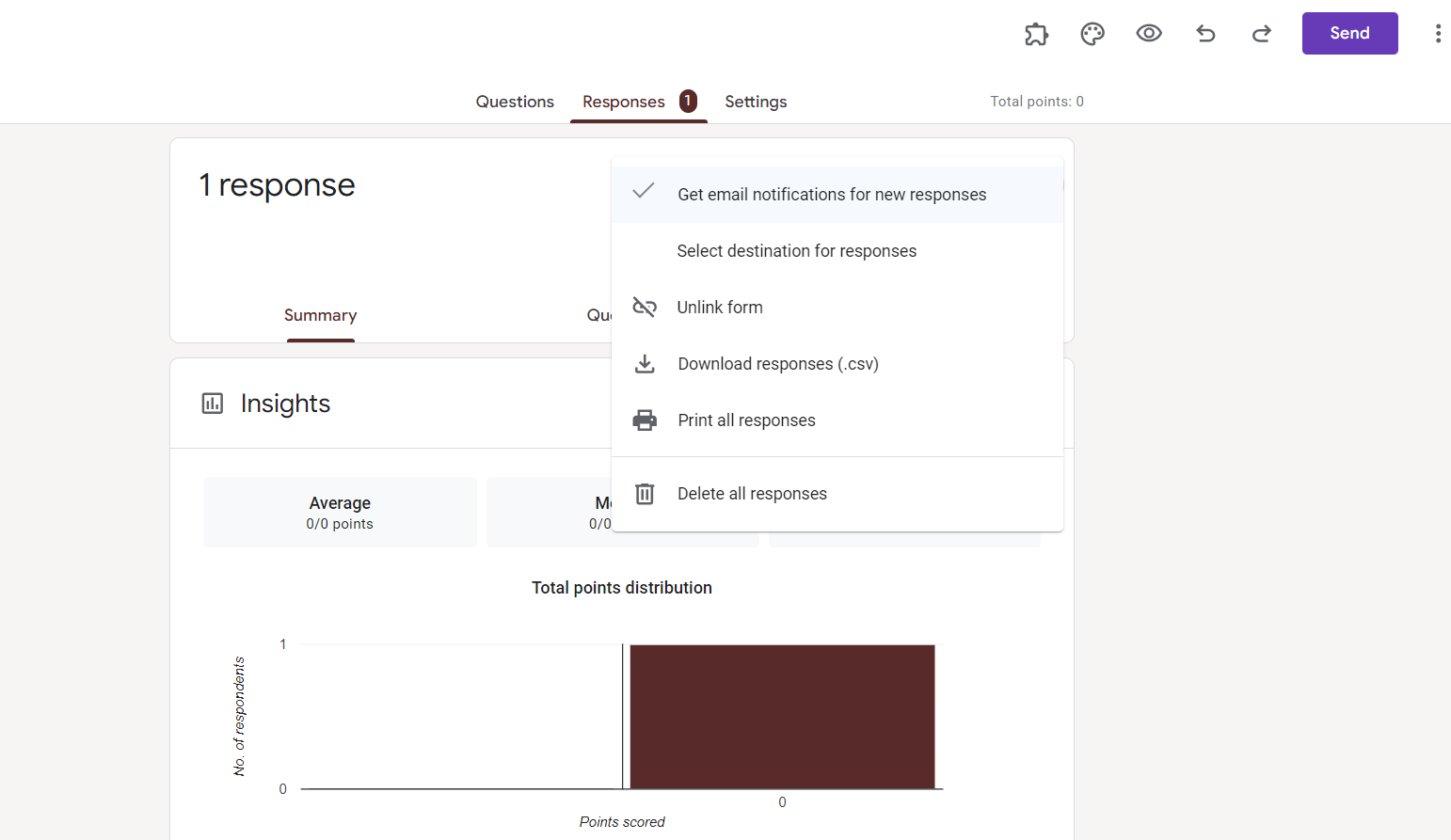
Inside the form editor, click on the 'Responses' tab at the top. Here, you'll find an overview of the collected responses.

Step 3: Choose Response Destination (Optional)
If you've connected your form to Google Sheets, responses are automatically recorded there. Click on the Sheets icon to access the linked spreadsheet for more in-depth analysis.
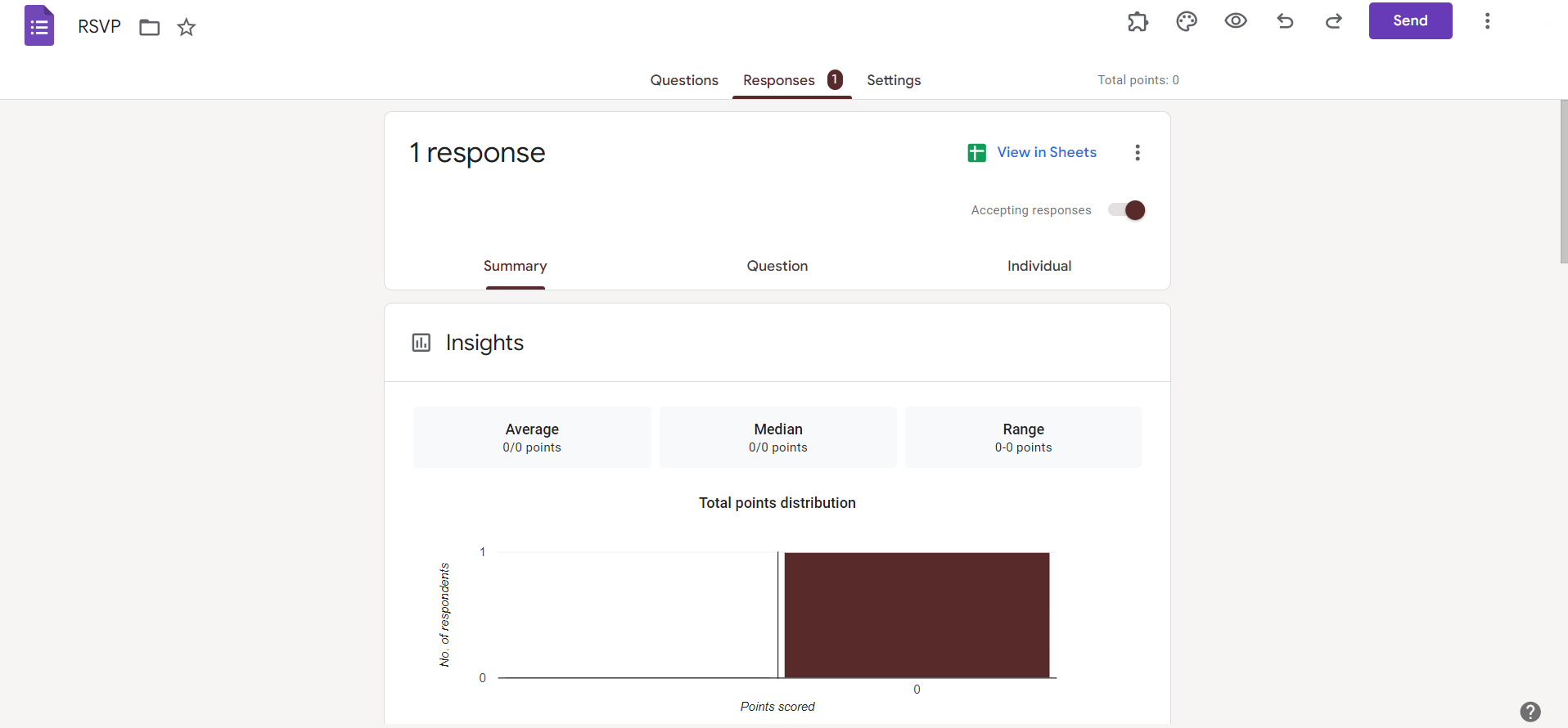
Step 4: Explore Individual Responses
Click on 'Individual' to view each response separately. This provides a detailed breakdown of answers submitted by each respondent.
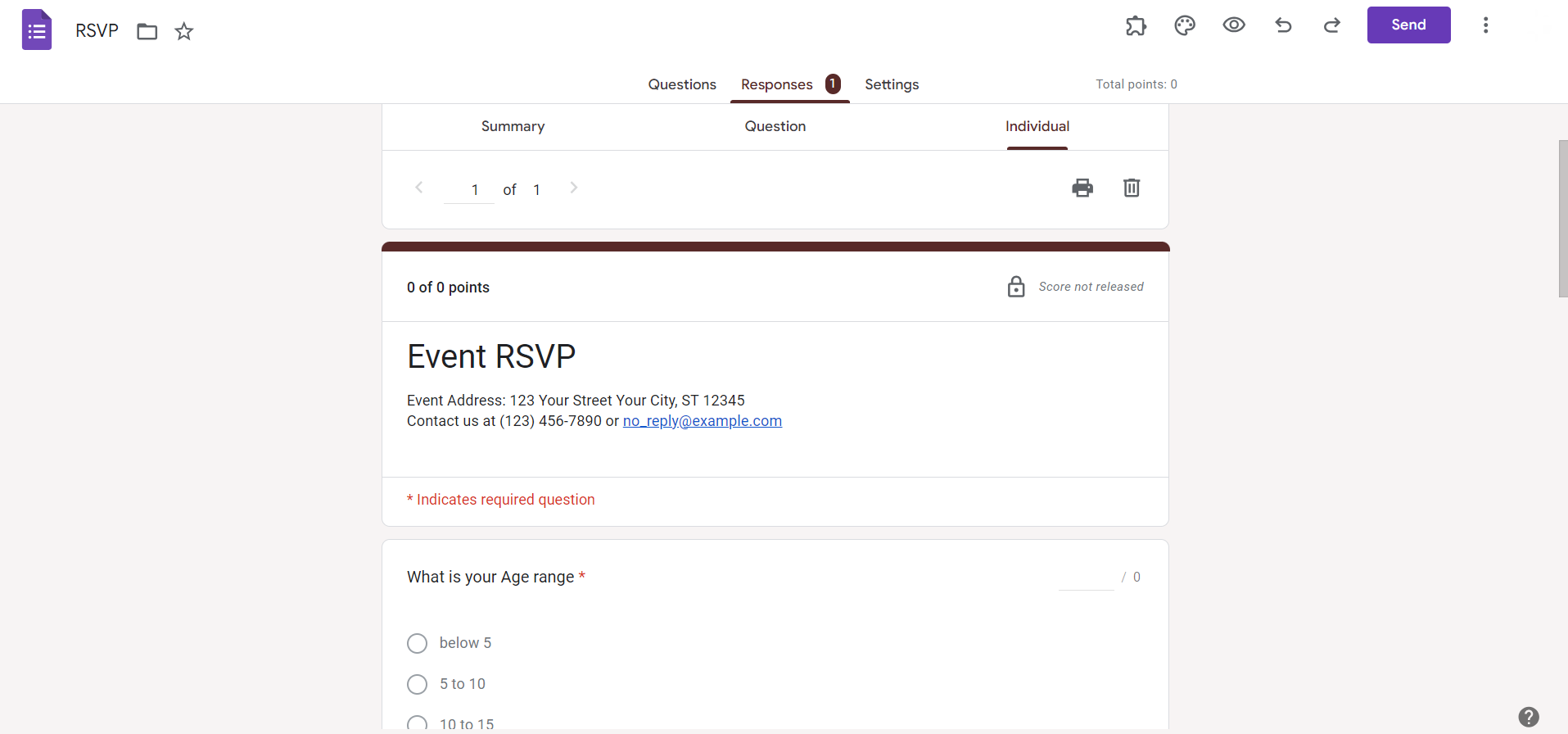
Step 5: Analyze Summary Responses
Switch to the 'Summary' tab to explore aggregated data and visual representations, such as charts and graphs, summarizing the responses.
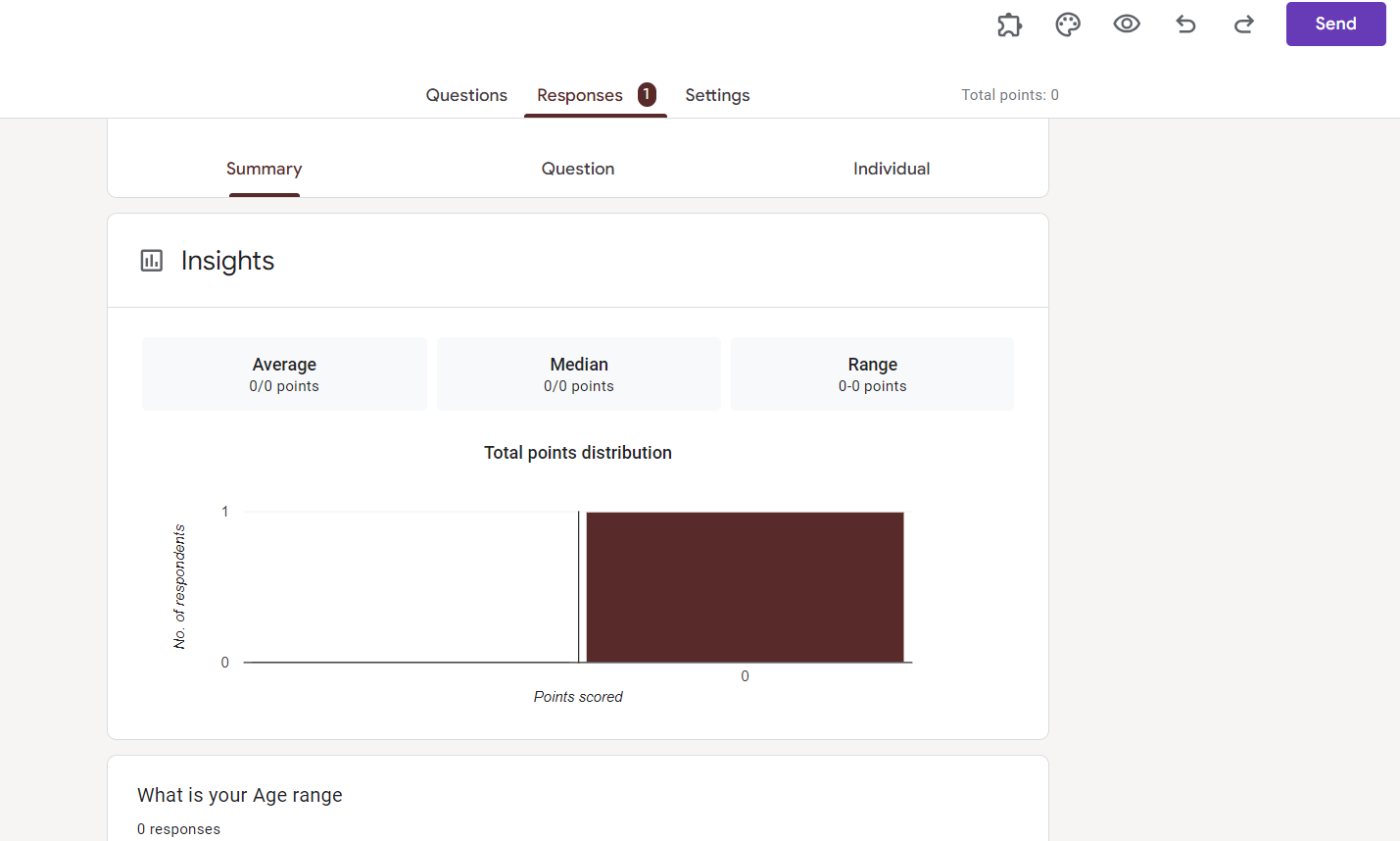
Step 6: Export Responses (Optional)
If needed, export responses to Google Sheets or other formats for further analysis or sharing with collaborators.
Conclusion:
Efficiently viewing submitted Google Forms is a fundamental aspect of the data collection process. Whether you're gathering survey results, feedback, or information, mastering these steps empowers you to derive meaningful insights from your collected data. As you explore the comprehensive guide above, you'll discover the tools within Google Forms that enable a seamless transition from data collection to analysis, ultimately enhancing your decision-making capabilities. Unveil the power of your Google Forms submissions with a deeper understanding of the responses at your fingertips.
Frequently Asked Questions:
Can I view Google Form responses in real-time?
Yes, Google Forms provides real-time access to responses, allowing immediate insights into collected data.
Are there limits to the number of responses I can view at once?
While Google Forms displays responses individually, linked Google Sheets allows for unlimited data storage and analysis.
Can I customize the view of responses in Google Forms?
Yes, use the 'Individual' and 'Summary' tabs to customize your view, analyzing responses individually or collectively.
Is it possible to view responses on mobile devices?
Absolutely, Google Forms responses can be conveniently accessed and reviewed on mobile devices for on-the-go analysis.


