How to make a QR Code in simple steps


A AR Code helps in efficient data sharing, contactless transactions, enhancing convenience and connectivity.
QR codes, or Quick Response codes, have emerged as essential tools for streamlining various aspects of our lives, from sharing contact information to facilitating payments. The importance of having QR codes for multiple purposes cannot be overstated, and here's why:
Convenience and Speed: QR codes simplify the process of sharing and accessing information. Instead of manually entering phone numbers, URLs, or payment details, a quick scan provides instant access. This convenience not only saves time but also reduces the likelihood of errors, making interactions smoother and more efficient.
Contactless Transactions: In an era where minimizing physical contact is crucial, QR codes enable secure and touch-free transactions. Whether it's making payments at a store or sending money to a friend, QR codes provide a seamless and hygienic solution. This is especially valuable during the COVID-19 pandemic.
Enhanced Networking: QR codes on business cards or digital profiles streamline the process of connecting with new contacts on social media platforms. Instead of manually searching for and adding a contact, a quick scan allows individuals to grow their online networks effortlessly. It's a powerful tool for expanding one's professional and personal connections.
In this landscape, Magicslides.app emerges as a powerful ally, helping individuals and businesses harness the potential of QR codes with ease and at no cost.
Step 1: Visit magicslides.app’s free qr code maker To begin the process, open your web browser and visit the website of click_here. You can do this by typing "magicslides.app" into your browser's address bar and hitting Enter. This will take you to the platform's homepage.
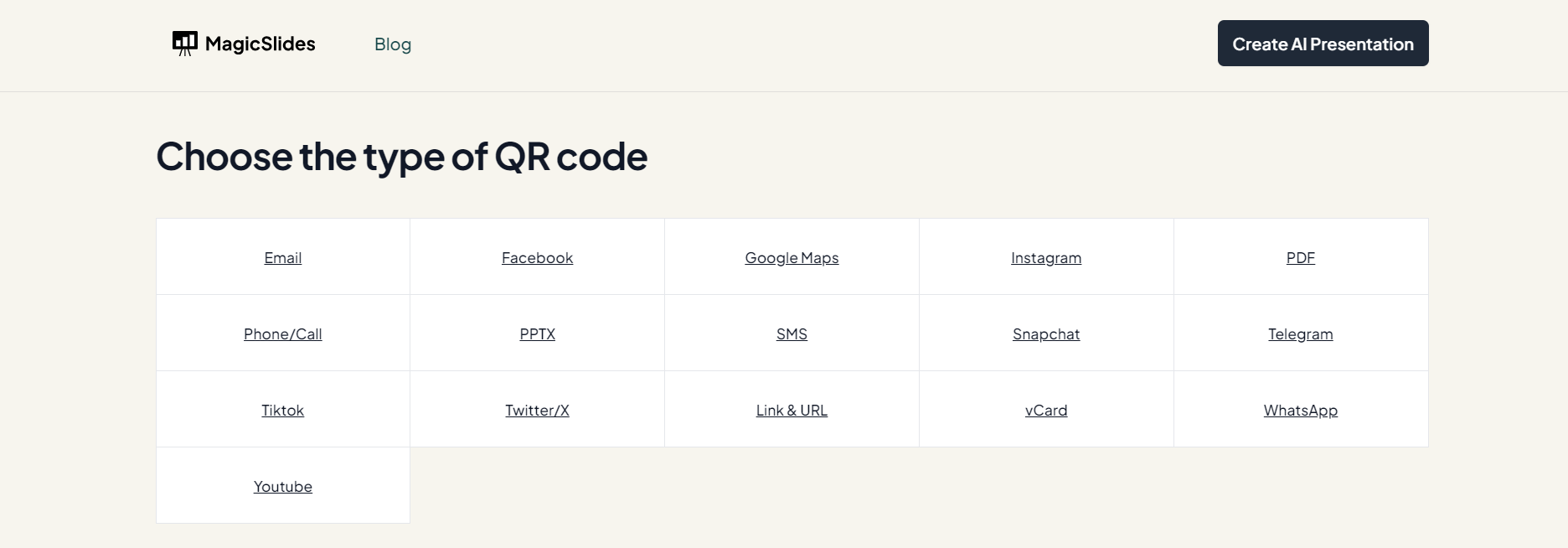
Step 2: Enter Your URL or Information Once you're on the Magicslides.app website, you'll notice a user-friendly interface. Look for a field where you can enter the information you want to encode into the QR code. This information can be a URL to a website, a link to your social media profile, your contact details in vCard format, or even a phone number. Simply punch in the relevant information into the provided field.
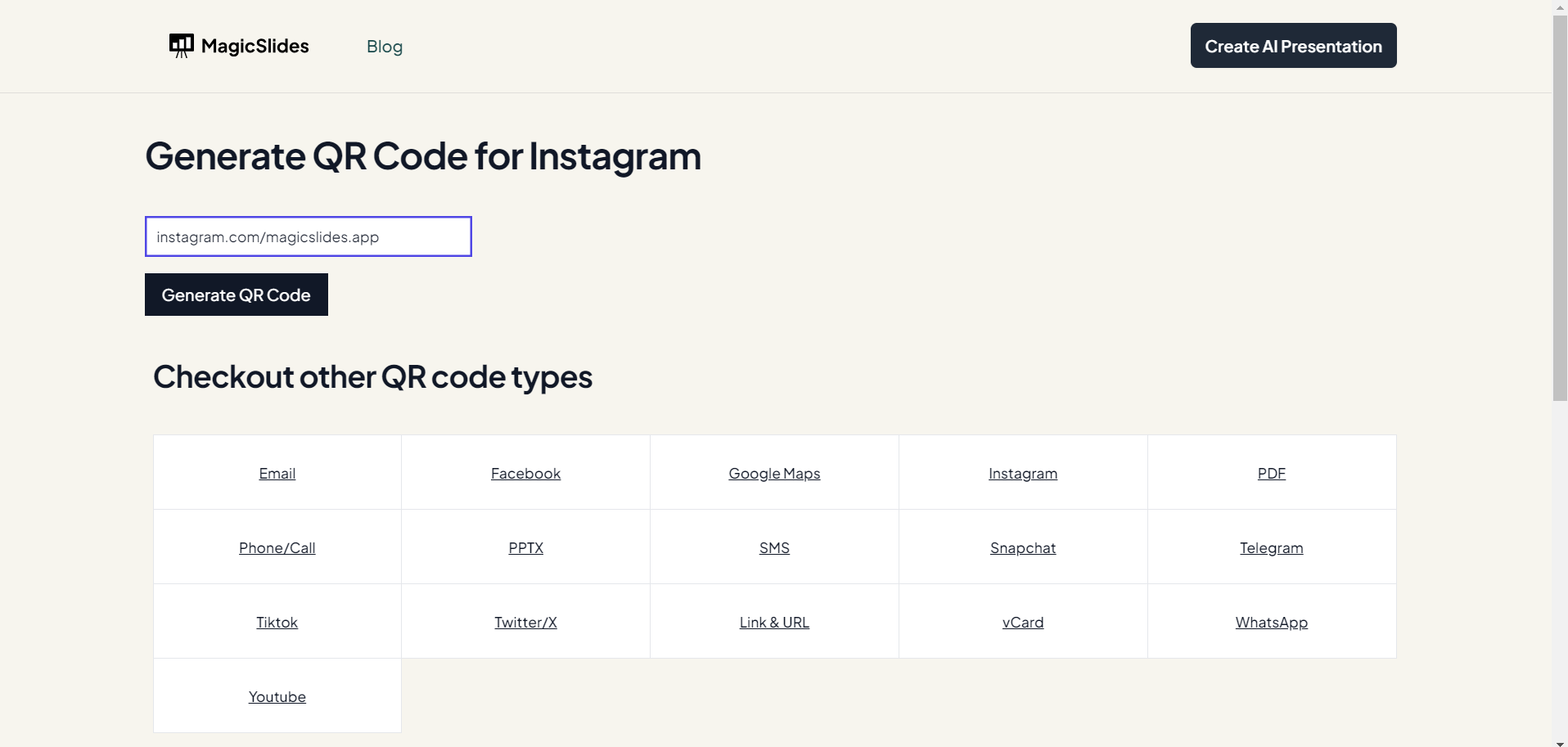
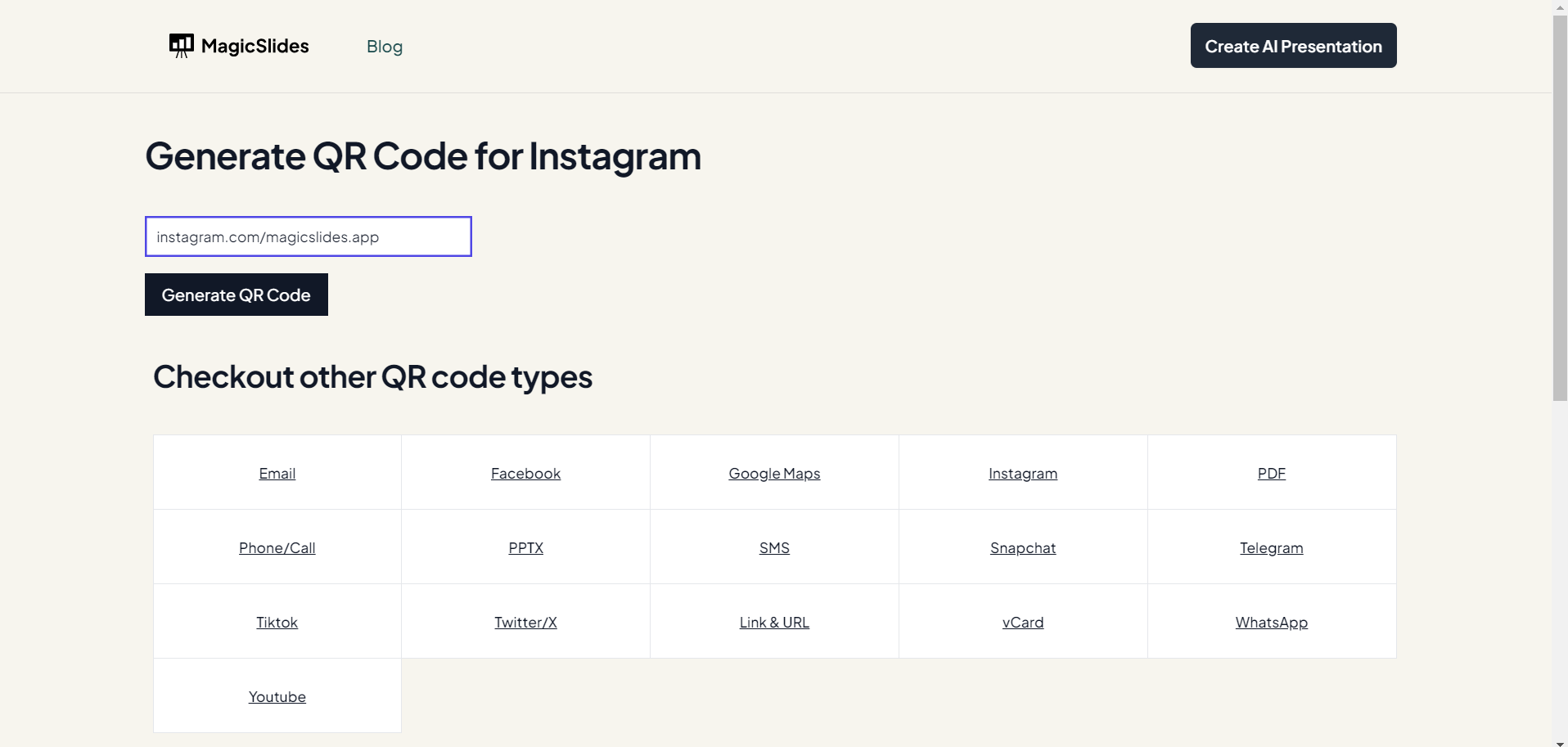
Step 3: Generate the QR Code After you've entered the information, the next step is to generate the QR code. Look for a button or option on the website that says "Generate" or something similar. Click on it, and Magicslides.app will process the data you entered and create a QR code for you.
Step 4: Save or Use the QR Code Now that you have your QR code, you have a couple of options for how to use it. Magicslides.app typically provides two ways to access your QR code:
Screenshot: You can take a screenshot of the QR code displayed on the website. To do this, simply press the appropriate key combinations on your device to capture the screen. Once you've captured it, you can save the screenshot to your device and use it in your documents, presentations, or wherever you need it.
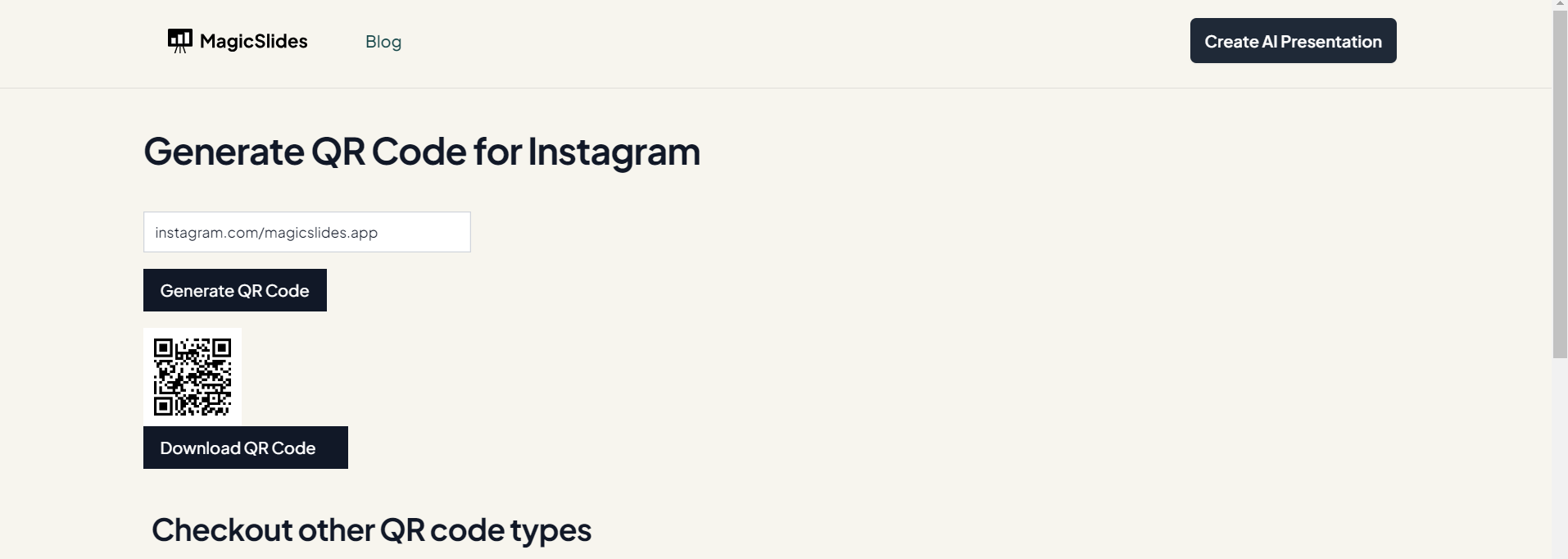
Download: Alternatively, Magicslides.app often offers the option to auto download the QR code directly to your device. You can then use this downloaded QR code for your business or personal purposes.
In conclusion, QR codes have become indispensable tools for simplifying and enhancing various aspects of our lives. Magicslides.app plays a vital role in this ecosystem by providing a free, user-friendly platform to generate customized QR codes, making these benefits accessible to all, and further promoting the widespread adoption of this versatile technology.


