How to select multiple slides on Google Slides in simple clicks


Selecting multiple slides can help us make operations on them simpler and easy, here’s a guide to do so..
Google Slides doesn't provide a direct built-in feature to select multiple slides at once. However, you can achieve a similar result by using keyboard shortcuts and a simple trick.
Here's how you can potentially select multiple slides:
Using Keyboard Shortcuts:
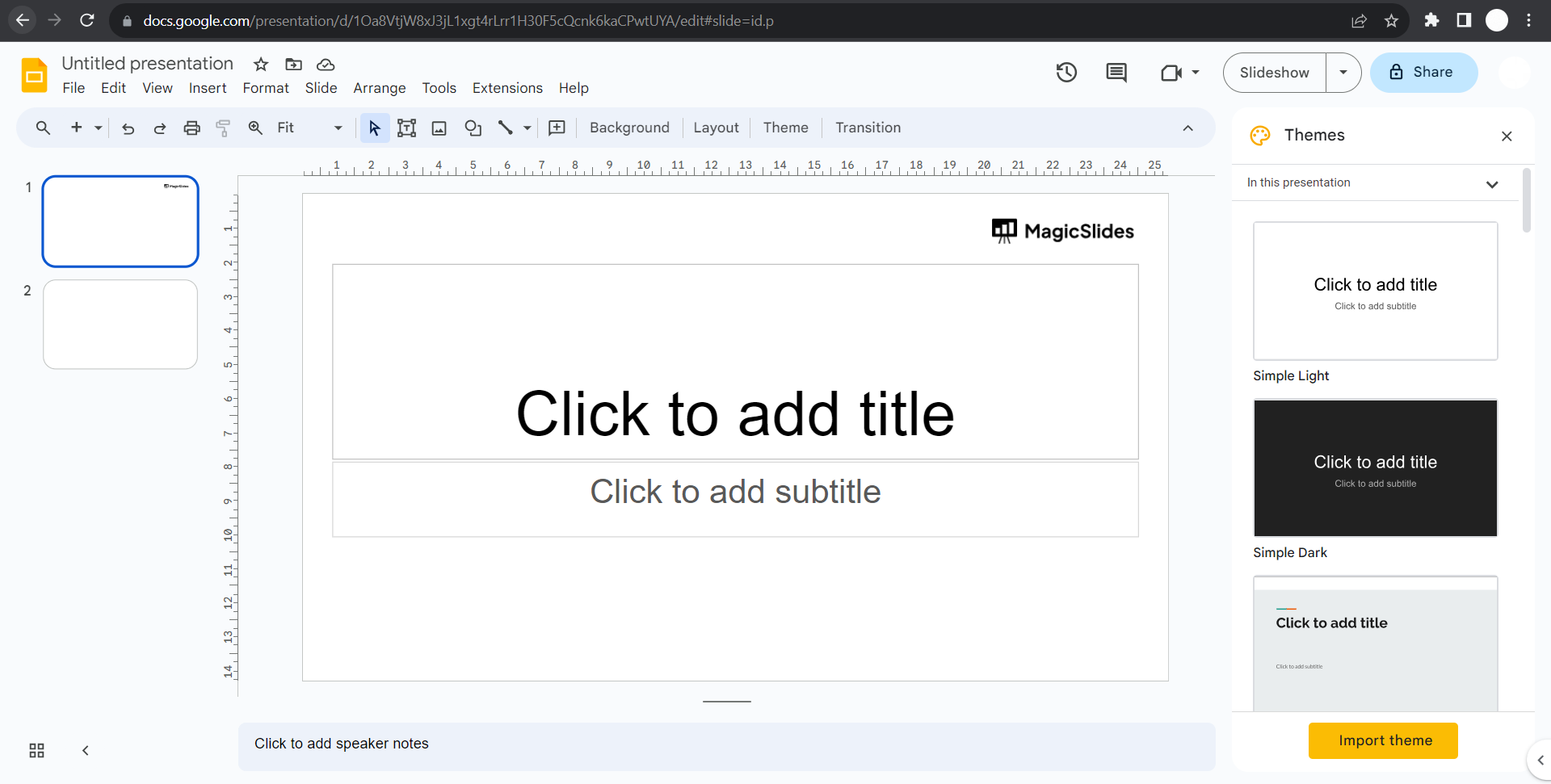
- Click on the slide you want to start selecting from.
- Hold down the
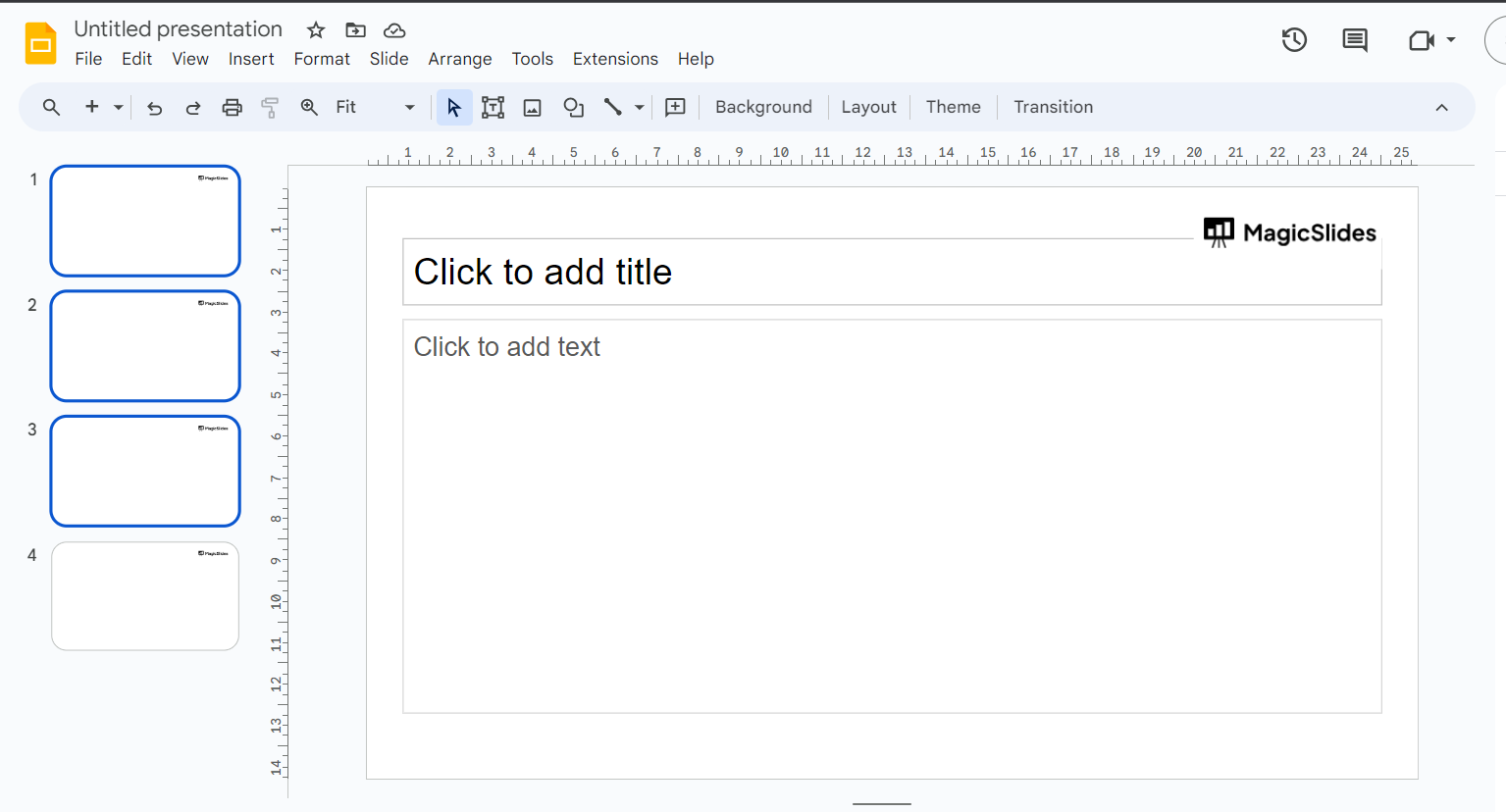
Shiftkey on your keyboard. - While holding down
Shift, click on the last slide you want to select. - This should select all the slides between the first and last slides you clicked on.
Try Checking the official Google Slides documentation or the user interface for any updates or new features.


