Addon google slides iconPPT with AISlide TemplatesPPT TemplatesPricingBlog
    PPT with AISlide TemplatesPPT TemplatesPricingBlog
    1. Home
    2. Blog
    3. Best AI Slide maker in the market MagicSlides Vs SlidesAI

    Best AI Slide maker in the market MagicSlides Vs SlidesAI

    magicslides app

    Published By

    magicslides app
    Mohit Kumar Jha

    Approved By

    Mohit Kumar Jha

    Published On

    July 23th, 2024

    Reading Time

    3 min read

    Your search for best AI Slide maker ends here. Discover the full pros and cons of MagicSlides Vs SlidesAI in this article.

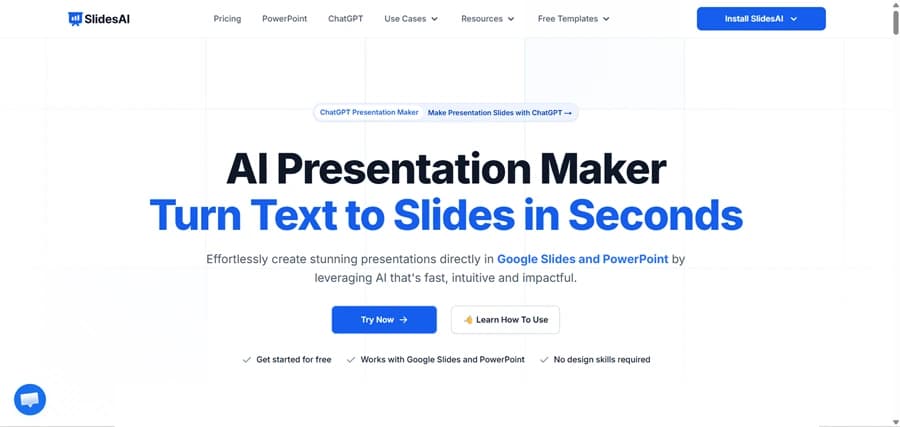
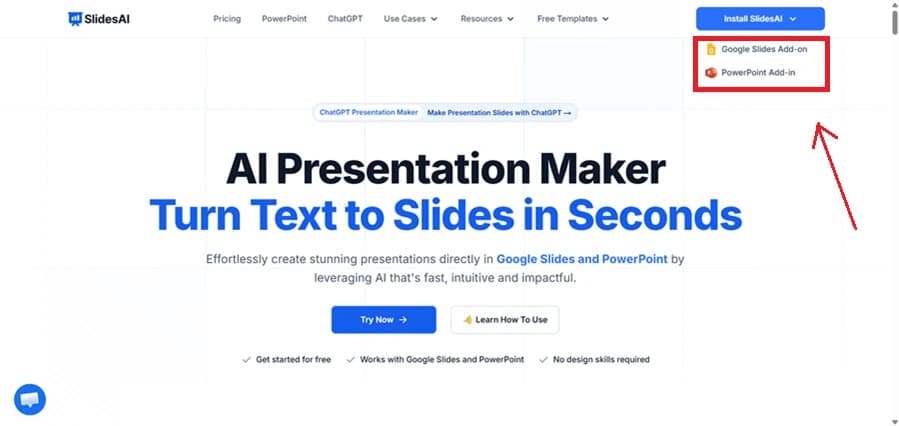
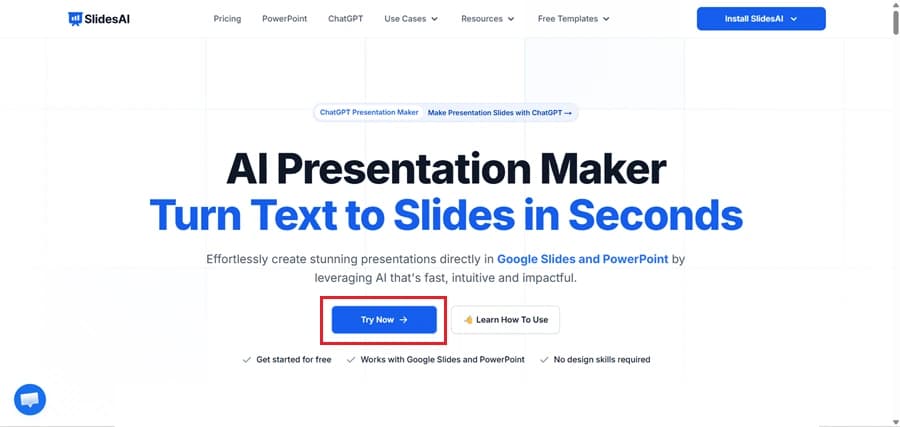
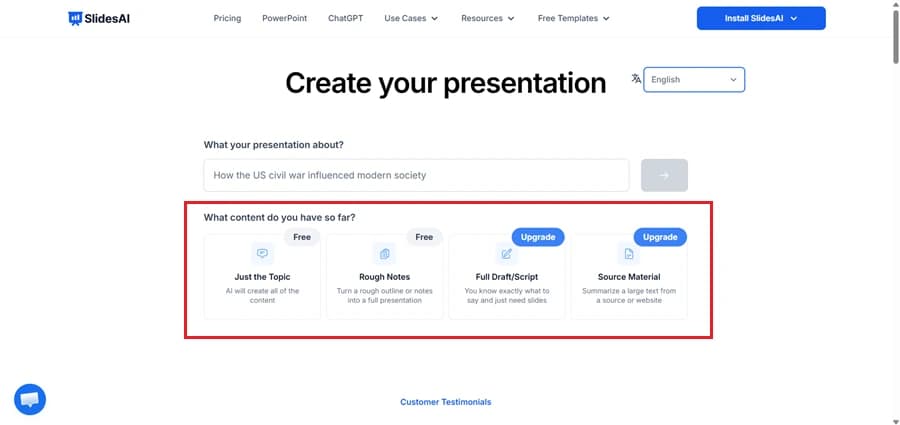
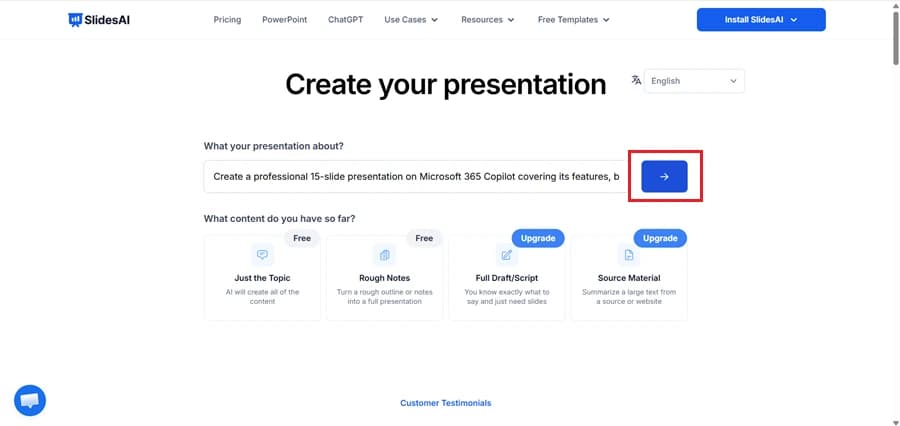
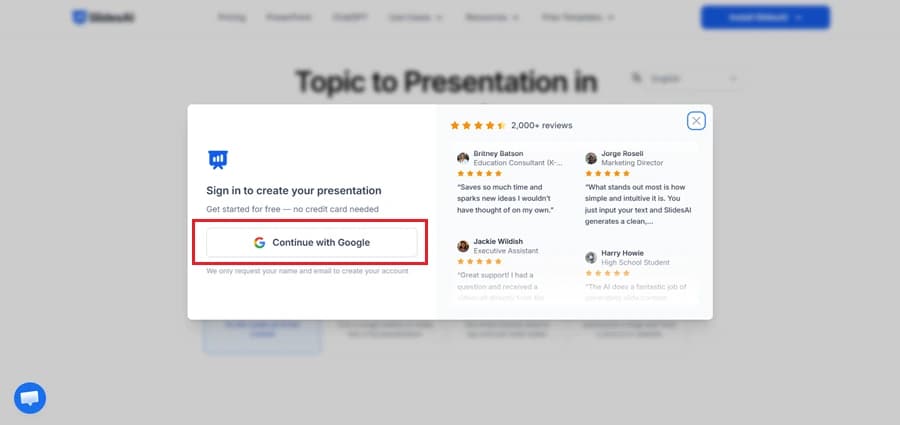
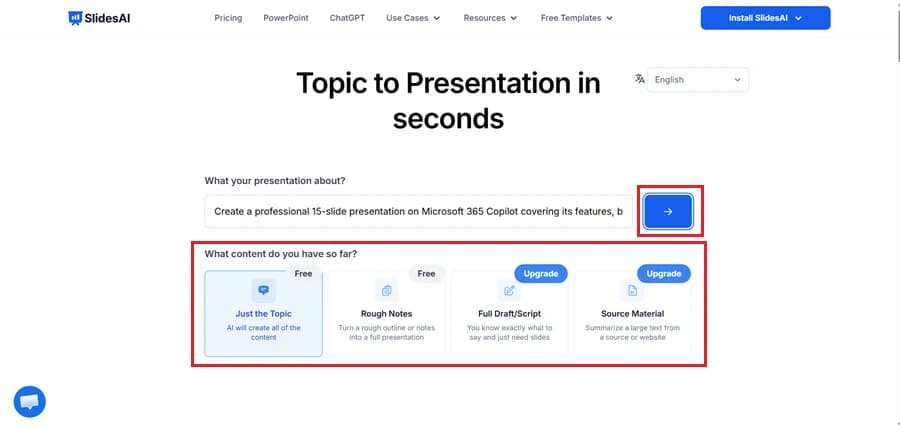
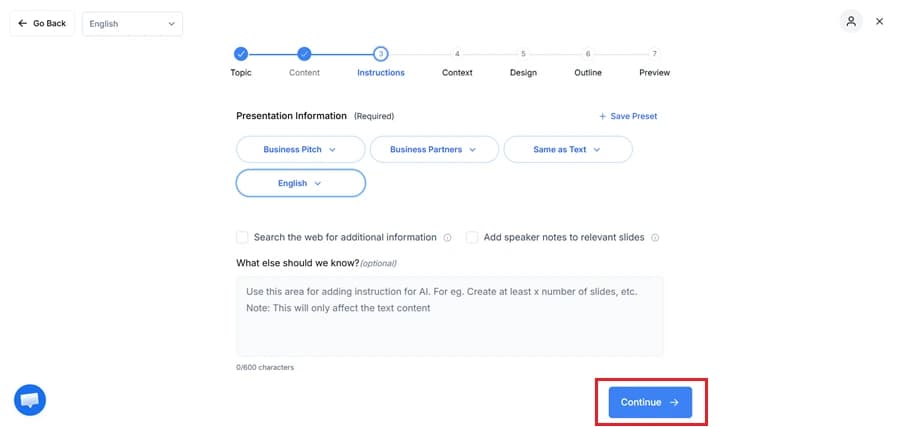
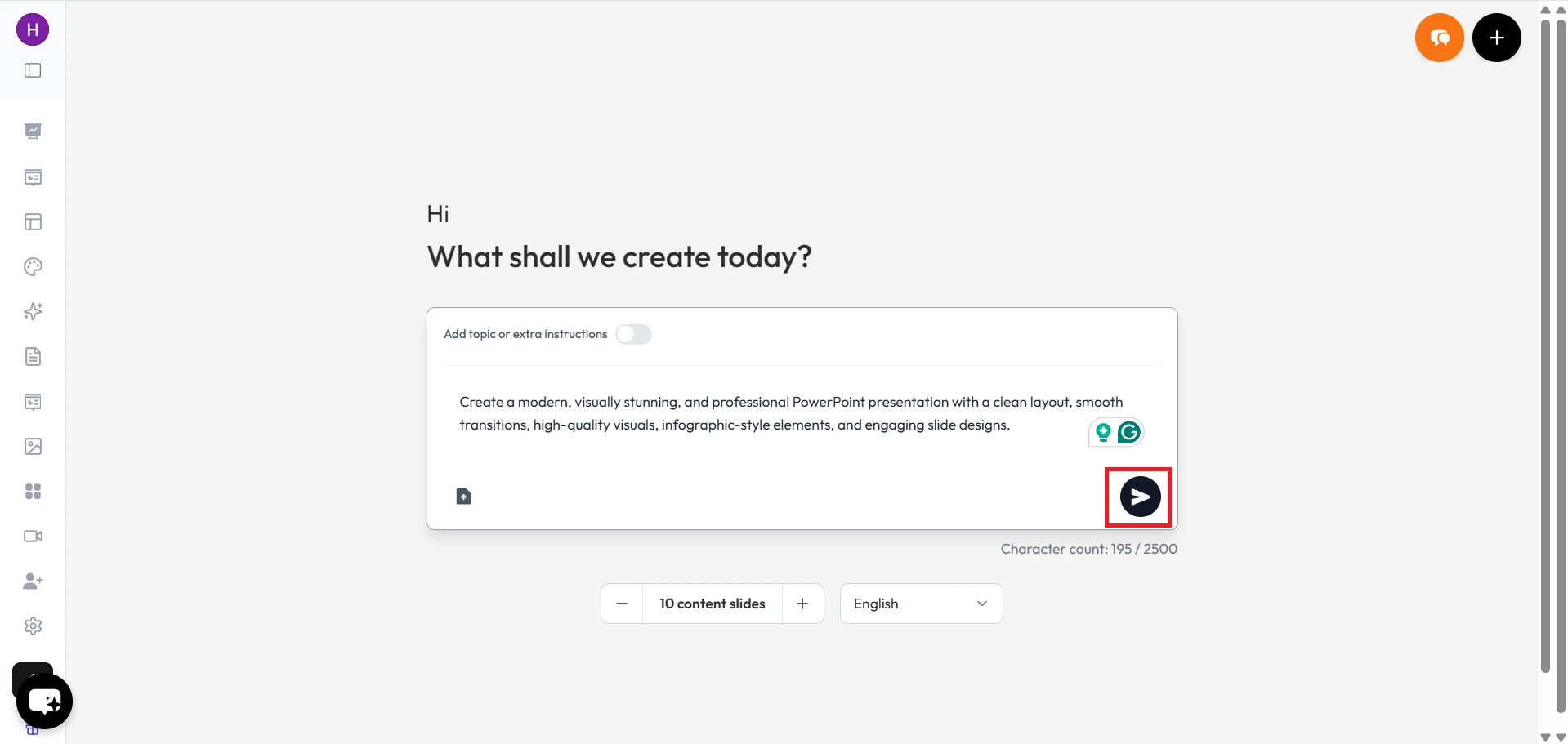
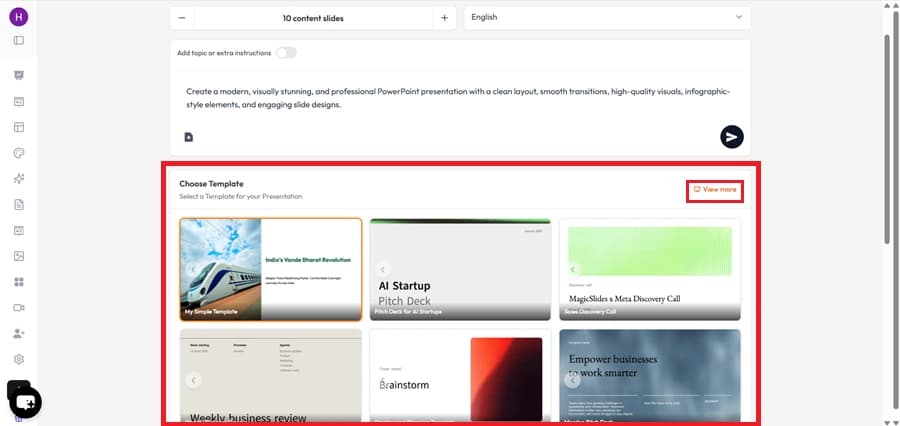
    In today's fast-paced world, efficiency and productivity are key factors in any professional's toolkit. When it comes to creating visually appealing presentations quickly, AI-powered slide makers have revolutionized the way we communicate ideas. Two prominent players in this arena are MagicSlides.app and SlidesAI. In this article, we will delve into the features and capabilities of both platforms, comparing their strengths and weaknesses, and ultimately shedding light on why MagicSlides.app stands out as a formidable choice. To use them just go to extensions and visit the market place. Add MagicSlides.app and SlidesAI to your Google Slides. Here are few pictures after adding them.
    SlidesAI
    notion image
    MagicSlides.app
    notion image
    Ease and Speed of Presentation Creation:
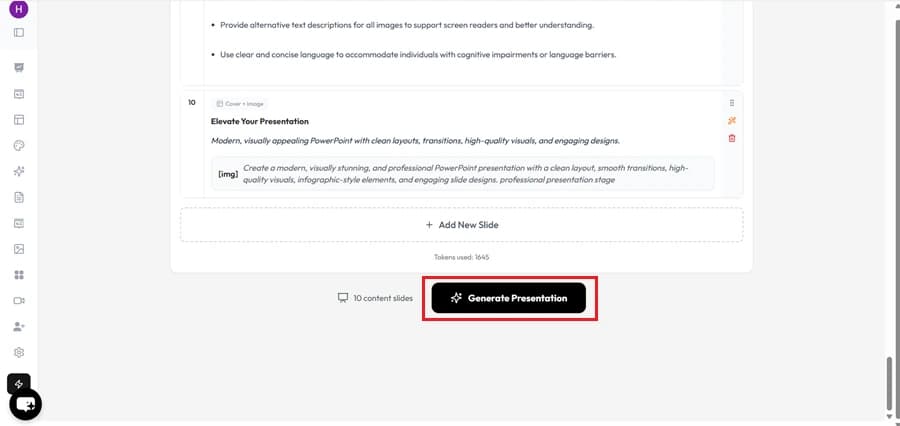
    One of the critical metrics for evaluating any AI slide maker is the time it takes to create a presentation. MagicSlides.app boasts an impressive creation time of just 105 seconds, making it a time-efficient option for busy professionals.
    notion image
    However, SlidesAI takes the lead in this aspect with an even faster creation time of 48 seconds. For users who prioritize speed above all else, SlidesAI might have the edge here. There is a disadvantage in using SlidesAI we need to provide a minimum of 350 characters before we get the slides ready where as MagicSlides just needs a simple prompt and our Presentation is fully ready!
    notion image
    Quality of Generated Images:
    Visual elements play a crucial role in presentations, as they help convey complex ideas in an easily digestible format. While both platforms provide image generation capabilities, it's important to note that SlidesAI's images are deemed "irrelevant," which raises concerns about its image selection algorithm.
    notion image
    On the other hand, MagicSlides.app generates images of varying quality, with some of them being of good quality. While there is room for improvement in the image quality of MagicSlides.app, the platform's performance is more consistent than SlidesAI's in this regard.
    notion image
    Information Depth and Detail:
    A presentation's effectiveness hinges on the depth of information it imparts. MagicSlides.app excels in this area by providing more detailed information compared to SlidesAI.
    notion image
    This nuanced approach ensures that presentations created with MagicSlides.app are not only visually compelling but also informative and insightful. SlidesAI's limited information offering might hinder the communication of complex ideas effectively. Wheras SlidesAI provides limited pre-written information.
    notion image
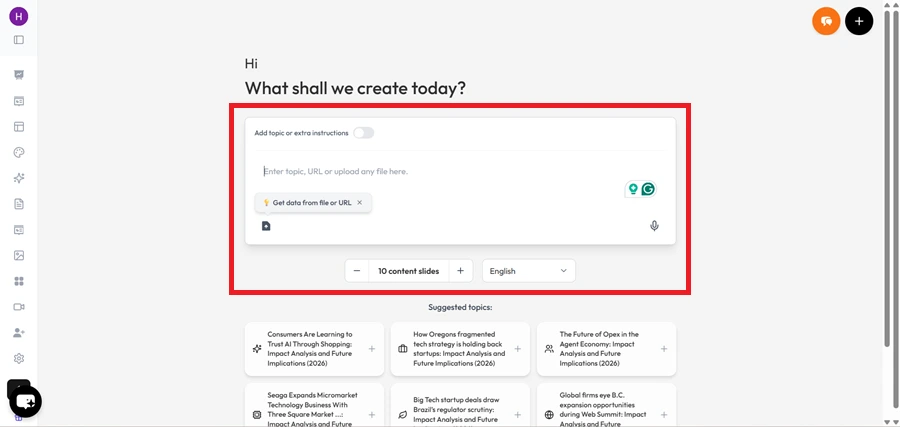
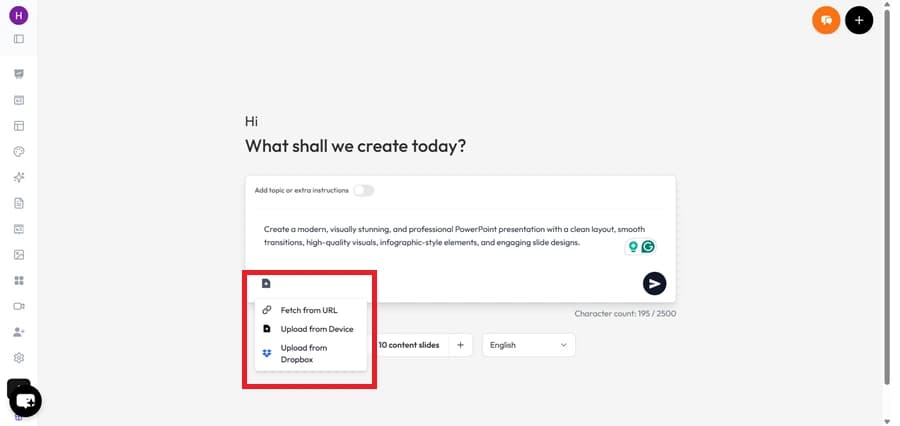
    MagicSlides.app has this amazing feature to add external source to create content which helps us generate great slides.
    notion image
    Number of Slides and Adjustability:
    Both MagicSlides.app and SlidesAI offer the flexibility to adjust the number of slides according to your needs. Whether you require a succinct presentation or an extensive one, both platforms cater to your preferences. This feature allows users to tailor their presentations to their specific requirements without any limitations.
    MagicSlides.app
    notion image
    SlidesAI:
    notion image
    Selection of Themes:
    Visual coherence is key to creating professional presentations. Both MagicSlides.app and SlidesAI offer standard themes for users to choose from. These themes enable users to maintain consistency in their presentation's appearance, ensuring a polished and unified visual experience, SlidesAI has a slight advantage in this area by providing more options to users in it’s free version.
    MagicSlides.app
    notion image
    SlidesAI:
    notion image
    Conclusion:
    In the realm of AI-powered slide makers, both MagicSlides.app and SlidesAI present commendable features that aid in creating presentations efficiently. However, after a thorough comparison of the metrics, it's clear that MagicSlides.app offers a more well-rounded and advantageous experience. While SlidesAI impresses with its rapid presentation creation time, MagicSlides.app counters with a more consistent image generation quality, deeper information incorporation, and the ability to create presentations that are both visually appealing and informative.
    For professionals seeking a comprehensive solution that balances speed and content depth, MagicSlides.app emerges as the preferred choice. Its commitment to delivering detailed and engaging presentations in just 105 seconds sets it apart as a valuable tool in the hands of presenters, educators, and business leaders alike. Elevate your presentation game with MagicSlides.app and experience the power of seamless communication.

    Share on socials

    About the author

    Sanskar Tiwari profile photo
    Sanskar Tiwari— Founder at MagicSlides

    Sanskar is Founder at IAG Tech, For the past 3 years sanskar have build more than 24+ products, taught 100k students how to code.

    More from Sanskar

    More from the blog

      250+ Good Morning Messages for Her (Romantic, Deep, Cute & Sweet)

      30 January 2026

      200+ Heart Touching Birthday Wishes for Sister (Short, Funny and More)

      29 January 2026

      50+ History Presentation Topics For 2026

      28 January 2026

      How to Add Music to Your Canva Presentation: A Step-by-Step Guide

      27 January 2026

      15 Quick Tips To Use ChatGpt At Work

      22 January 2026

      11 Best AI Tools for Business in 2025

      22 January 2026

      How to Create an Infographic That Clearly Communicates Your Message

      20 January 2026

      How to Create a Sales Presentation Template in Google Sheets

      20 January 2026

      How to Make a Pie Chart on Google Slides in Simple Steps

      19 January 2026

    Table of Contents

    Create Presentations in Seconds

    Transform your ideas into professional presentations with AI. No design skills needed.

    Try MagicSlides Free

    Create Stunning Presentations with AI in Seconds ✨

    Transform any topic, text, YouTube video, PDF or URL into beautiful presentations instantly with MagicSlides AI.

    Try MagicSlides AI Presentation Maker
    MagicSlides AI Presentation

    Footer

    Solutions

    • MagicSlides App
    • Google Slides Add-on
    • MagicSlides in Chrome
    • MagicSlides in Figma
    • MagicSlides in ChatGPT
    • MagicSlides in Telegram
    • MagicSlides in Zapier
    • MagicSlides in Figma Slides

    Tools

    • AI PPT Tools
    • QR Code Generator
    • Design Tools
    • PPT Templates
    • Slide Templates
    • PDF Tools

    Examples

    • AI Presentations
    • PPT by MagicSlides
    • Quizzes
    • Charts
    • Coloring Pages

    Resources

    • Changelog
    • Documentation
    • API Docs

    Top Blogs

    • How to Create Presentation Using ChatGPT
    • 100+ Best Seminar Topics for Students in 2025

    Company

    • Help
    • MCP
    • Blog
    • Pricing
    • Affiliate Program
    • Manage Subscription
    • Privacy Policy
    • Contact Us
    • Terms & Conditions
    • Refund & Cancellation Policy

    We also built

    • SheetAI - GPT For Sheets
    • MagicForm - GPT For Google Forms
    • SecondBrain.fyi
    • BlogBee - Free Blogging Platform

    © 2026 IndianAppGuy Tech Pvt Ltd. All rights reserved.