What is a Prefilled link in Google forms and how to create it?


Unlock the power of prefilled links in Google Forms for streamlined data collection and personalized responses
Prefilled links in Google Forms are URLs that contain pre-populated responses, allowing you to streamline the form-filling process for your respondents. This feature is particularly useful when you want to collect specific data or provide a personalized experience for users. In this guide, we'll explore what prefilled links are and how to create them in Google Forms, empowering you to efficiently gather information and enhance user engagement.
What is a Prefilled Link in Google Forms?
A prefilled link in Google Forms is a customized URL that automatically fills in certain fields or responses within a form. By sharing these links, you can prepopulate form fields with specific data, such as names, email addresses, or other information, simplifying the submission process for respondents.
Step-by-Step Guide to Creating a Prefilled Link in Google Forms:
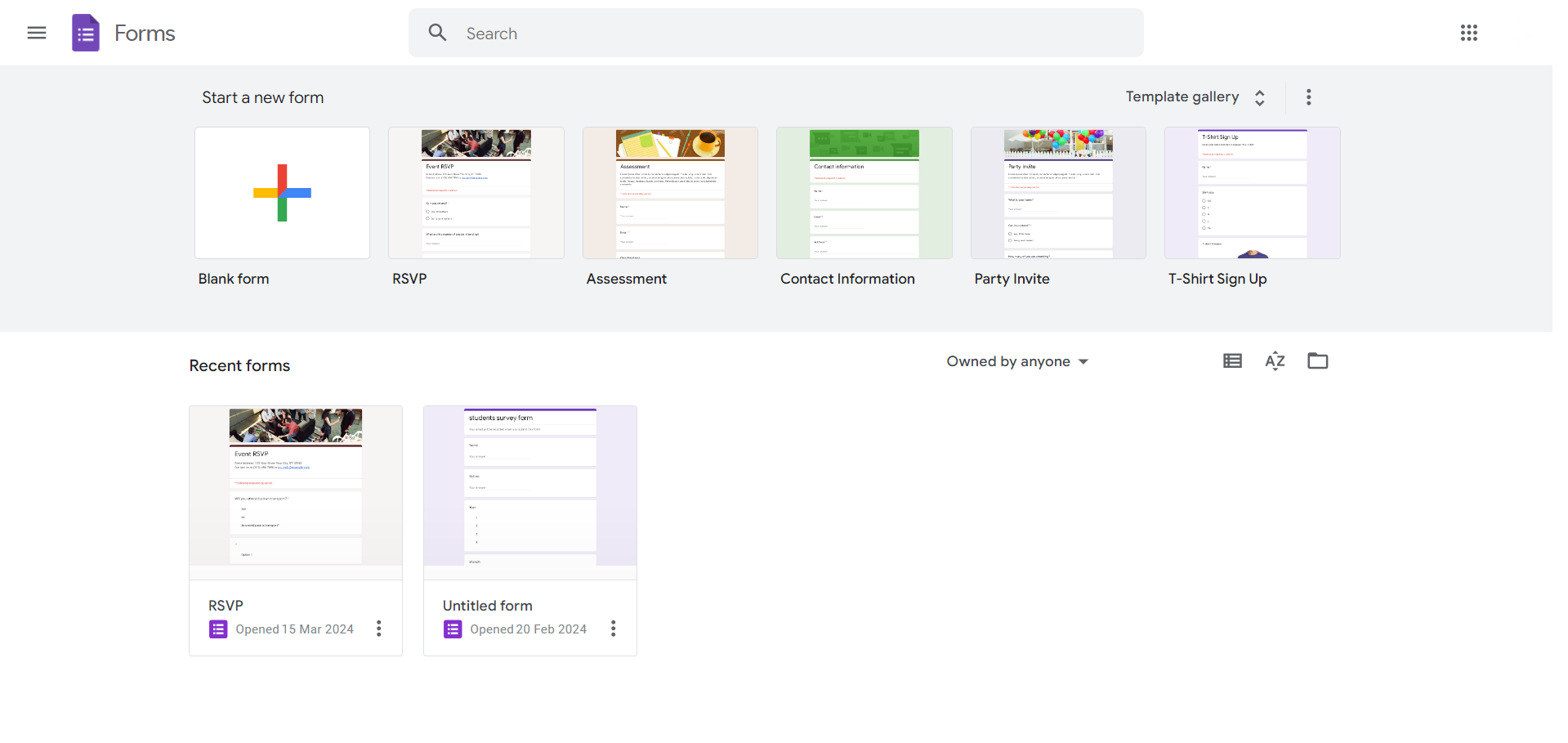
Access Google Forms:
Begin by opening Google Forms in your web browser. If you haven't already, create a new form or select an existing one that you'd like to generate a prefilled link for.
Fill Out the Form:
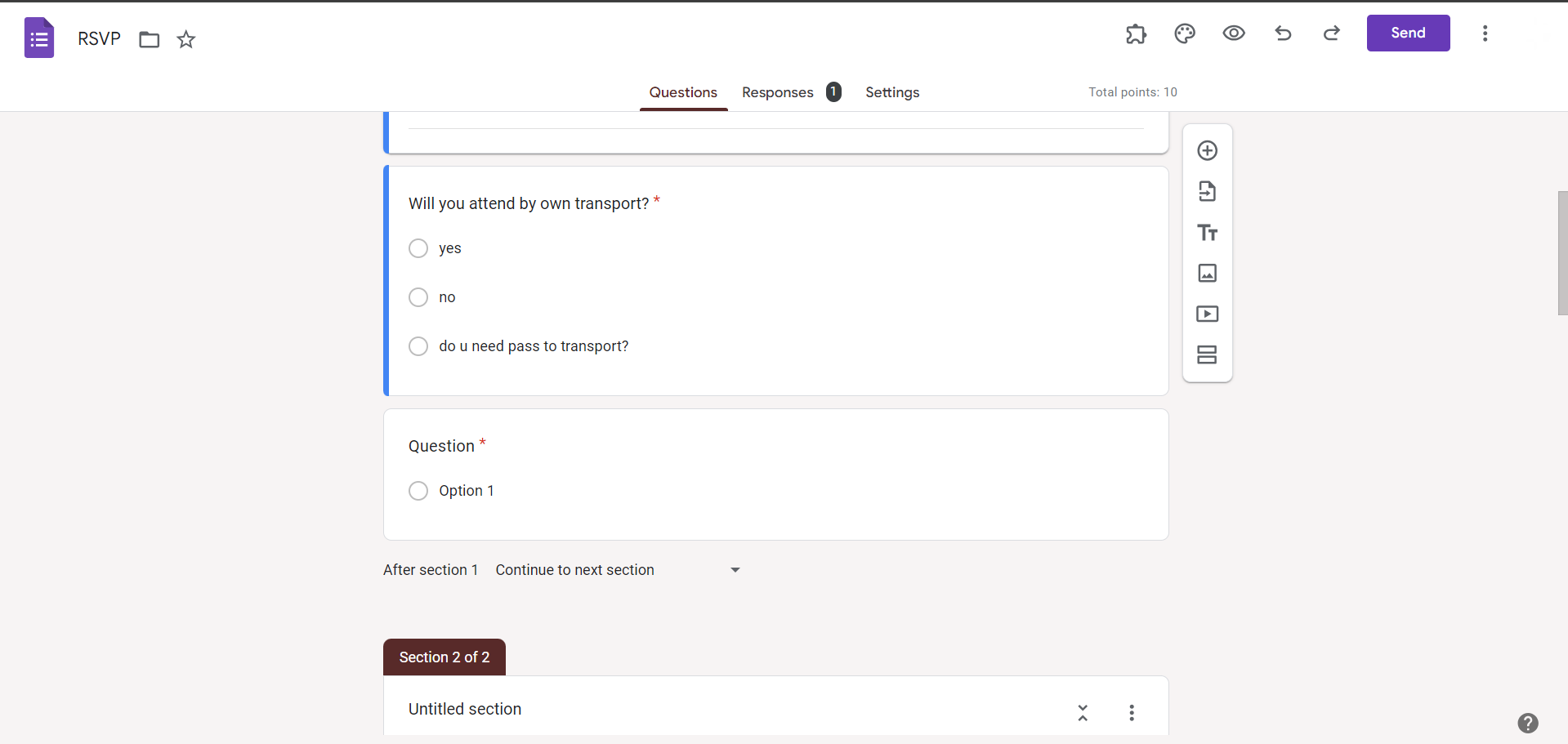
Before generating the prefilled link, fill out the form with the desired default responses or values. This step ensures that the prefilled link contains the correct data to populate the form fields.
Enable Prefill Settings:
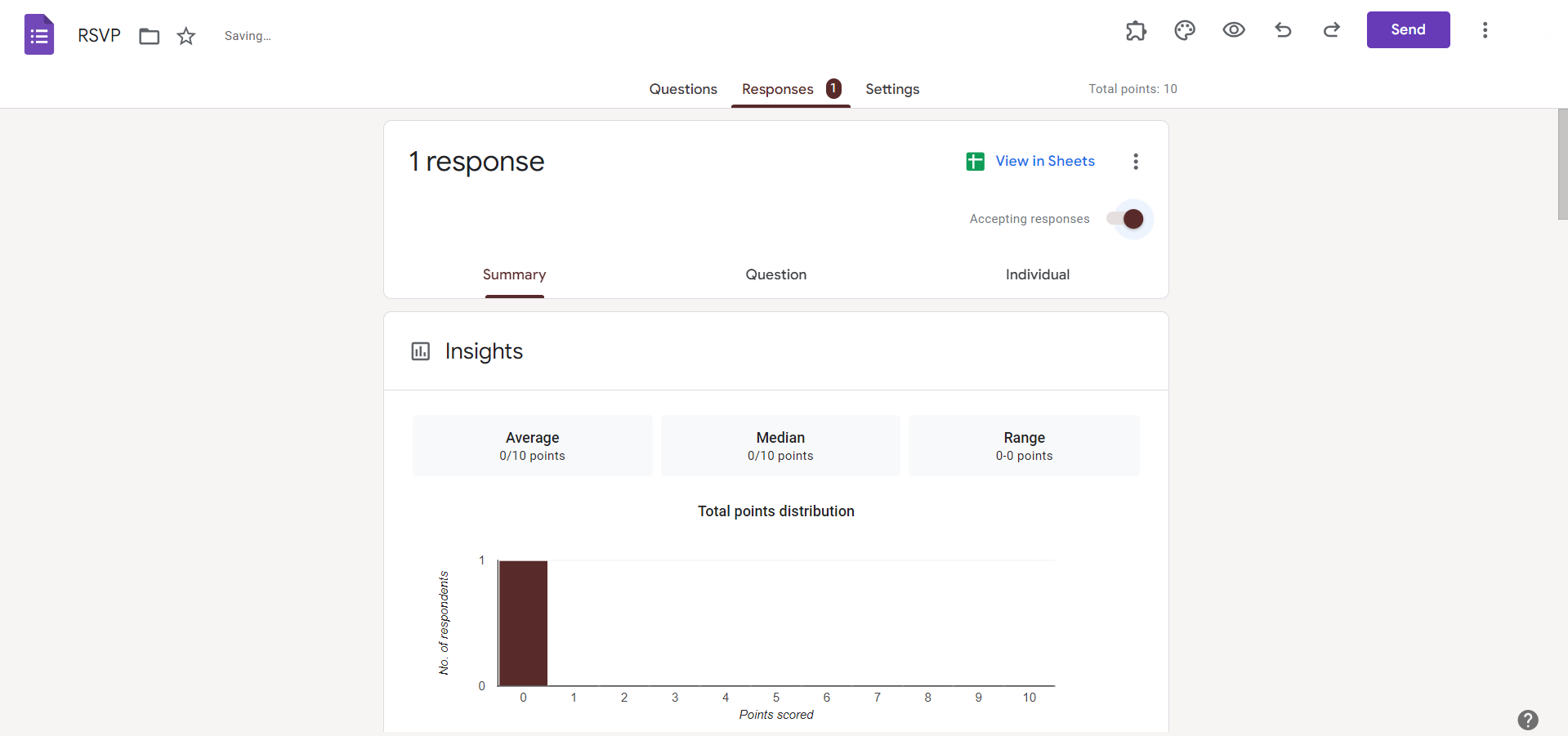
Once the form is filled out, click on the "Responses" tab at the top of the form editor.
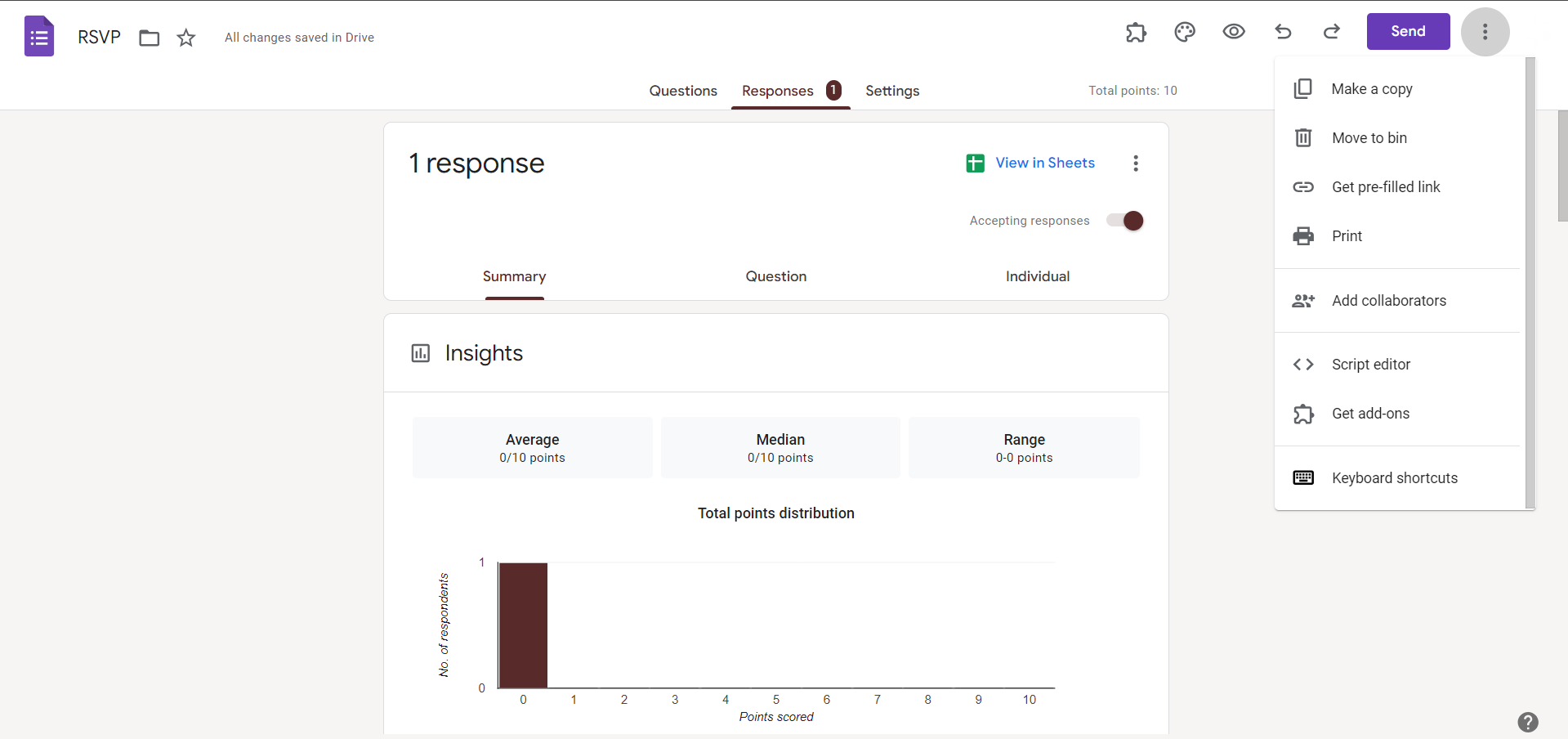
Then, click on the three-dot menu icon and select "Get pre-filled link" from the dropdown menu.
Prepopulate Form Fields:
A new window will appear with the prefilled link generator. Here, you can see all the form fields and their corresponding default responses. Modify the values as needed to prepopulate the form fields with specific data.
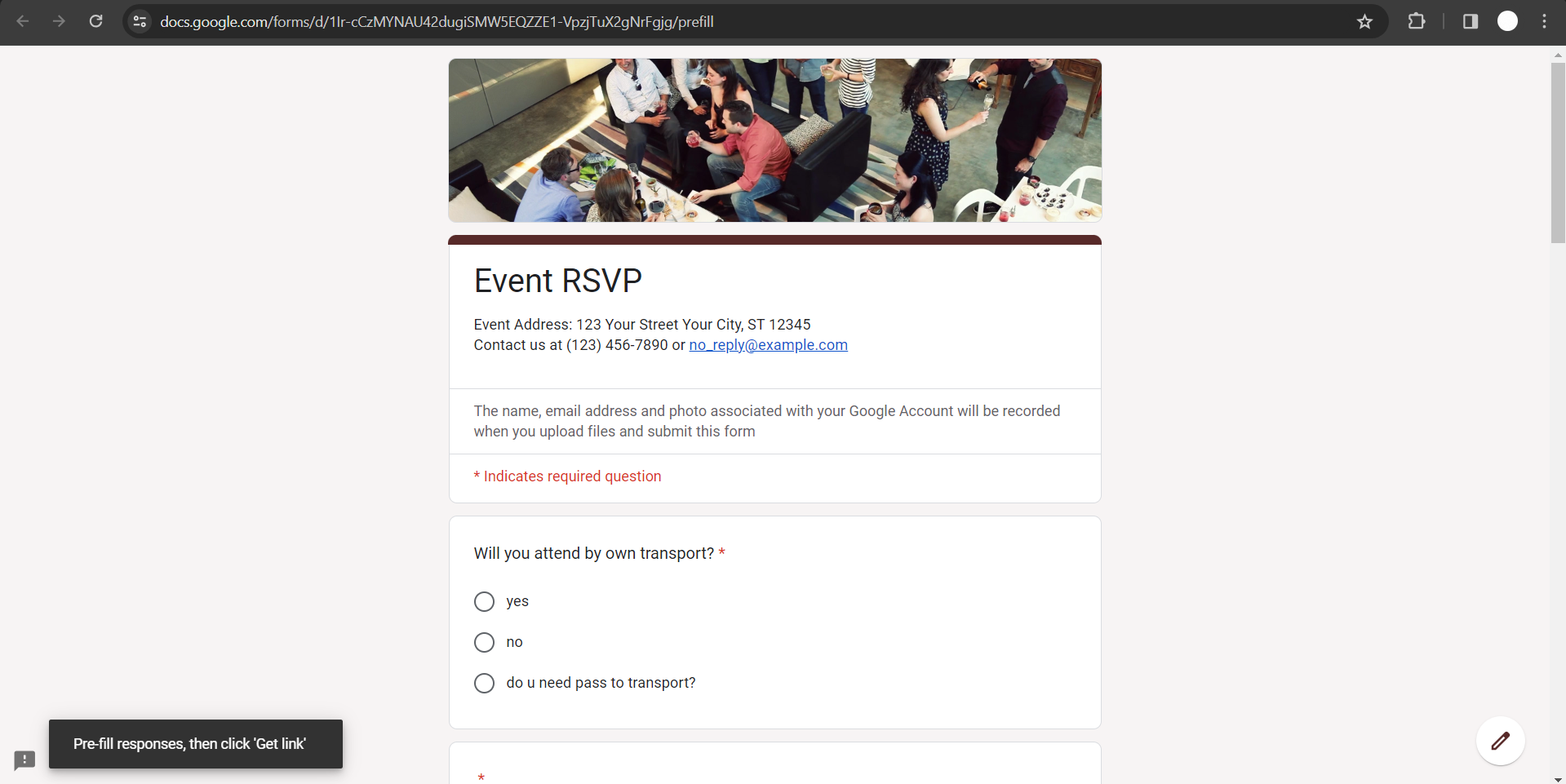
Generate the Prefilled Link:
After adjusting the form fields, click on the "Submit" button to generate the prefilled link. Google Forms will generate a unique URL that contains the pre-populated responses based on your modifications.
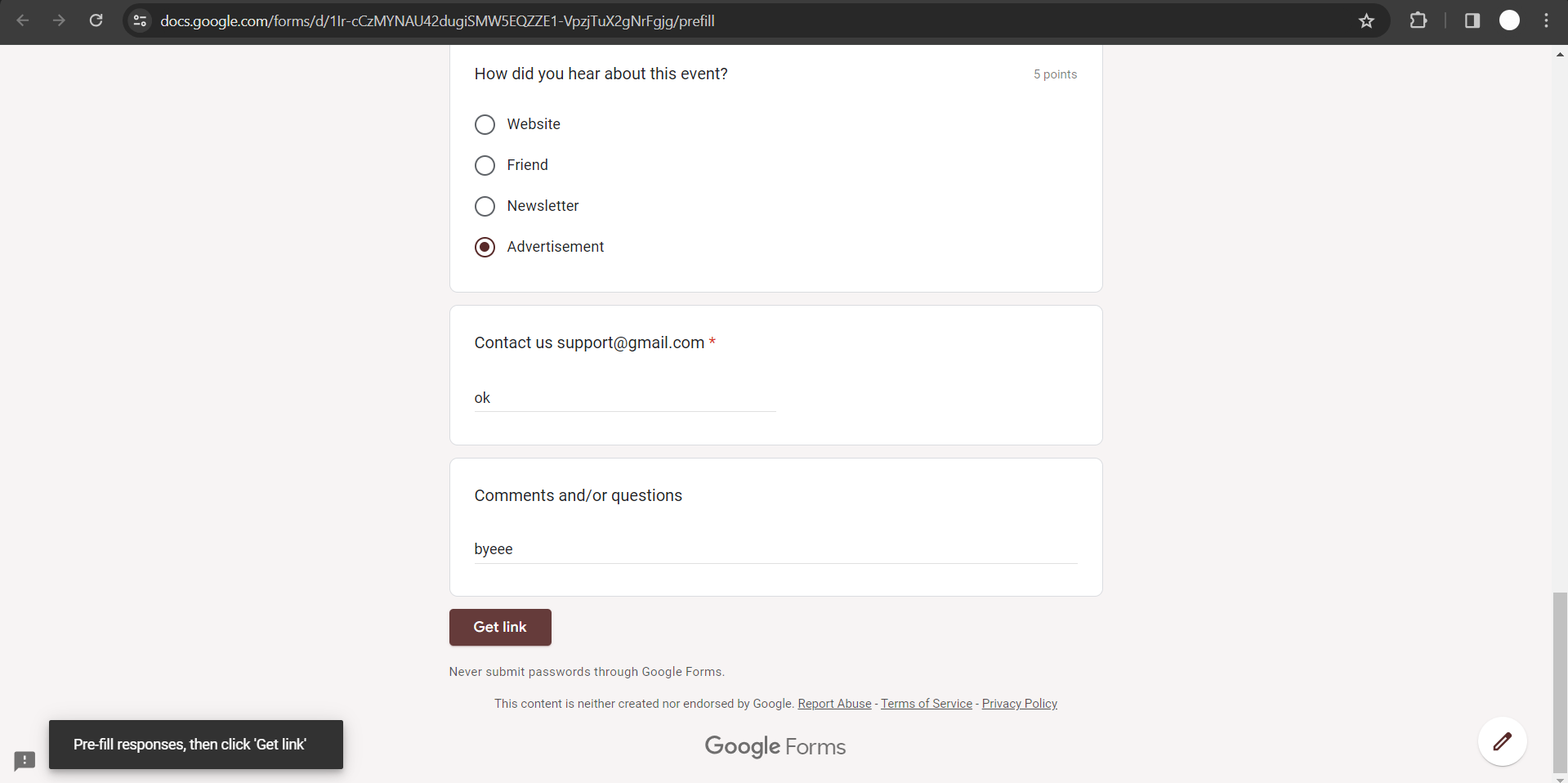
Copy and Share the Link:
Once the prefilled link is generated, click on the "Copy link" button to copy the URL to your clipboard. You can then share this link via email, messaging apps, or any other communication channels with your respondents.

Conclusion:
Prefilled links in Google Forms offer a convenient way to streamline the form-filling process and provide a personalized experience for respondents. By following the step-by-step guide outlined above, you can easily create prefilled links that automatically populate form fields with specific data. Whether you're collecting information, conducting surveys, or gathering feedback, prefilled links can enhance user engagement and improve the efficiency of your data collection efforts. Experiment with different form field values and share prefilled links to simplify the submission process for your respondents and maximize response rates.
Frequently Asked Questions:
Why use prefilled links in Google Forms?
Prefilled links streamline form completion by automatically populating fields with predetermined data, enhancing user experience.
Can prefilled links be edited after creation?
Yes, you can adjust prefilled responses by modifying the URL parameters before sharing the link.
Are prefilled links secure?
Prefilled links are as secure as regular form submissions, but avoid including sensitive information in URLs.
Can prefilled links be used for multiple respondents?
Yes, prefilled links can be shared with multiple respondents, each receiving a personalized form with pre-populated fields.


