What Tool is the Best for Presentation Tool?


Discover the best presentation tool! Learn why Magicslides.app is your go-to for fast, professional, and stunning slide generation.
Creating presentations has become an essential skill in both professional and academic settings. Whether you’re preparing for a corporate pitch, a school project, or a keynote speech, having the right tool to create your presentation can make all the difference. But with so many options available, the question arises: what tool is the best for presentation tool?
In this blog post, we will explore some of the most popular tools in the market and why Magicslides.app stands out as the best option for generating professional, creative, and visually appealing presentations quickly and effortlessly.
The Importance of Choosing the Right Presentation Tool
A great presentation isn’t just about the content; it’s also about the delivery and the visuals. Choosing the right tool can help you:
- Save time while creating presentations.
- Ensure your slides are engaging and professional.
- Provide a seamless user experience when presenting.
Different tools offer different benefits, but the ultimate goal is to find one that combines ease of use, flexibility, and high-quality design. Let’s explore some popular tools and then dive into why Magicslides.app takes the lead.
Popular Presentation Tools: A Quick Comparison
Microsoft PowerPoint
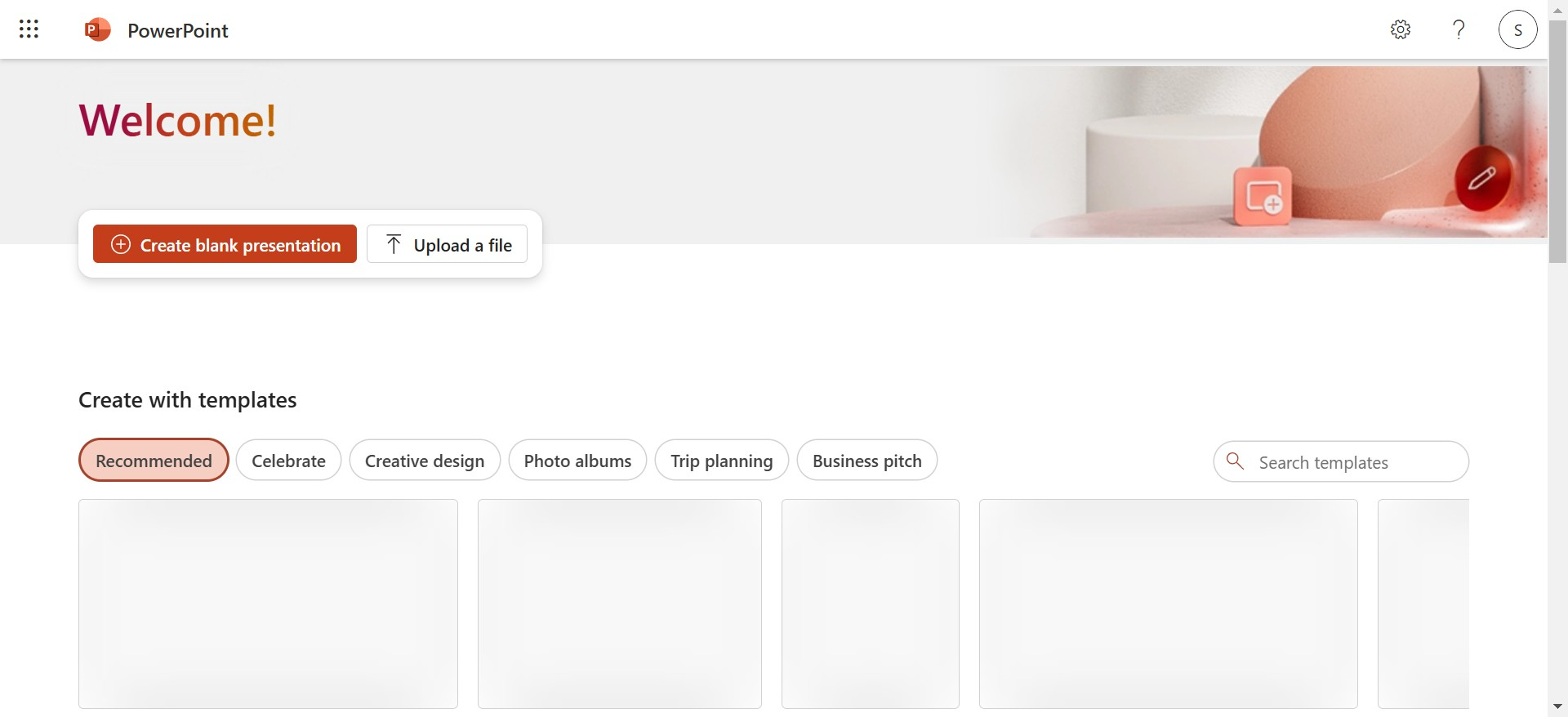
- A classic tool with a variety of templates.
- Great for customization but requires significant effort to design a professional presentation from scratch.
Google Slides
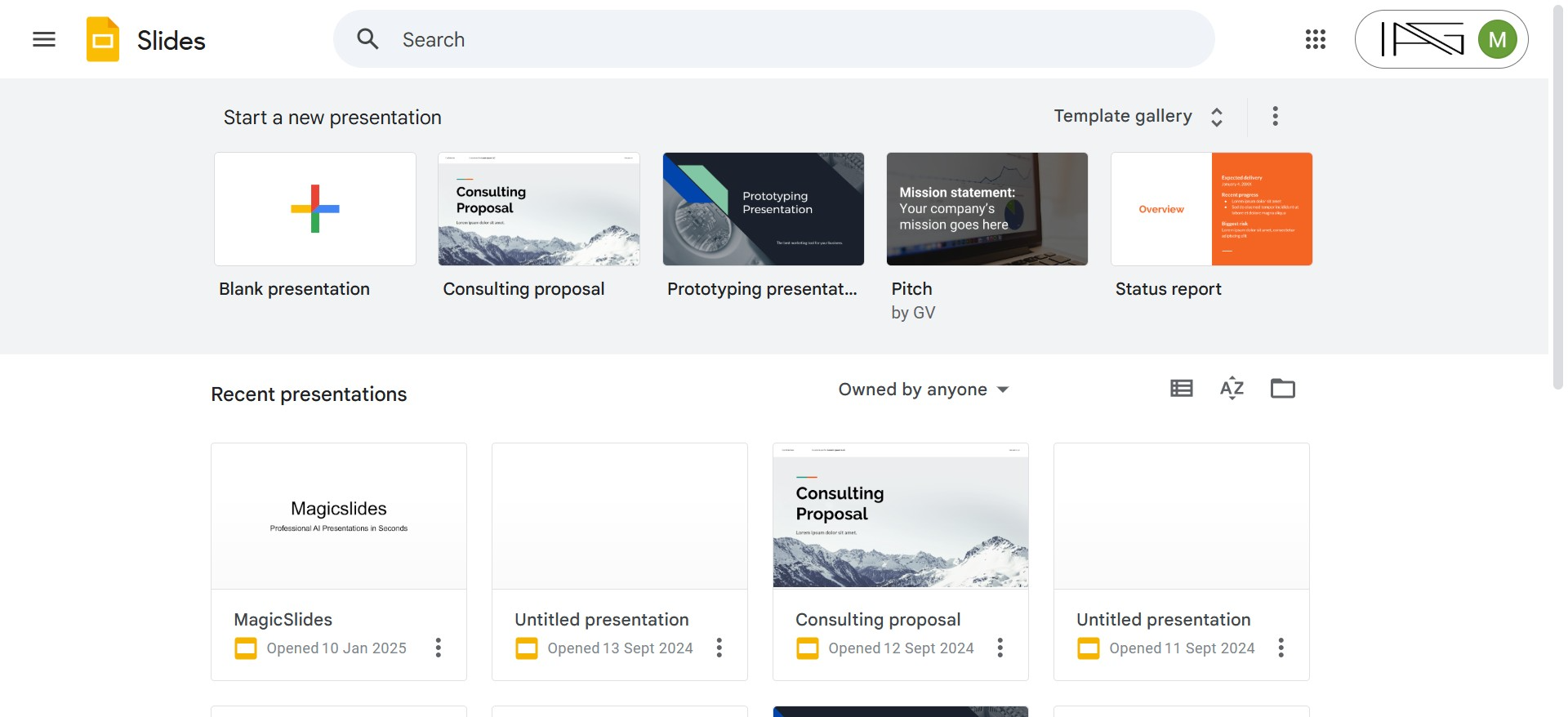
- Free and easy to collaborate with others.
- Limited design templates compared to other tools.
Canva
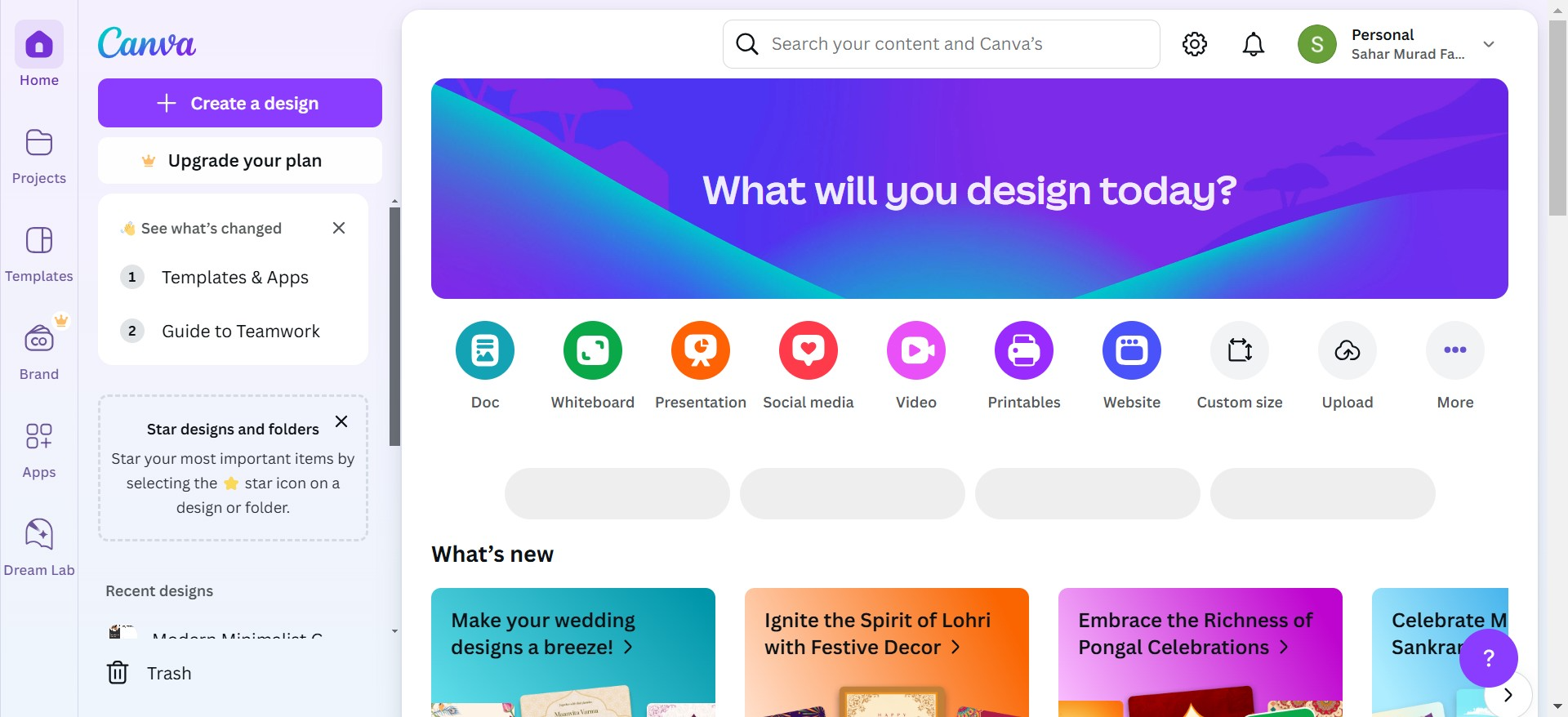
- Known for its aesthetic templates.
- Better suited for static visuals rather than dynamic presentations.
Prezi
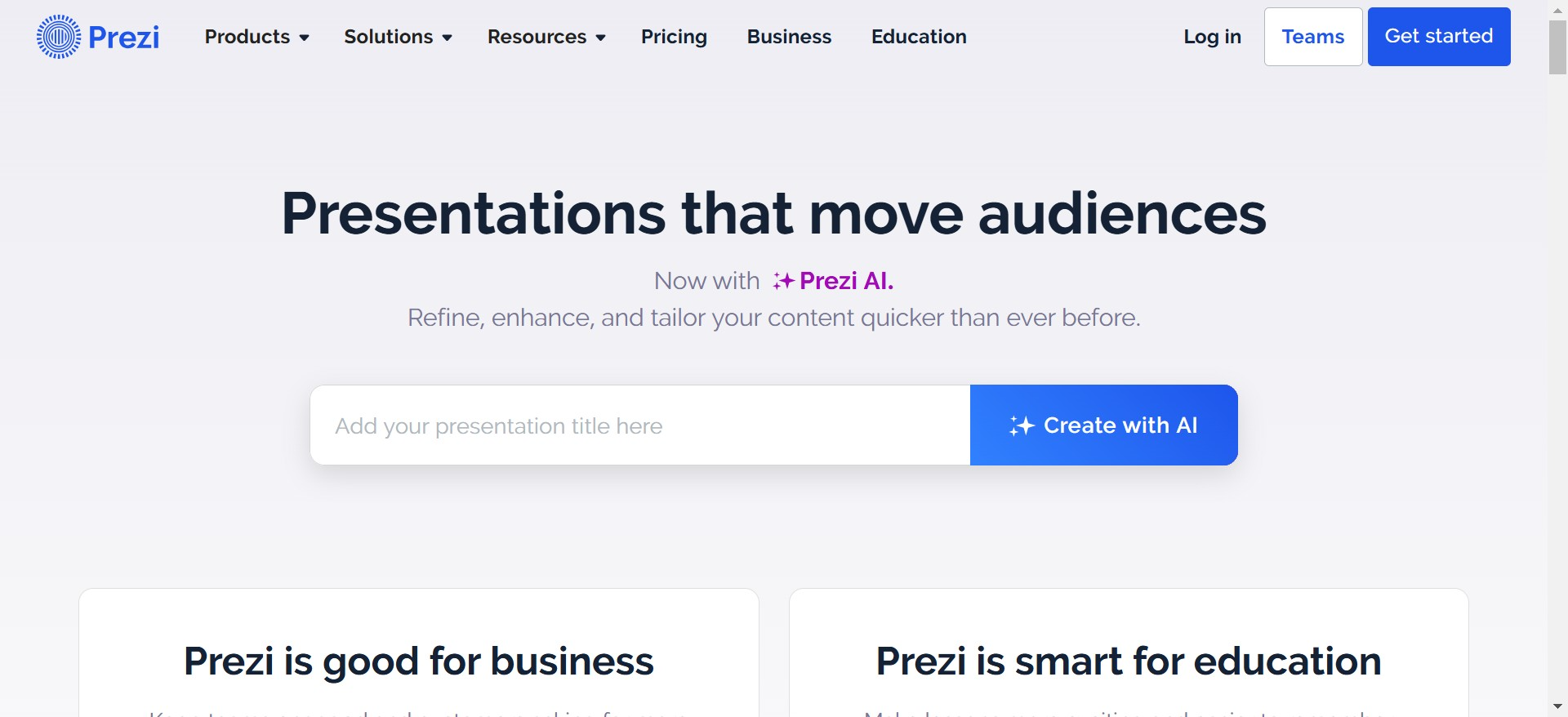
- Offers creative and dynamic slide transitions.
- Steeper learning curve and requires time to create a polished presentation.
While these tools are effective in their own ways, Magicslides.app is a game-changer in the presentation creation process. It automates the slide generation process, saving you time and effort without compromising on quality.
What Makes Magicslides.app the Best Presentation Generator?
Magicslides.app is an innovative presentation tool that takes the stress out of creating slides. Instead of spending hours formatting, designing, and organizing your ideas, you can let Magicslides.app do the heavy lifting.
Key Benefits of Magicslides.app:
- Time-Saving: Create a professional presentation in minutes.
- AI-Powered: Automatically generates content and designs based on your input.
- Customization: Choose themes, styles, and the number of slides to fit your preferences.
- User-Friendly: No design skills are required; anyone can use it!
If you’re asking, what tool is the best for presentation tool, Magicslides.app is undoubtedly the answer. It combines cutting-edge technology with simplicity to deliver exceptional results every time.
Step-by-Step Guide: How to Use Magicslides.app
Using Magicslides.app is incredibly simple. Here’s how you can generate a presentation in just a few clicks:
Step 1: Visit Magicslides.app
Head over to the Magicslides.app website to get started. The clean interface ensures a smooth experience for all users.
Step 2: Enter Your Topic
On the homepage, you’ll find a field where you can enter your topic or subject. For example, “Marketing Strategies for 2025” or “Benefits of Remote Work.”
Step 3: Click ‘Generate Instant PPT’
Once you’ve entered your topic, click on the button to generate your presentation instantly. The app’s AI engine will begin crafting a tailored presentation for you.
Step 4: Select Slide Theme and Number of Slides
Choose a design theme that matches your needs—whether it’s professional, creative, or modern. You can also decide how many slides you want based on the depth of your content.
Step 5: Click ‘Generate’
Hit the ‘Generate’ button, and Magicslides.app will create your presentation in seconds.
Step 6: Download Your PPT
Your presentation is now ready! Download it as a PowerPoint file and make any final adjustments if needed. It’s that simple!
Why Choose Magicslides.app Over Other Tools?
- Speed and Efficiency: While traditional tools require hours of effort, Magicslides.app does the work in minutes.
- No Design Skills Needed: Perfect for people who don’t have the time or expertise to create visually stunning slides.
- Customizable Themes: Unlike other tools, you have control over the look and feel of your presentation.
- Versatility: Whether it’s for work, education, or personal use, Magicslides.app is adaptable to all purposes.
Conclusion
When it comes to deciding what tool is the best for presentation tool, Magicslides.app emerges as the clear winner. It combines cutting-edge AI technology, ease of use, and customization options to create flawless presentations in minutes. No more struggling with design or wasting time on slide formatting—Magicslides.app has you covered.
So, the next time you need to create a presentation, skip the hassle and head straight to Magicslides.app. Try it today and experience the future of presentation-making!


