How to duplicate a shape in Microsoft PowerPoint in 3 clicks


duplicating a shape in PowerPoint helps us save time by not recreating the entire steps.
Duplicating shapes in PowerPoint is a handy feature that allows you to create consistent and visually appealing designs quickly. Whether you're creating multiple icons, designing repetitive elements, or ensuring uniformity across your slides, the ability to duplicate shapes can save you time and effort.
In this blog post, we'll answer some common questions about duplicating shapes in PowerPoint and provide tips to help you use this feature effectively.
How to duplicate a shape in Microsoft PowerPoint in 3 clicks
Step 1: Insert or Select the Shape:
- Open your PowerPoint presentation.
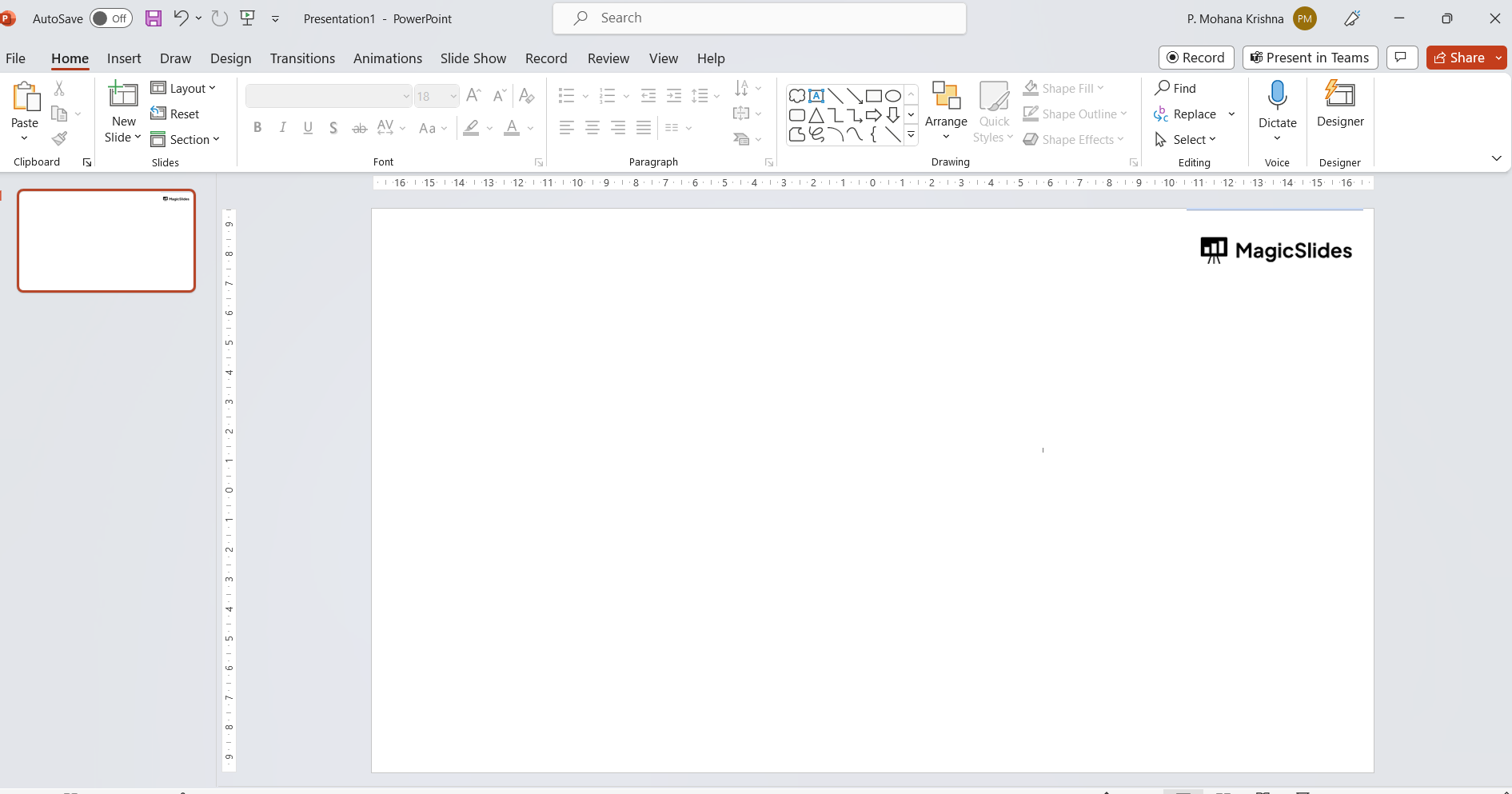
- Either insert a new shape or select an existing shape that you want to duplicate.
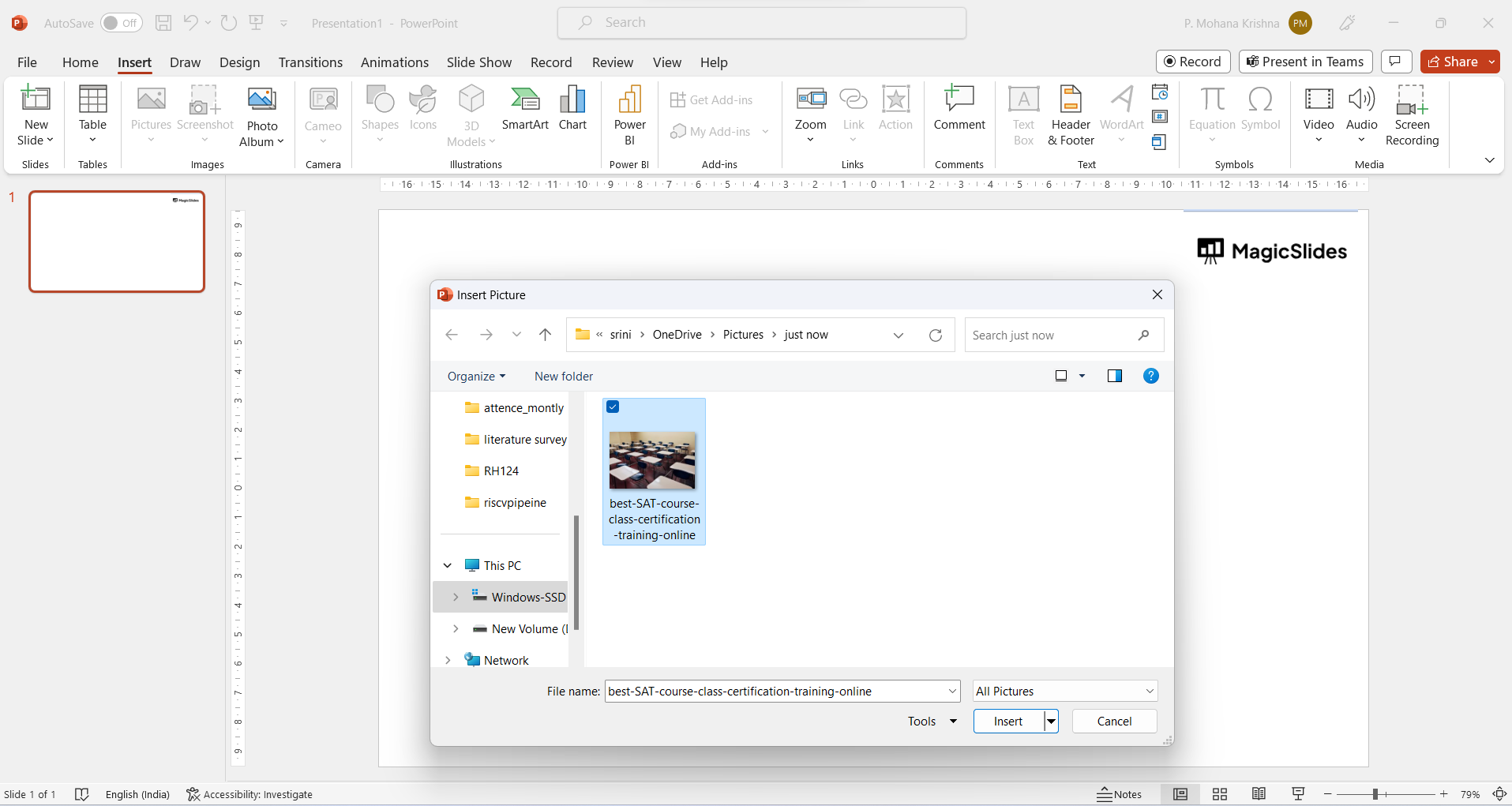
Step 2: Select the Shape:
- Click on the shape to select it. You'll see handles (small squares) around the shape's perimeter.
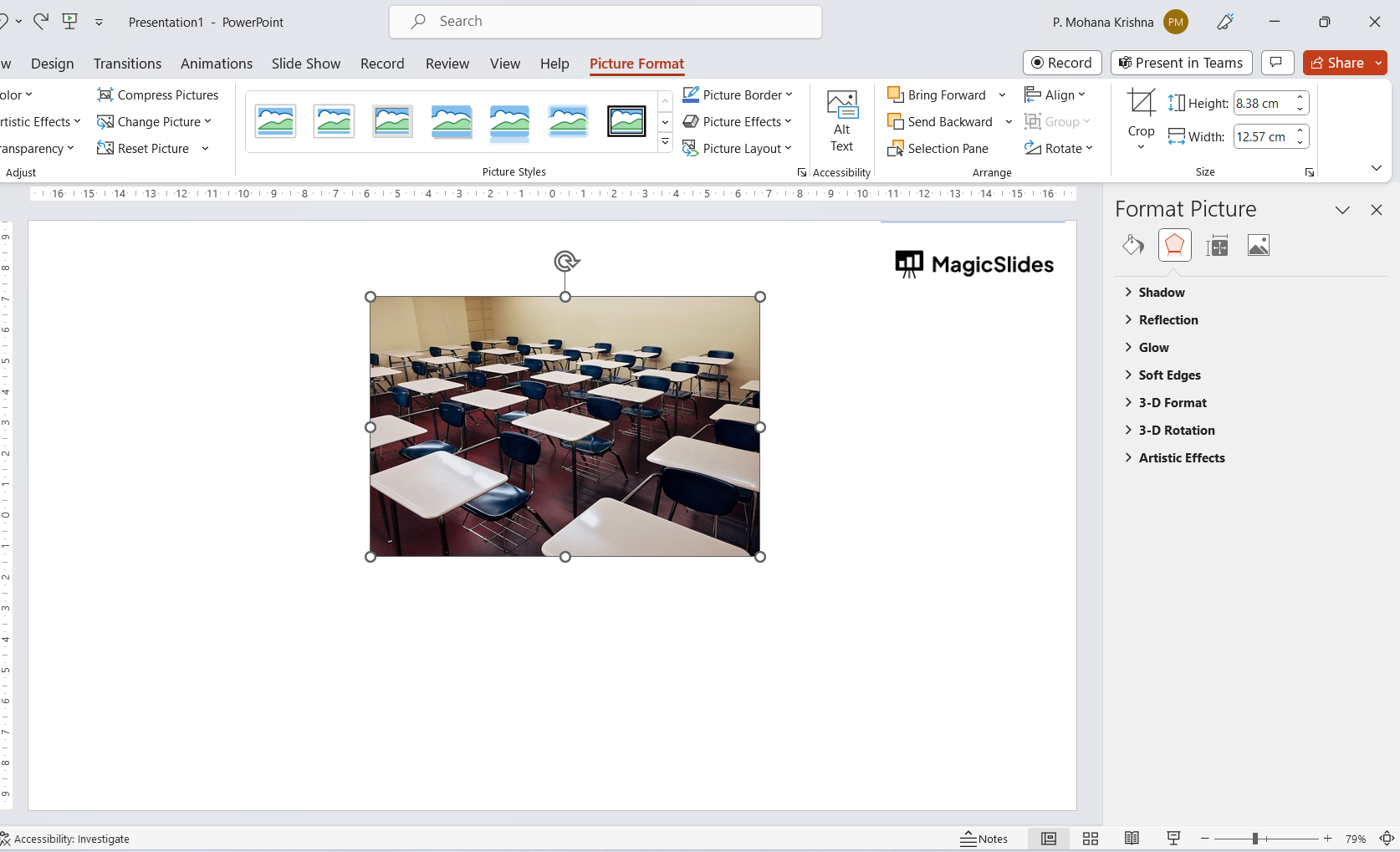
Step 3: Duplicate the Shape:
There are a couple of ways to duplicate the shape:
Keyboard Shortcut:
- Press
Ctrl+D(Windows) orCommand+D(Mac) on your keyboard. This shortcut will instantly duplicate the selected shape.
b. Right-Click Menu:
- Right-click on the selected shape.
- In the context menu that appears, select "Duplicate." This will create a duplicate of the shape right next to the original.
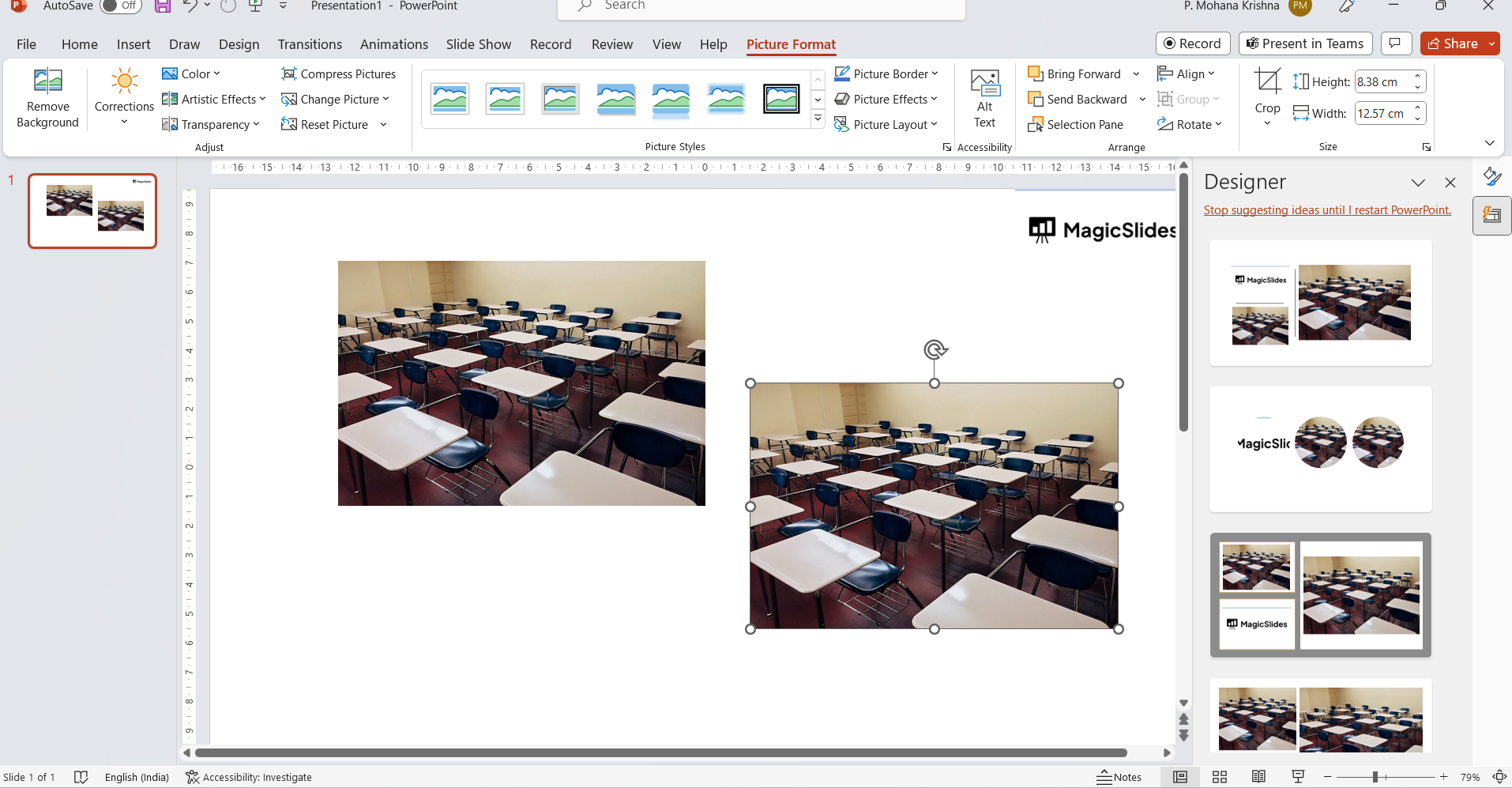
Step 4: Adjust the Duplicate Shape:
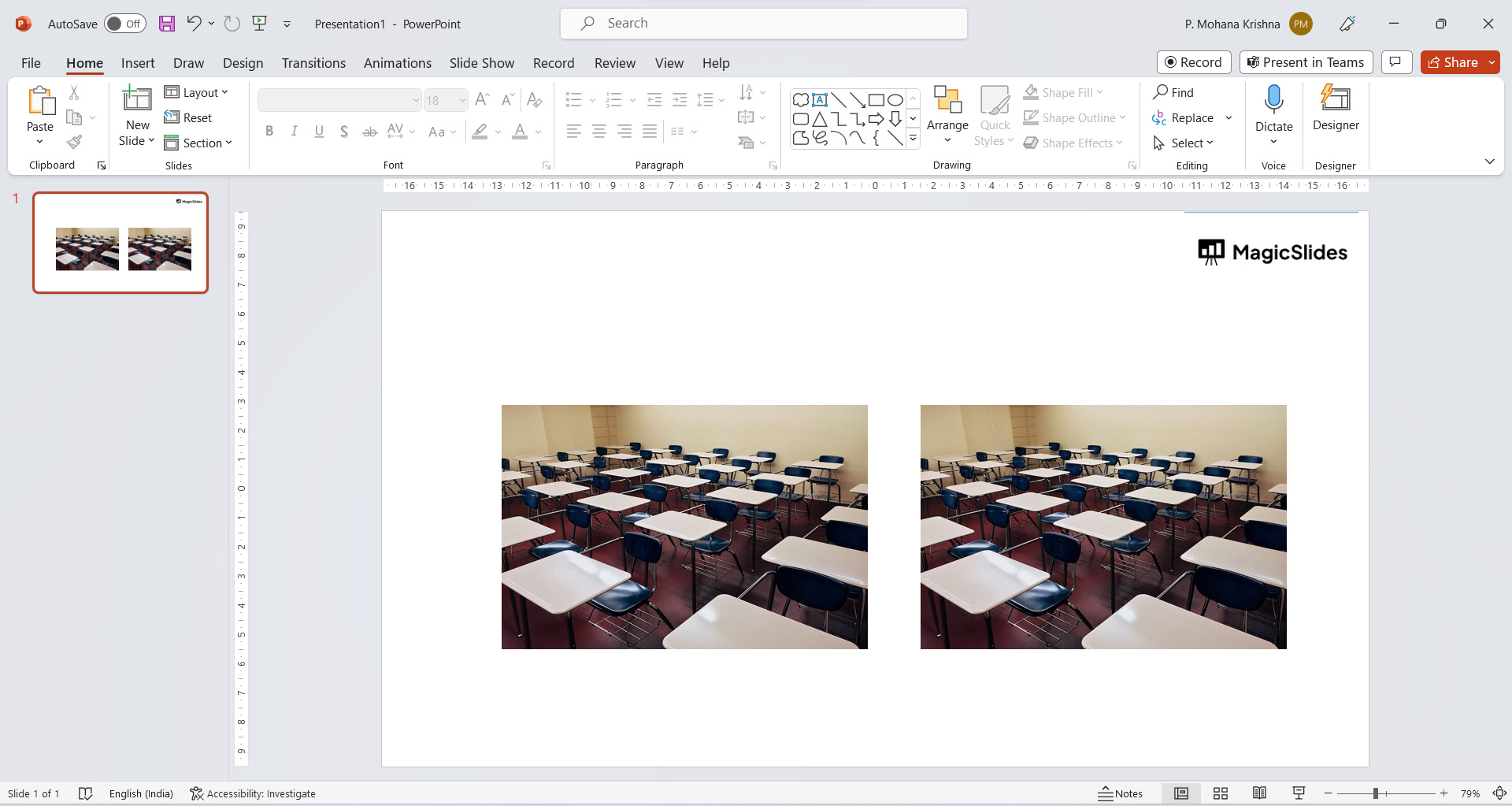
- After duplicating the shape, you'll likely see the duplicate immediately next to the original. If necessary, you can click and drag the duplicate shape to reposition it.
Step 5: Now you can save your Changes:
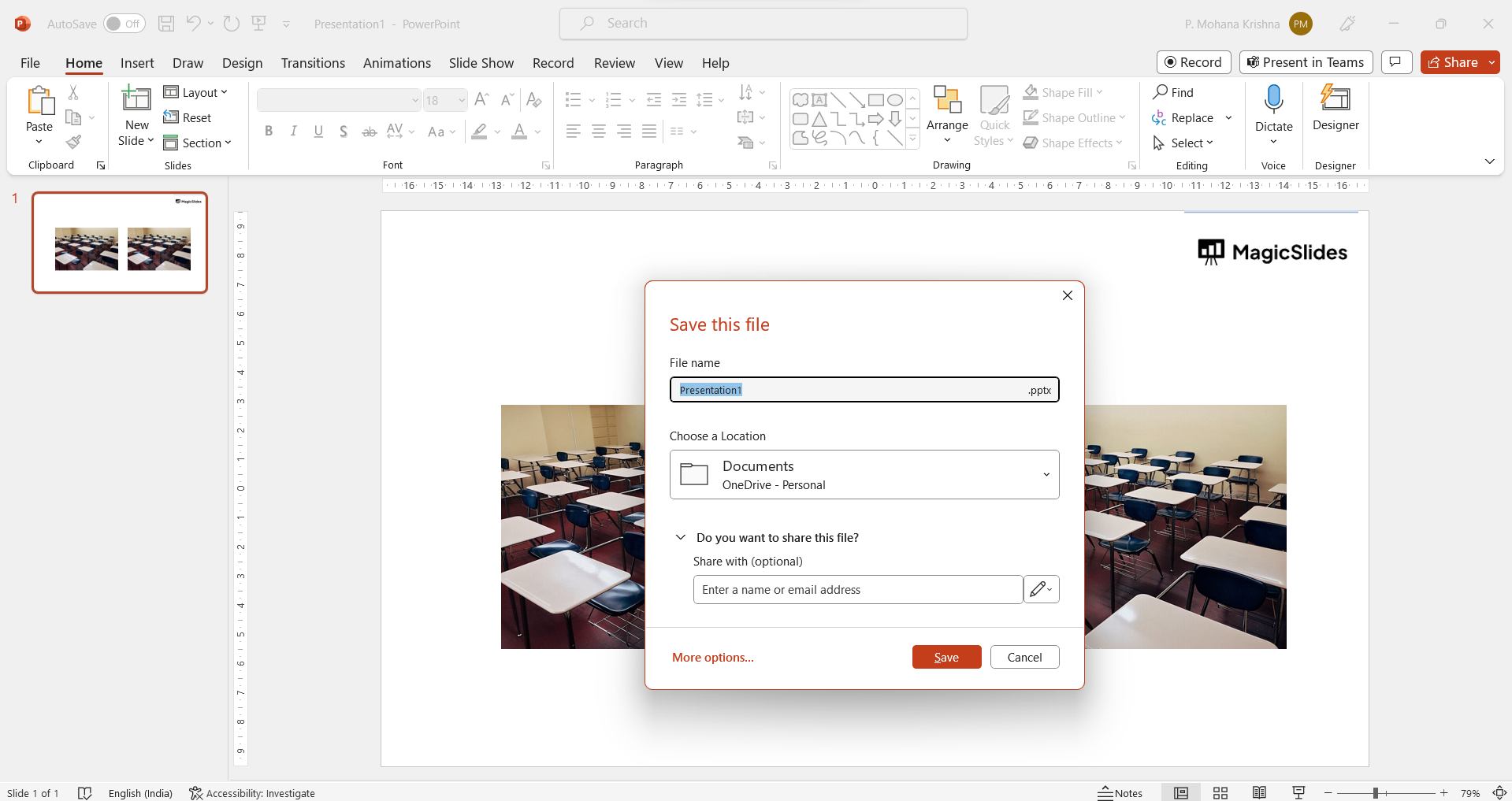
- After duplicating the shape, make sure to save your PowerPoint presentation to retain the changes you've made.
Conclusion:
By duplicating shapes, you can easily create consistent designs and layouts throughout your presentation. The specific steps might vary slightly depending on the version of PowerPoint you're using, but these general methods should work in most versions.
Duplicating a shape after flipping gives you the flexibility to make more creative presentations, know how to do it with a simple trick from here
Frequently Asked Questions:
How do I duplicate a shape in PowerPoint?
To duplicate a shape in PowerPoint, select the shape you want to duplicate, then press Ctrl+D on your keyboard (Windows) or Command+D (Mac).
This will create an identical copy of the shape, which you can then move or modify as needed.
Can I duplicate multiple shapes at once?
Yes, you can duplicate multiple shapes simultaneously. First, select all the shapes you want to duplicate by holding down the Shift key and clicking each shape. Once all shapes are selected, press Ctrl+D (Windows) or Command+D (Mac) to duplicate them.
The duplicates will appear slightly offset from the original shapes.
How can I ensure the duplicated shapes are perfectly aligned?
To ensure your duplicated shapes are perfectly aligned, use the "Align" options in the "Format" tab. After duplicating your shapes, select all of them, go to the "Format" tab, click on "Align," and choose the desired alignment option (e.g., Align Left, Align Center, Distribute Horizontally).


