How to Cite a PowerPoint in MLA


Learn how to correctly cite a PowerPoint presentation in MLA format with these simple steps
How to Cite a PowerPoint in MLA
Citing a PowerPoint presentation in MLA format can be crucial when referencing sources or presenting information in academic or professional settings.
This citation allows others to trace the source of your information. Follow this simple step-by-step guide to correctly cite a PowerPoint presentation in MLA style.
Step-by-Step Guide to Citing a PowerPoint in MLA
Step 1: Start with the Author's Name
Begin with the name of the author of the PowerPoint presentation.
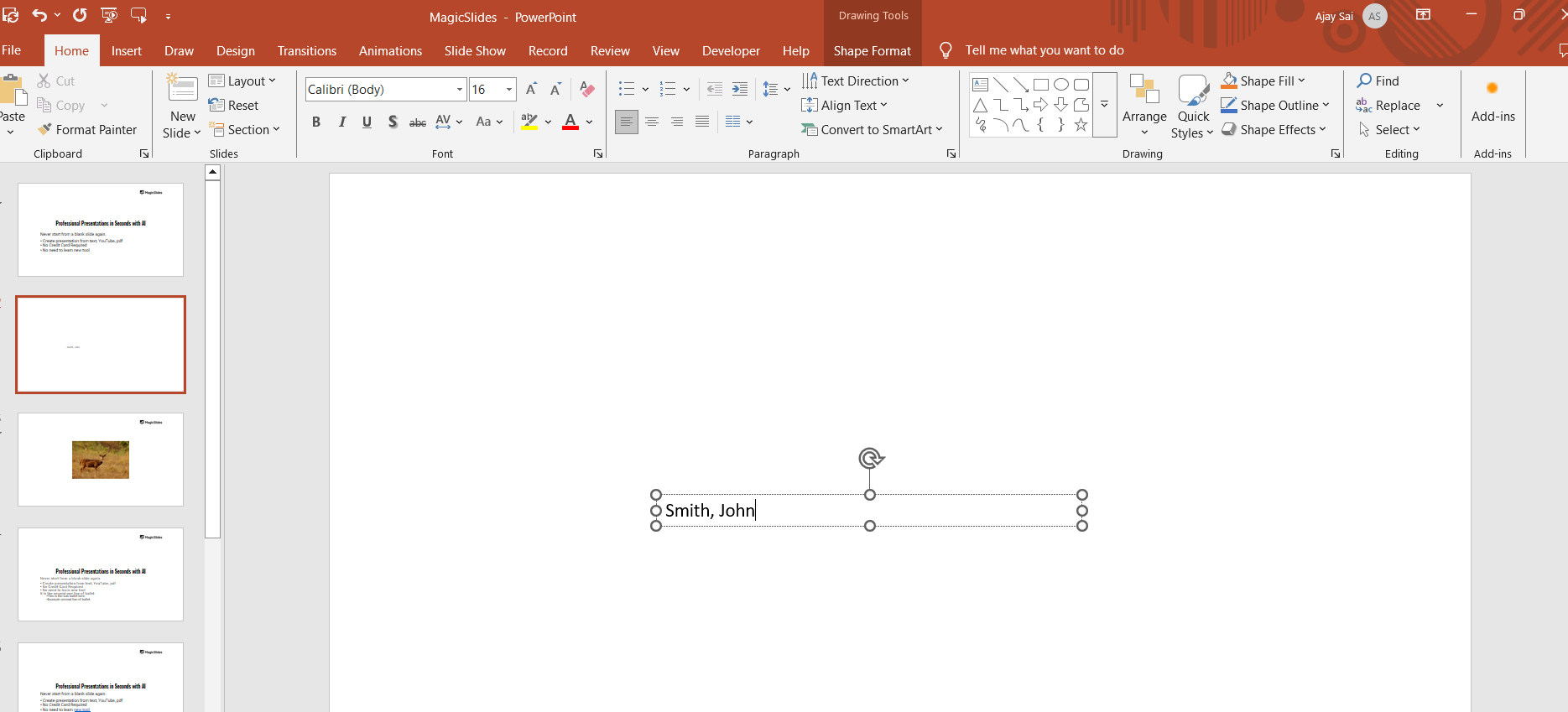
List the author's last name, followed by a comma and the first name.
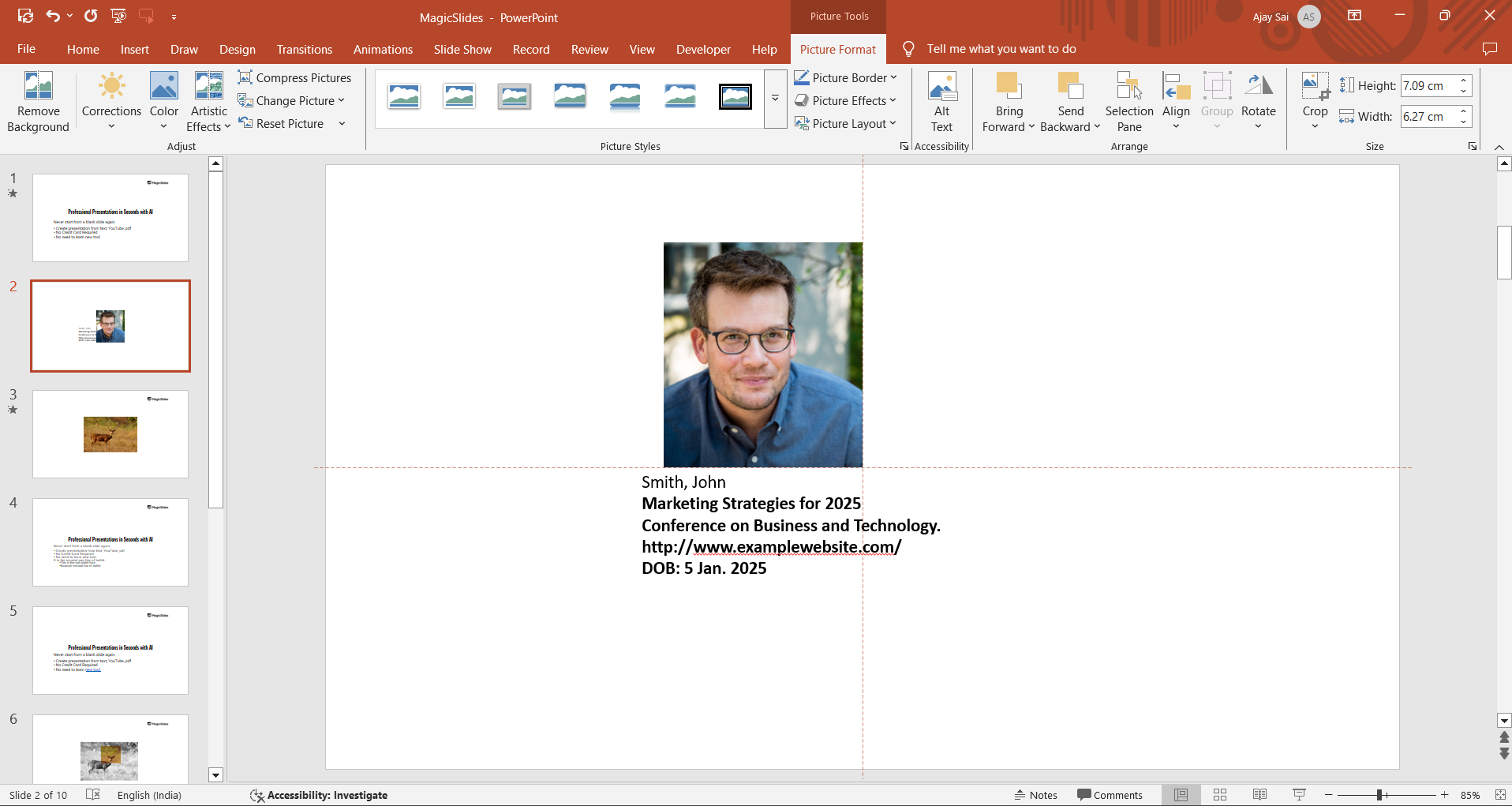
- Example: Smith, John
Step 2: Include the Title of the Presentation
After the author's name, italicize the title of the presentation.
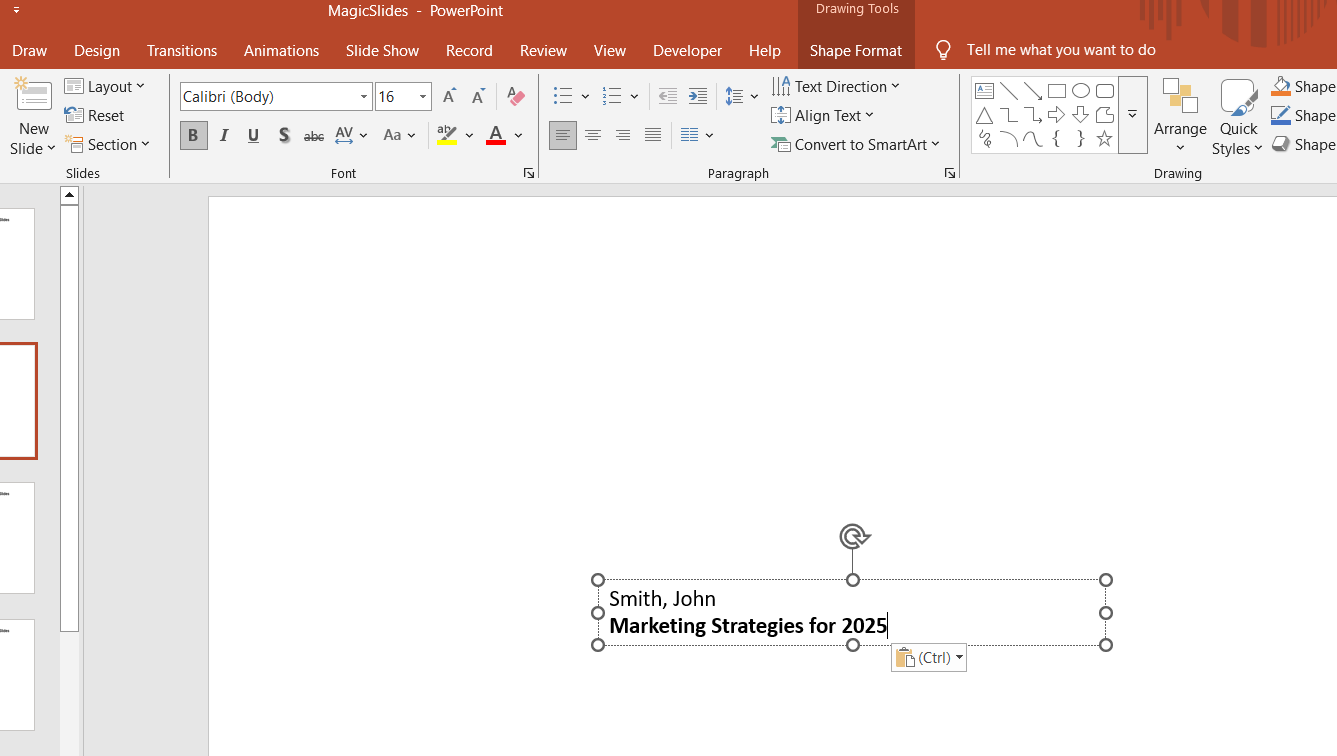
If the presentation title is not italicized, place it in quotation marks.
- Example: "Marketing Strategies for 2025."
Step 3: Add the Title of the Website or Conference
If the PowerPoint was presented online or as part of a conference, include the title of the website or event.
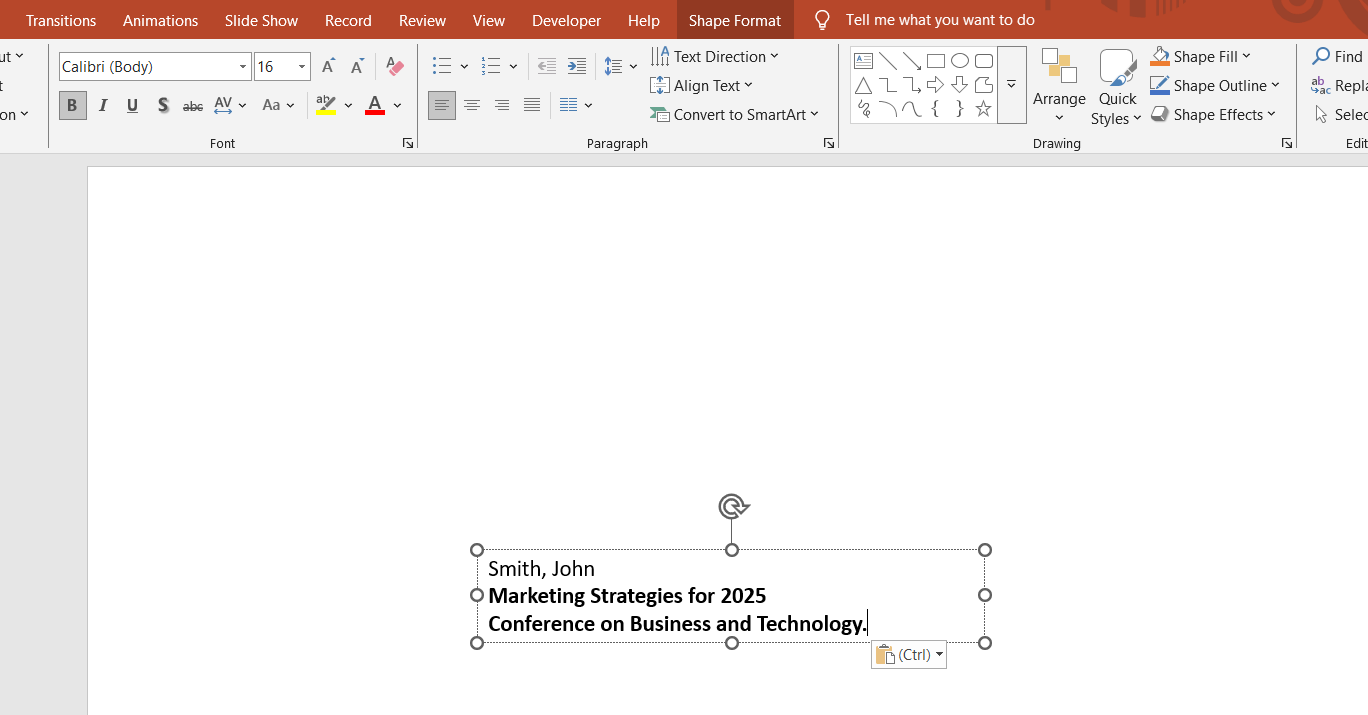
Italicize the event or website name and use proper capitalization.
- Example: Conference on Business and Technology.
Step 4: Include Other Citation Details
If the PowerPoint was retrieved from an online platform, provide the website name in italics.
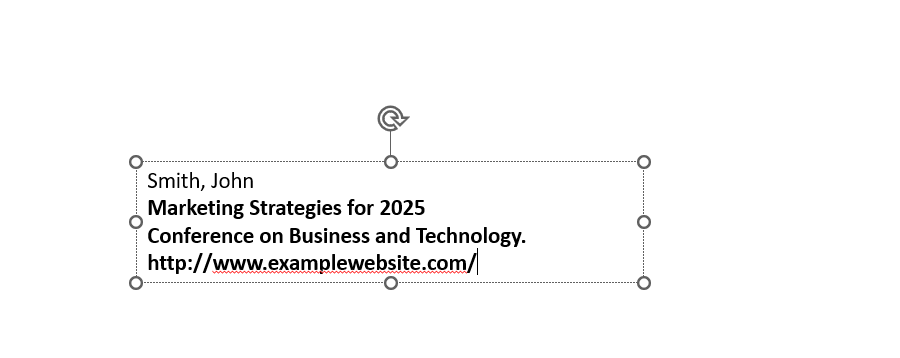
Include the URL (or DOI, if applicable), but exclude the “http://” or “https://” prefix.
- Example: www.examplewebsite.com.
Step 5: Add the Date of Publication
Include the date the presentation was created or published.
Write the date in Day Month Year format.
- Example: 5 Jan. 2025.
Step 6: Mention the Format
To indicate that it is a PowerPoint presentation, add the format (e.g., PowerPoint presentation).
Write this after the date, ending with a period.
- Example: PowerPoint presentation.
Sample Citation in MLA Format
Smith, John. "Marketing Strategies for 2025." Conference on Business and Technology, 5 Jan. 2025. www.examplewebsite.com. PowerPoint presentation.
Citing a PowerPoint correctly is essential for academic work, but if you need to create a professional presentation effortlessly, try MagicSlides.app. With AI-powered slide generation, you can focus on content while MagicSlides handles the design!
Conclusion
Citing a PowerPoint presentation in MLA format involves acknowledging the author, title, source, date, and format.
Whether you are referencing online resources or presentations given at conferences, this structured approach helps ensure your work adheres to MLA standards and maintains academic integrity.
FAQs About Citing a PowerPoint in MLA
Can I cite a PowerPoint presentation from my own class?
Yes, if you are referencing your own class presentation, the citation format remains the same. Just adjust the details to match your presentation.
How do I cite a PowerPoint if there’s no author?
If no author is given, start with the title of the presentation followed by the event or website name.
Can I cite a PowerPoint in MLA without a URL?
If the PowerPoint is not available online and is instead part of an event, citing the URL is not necessary. Include other available details instead.
By following these steps, you can easily cite any PowerPoint presentation according to MLA format, ensuring clarity and proper attribution.


