How to convert educational videos to PPT for more engaging presentations.


Transform dull lectures into captivating presentations convert YouTube educational videos to dynamic PowerPoint with these steps.
In the realm of education, transforming video content into dynamic presentations is a game-changer. This step-by-step guide demonstrates a straightforward approach using Google Slides and MagicSlides to convert YouTube educational videos into captivating PowerPoint presentations.
How to convert educational videos to PPT for more engaging presentations.
Visit Google Slides:
Begin your journey at slides.google.com, Google's versatile platform for creating and sharing presentations.
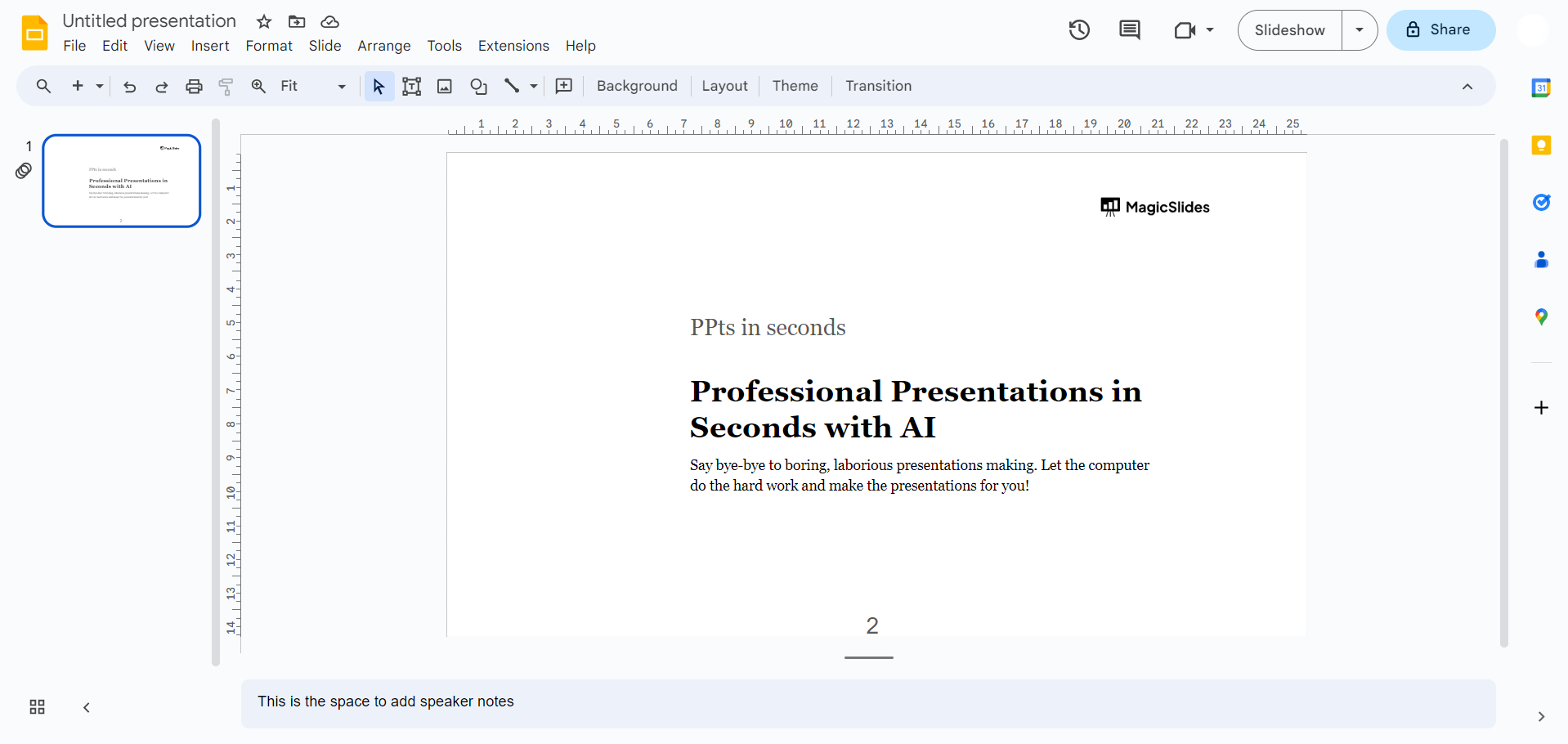
Sign In with Google:
Ensure a seamless experience by signing in with your Google account. This not only grants access to Google Slides but also ensures your work is saved effortlessly.
case a: Open MagicSlides Extension (If Already Downloaded):
If you're already equipped with MagicSlides, open it directly from the extensions tab in Google Slides. This extension is the key to the magical transformation of video content.
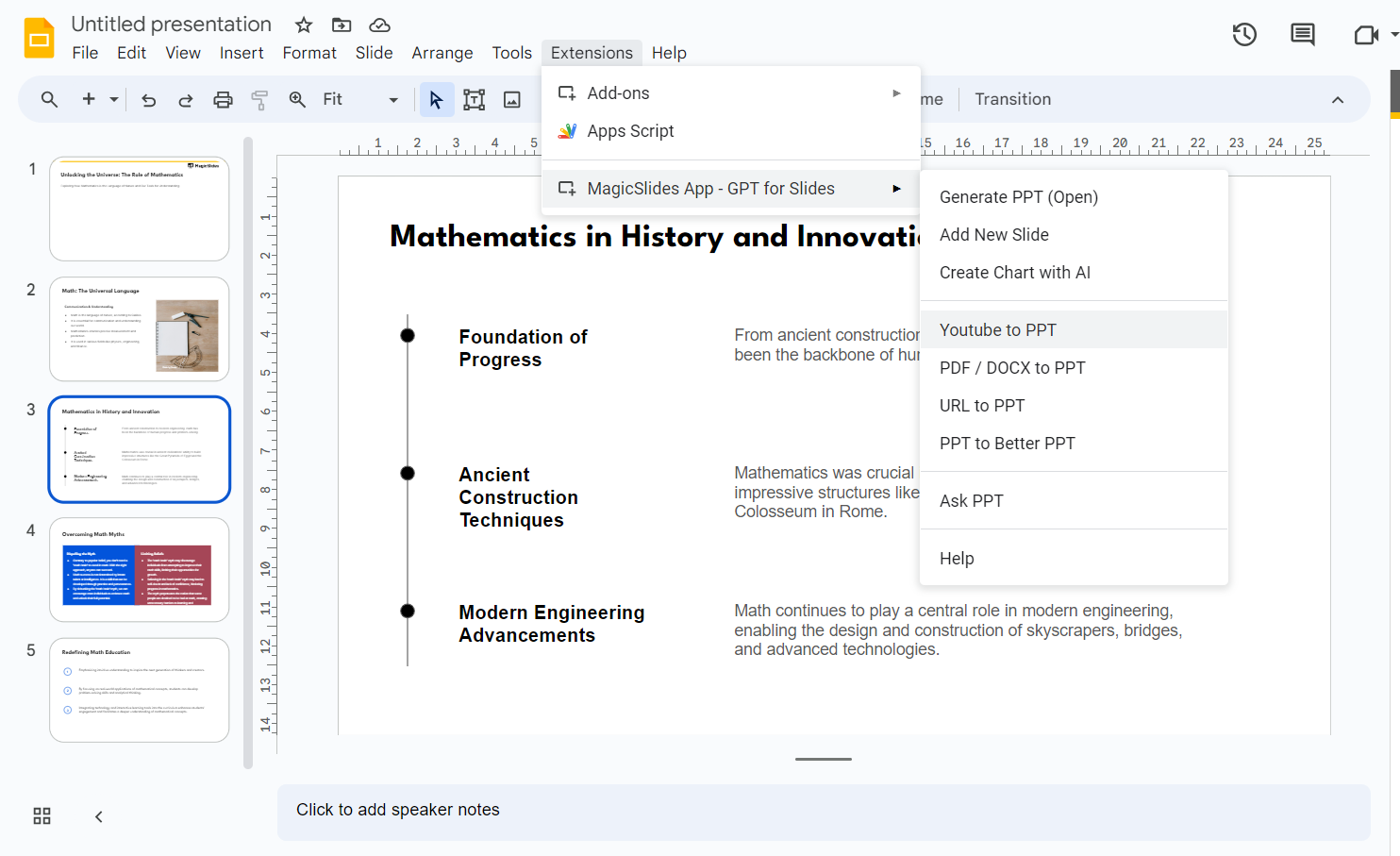
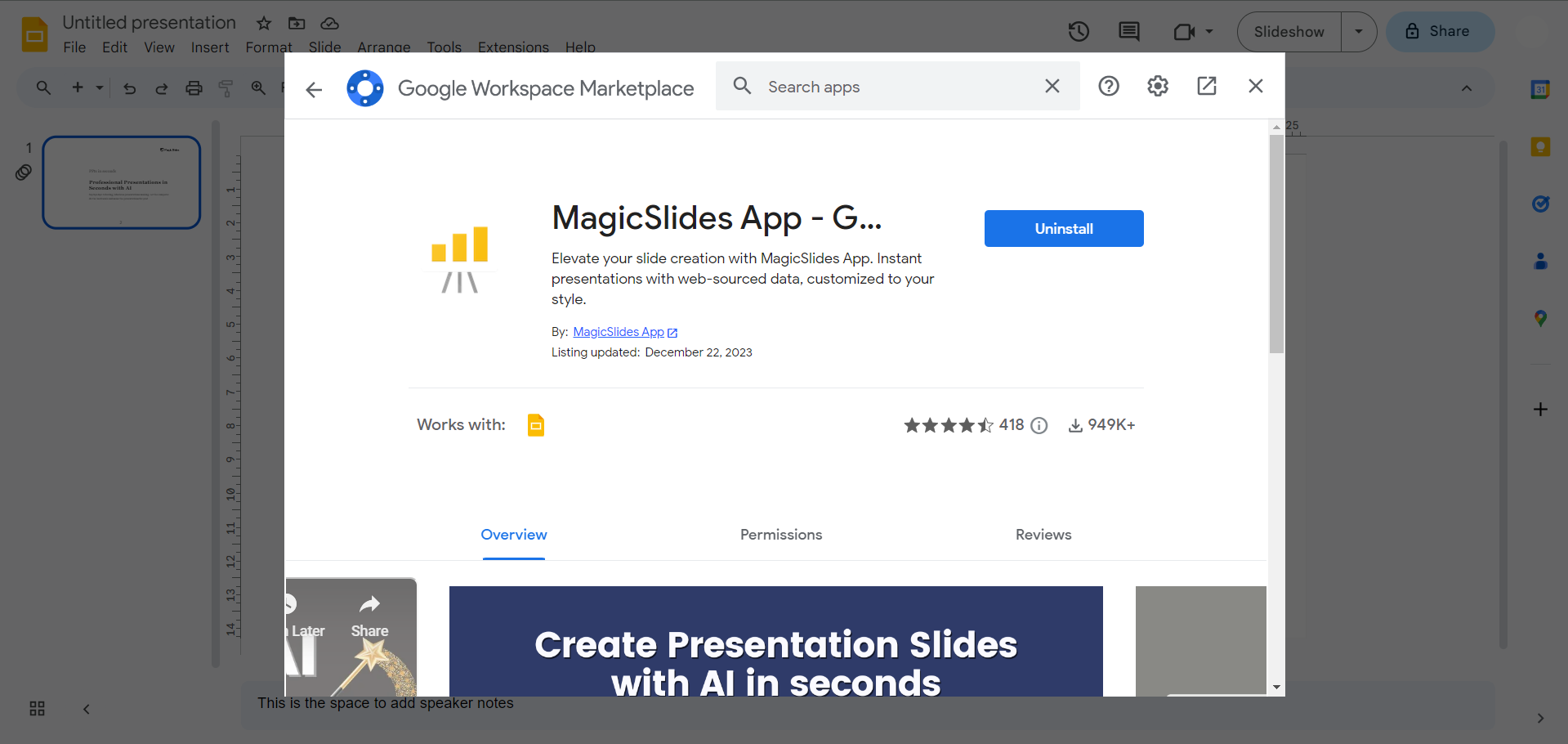
case b: Download MagicSlides Extension (If Not Downloaded):
For those new to MagicSlides, access the extensions marketplace within Google Slides. Search for "magicslides.app" and download this transformative extension to enhance your Google Slides experience.
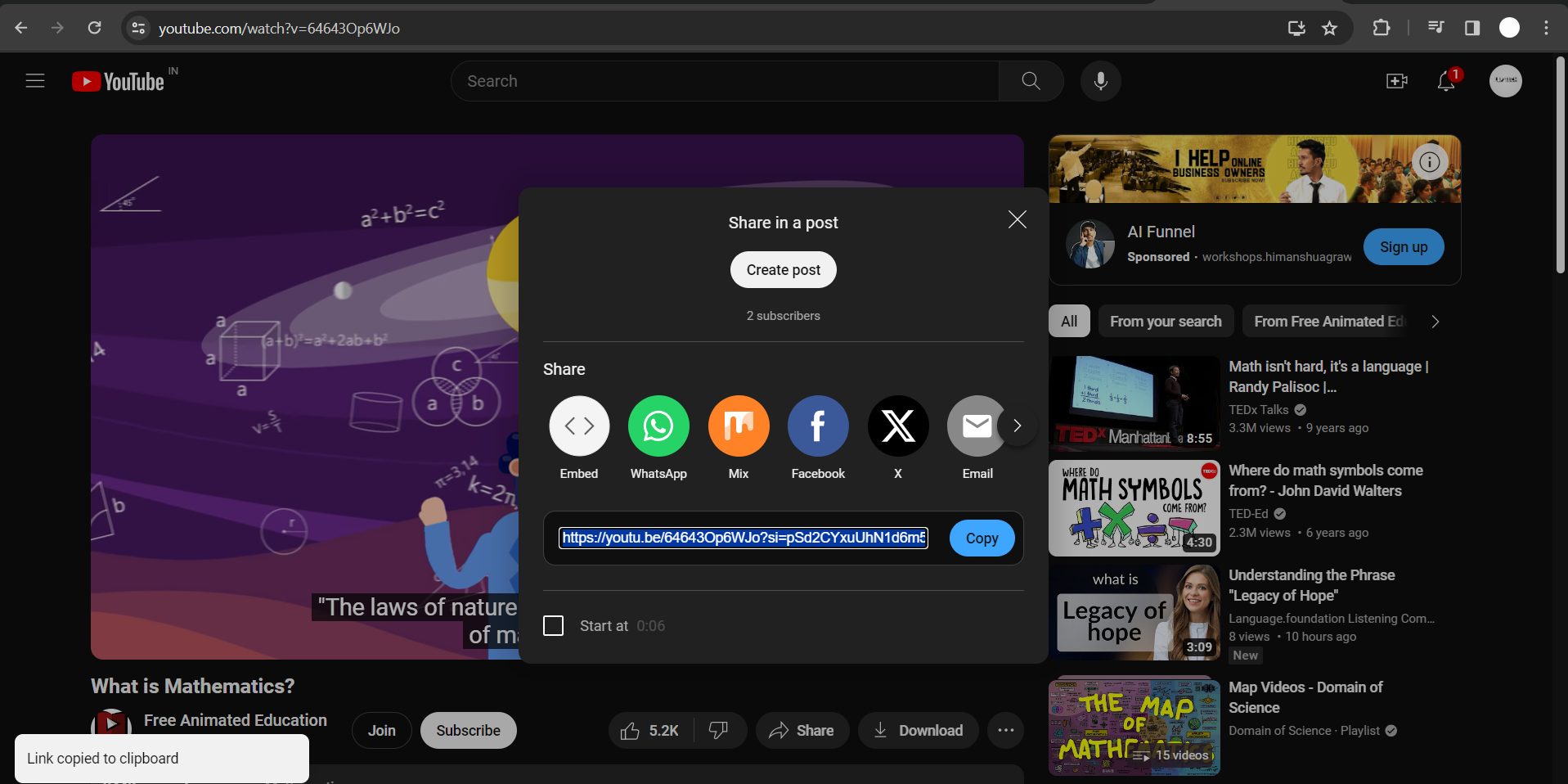
Copy YouTube Video URL:
Select an educational video from YouTube that you wish to convert. Copy the URL from the browser's address bar.
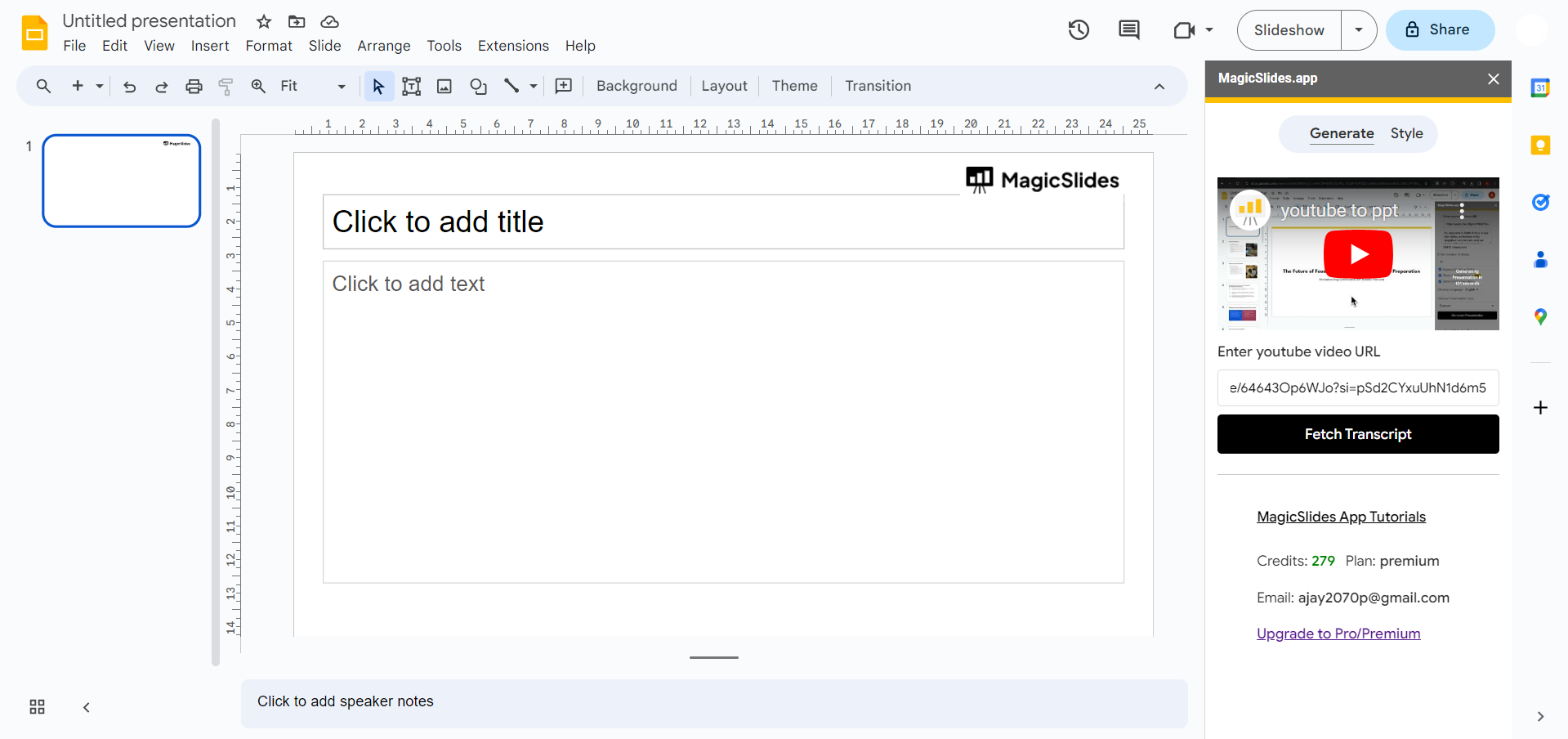
Enter Video URL in MagicSlides:
Return to Google Slides, specifically the MagicSlides extension. Paste the YouTube video URL into the designated field. This step establishes the connection for MagicSlides to work its magic.
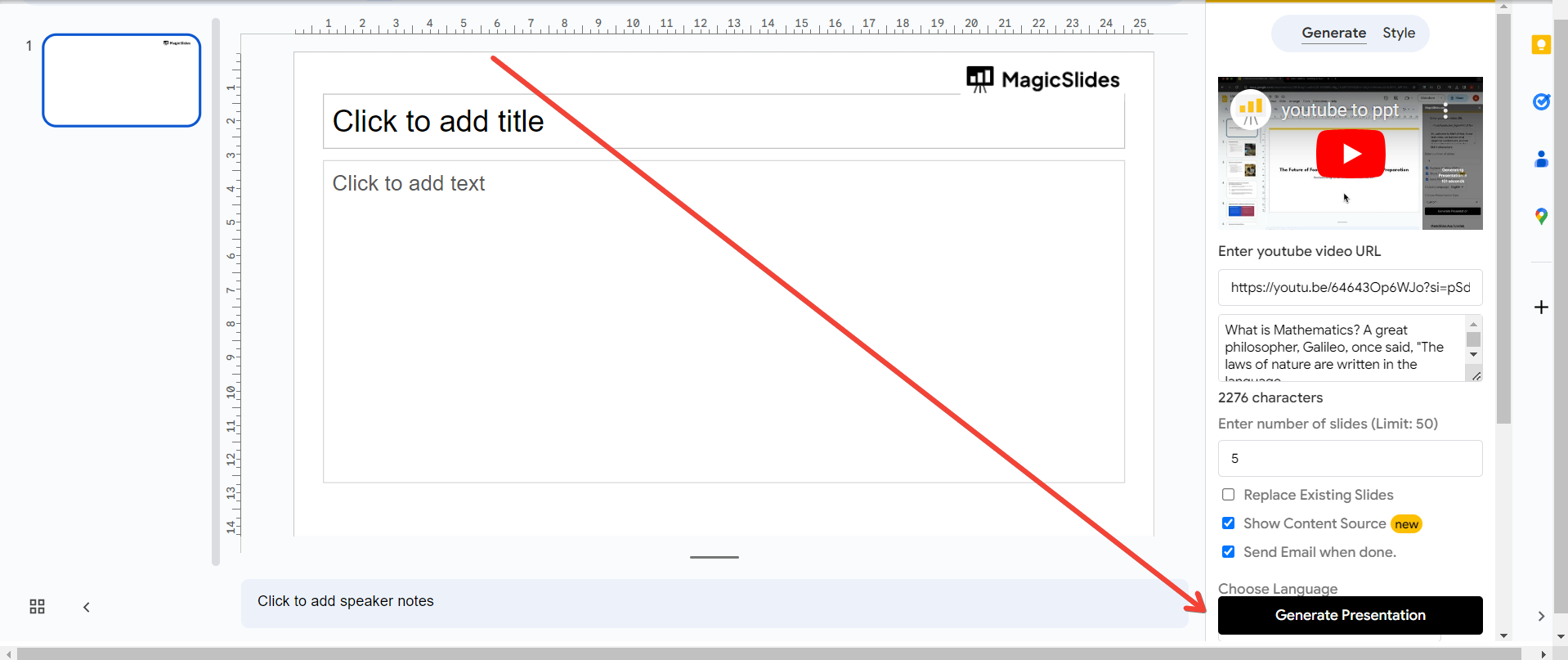
Click "Generate Presentation":
The moment of transformation has arrived. Click on the "Generate Presentation" button, signaling MagicSlides to process the video content and weave it into a cohesive PowerPoint presentation.
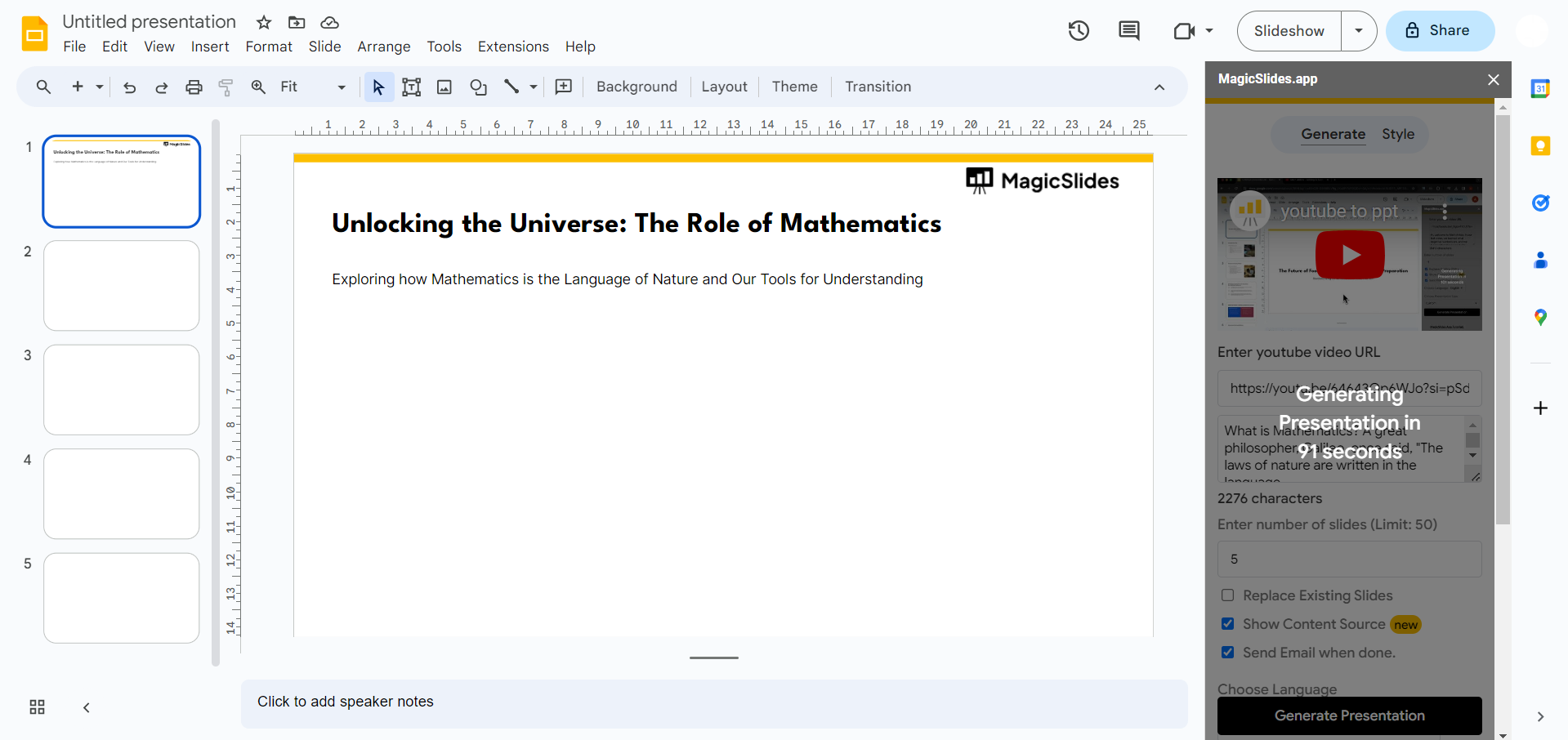
Your Presentation is Ready:
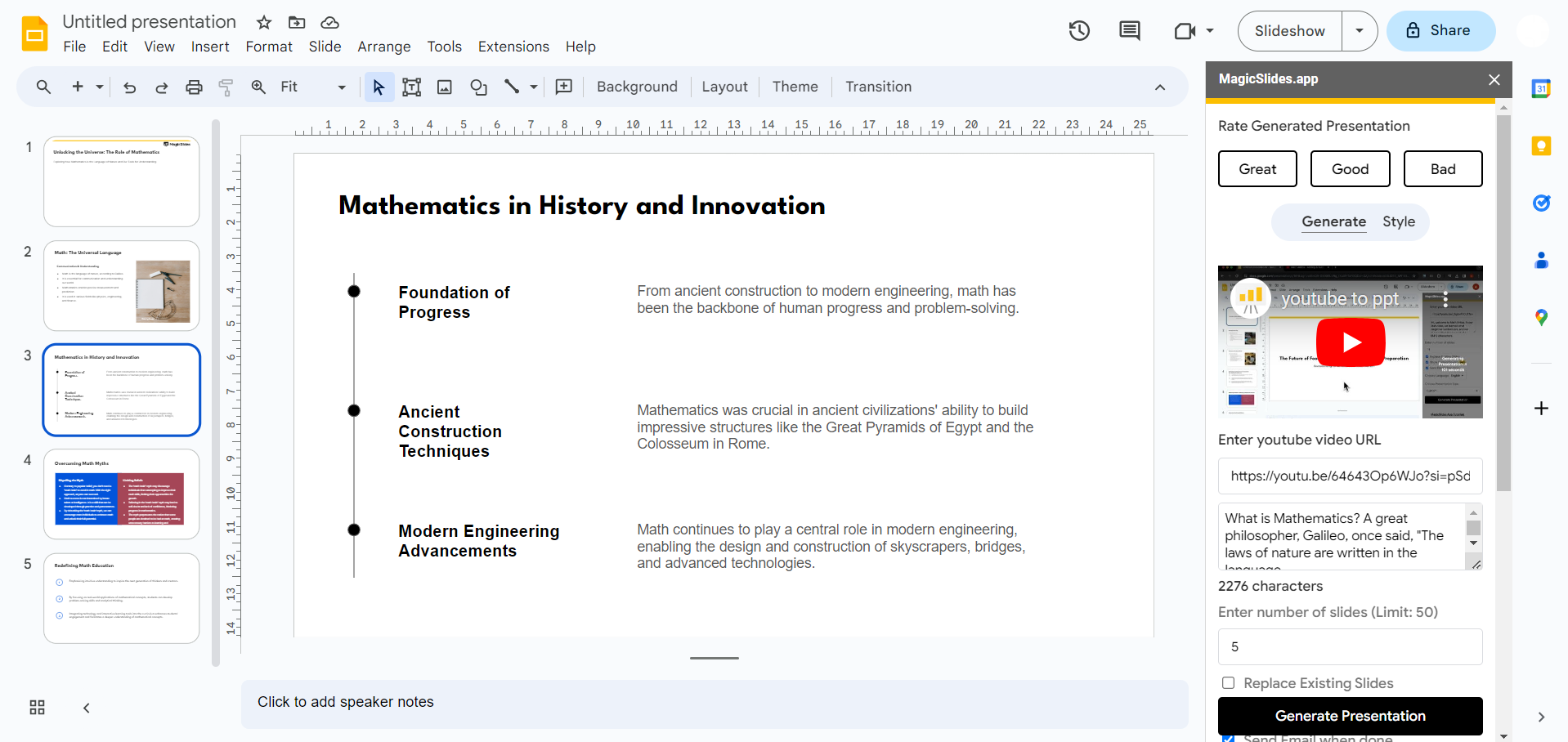
Witness the magic unfold! Your chosen YouTube educational video is now encapsulated in a well-organized PowerPoint presentation. Navigate through the slides, add personal touches, and customize as needed to enhance the learning experience.
Conclusion:
Empower your educational presentations with this streamlined method of converting videos into engaging PowerPoint slides. Whether you're a teacher aiming for more interactive lessons or a learner seeking to grasp complex topics, this approach, combined with MagicSlides, adds a layer of dynamism to your educational journey. Incorporate these steps into your routine to create impactful and engaging presentations effortlessly.
Frequently Asked Questions:
Can I Use MagicSlides for Videos Other Than YouTube?
Ans: As of now, MagicSlides primarily supports YouTube videos for seamless conversion into PowerPoint presentations.
Does MagicSlides Retain Video Features in the Presentation?
Ans: No, MagicSlides extracts key content and structure. For video features, consider using a video player during presentations.
Can I Share the Converted Presentation with Others?
Ans: Absolutely! Share the presentation link, and recipients can access the transformed content directly through Google Slides.
Have a look @these informative blogs by us:
- How To Create PPTs For Seminar Topics From Website URL: https://www.magicslides.app/blog/how-to-create-ppts-for-seminar-topics-from-website-url
- How To Convert A Research Paper PDF To PowerPoint Slides?: https://www.magicslides.app/blog/how-to-convert-a-research-paper-pdf-to-powerpoint-slides
- How To Remove An App From Slack: https://www.magicslides.app/blog/how-to-remove-an-app-from-slack
- How To Convert Blog Post To Presentations: https://www.magicslides.app/blog/how-to-convert-blog-post-to-presentations


