How to create PPT from Wikipedia URL


Revolutionize presentations effortlessly unlock MagicSlides.app to transform Wikipedia URLs into dynamic, plagiarism-free PowerPoint masterpieces.
In the dynamic realm of presentation design, a new tool has emerged to revolutionize the way we create PowerPoint presentations from Wikipedia content. MagicSlides.app, a Google Slides extension, offers a seamless and efficient solution. Follow these step-by-step instructions to harness the power of MagicSlides.app and effortlessly convert Wikipedia URLs into engaging and plagiarism-free PowerPoint presentations.
How to create PPT from Wikipedia URL
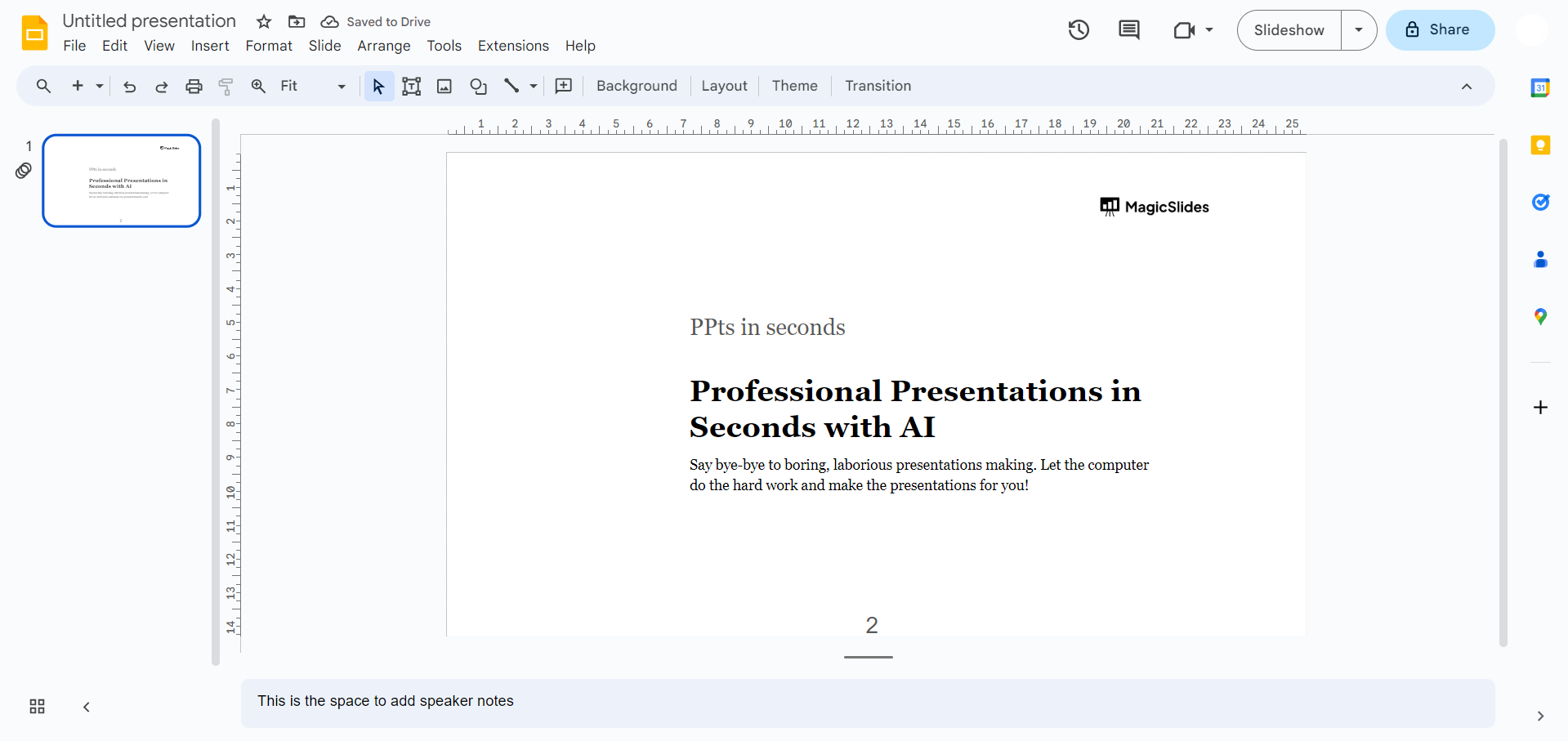
Step 1: Visit Google Slides (slides.google.com)
Begin your journey by navigating to Google Slides, the canvas where your dynamic presentations will come to life.
Step 2: Sign in with Google
Ensure a smooth experience by signing in with your Google account, granting you access to the full suite of Google Slides features.
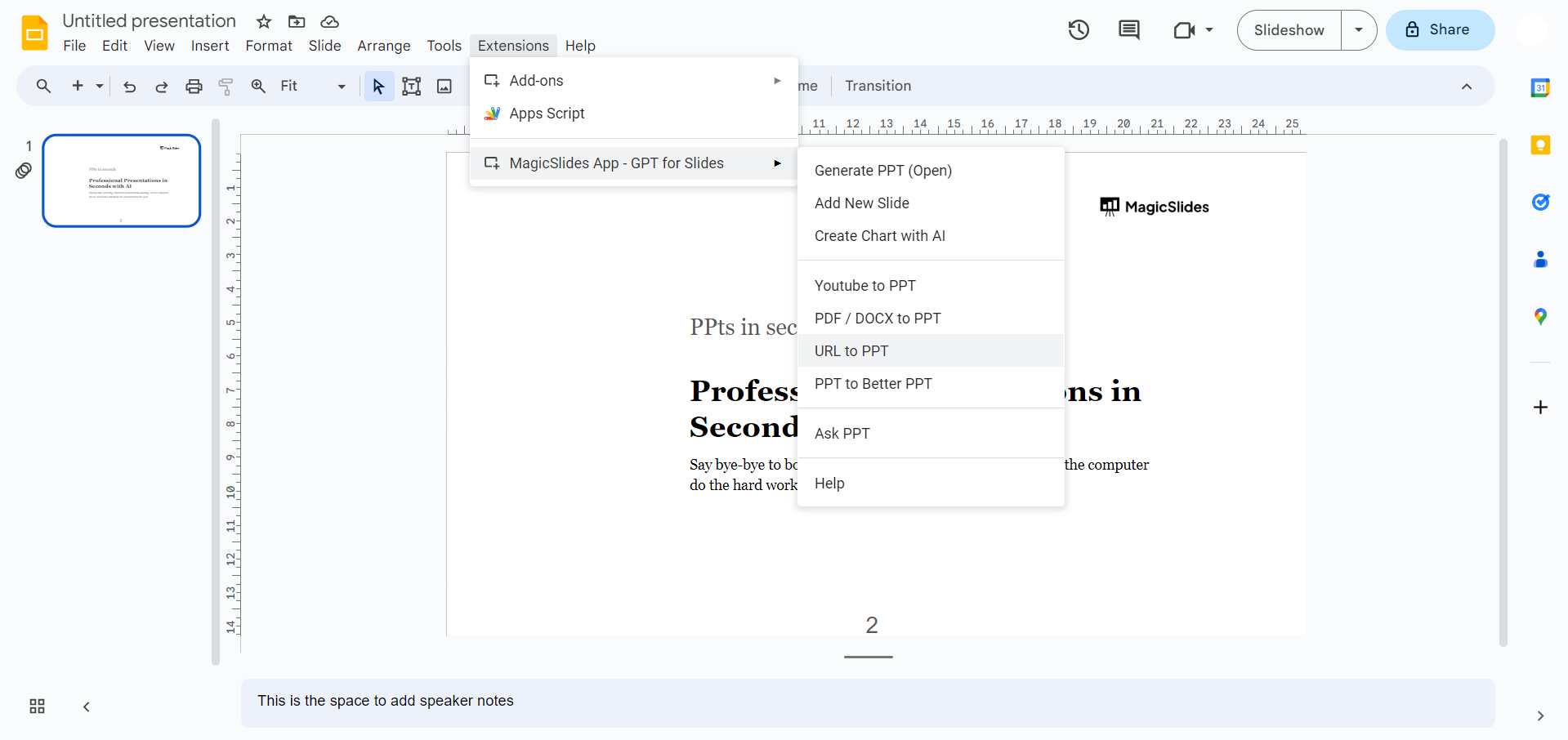
Step 3a: Open MagicSlides.app Extension Tab
If you've already downloaded MagicSlides.app, open the extension tab directly, seamlessly integrating this powerful tool into your Google Slides environment.
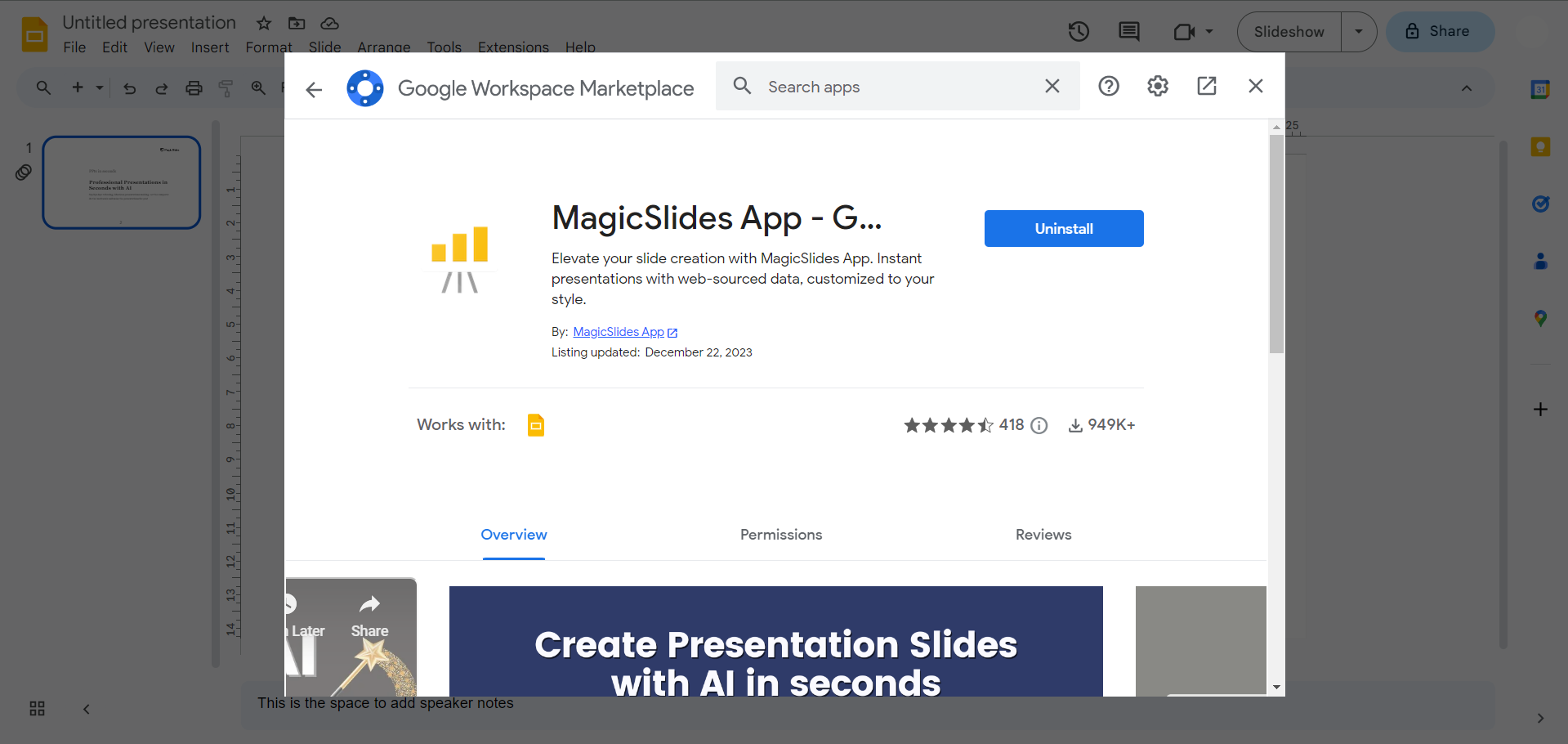
Step 3b: Download MagicSlides.app Extension
If MagicSlides.app is not yet in your arsenal, fear not. Head to the Extensions Marketplace within Google Slides, search for MagicSlides.app, and download the extension to enhance your presentation creation experience.
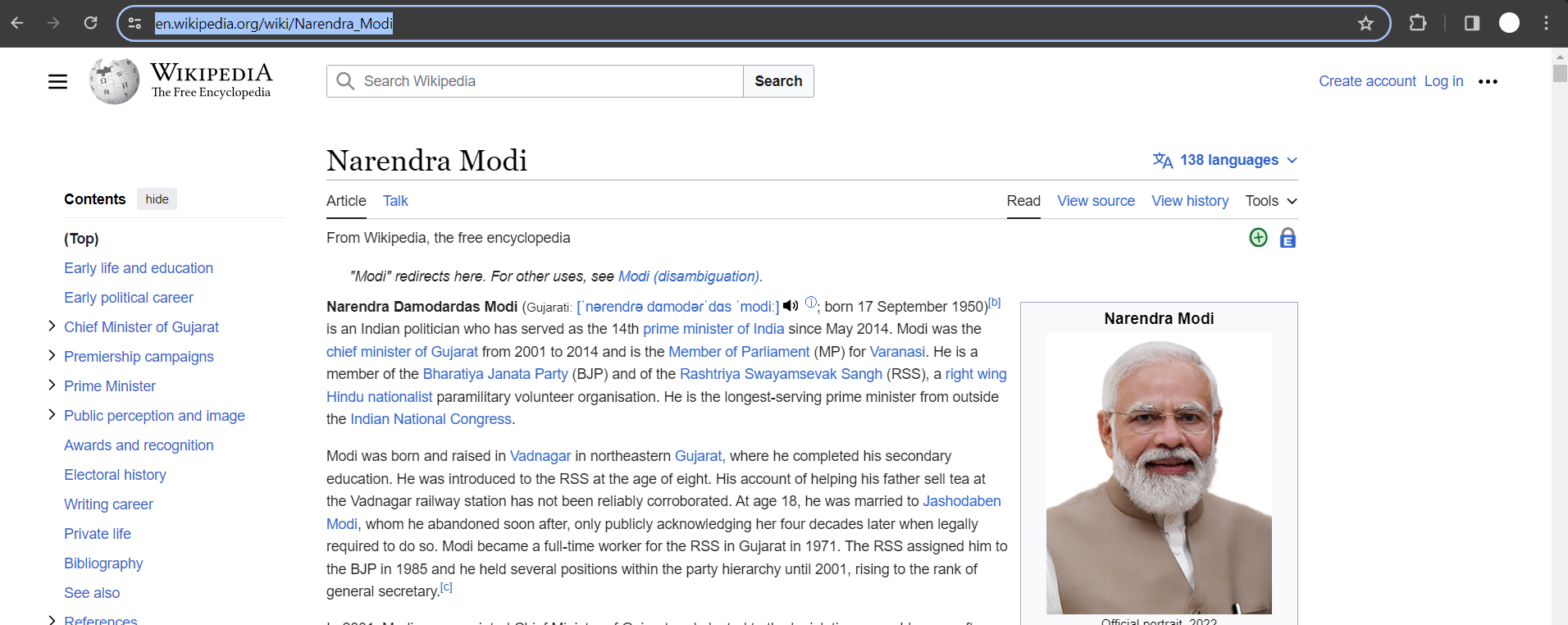
Step 4: Copy the Wikipedia URL
Navigate to the Wikipedia content page you wish to transform into a presentation. Copy the URL, preparing it for the magic that is about to unfold.
Step 5: Enter the URL into MagicSlides.app
Paste the copied Wikipedia URL into MagicSlides.app, setting the stage for the tool to work its transformative magic.
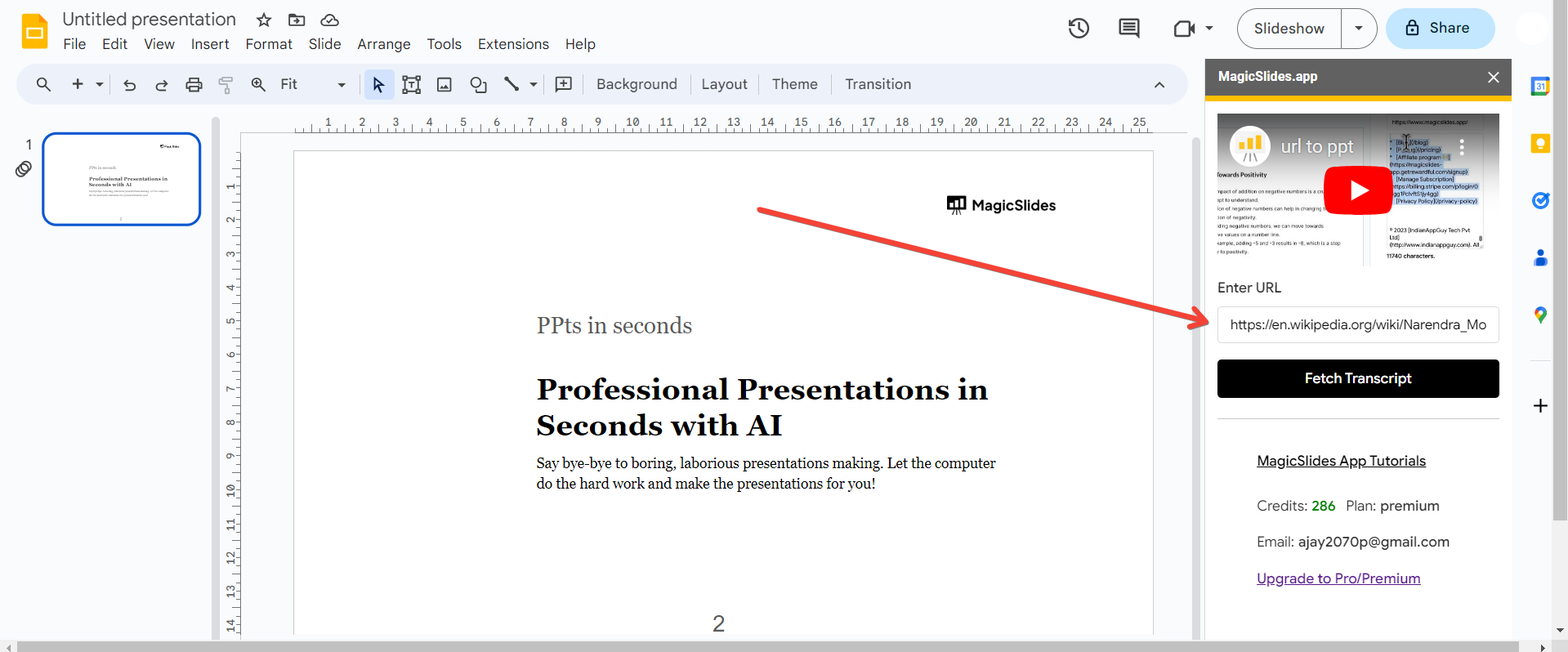
Step 6: Click on "Convert to PPT"
With a click of a button, initiate the conversion process. Watch as MagicSlides.app effortlessly translates the Wikipedia content into a visually appealing PowerPoint presentation.
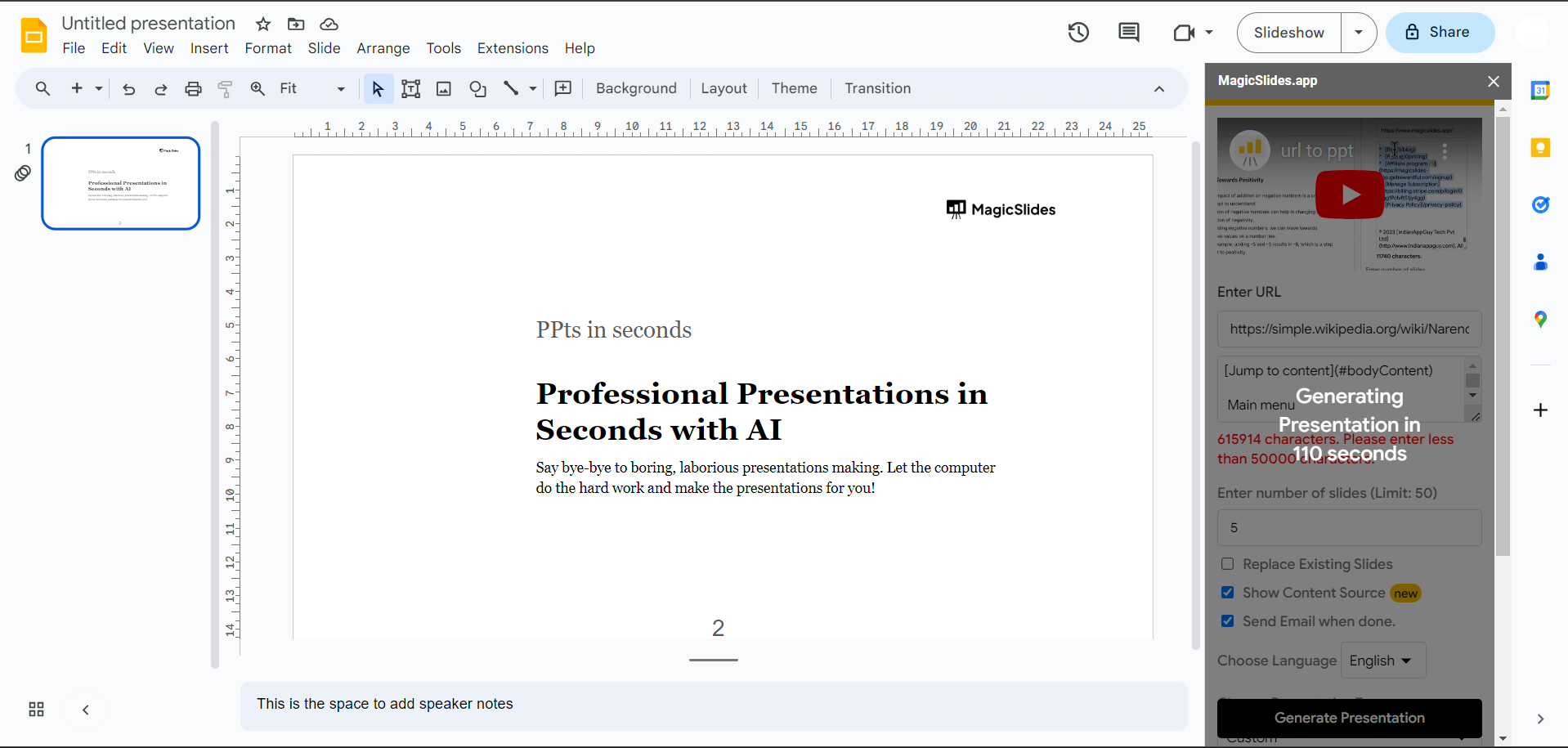
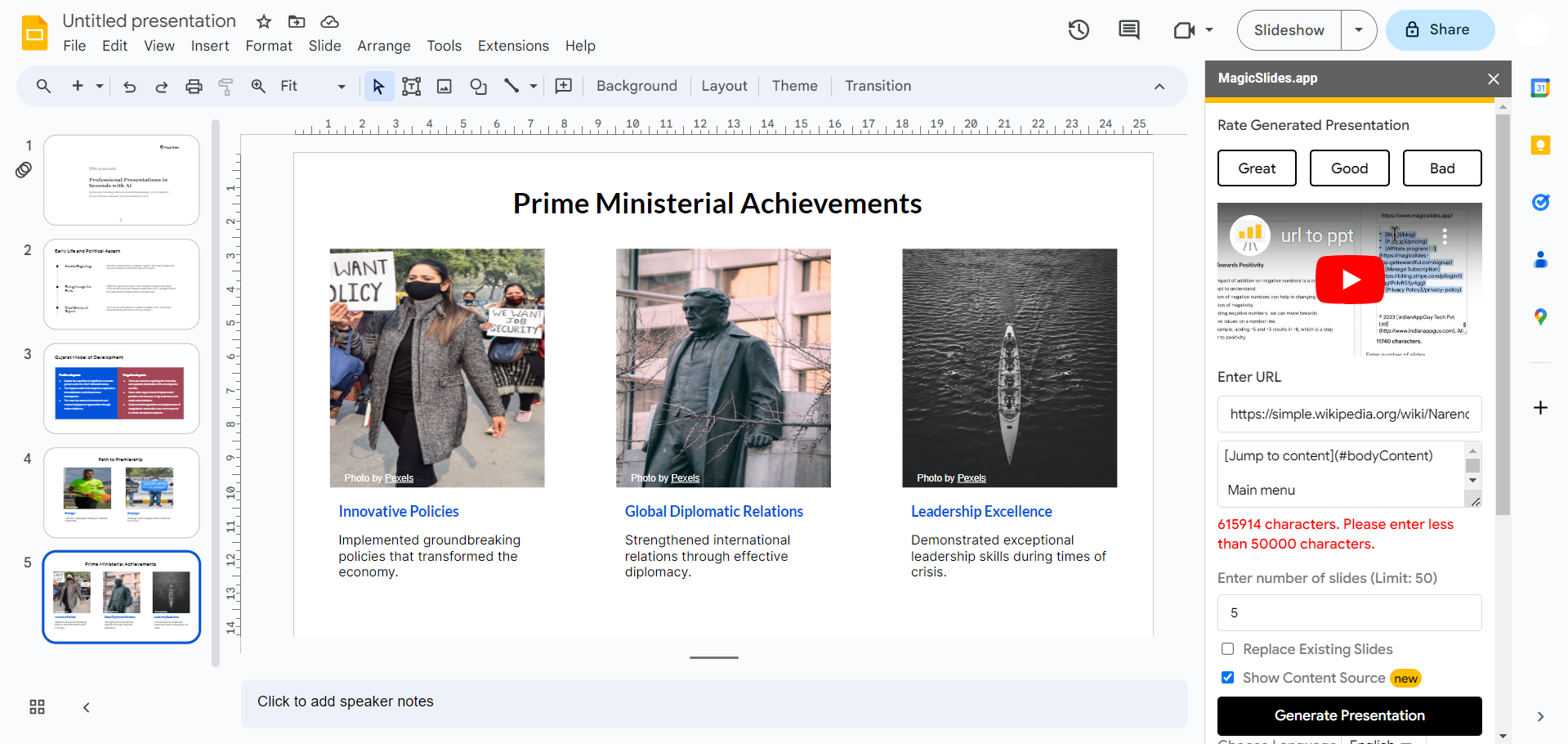
Step 7: Your Wikipedia Content is Now a PPT
In a matter of moments, your Wikipedia content has been seamlessly transformed into a polished and plagiarism-free PowerPoint presentation. Enjoy the fruits of your effort and share your dynamic presentation with confidence.
Conclusion:
MagicSlides.app has emerged as a game-changer, providing a user-friendly and efficient way to convert Wikipedia content into impactful presentations. Elevate your presentations, save time, and ensure plagiarism-free content with this invaluable tool. Embrace the power of MagicSlides.app and let your creativity shine in the world of dynamic presentations.
Frequently Asked Questions:
Q: Is MagicSlides.app compatible with all browsers for Google Slides? Ans: Yes, MagicSlides.app seamlessly integrates with Google Slides across popular browsers, ensuring a consistent and accessible user experience.
Q: Can MagicSlides.app handle complex Wikipedia content with various formatting? Ans: Absolutely! MagicSlides.app is designed to intelligently interpret and convert diverse Wikipedia content, preserving formatting to create professional-looking presentations.
Q: Does MagicSlides.app maintain proper citation and attribution in the converted presentation? Ans: Yes, MagicSlides.app ensures that citations and attributions from the original Wikipedia content are retained, promoting ethical use and giving credit to the sources.
Q: Is MagicSlides.app a one-time purchase, or does it involve recurring fees? Ans: MagicSlides.app offers flexible pricing options, including both one-time purchases and subscription plans. Choose the option that best suits your presentation needs.
Check out these info blogs by us:
- How To Use Microsoft Dictate In Desktop PowerPoint: https://www.magicslides.app/blog/how-to-use-microsoft-dictate-in-desktop-powerpoint
- How To Rename A Slack Channel On Desktop: https://www.magicslides.app/blog/how-to-rename-a-slack-channel-on-desktop
- How To Change Layout Of A Powerpoint Presentation: https://www.magicslides.app/blog/how-to-change-layout-of-a-powerpoint-presentation
- How To Reset A Presentation In Powerpoint: https://www.magicslides.app/blog/how-to-reset-a-presentation-in-powerpoint


