how to do transitions on google slides


Transitions are the new trend be it in videos or presentations, so let’s see how to do transitions on google slides
Adding transitions to your slides in Google Slides can enhance the flow and visual appeal of your presentation. Transitions provide a smooth and professional way to move from one slide to the next. Here's a step-by-step guide on how to apply transitions to your Google Slides:
Step-by-Step Guide for Adding Transitions in Google Slides:
- Open Your Google Slides Presentation: Start by opening the presentation you want to edit in Google Slides.
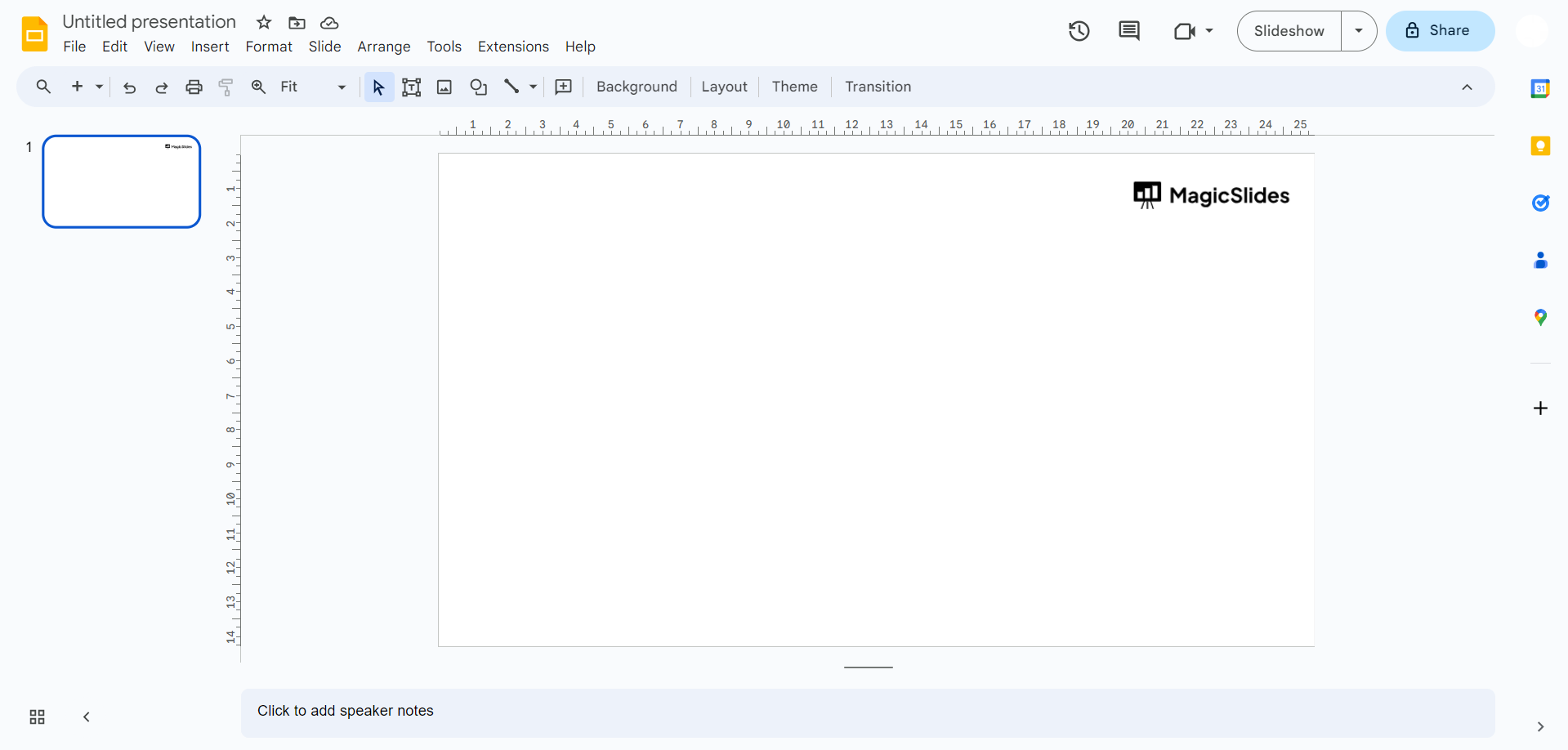
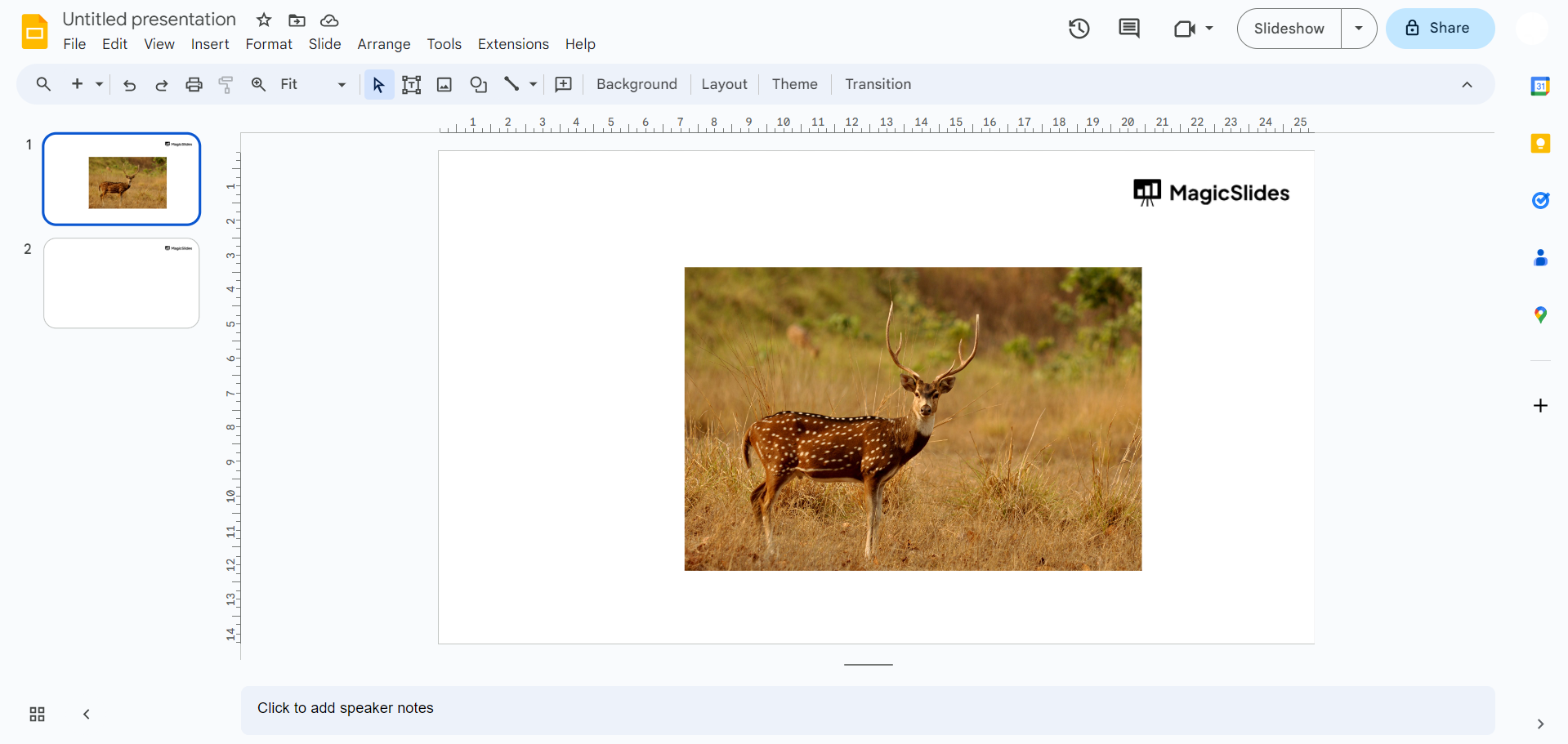
- Select a Slide: Click on the slide to which you want to add a transition. This should be the slide that you'd like to animate as you transition to the next one.
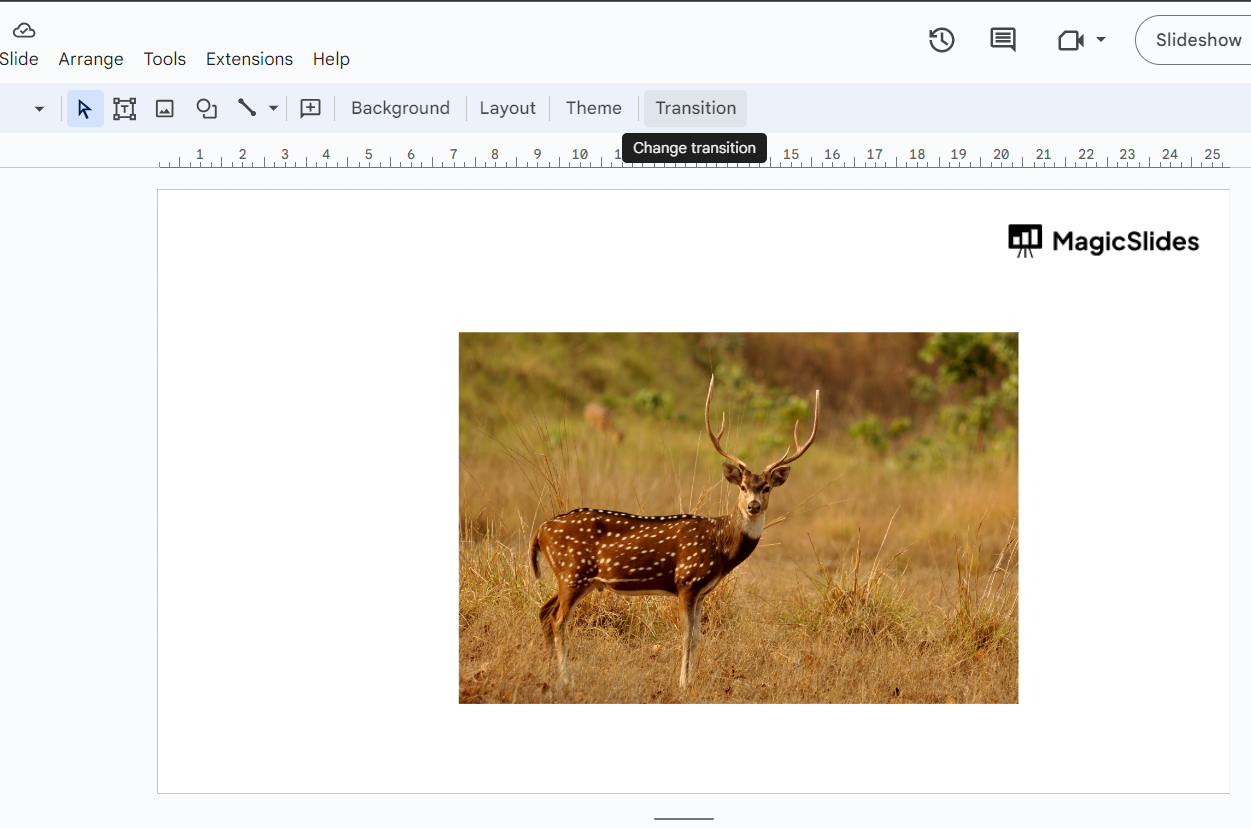
- Access the Transitions Pane: To the right of the slide editing area, you'll see a sidebar. Click on the "Transition" icon, which looks like a star. This will open the Transitions pane.
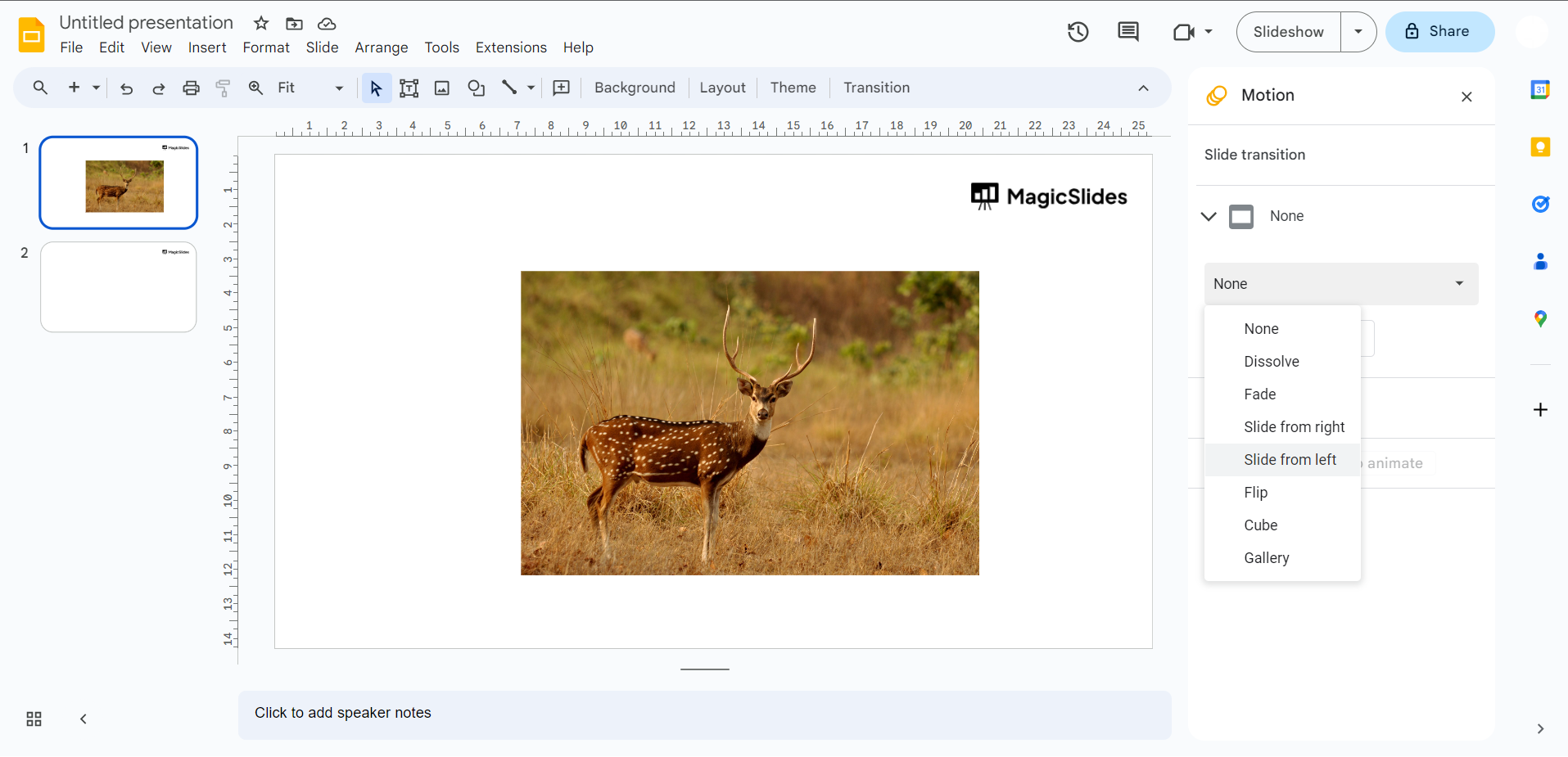
- Choose a Transition Effect: In the Transitions pane, you'll see a variety of transition effects to choose from. Click the drop-down menu under "Transition" to see the available options. These can include simple effects like "Fade" or more complex ones like "Flip" and "Dissolve."
- Apply the Transition: Once you've selected the desired transition effect and set any options, click the "Apply to All Slides" button if you want the same transition for all slides. If you only want the transition on the current slide, just click "Apply."
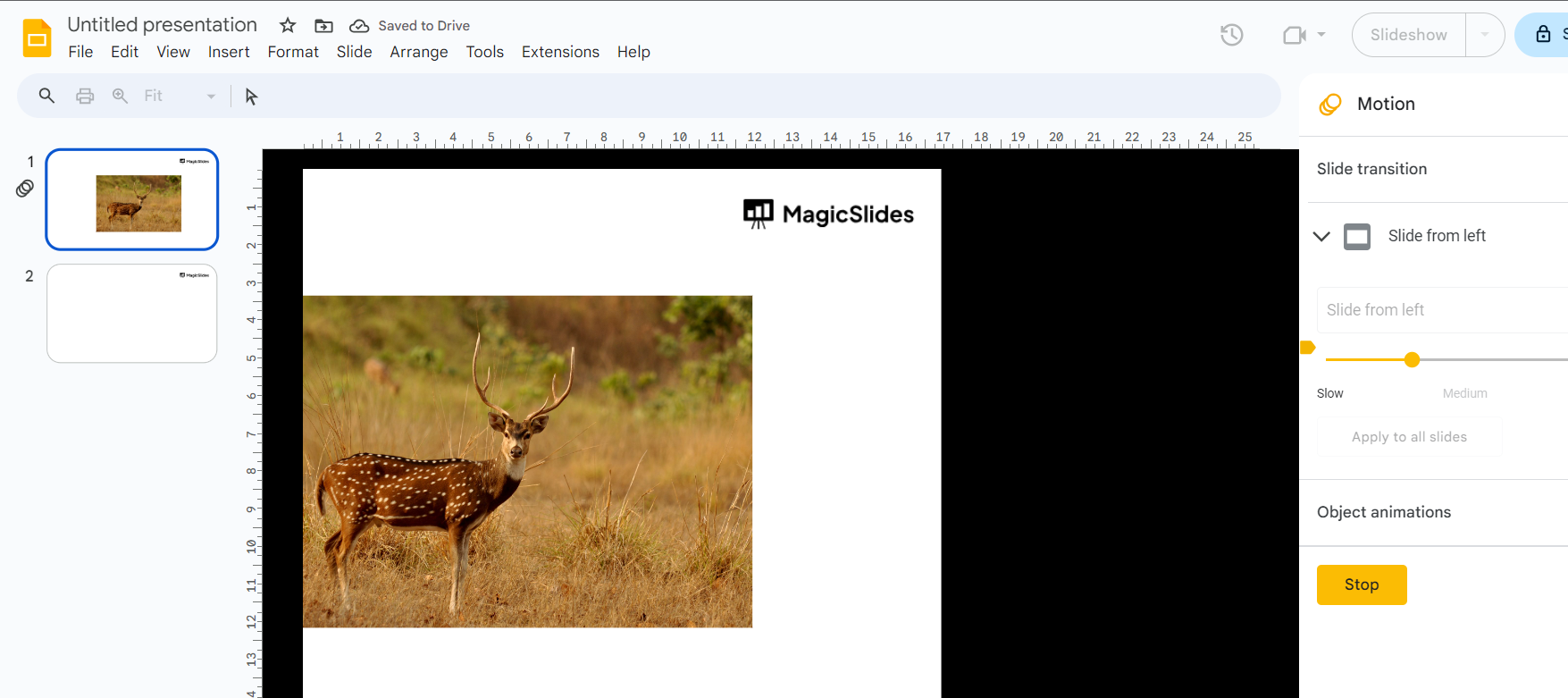
- Preview the Transition: To preview the transition effect, click on the "Play" button located in the Transitions pane. This will allow you to see how the transition will appear in your presentation.
- Save Your Presentation: After adding transitions to your slides, make sure to save your presentation to keep your changes.
Conclusion:
By following the steps outlined in this guide, you can easily apply transition effects to your slides, making your content visually appealing and ensuring a smooth and professional flow between each slide.
Experiment with different transitions to find the ones that work best for your presentation style and content.


