How to edit pie chart in google slides


Enhance your data storytelling, learn how to effortlessly edit pie charts in Google Slides.
Pie charts are a powerful visual tool, but unlocking their full potential requires adept editing. In this guide, we'll delve into the intricacies of editing pie charts in Google Slides, empowering you to create visually stunning presentations that captivate your audience.
Steps to Edit Pie Charts in Google Slides:
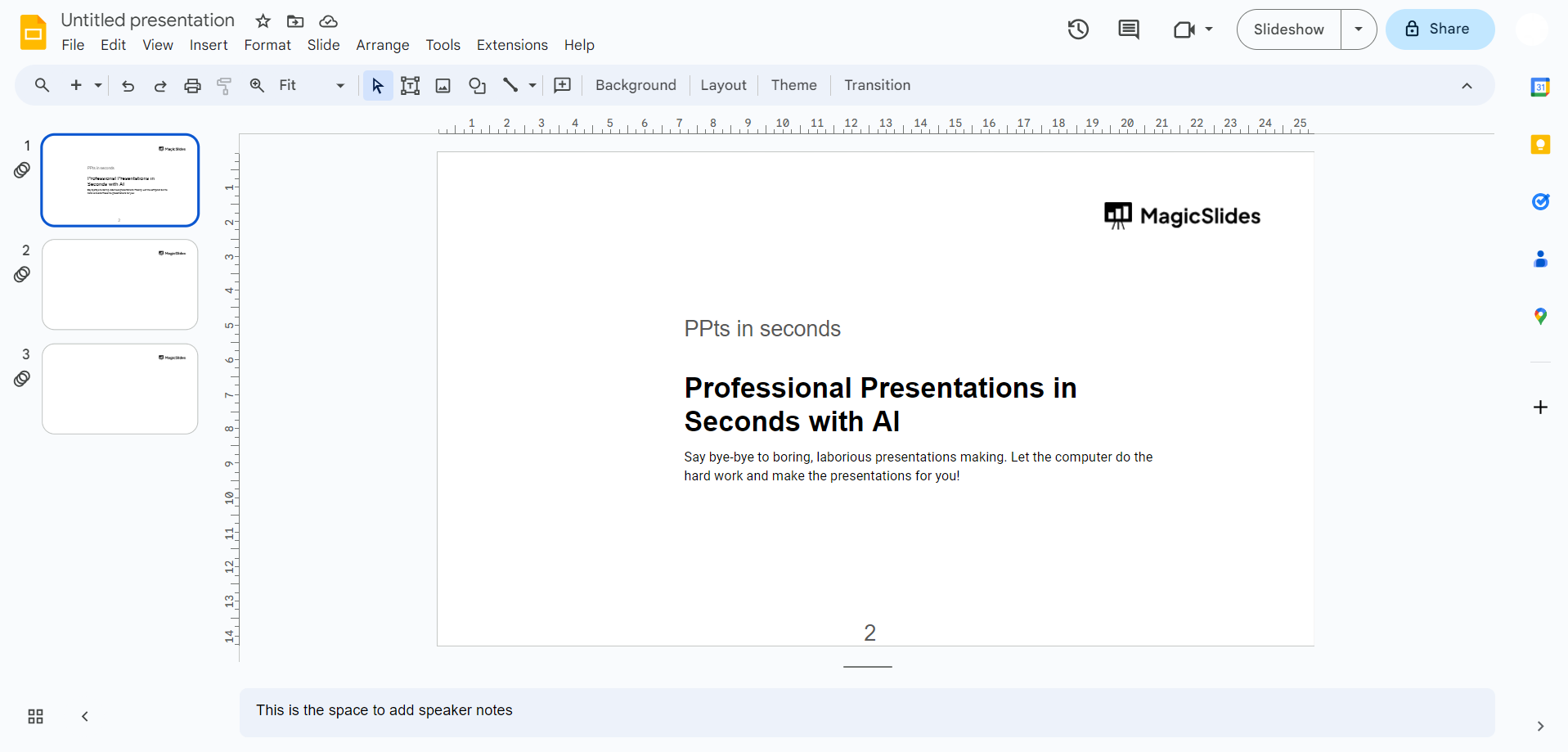
Open Your Presentation:
- Begin by accessing Google Slides and opening the presentation where your pie chart resides.
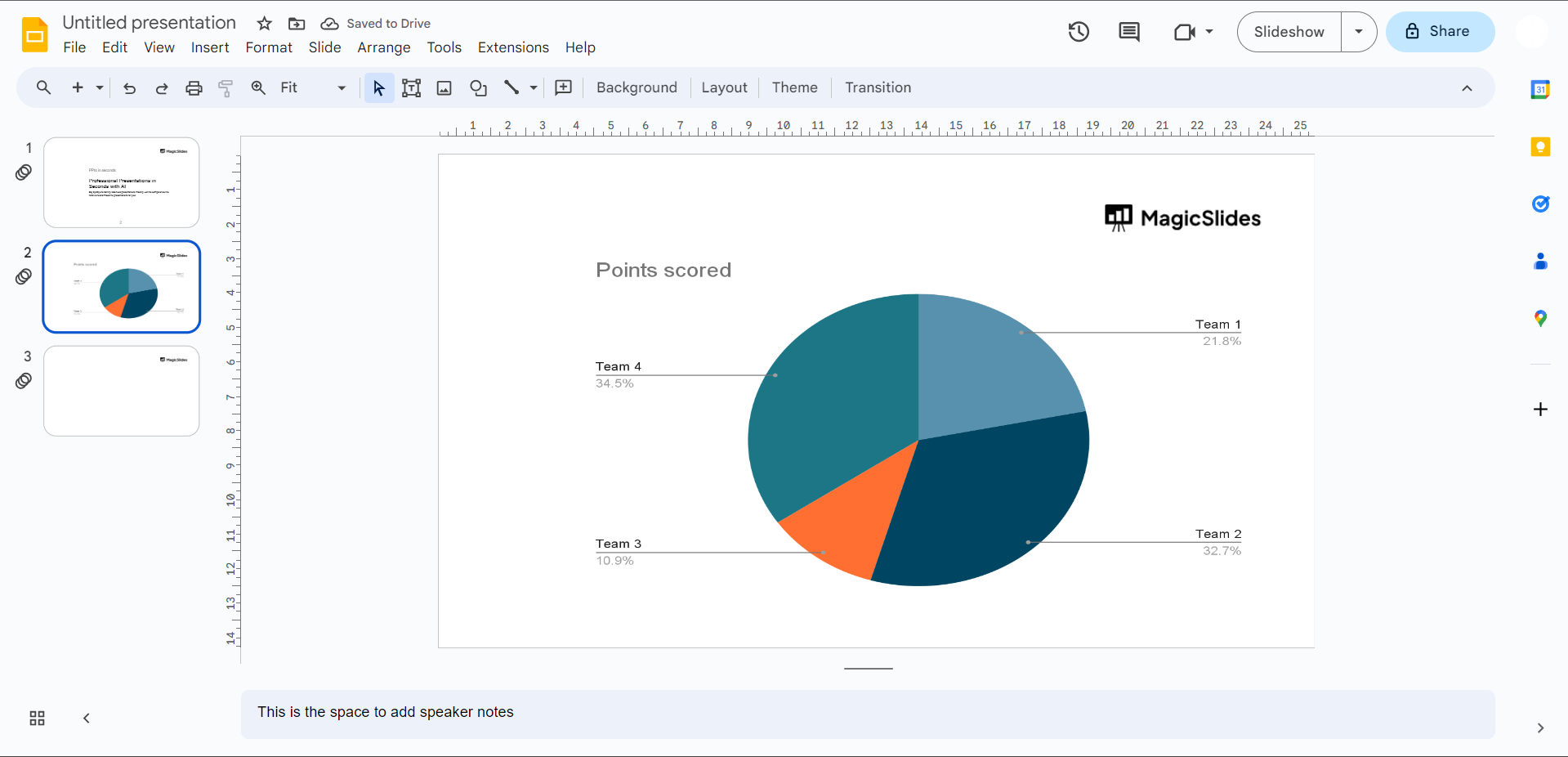
Select the Pie Chart:
- Click on the specific pie chart you aim to edit, activating the Chart Editor on the right side of the screen.
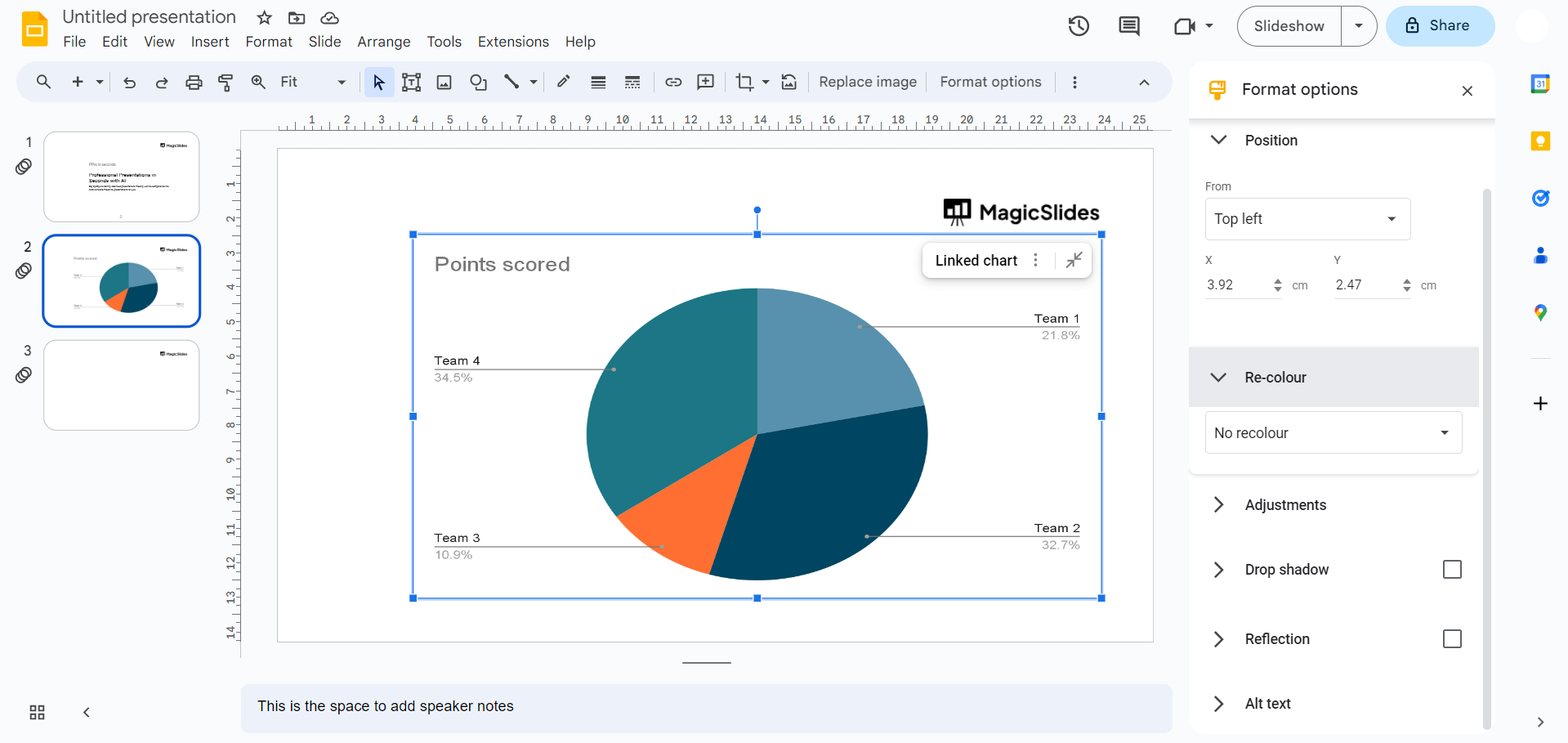
Access Chart Editor:
- If the Chart Editor isn't visible, locate the "Edit Chart" option by clicking on the pie chart. Open it to reveal the Chart Editor.
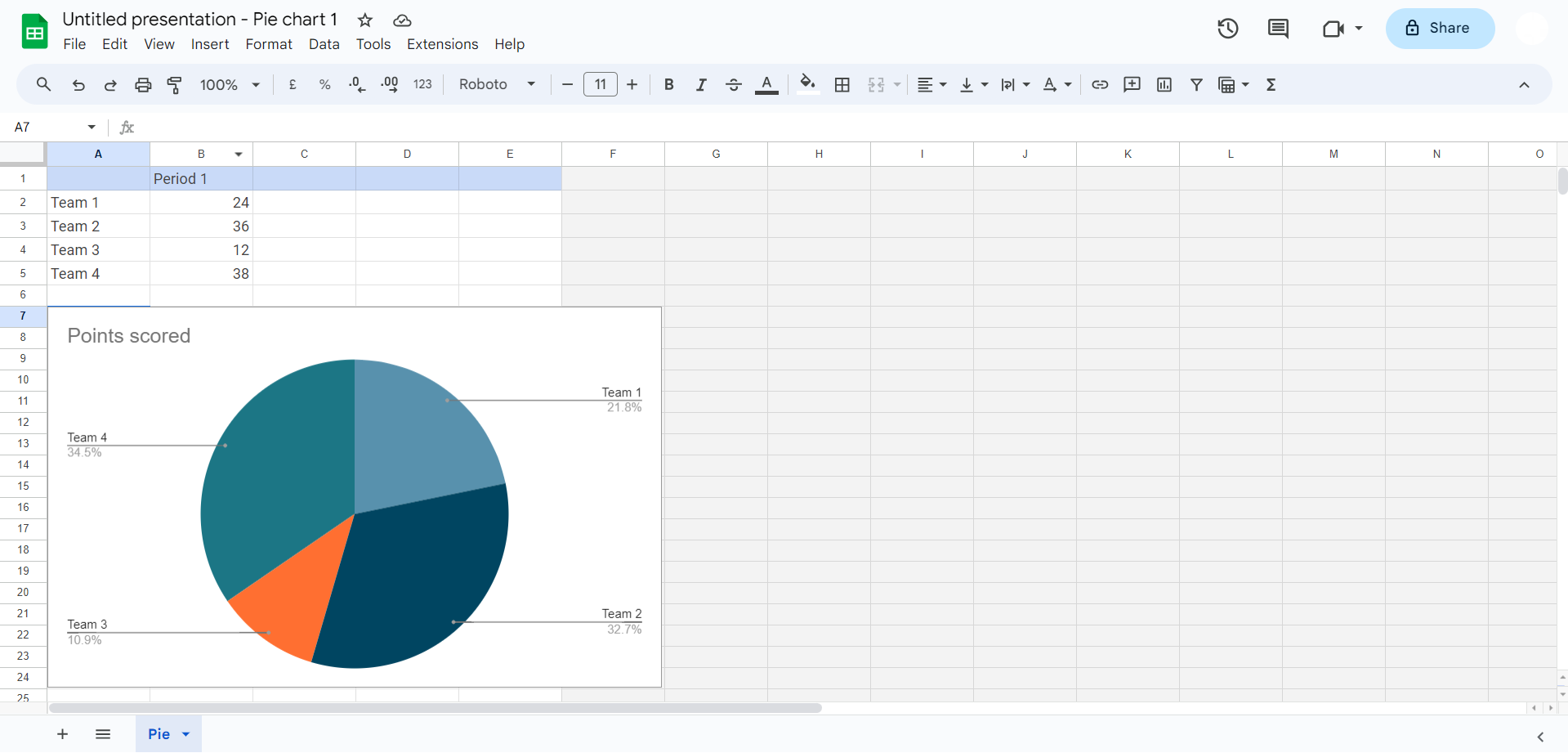
Adjust Chart Data:
- Inside the Chart Editor, tweak the data range, labels, and values. Simply edit the spreadsheet, and observe real-time changes in the chart.
Customize Chart Style:
- Explore customization options to enhance the chart's aesthetics. Experiment with color schemes, add a title, and adjust font styles.
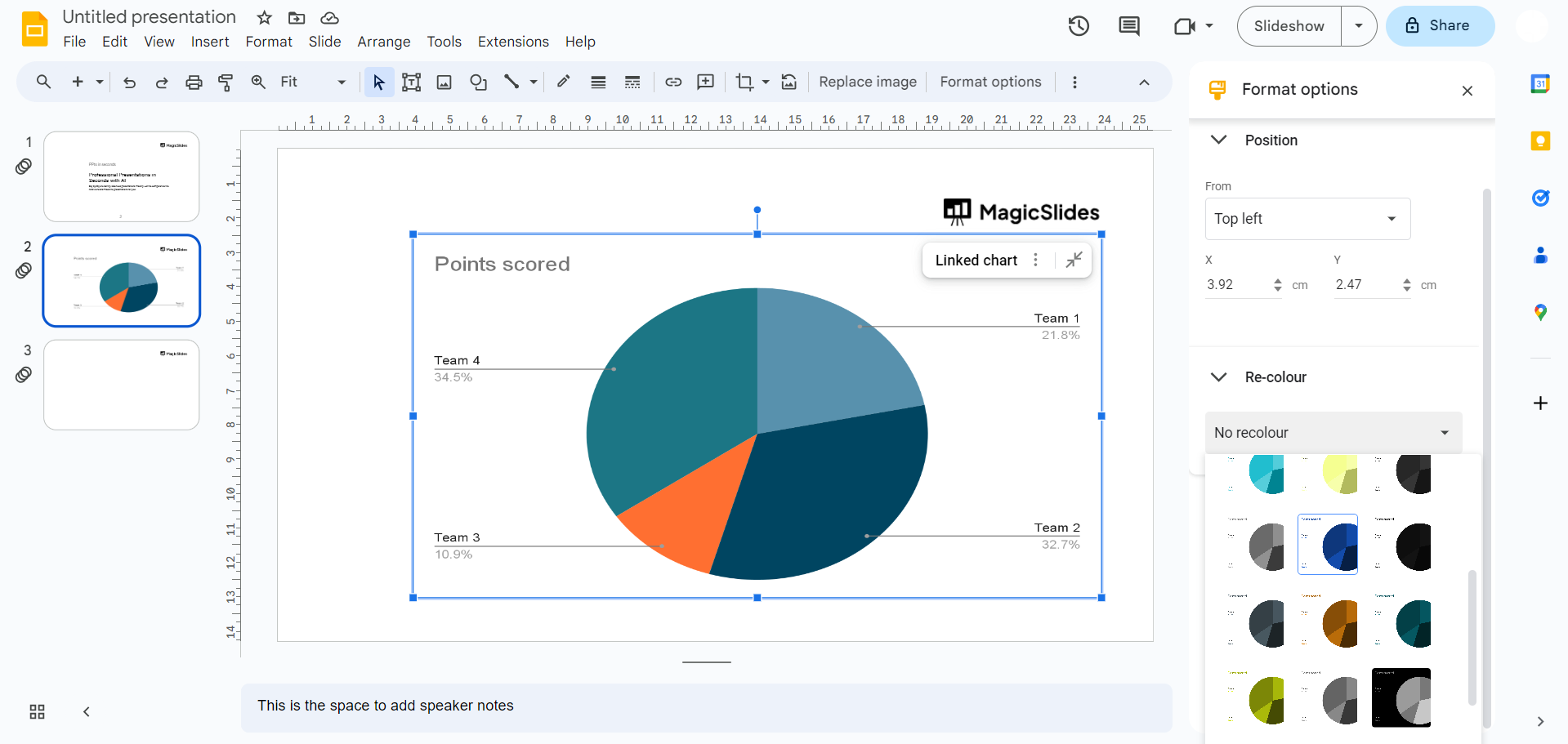
Explore Chart & Axis Titles:
- Navigate to the "Customize" tab in the Chart Editor to add or modify chart and axis titles. Clarity is key for audience comprehension.
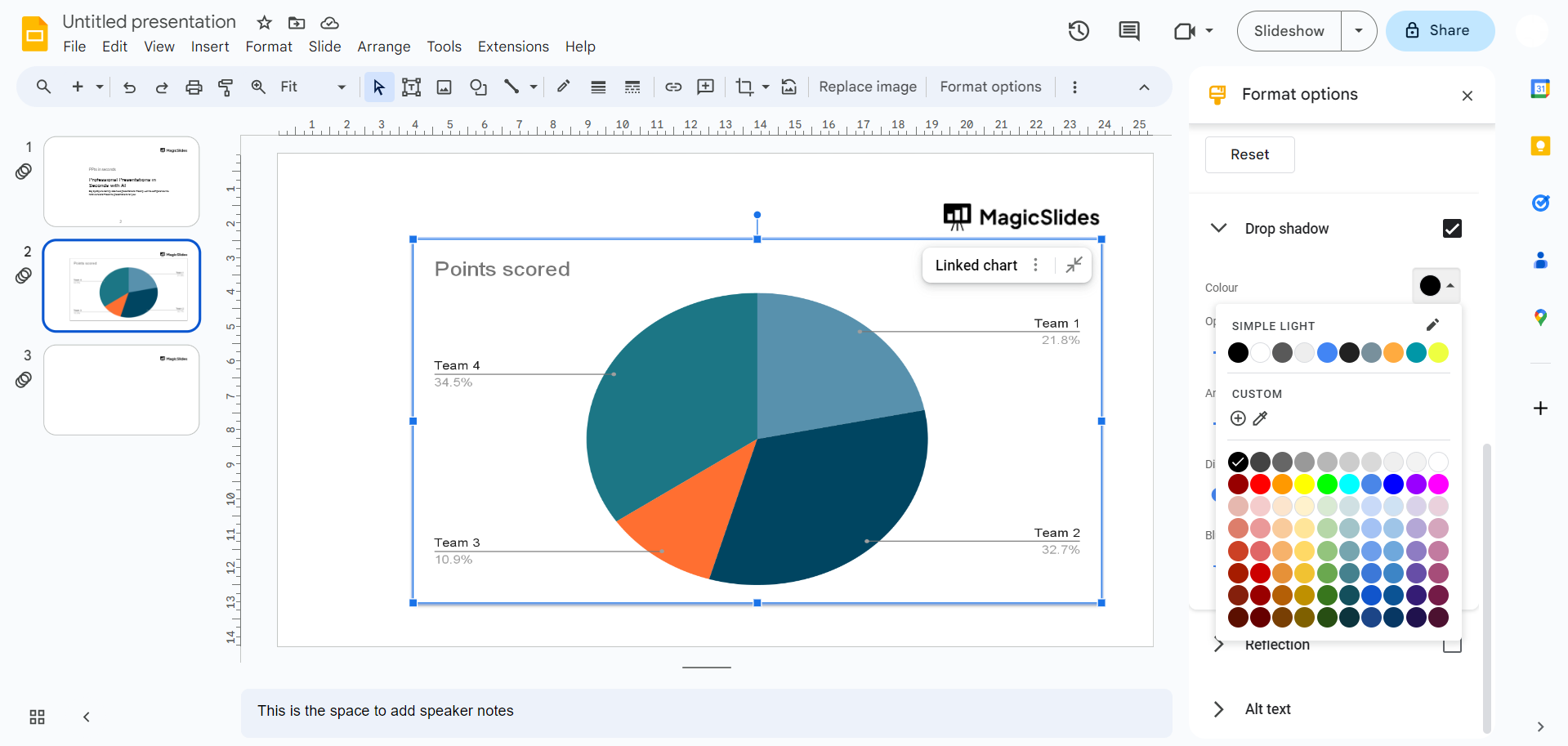
Fine-Tune Chart Elements:
- Click on specific chart elements, such as slices or the legend, to fine-tune their appearance. Elevate your pie chart's visual appeal.
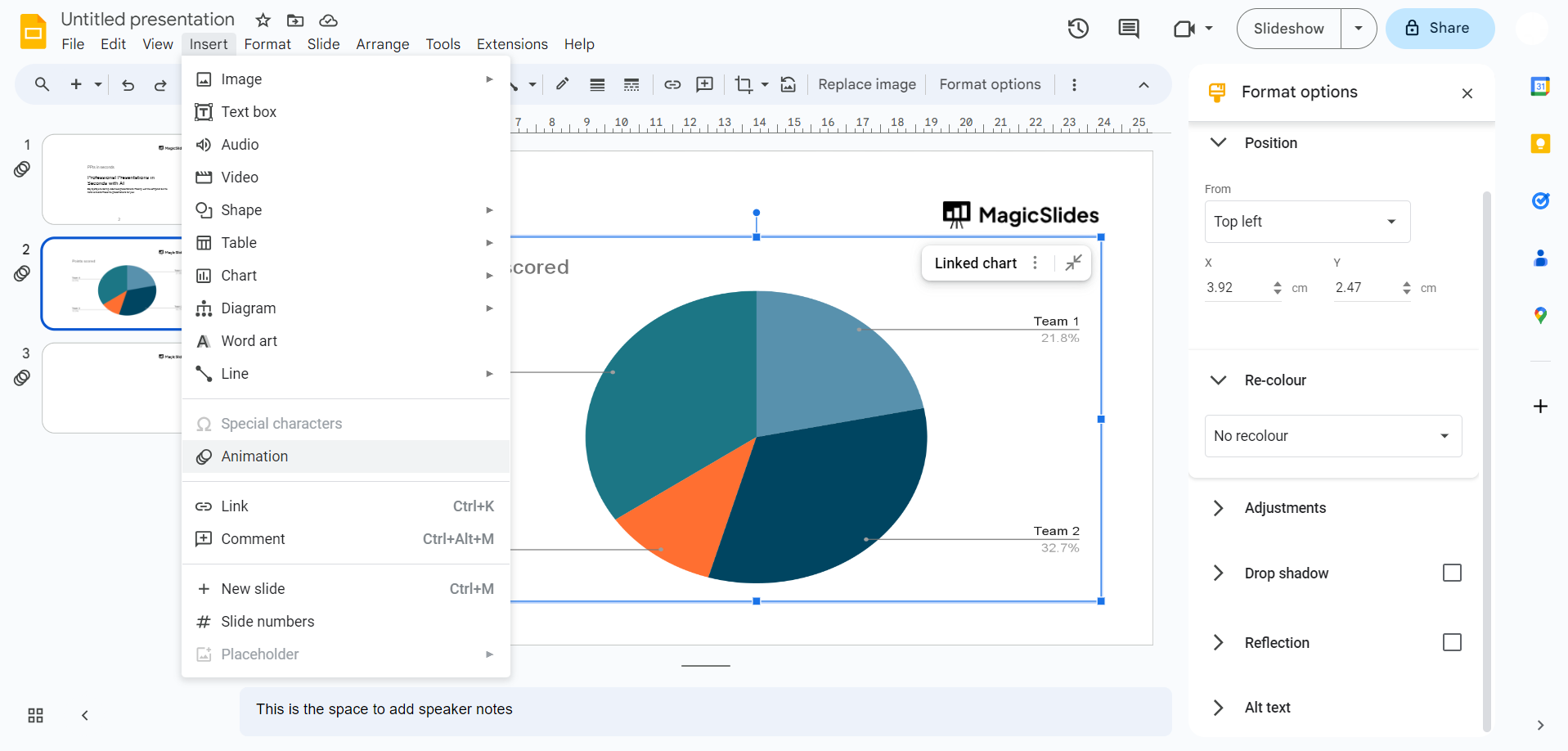
Add Animation (Optional):
- Consider adding animation for a dynamic presentation. Engage your audience by bringing your pie chart to life during the slideshow.
Review & Save:
- Before concluding your editing session, meticulously review changes. Once satisfied, save your presentation to preserve all edits.
Conclusion:
By following this comprehensive guide, you'll not only edit pie charts effectively but also harness their storytelling potential, transforming your data into engaging narratives. Elevate your presentations with captivating visuals and communicate with impact using Google Slides.
Frequently Asked Questions:
1. How do I access the Chart Editor in Google Slides?
Simply click on your pie chart, and the Chart Editor will appear on the right. If not, use the "Edit Chart" option.
2. Can I change the colors of individual slices in my pie chart?
Absolutely! Inside the Chart Editor, navigate to the "Customize" tab, select "Series," and modify colors to your preference.
3. Is it possible to animate my pie chart for a more engaging presentation?
Yes, consider adding animation effects. Click on your pie chart, go to the "Slide" menu, choose "Transition," and customize animations.
4. How do I ensure my changes are saved after editing my pie chart?
After making adjustments, click "Save" within the Chart Editor, and remember to save your entire presentation to preserve all edits.
Have a look @these tutorial blogs by us:
- How To Flip An Image In Powerpoint In 2024: https://www.magicslides.app/blog/How-to-mirror-an-image-in-powerpoint
- How To Add A Background In Powerpoint: https://www.magicslides.app/blog/How-to-add-a-background-in-powerpoint
- How To Add Mp4 Audio To Google Slides: https://www.magicslides.app/blog/How-to-add-mp4-audio-to-google-slides
- How To Automatically Play Your Google Slides: https://www.magicslides.app/blog/How-to-automatically-play-google-slides


