How to get Canva Pro for free as a Student


Students can access Canva Pro for free, unlocking premium design tools to enhance their projects
Canva Pro offers advanced design tools, premium templates, and extra storage, making it a great resource for students.
Canva offers eligible students a free Pro subscription through its Canva for Education program.
Here’s a guide to help you get Canva Pro for free as a student.
How to Get Canva Pro for Free as a Student: A Step-by-Step Guide
Step 1: Check Your Eligibility for Canva for Education
Canva Pro is available for free to students through the Canva for Education program, but eligibility is often limited to students at schools and institutions partnered with Canva.
Before applying, confirm if your institution offers Canva for Education or if you have a valid educational email address that might qualify you.
Step 2: Visit the Canva for Education Page
Go to the Canva website and look for the Canva for Education page, usually found under the “Pricing” or “Education” tabs.
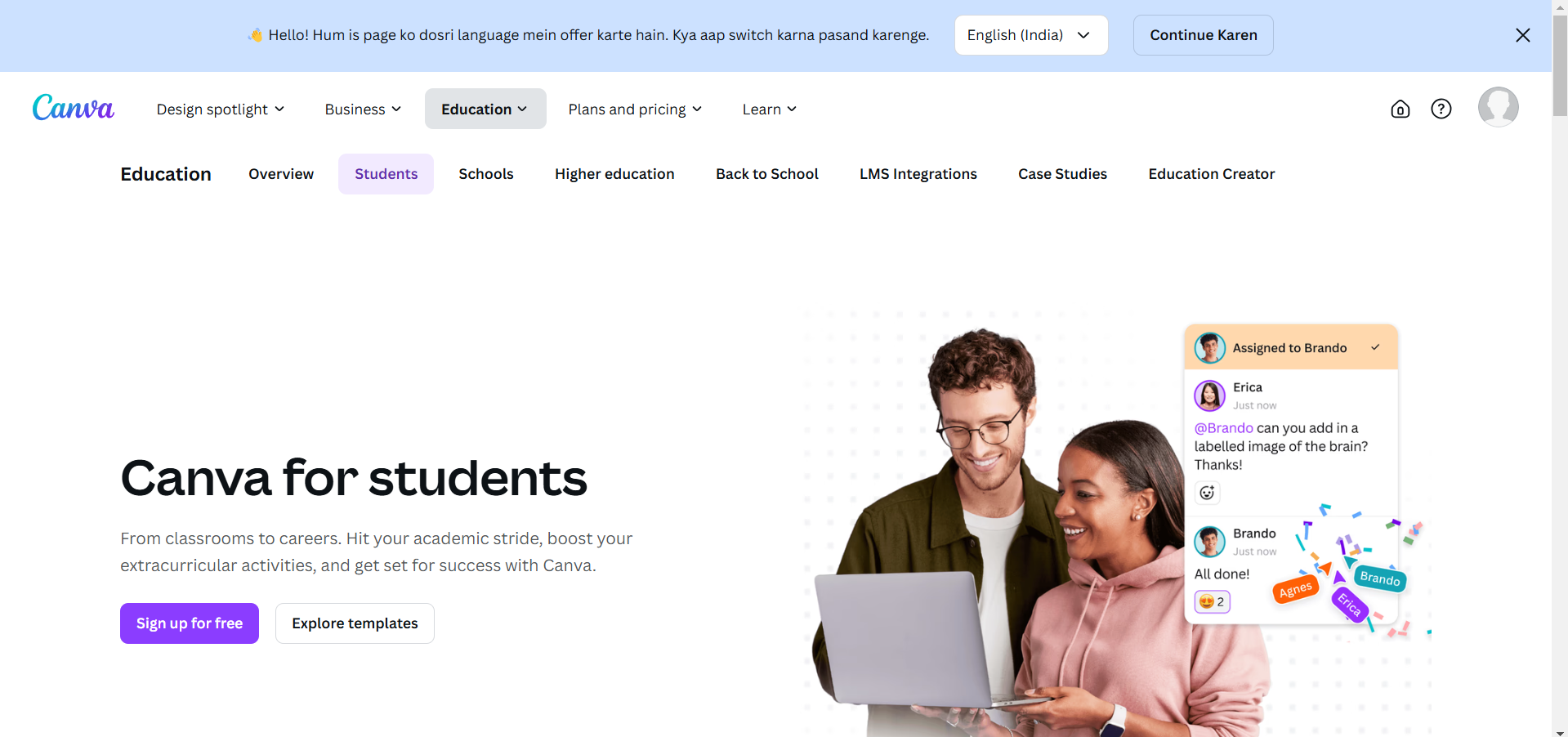
On this page, Canva provides details on the Canva for Education program, including who qualifies and how to apply.
Step 3: Sign Up Using Your School or University Email Address
To apply for a Canva for Education account, you’ll typically need to use your school-issued email.
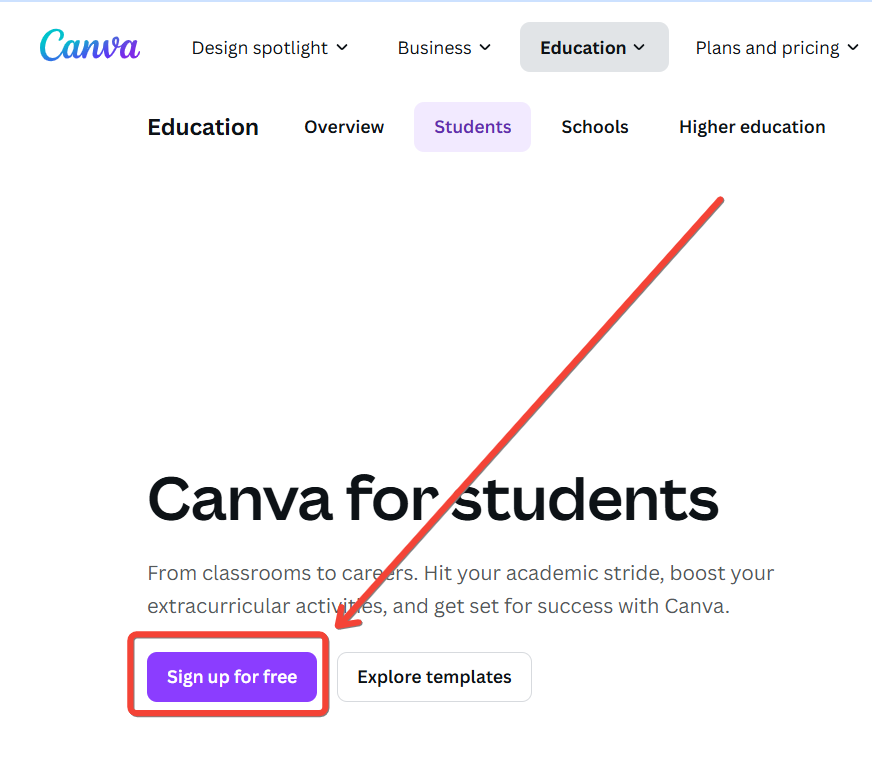
Click on the “Get Verified” or “Sign Up” button on the Canva for Education page, enter your educational email, and follow the prompts.
Canva may verify your student status using your email or ask for additional documentation.
Step 4: Wait for Verification
After submitting your details, you may need to wait a few hours or days for Canva to verify your account.
They will review your eligibility and, if approved, grant you access to Canva Pro features under the Canva for Education program.
Be sure to check your email for confirmation and further instructions from Canva.
Step 5: Access Canva Pro Features
Once verified, log in to your Canva account to access your free Canva Pro features.
You’ll now have access to premium tools like advanced design features, premium templates, and more storage all of which can enhance your academic projects and personal design needs.
After unlocking Canva Pro as a student, discover how to erase backgrounds in Canva to create professional designs effortlessly.
Conclusion
By following these steps, you can enjoy Canva Pro for free as a student, opening up a range of design possibilities that can enhance your coursework, presentations, and creative projects.
Take advantage of Canva’s premium resources and make the most of your designs with this student benefit!
FAQs are here to guide!
What should I do if my school email isn’t recognized by Canva?
If Canva doesn’t recognize your school email, you can contact Canva support to verify eligibility or ask your school if they’re partnered with Canva for Education.
Can I get Canva Pro for free as a student without a school email?
If you don’t have a school email, Canva may accept other forms of student verification, such as a student ID or enrollment proof. Check with Canva’s support team for alternative verification methods.
How long does my Canva for Education account last?
Typically, Canva for Education accounts are valid as long as you’re an eligible student. You may need to re-verify your eligibility periodically, depending on Canva’s policies.


