How to get Normal Google Slide Templates Back


Quickly restore normal Google Slides templates by resetting themes, layouts, and using built-in default options
How to Get Normal Google Slides Templates Back
Google Slides offers a variety of templates, but sometimes users accidentally change or lose access to the default templates.
If you're struggling to restore the normal Google Slides templates, follow this step-by-step guide to bring them back.
Steps to Get Normal Google Slides Templates Back
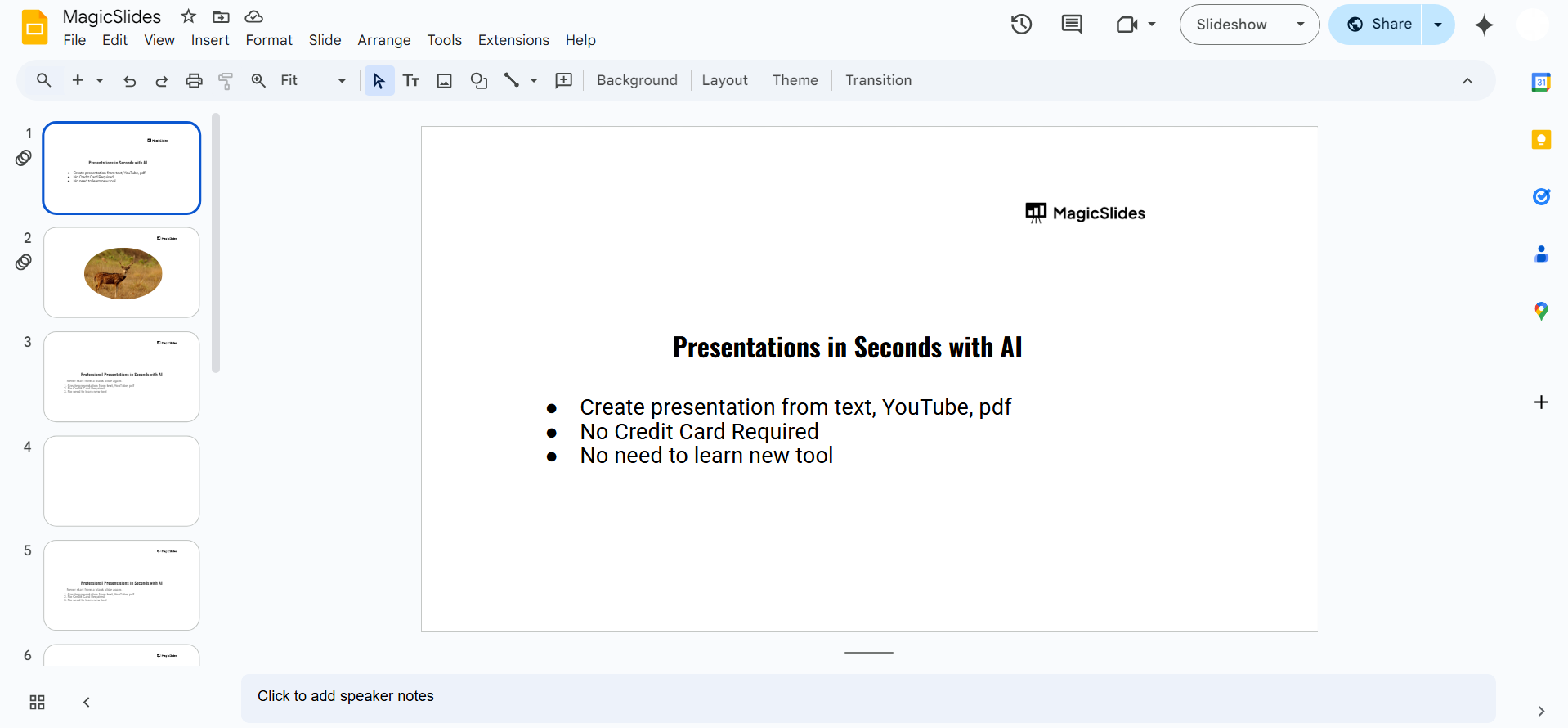
Step 1: Open Google Slides
Go to Google Slides and log into your account. Click on Blank Presentation to start a new slide deck.
Step 2: Open the Theme Panel
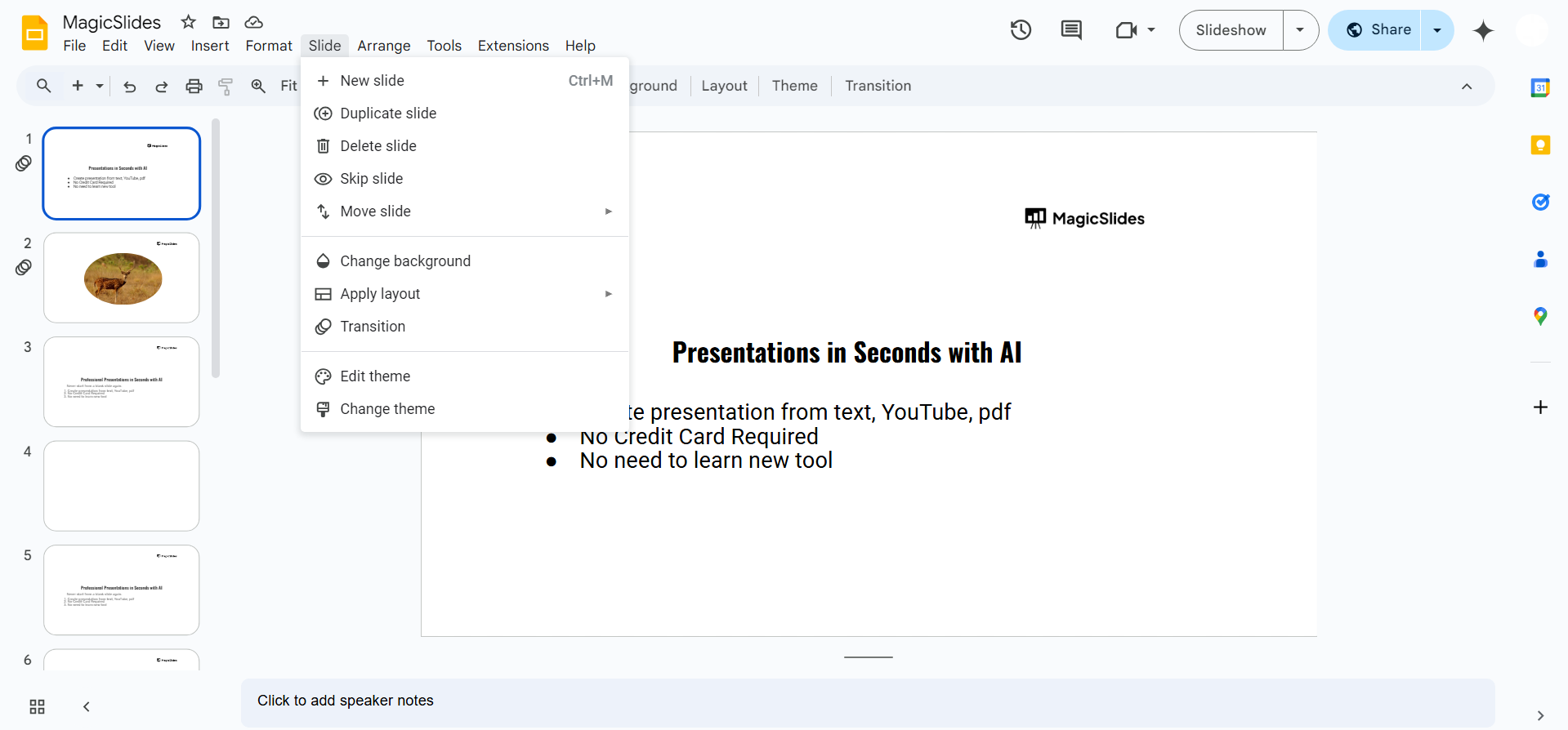
Click on Slide in the top menu. Select Change Theme from the dropdown.
A panel will appear on the right showing available themes.
Step 3: Choose a Default Google Slides Template
Scroll through the list of themes in the panel.
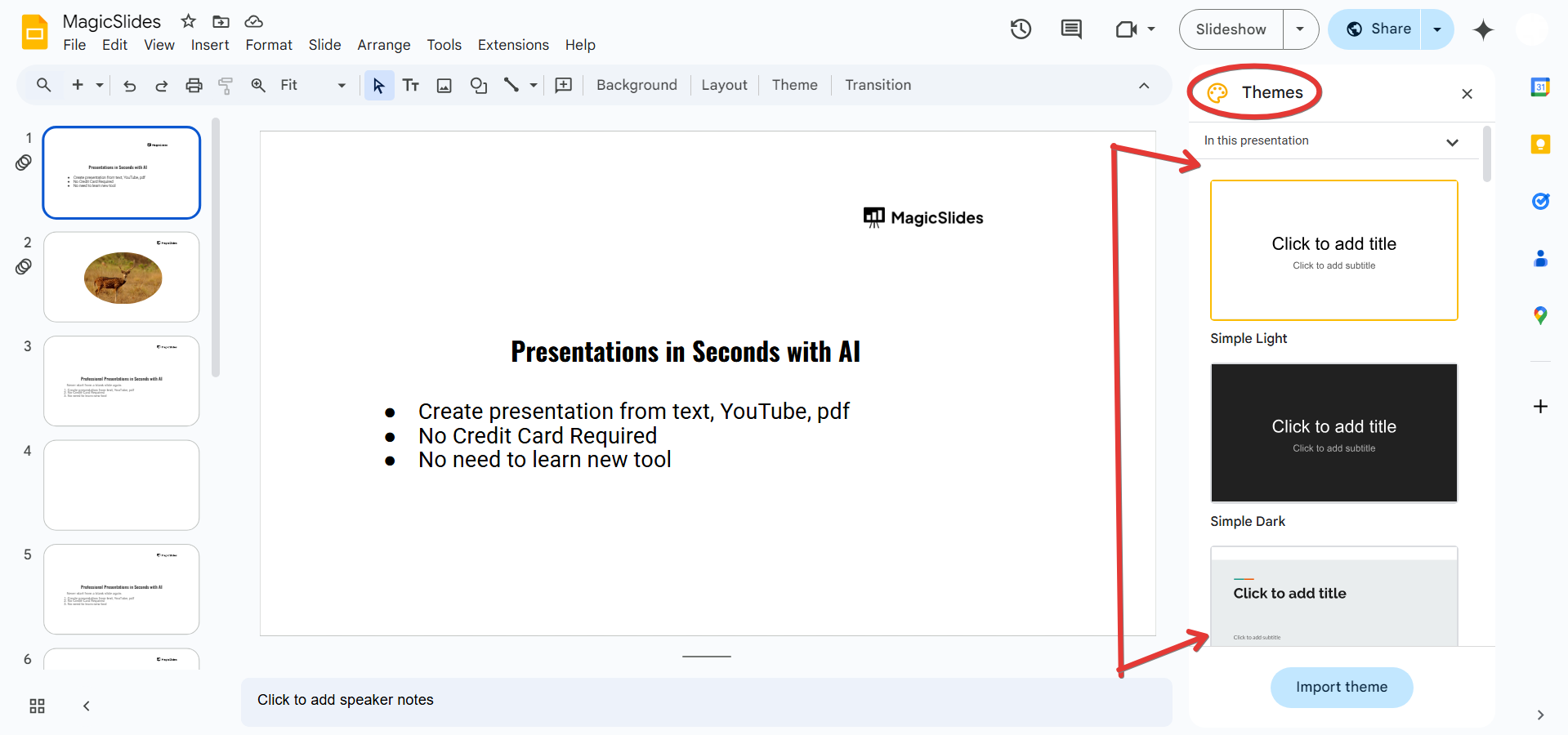
Select any of Google’s built-in themes to restore the normal template appearance.
Step 4: Reset Slide Layouts (If Needed)
If your slides still appear different, click on Slide > Apply Layout.
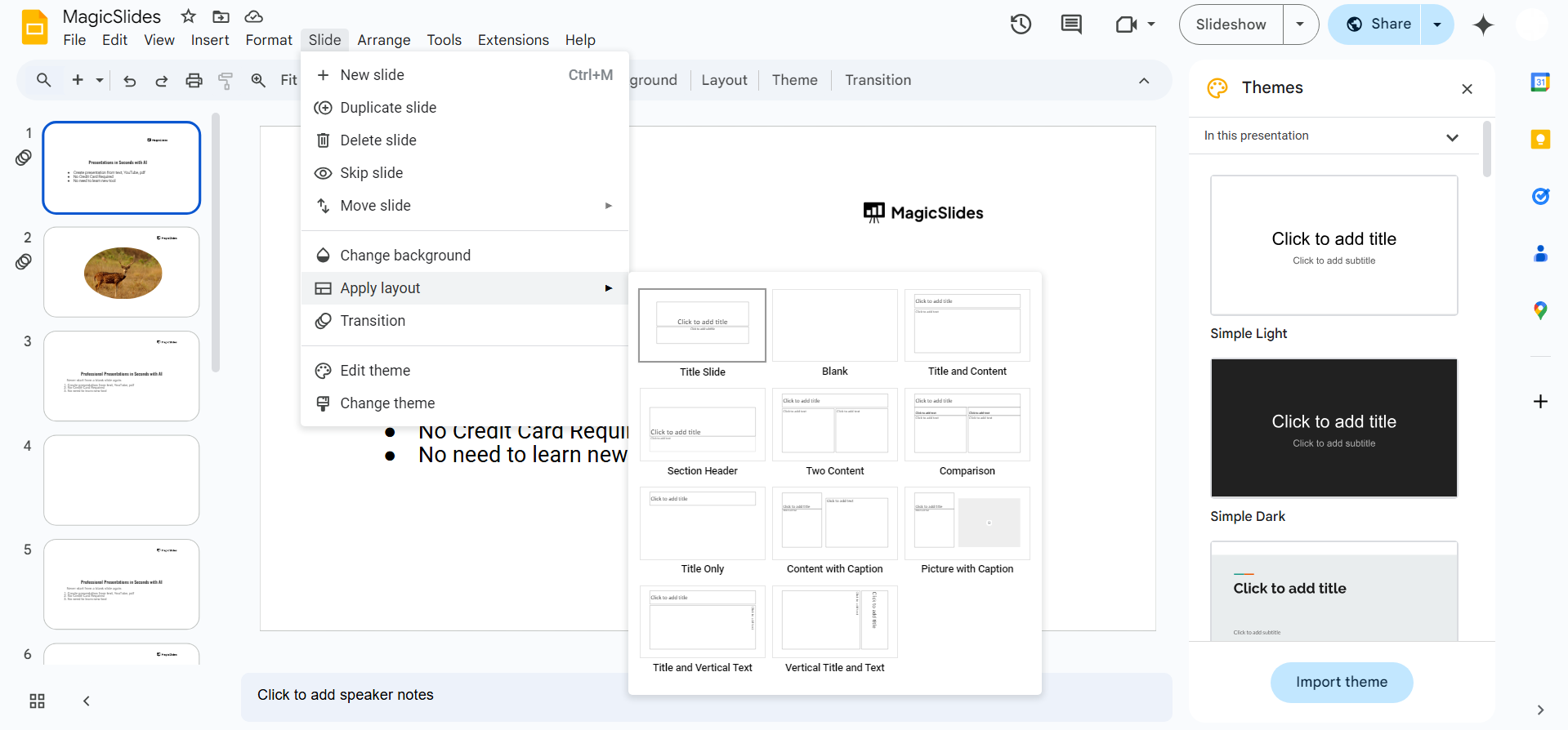
Choose Title Slide, Title and Body, or other standard layouts to bring back normal formatting.
Step 5: Use the Default Theme Again
If you've applied a custom theme, remove it by selecting a Google default theme from the theme panel.
Restoring Google Slides templates is easy, but if you're looking for more professional and customizable slides, check out MagicSlides.app. It creates stunning, ready-to-use presentations in seconds no design skills needed!
Conclusion
Restoring the normal Google Slides templates is quick and easy.
Whether you’ve applied a custom theme or altered the slide layout, following these steps will help bring back the default Google Slides appearance.
FAQs on Restoring Google Slides Templates
Why did my Google Slides templates disappear?
You may have applied a custom theme or changed individual slide layouts, replacing the default templates.
Can I reset a Google Slides presentation to its original state?
Yes, by selecting a default theme and resetting slide layouts, you can restore the original format.
What if the default themes don’t appear in the theme panel?
Try refreshing your browser or creating a new Google Slides file to access the built-in themes.
Now you can easily get back to using normal Google Slides templates! 🚀


