how to make cute aesthetic decorative google slides


Learn how to make cute, aesthetic Google Slides that captivate your audience with this step-by-step guide.
how to make cute aesthetic decorative google slides
When it comes to creating engaging and memorable presentations, the aesthetic and cute factor plays a significant role. It's not just about the content; it's about the visual appeal that can capture your audience's attention and leave a lasting impression.
In this blog post, we will delve into the art of crafting Google Slides that are not only informative but also visually delightful. Whether you're a student working on a school project, a professional preparing for a business pitch, or simply someone who loves creativity, these six tips will be your guiding light to infuse cuteness and aesthetics into your Google Slides.
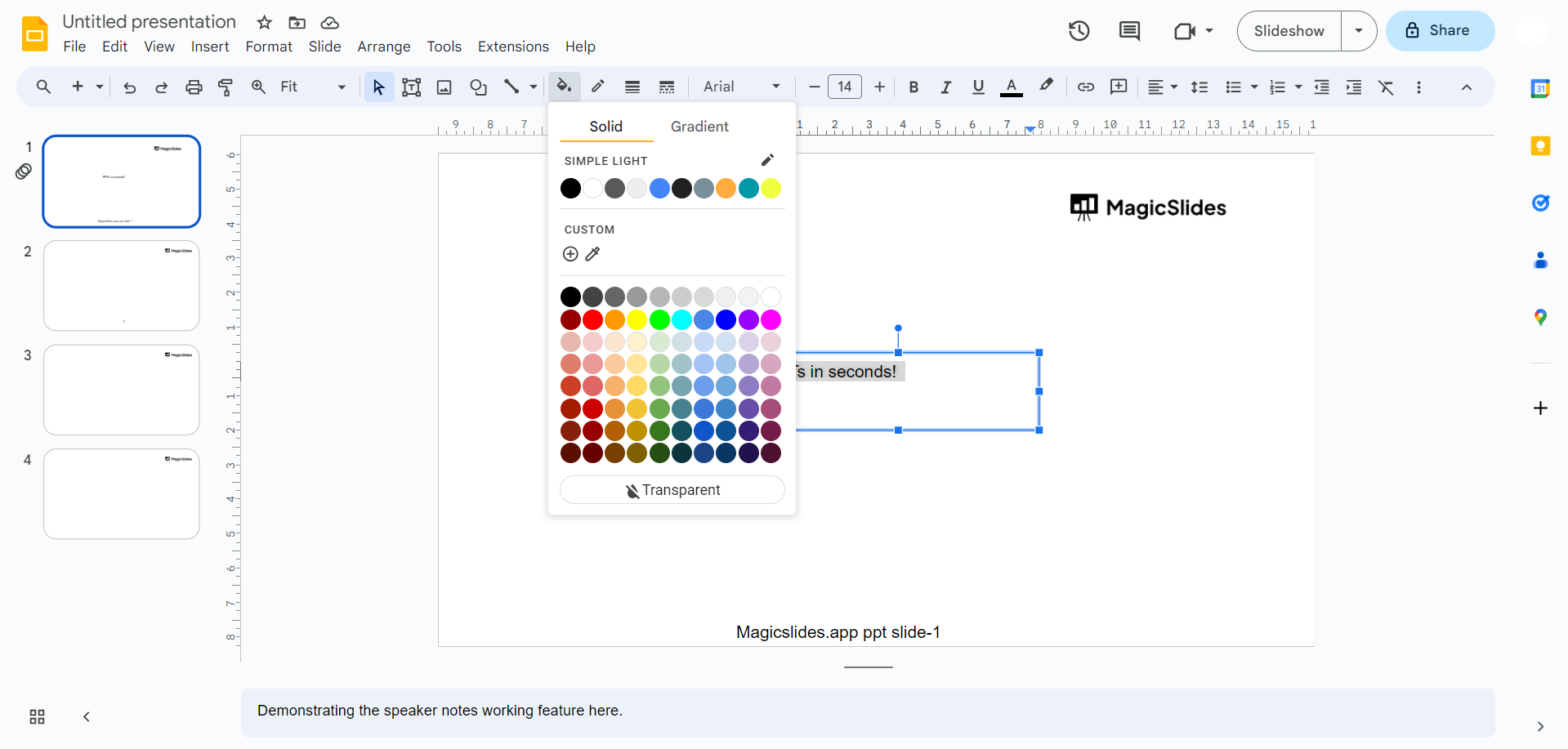
Choose a Coherent Color Palette Selecting the right color palette is akin to choosing the canvas for your presentation masterpiece. The colors you choose should harmonize with your topic and set the tone for your entire presentation.
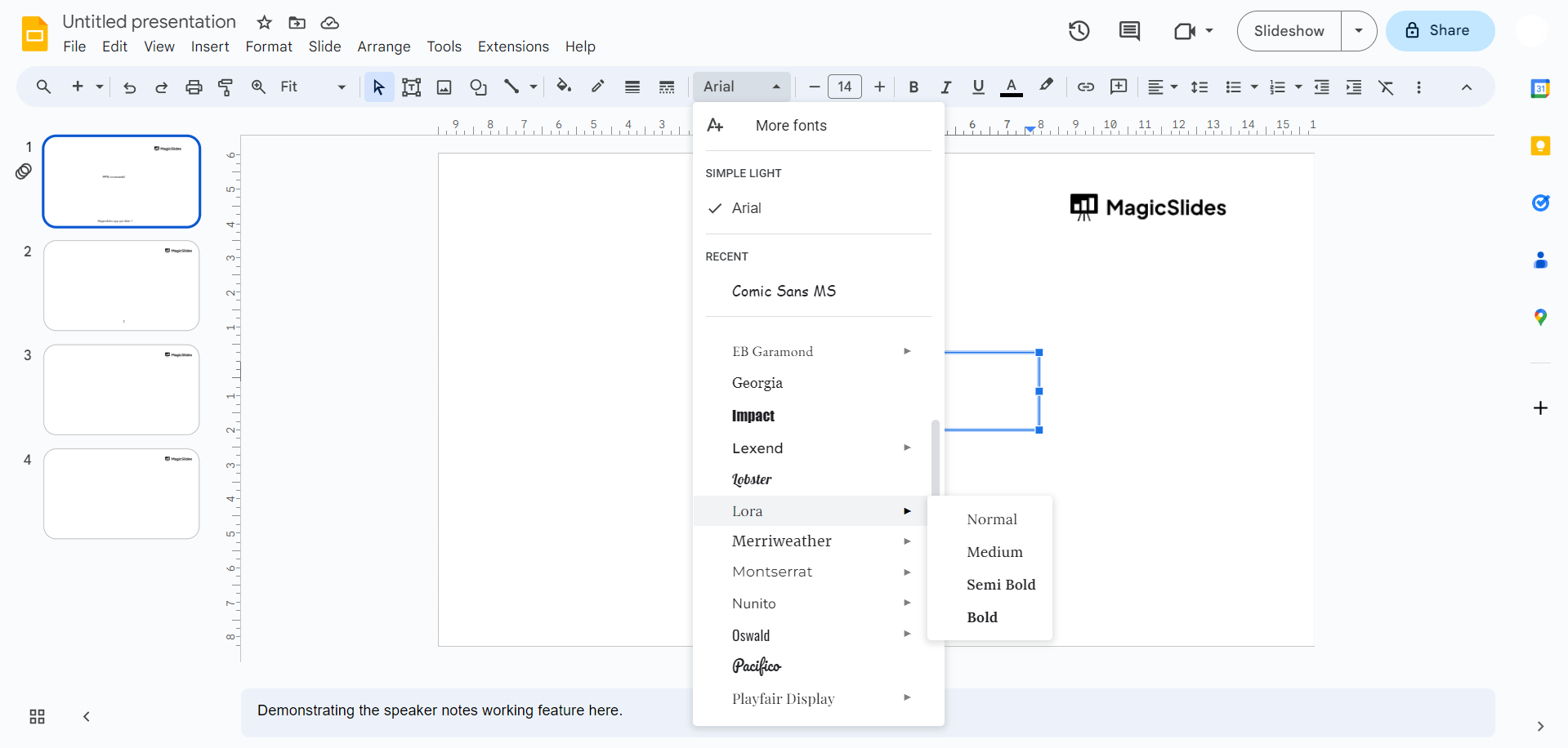
Use Whimsical Fonts Typography is the unsung hero of cute and aesthetic design. Play around with whimsical fonts like "Poppins," "Quicksand," or "Pacifico" to add personality and charm to your text.
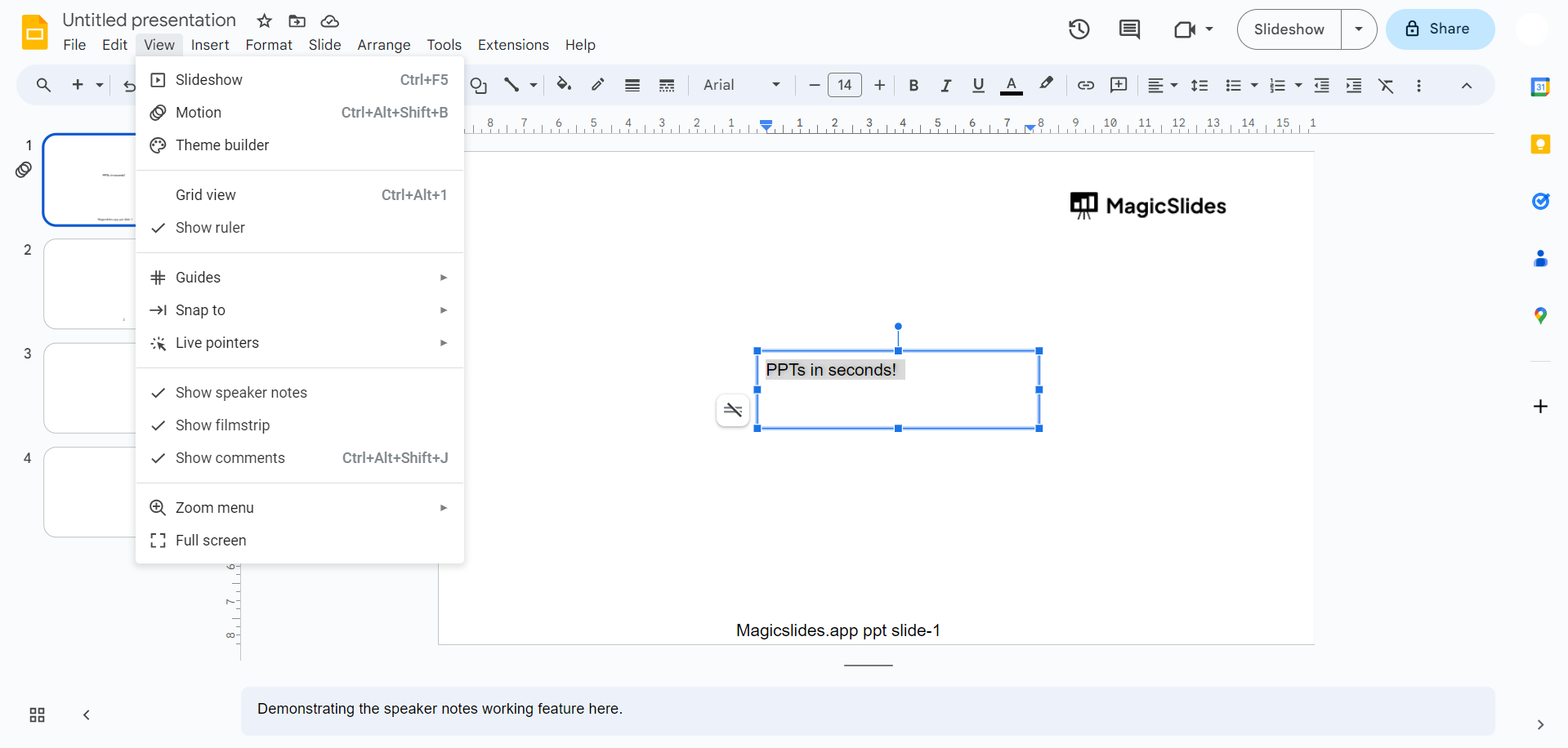
Embrace Minimalistic Layouts In a world filled with visual noise, minimalism is a breath of fresh air. It's about keeping things clean, simple, and uncluttered. Embrace ample white space, arrange your content thoughtfully, and maintain a straightforward, clean look. A minimalist design ensures that your audience can focus on your message without being distracted by unnecessary elements.
Cute Illustrations and Graphics Nothing adds charm to a presentation quite like adorable illustrations, icons, and cute graphics. These visual elements can infuse playfulness and charm into your slides, making your content more engaging and appealing. The key here is to select visuals that align with your message and resonate with your audience.
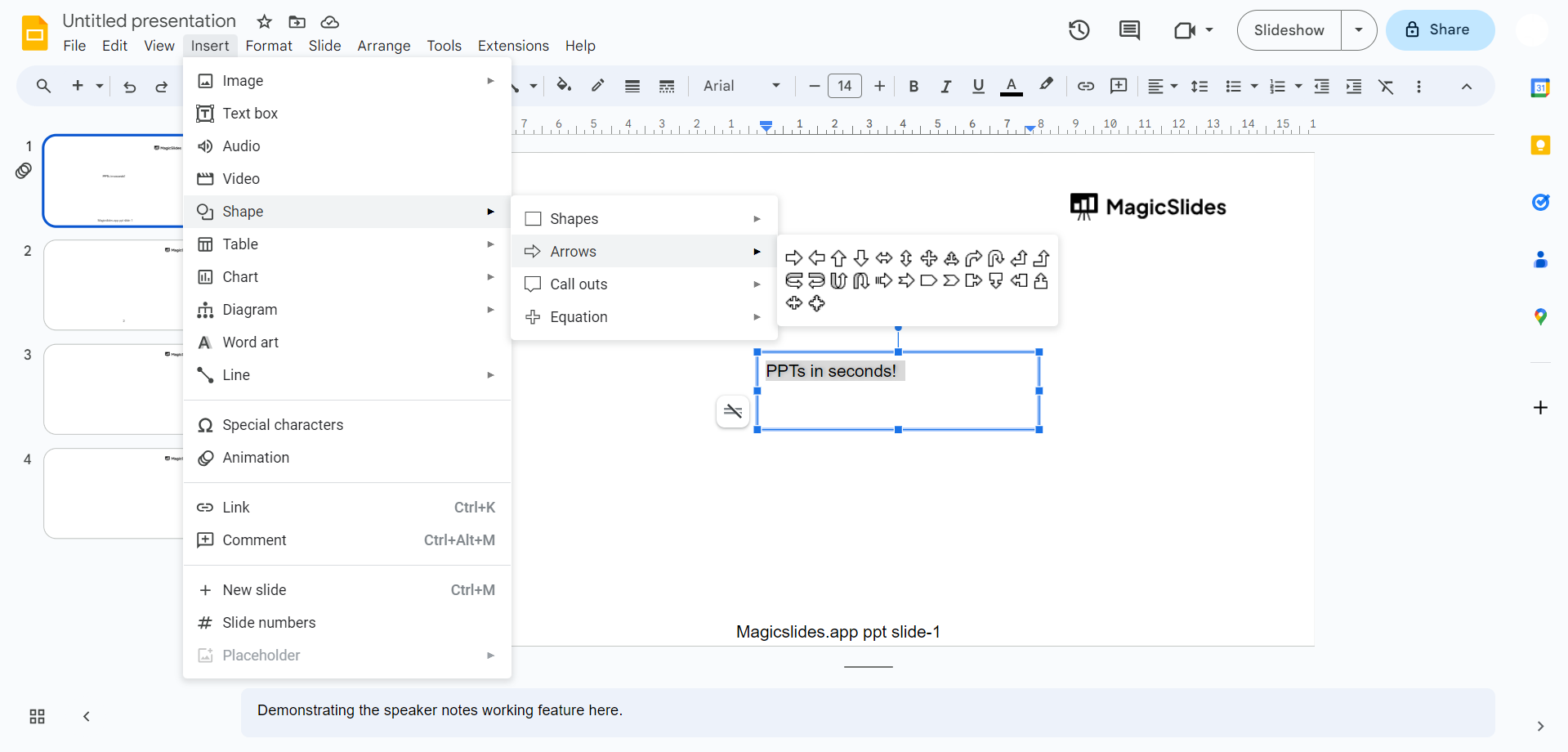
Adorable Icons and Symbols If you want to drive your points home in a cute and memorable way, consider using adorable icons and symbols. These not only make your content visually pleasing but also help convey your message in a fun and engaging manner. It's all about making the information stick in your audience's minds.
Consistent Slide Transitions and Animations To elevate your presentation further, use consistent slide transitions and subtle animations. These additions can bring your Google Slides to life, providing a captivating user experience that keeps your audience engaged and eager to see what's coming next.
Conclusion:
In the world of presentations, beauty is not just skin deep. It's about creating an experience that resonates with your audience. By implementing the tips provided in this blog post, you can take your Google Slides to a new level of cuteness and aesthetics.
Your efforts will be evident, and your audience will appreciate the extra thought and creativity you put into your presentations. So, go ahead and let your imagination run wild with your next Google Slides project, and leave a lasting impression that goes beyond just words and data.
Frequently Asked Questions
Why should I bother making my Google Slides cute and aesthetic?
Answer: Making your Google Slides cute and aesthetic not only adds visual appeal but also engages your audience and makes your message more memorable. It's a powerful way to stand out and leave a positive impression.
What are the best color schemes for creating a cute aesthetic in Google Slides?
Answer: Pastel colors, soft hues, and muted tones work well for a cute aesthetic. Choose colors that complement your topic and maintain consistency throughout your presentation.
How can I ensure my cute fonts remain readable in my Google Slides?
Answer: While using whimsical fonts is fun, ensure readability by not overdoing it. Select fonts wisely, and make sure they are easy to read even in larger text blocks.
Is a minimalist layout suitable for all types of presentations?
Answer: While minimalism is a great choice for many presentations, it might not be suitable for highly detailed or technical topics. It's best for conveying straightforward, concise information.
Where can I find cute illustrations and graphics for my Google Slides?
Answer: You can find cute illustrations and graphics on various stock image websites or consider creating your own using design software or apps like Canva.
How can I maintain professionalism while making my Google Slides cute and aesthetic?
Answer: The key is to strike a balance. Maintain a professional structure and content while adding cute elements sparingly. Keep the tone appropriate for your audience and message.


