How to Open a Browser PowerPoint in App


Easily open a browser PowerPoint in the desktop app for advanced editing, offline access, and features
How to Open a Browser PowerPoint in the App
Many users start working on a PowerPoint presentation in a web browser but later want to switch to the desktop app for better functionality and offline access.
If you’re looking to open a browser PowerPoint in the app, follow these simple steps.
Steps to Open a Browser PowerPoint in the App
Step 1: Open PowerPoint in the Web Browser
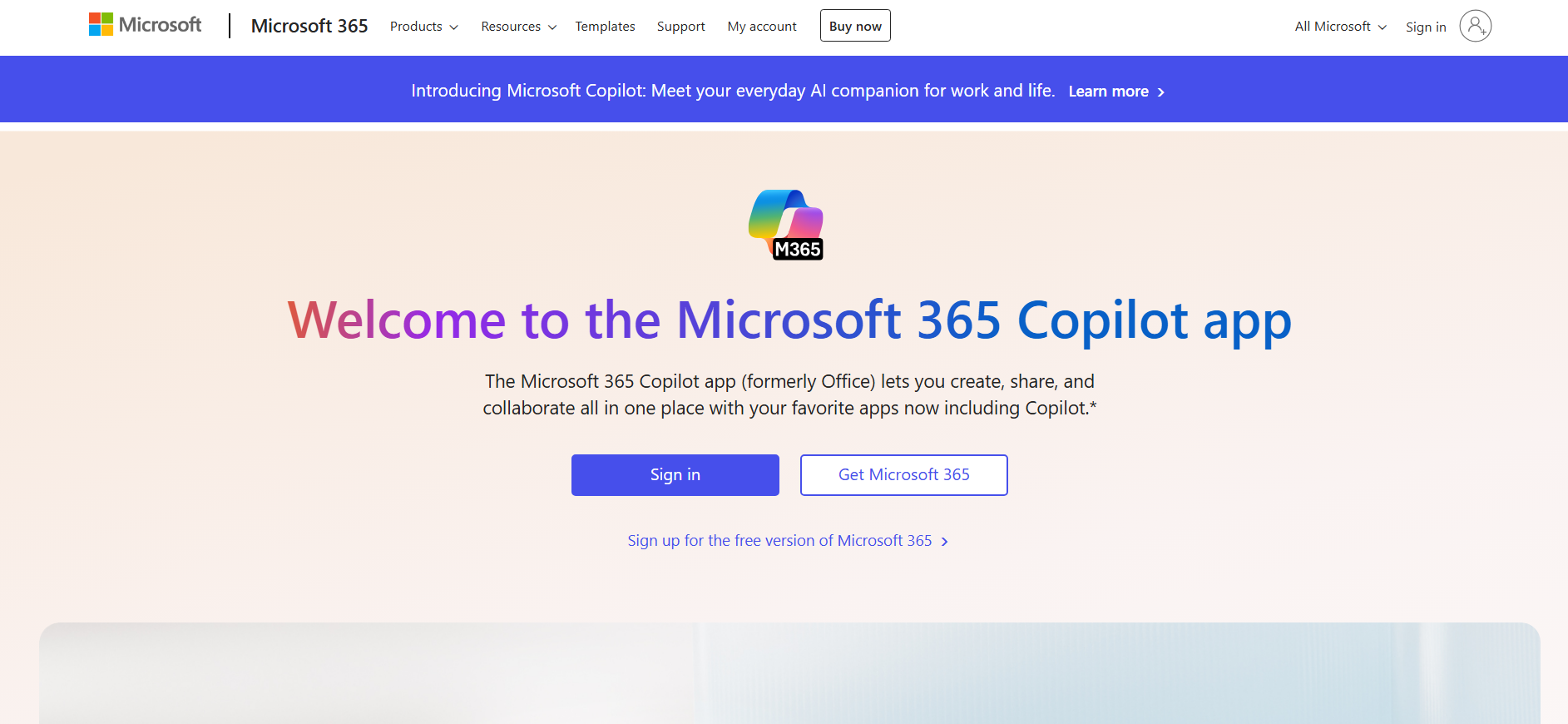
Go to PowerPoint Online and sign in with your Microsoft account. Click on OneDrive and open the PowerPoint file you want to use.
Step 2: Click on the ‘Open in Desktop App’ Option
With the PowerPoint file open in the browser, click on File in the top-left corner.
Select Open in Desktop App from the drop-down menu. If prompted, confirm by clicking Open PowerPoint.
Step 3: Wait for the PowerPoint App to Launch
Microsoft PowerPoint will now open automatically on your computer.
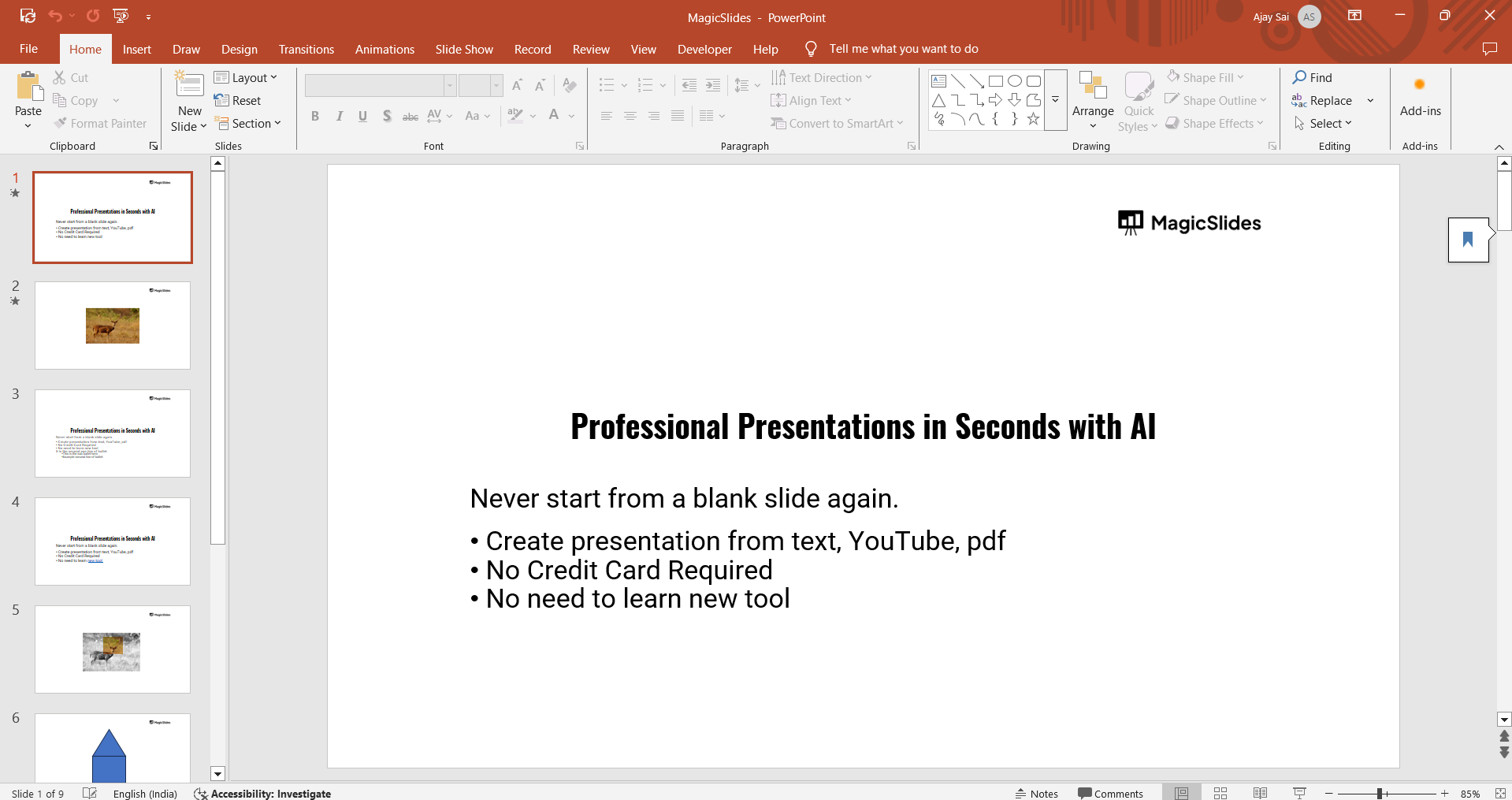
If you don’t have PowerPoint installed, you will see a prompt to download the app.
Step 4: Enable Editing (If Required)
If the file opens in Protected View, click Enable Editing at the top of the window.
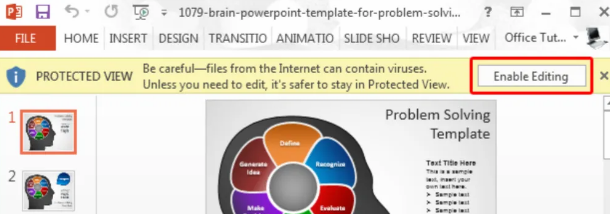
This will allow you to make changes to the presentation.
Step 5: Save Changes (Optional)
Any edits made in the app will automatically sync to OneDrive if the file is stored online.
To save a local copy, go to File > Save As and select a location on your computer.
Switching from a browser to the PowerPoint app is simple, but creating a presentation from scratch can still take time. With MagicSlides.app, you can instantly generate professional slides from a topic, PDF, or even a YouTube video try it today!
Conclusion
Opening a browser PowerPoint in the desktop app allows for advanced editing, offline access, and additional features.
By following these steps, you can seamlessly switch between the web and desktop versions for a smoother workflow.
FAQs on Opening a Browser PowerPoint in the App
What if the ‘Open in Desktop App’ option is missing?
Ensure that Microsoft PowerPoint is installed on your device and that you’re logged into your Microsoft account.
Can I edit a PowerPoint file offline after opening it in the app?
Yes, if you download the file or enable offline editing in OneDrive.
Will my changes sync if I open a browser PowerPoint in the app?
Yes, if the file is stored in OneDrive, any changes made in the app will sync automatically.
Now you know how to switch between the browser and desktop versions of PowerPoint effortlessly! 🚀


