How to Print full page PowerPoint on Mac Without Margins


Print PowerPoint slides on Mac without margins for a full-page, professional, and borderless presentation output
How to Print Full-Page PowerPoint on Mac Without Margins
When printing PowerPoint slides on a Mac, you may notice unwanted margins around the edges.
If you want a borderless, full-page printout, follow this step-by-step guide to ensure your slides print exactly as they appear on the screen.
Step-by-Step Guide to Printing Full-Page PowerPoint on Mac Without Margins
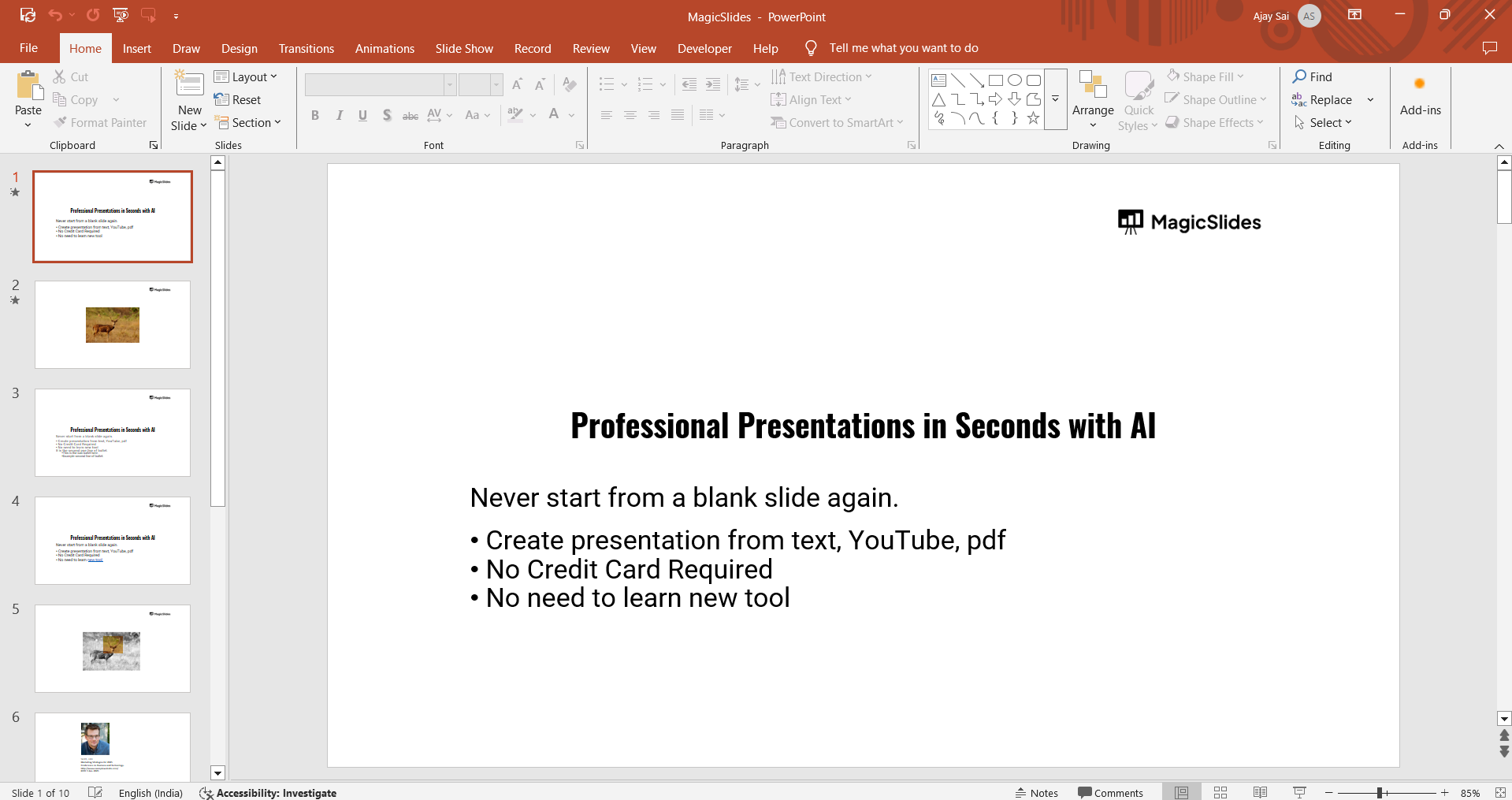
Step 1: Open Your PowerPoint Presentation
Launch Microsoft PowerPoint on your Mac. Open the presentation you want to print.
Step 2: Go to the Print Menu
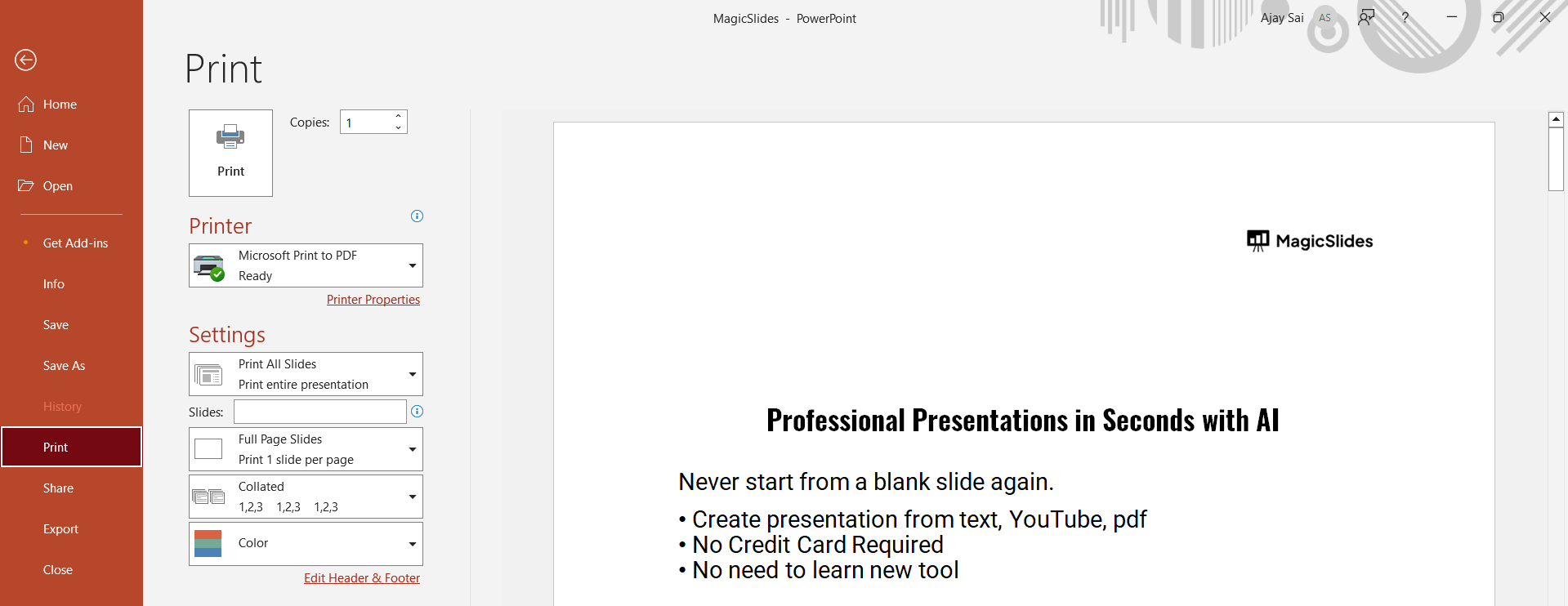
Click on File in the top menu bar. Select Print from the dropdown menu.
Step 3: Choose "Scale to Fit Paper" Option
In the print dialog box, click on the "Show Details" button if needed.
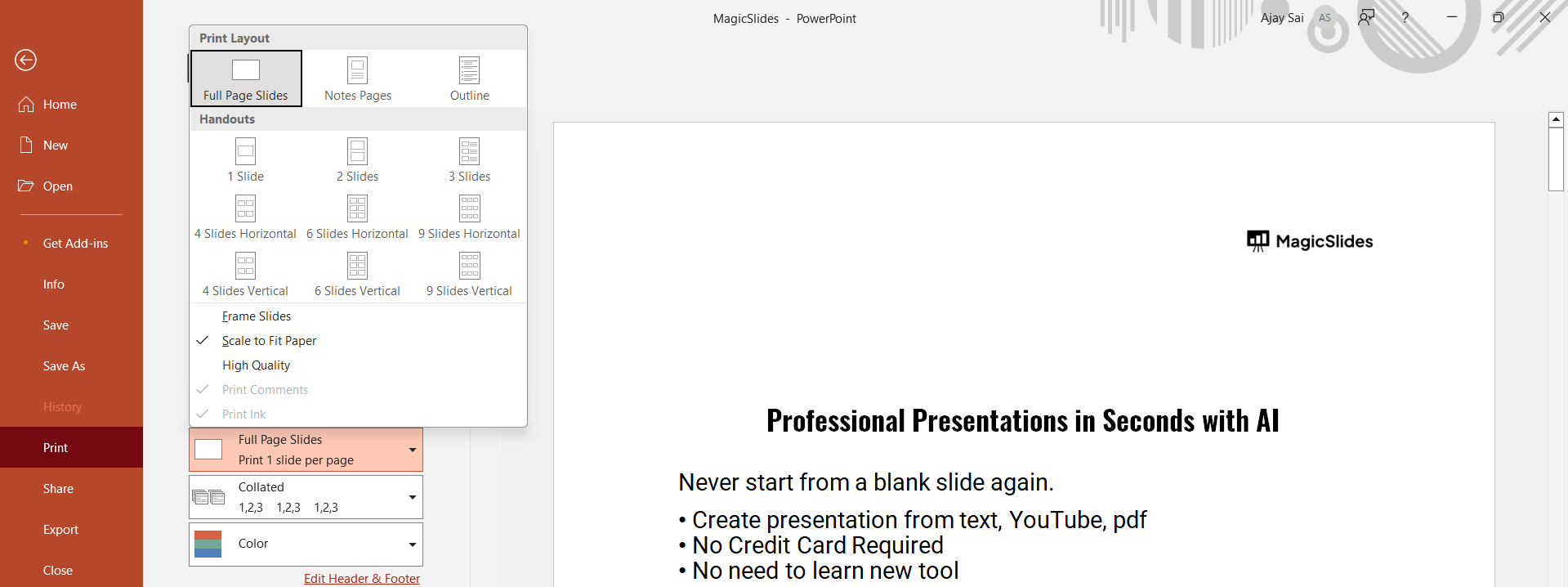
Under the "Slide Layout" dropdown, select "Scale to Fit Paper" to maximize slide coverage.

Step 4: Select Paper Size and Adjust Scaling
Click on Paper Size and choose Custom Paper Size.
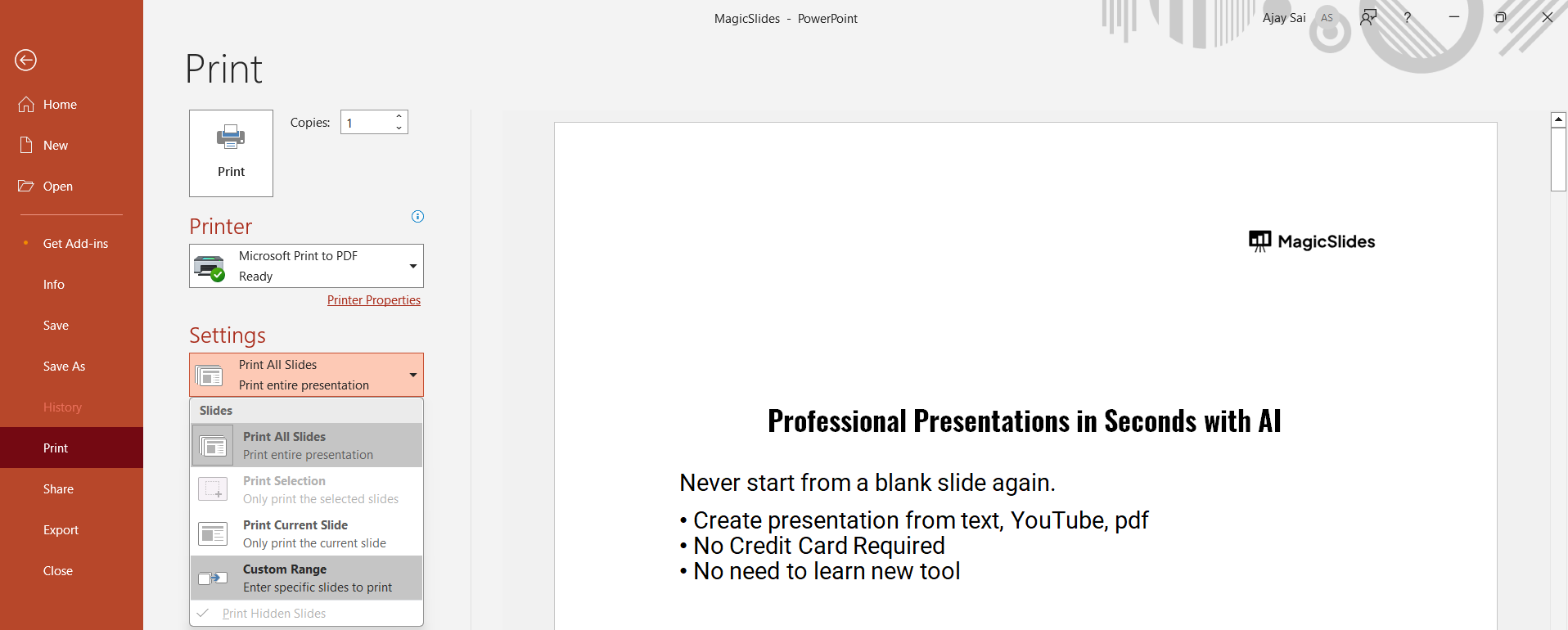
Set margins to 0 to remove any white space around the slides.
Step 5: Print Borderless (If Printer Supports It)
Some printers allow borderless printing. If available, check the "Borderless Printing" option.
Select your printer from the list and check if it supports edge-to-edge printing.
Step 6: Print or Save as PDF
If you're satisfied with the preview, click Print to get a full-page output without margins.
Alternatively, select "Save as PDF" for a digital version before printing.
Printing full-page slides is useful for handouts, but if you want to create high-quality presentations in seconds, check out MagicSlides.app. Generate polished slides instantly from text, PDFs, YouTube videos, and more!
Conclusion
Printing PowerPoint slides without margins on Mac ensures a professional, full-page output without extra white space.
By adjusting scaling and page size settings, you can achieve a borderless print for your presentations.
FAQs About Printing Full-Page PowerPoint on Mac Without Margins
Why do my slides still have white borders after printing?
Your printer may not support borderless printing, or margin settings weren’t adjusted to 0 in custom paper size.
How do I know if my printer supports borderless printing?
Check your printer’s settings or user manual. Some models include an option for edge-to-edge printing.
Can I print full-page slides without margins as a PDF first?
Yes! Choose "Save as PDF" in the print dialog before printing to verify the output.
Now you can print full-page PowerPoint slides on Mac without margins for a seamless, professional look! 🚀


