How to See Dimensions for Print for PowerPoint


Easily check and adjust PowerPoint slide dimensions to ensure perfect formatting for high-quality printed presentations
How to See Dimensions for Print in PowerPoint
When preparing a PowerPoint presentation for printing, it’s essential to check the slide dimensions to ensure they match your desired print size.
PowerPoint allows you to adjust and view slide dimensions to fit various paper sizes.
Follow these step-by-step instructions to see the dimensions for print in PowerPoint.
Steps to See Dimensions for Print in PowerPoint
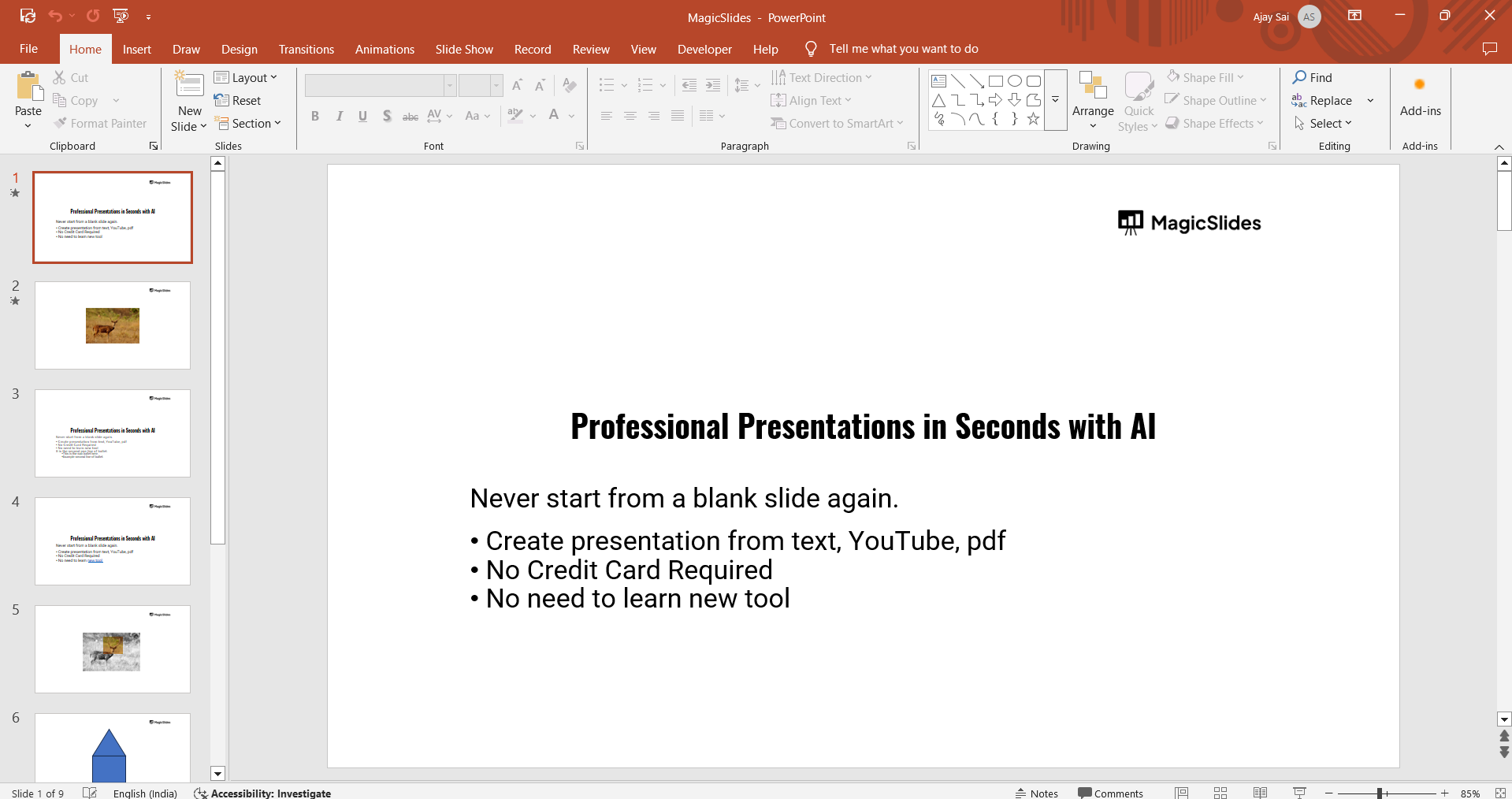
Step 1: Open Your PowerPoint Presentation
Launch PowerPoint on your computer. Open an existing presentation or create a new one.
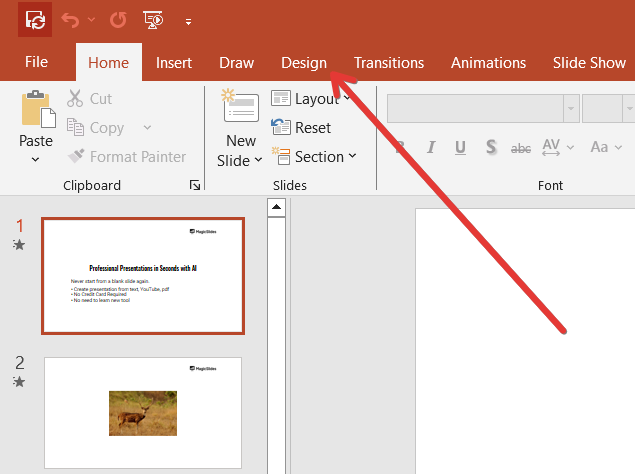
Step 2: Navigate to the Design Tab
Click on the Design tab in the top toolbar. This tab contains all the formatting and slide layout options.
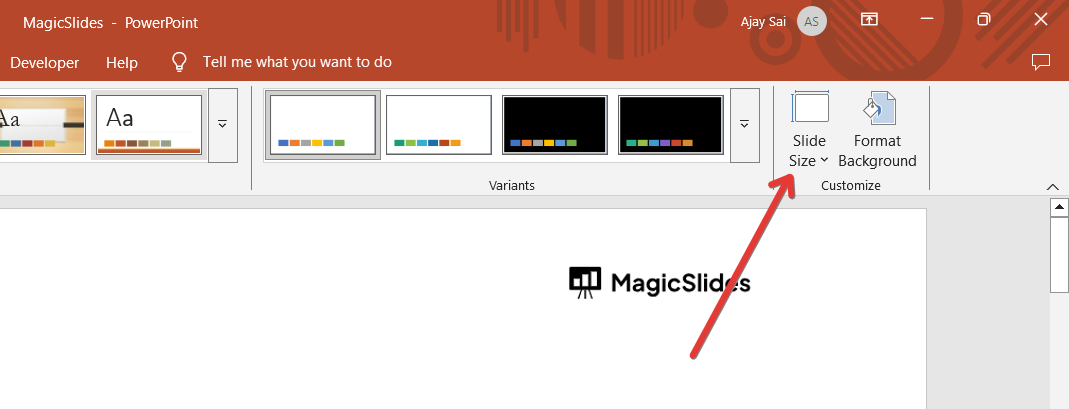
Step 3: Open the Slide Size Menu
In the Customize section, click on Slide Size (or Page Setup in older versions).
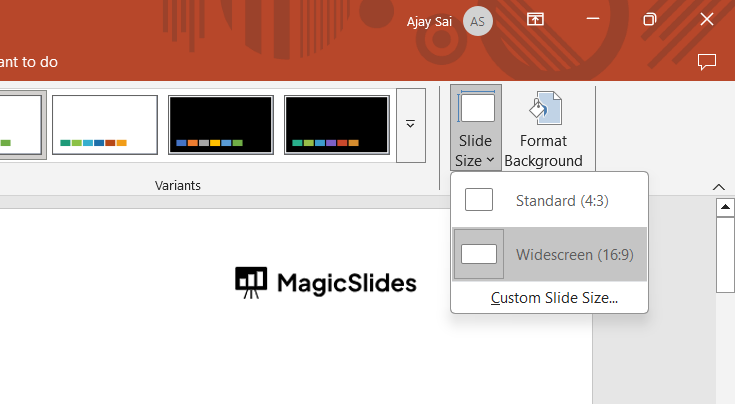
A drop-down menu will appear with different slide size options.
Step 4: Select "Custom Slide Size"
Click on Custom Slide Size to view the exact dimensions of your slides.
A dialog box will open, displaying the current width and height in inches, centimeters, or pixels.
Step 5: Adjust Dimensions if Needed
If you want to customize the size for printing, enter the required dimensions manually.
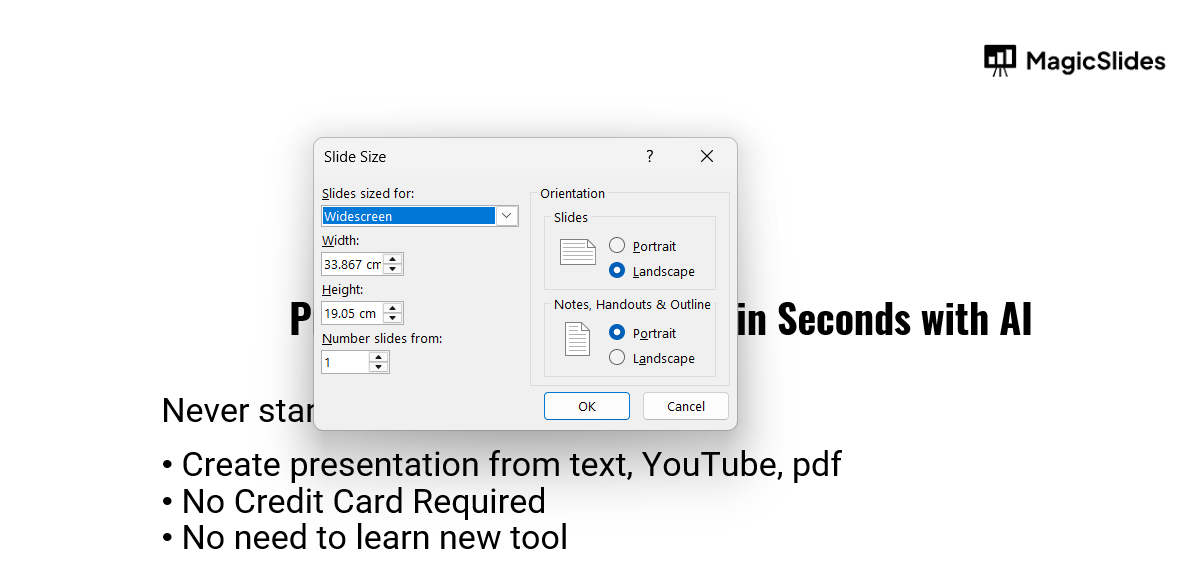
Use standard print sizes such as 8.5 x 11 inches (Letter), A4, or 16:9 for widescreen prints.
Click OK to apply changes.
Step 6: Set Up Print Scaling (Optional)
If your slides don’t match the printer's aspect ratio, PowerPoint will ask you to choose between:
- Maximize: Fills the page but may crop content.
- Ensure Fit: Shrinks content to fit the selected page size.
Select the best option based on your printing needs.
Step 7: Check Print Preview
Go to File > Print to see how your slides will appear when printed. Adjust margins or scaling settings if necessary.
Ensuring the right dimensions for print in PowerPoint is crucial for high-quality output.
But if you want to create stunning, AI-generated presentations effortlessly, try MagicSlides.app just enter your topic, and your slides are ready in seconds!
Conclusion
Checking slide dimensions before printing ensures your PowerPoint presentation fits your desired paper size correctly.
By following these steps, you can avoid formatting issues and achieve a high-quality printout.
FAQs on PowerPoint Dimensions for Print
What is the default slide size in PowerPoint?
The default slide size in PowerPoint is Widescreen (13.33 x 7.5 inches), which is ideal for digital screens but may require adjustments for printing.
Can I print PowerPoint slides on A4 paper?
Yes, go to Slide Size > Custom Slide Size and set the dimensions to 8.27 x 11.69 inches for A4 paper.
How do I change units from inches to centimeters in PowerPoint?
You can change measurement units by going to Control Panel > Region > Additional Settings, then adjusting the unit system.
Now, you’re ready to print your PowerPoint slides with perfect dimensions! 🖨️📏


