Is Prezi Free?


Prezi is a creative presentation tool offering zoom effects and templates—perfect for engaging visual storytelling
Is Prezi Free? How to Use Prezi
Prezi is a popular cloud-based presentation tool known for its dynamic, non-linear storytelling style that zooms in and out of content.
Unlike traditional slide-by-slide formats like PowerPoint, Prezi allows for more engaging and visually impactful presentations.
If you're wondering whether Prezi is free and how you can start using it, this guide will walk you through everything you need to know.
Is Prezi Free?
Yes, Prezi offers a free version, but it comes with limitations. The free plan includes:
- Access to basic presentation features
- Cloud storage
- Public presentations (visible to everyone)
To access features like offline editing, private sharing, advanced design tools, or Prezi Video, you’ll need a paid subscription. Prezi offers pricing tiers for individuals, students, educators, and teams.
How to Use Prezi: Step-by-Step Guide
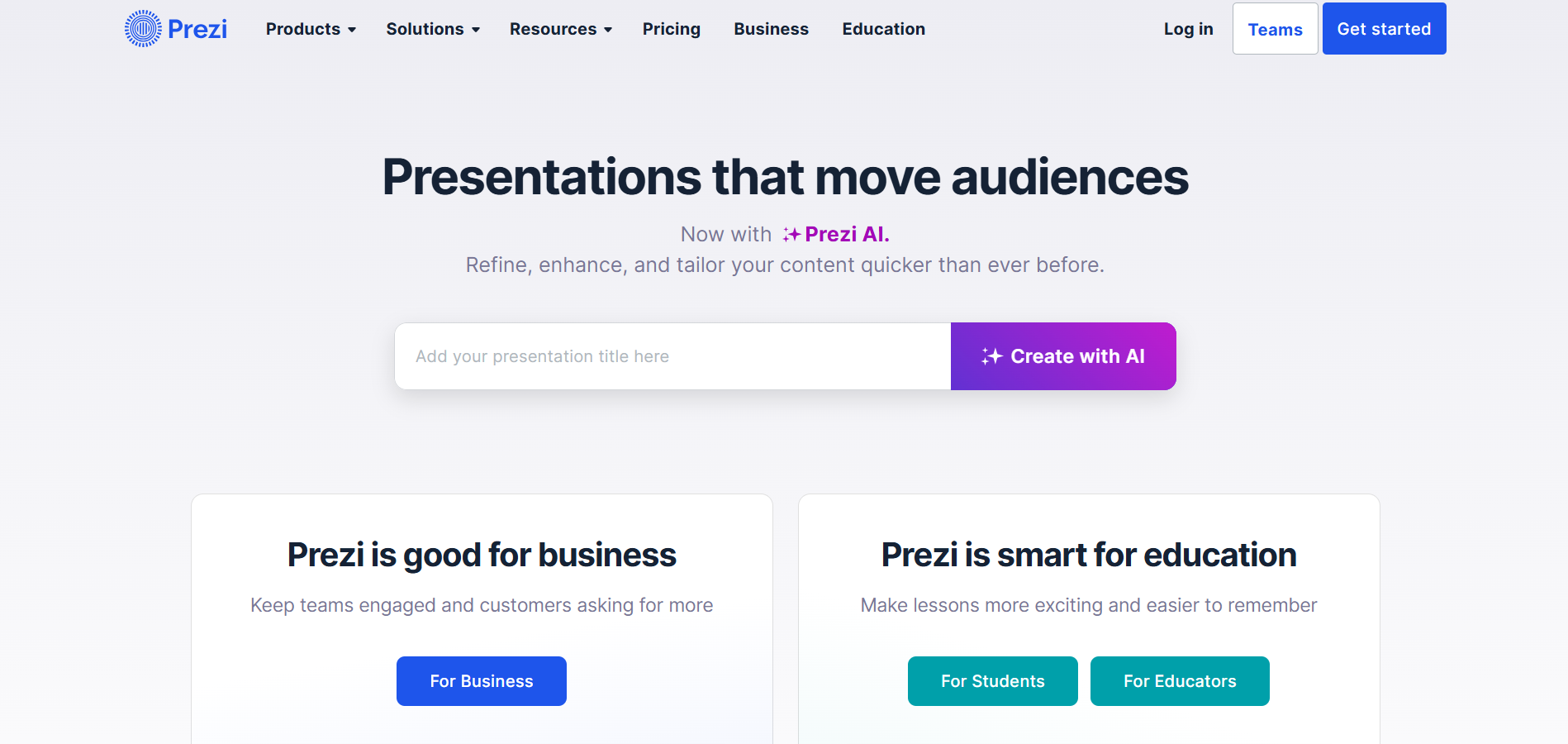
Step 1: Sign Up for Prezi
Go to prezi.com and sign up using your email, Google, or Facebook account. Choose the plan that fits your needs—select the free version to get started.
Step 2: Choose a Prezi Tool (Present, Video, or Design)
Prezi offers three main tools:
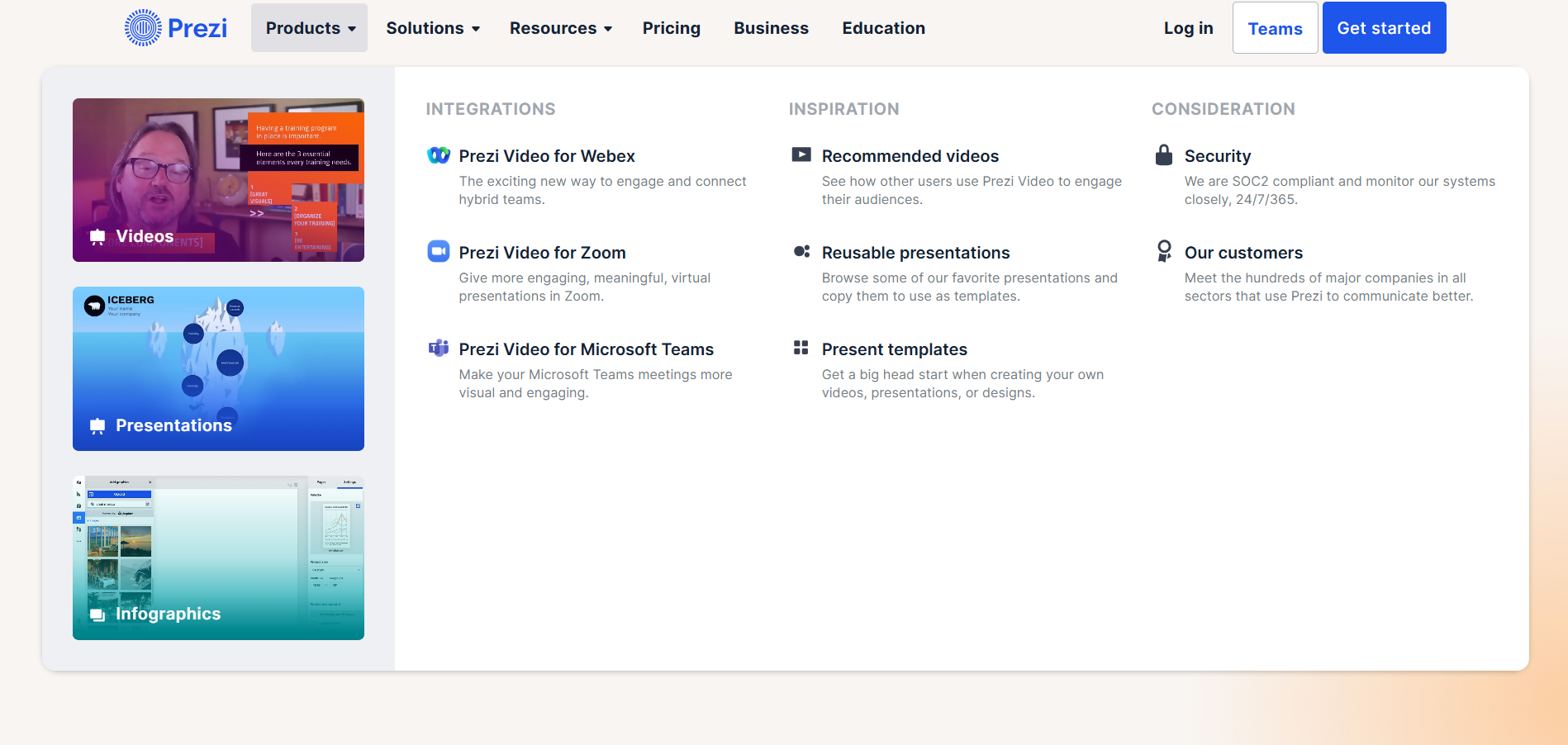
- Prezi Present – Create engaging presentations
- Prezi Video – Record videos with your presentation beside you
- Prezi Design – Build infographics, charts, or social media posts Choose “Prezi Present” to create a traditional presentation experience.
Tired of spending hours crafting a presentation? Here’s a smarter solution MagicSlides.
Whether it’s for work, school, or a pitch deck, building a presentation from scratch can take hours from researching and organizing content to designing each slide. But what if you could skip all that and have your presentation ready in under a minute? That’s exactly what MagicSlides does for you.
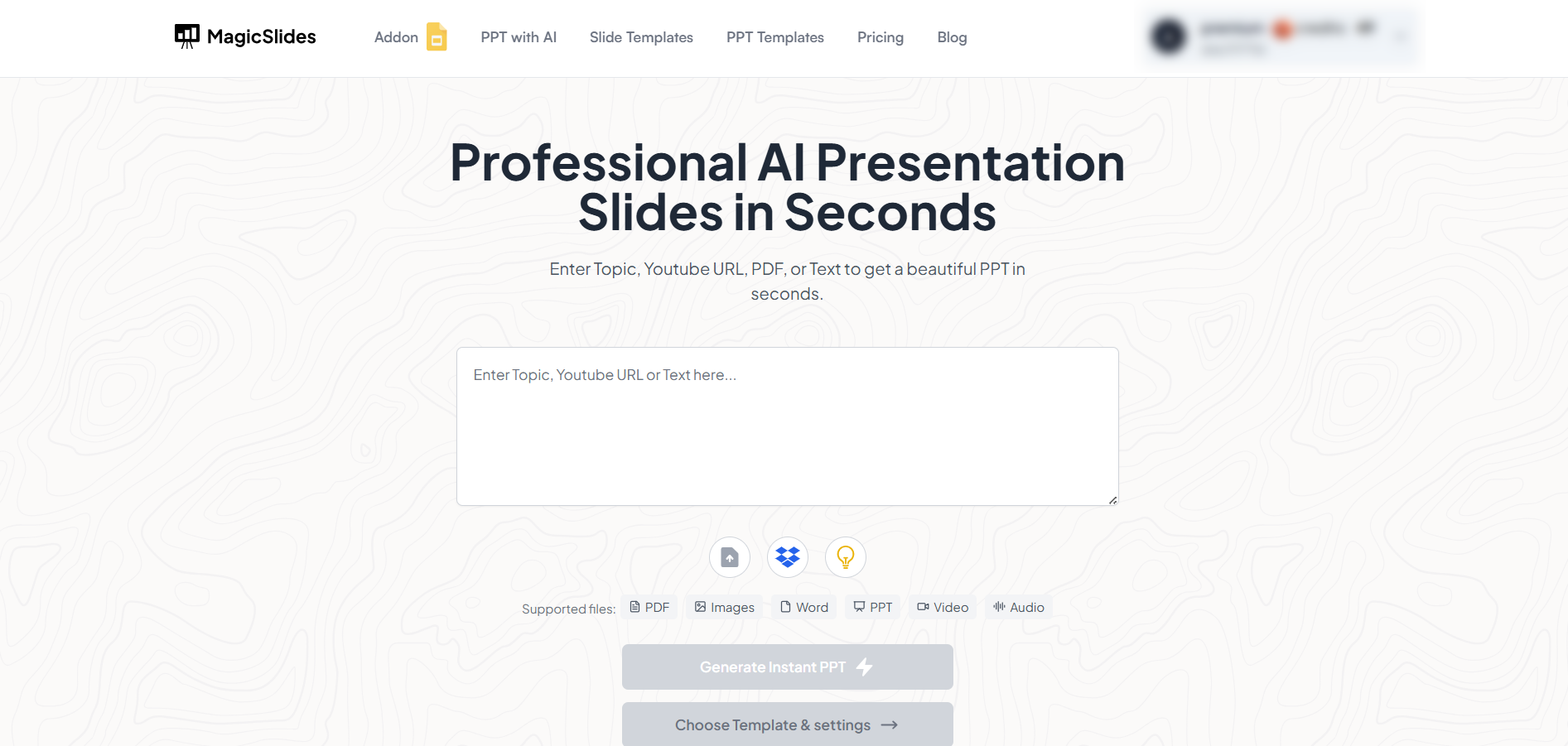
MagicSlides is an AI-powered tool that creates professional, engaging presentations with just one prompt. Simply enter your topic, and the platform will generate a full deck complete with structured content, design elements, and suggested visuals.
Here’s what you’ll love about MagicSlides:
- Instant slide generation with just one prompt
- Smart content organization and bullet points
- Visually polished designs, no design skills needed
- Multiple formats: Download as PowerPoint, use in Google Slides
- Supports customization, edits, and re-generation
- Converts YouTube videos, URLs, or text into full presentations
- Perfect for business, education, content creation, and more
Want to try it yourself? Click here to start creating your first presentation for free!
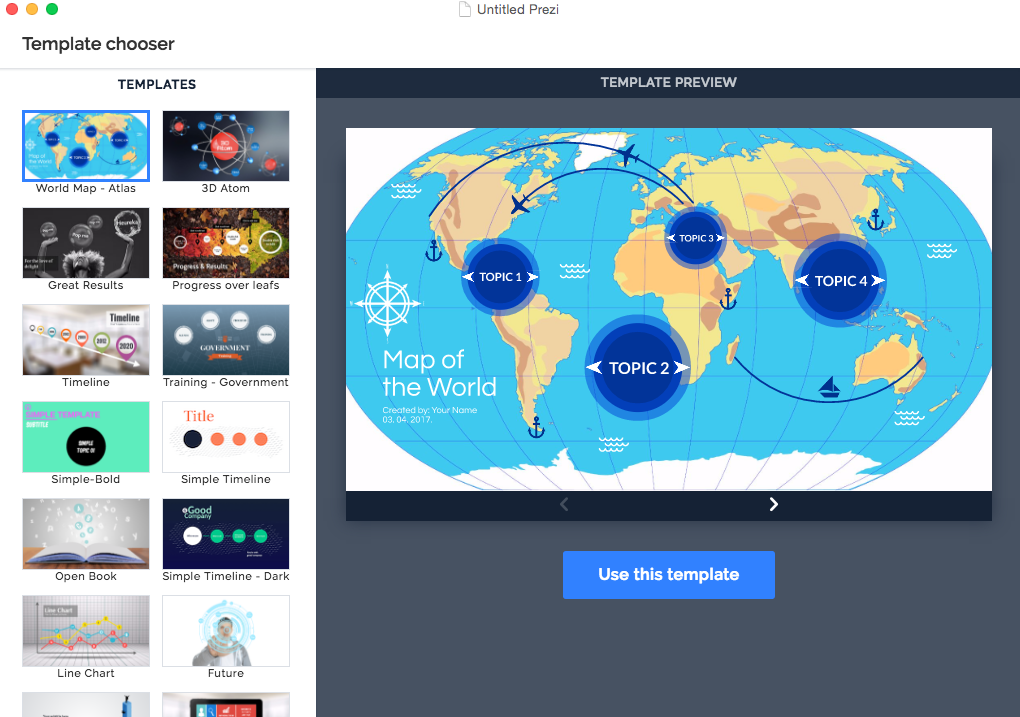
Step 3: Select a Template
Once inside Prezi Present, choose a template from the library.
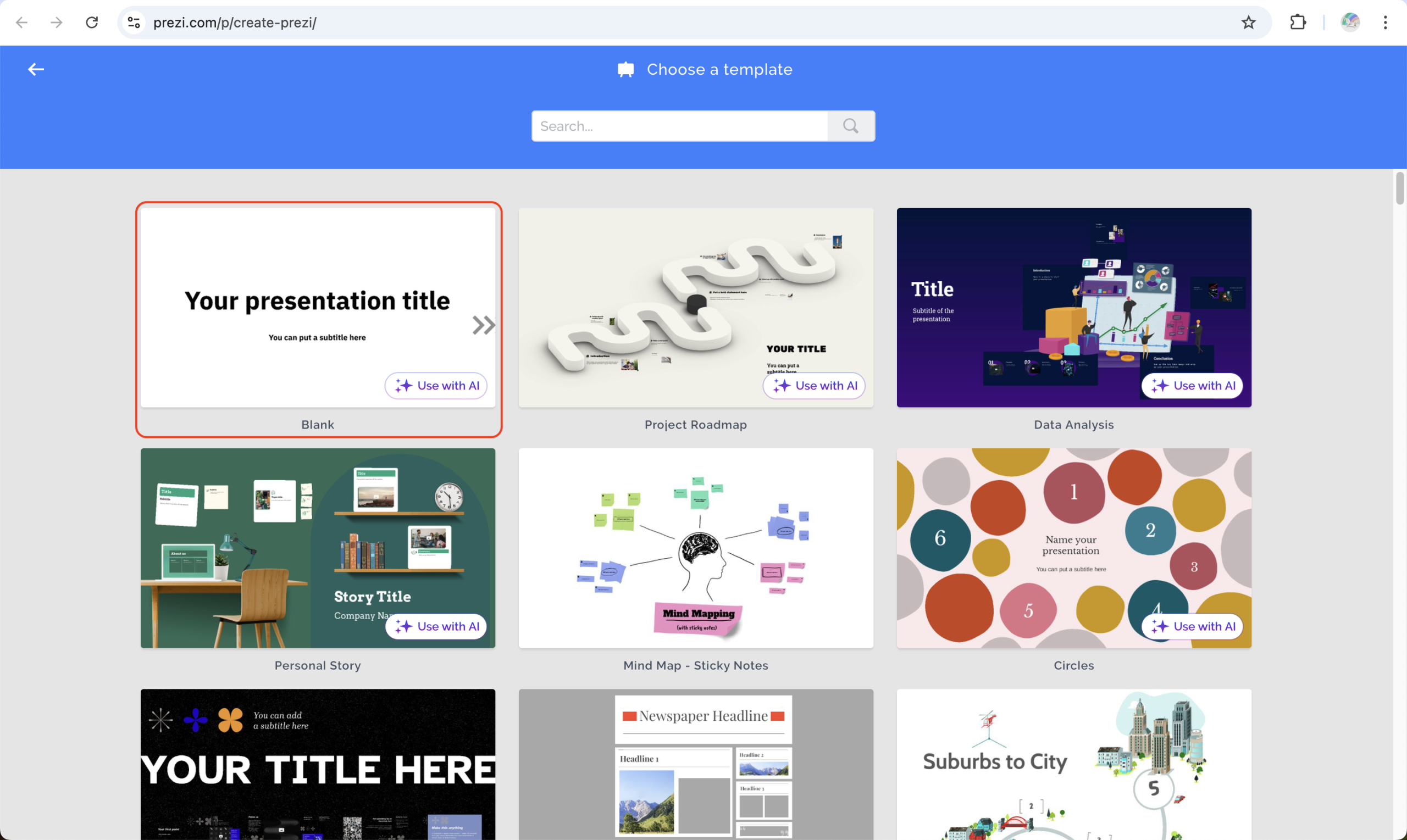
These templates are structured with zoomable paths, allowing content to be presented in a visually connected way.
Step 4: Customize Your Prezi
Click on any element text, shapes, images, videos to edit or add content. You can:
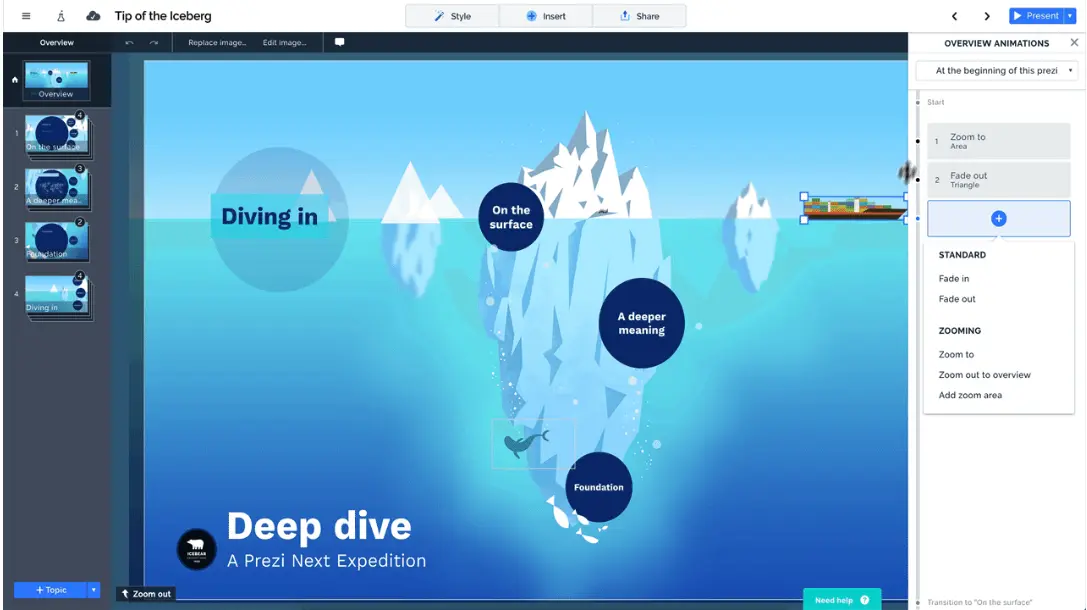
- Add new topics and subtopics
- Change colors and fonts
- Insert visuals, icons, charts, and videos
Prezi uses a canvas instead of slides, letting you map out your entire presentation in a more interactive way.
Step 5: Set the Flow (Pathing)
Determine the order in which your content appears by setting a custom path. This helps create a story-like structure by zooming from one part of the canvas to another. credit: Prezi Blog
Step 6: Present or Share
Once your Prezi is ready, click "Present" to go full-screen. You can also share your presentation via a link, export it, or invite collaborators if you're on a premium plan.
Conclusion
Prezi is an exciting alternative to traditional presentation software, offering dynamic motion-based storytelling that captivates audiences.
While its free version gives access to essential features, upgrading to a premium plan unlocks more advanced tools for professionals and teams.
Whether you're a student, marketer, or entrepreneur, Prezi can help you elevate your presentation game.
FAQs can come handy!
Can I use Prezi without paying?
Yes, Prezi has a free plan that allows you to create and share public presentations with basic tools.
Is Prezi better than PowerPoint?
Prezi offers a different, more interactive approach. It's better for visual storytelling, but PowerPoint may be preferred for structured content and offline use.
Can I use Prezi offline?
Offline editing is available only with a paid subscription that includes the Prezi Desktop app.


