Minimalist vs. Detailed PowerPoint Design: What Works?


Compare minimalist vs. detailed PowerPoint design, their pros and cons, and discover how MagicSlides.app simplifies presentation creation with AI-powered features.
PowerPoint presentations are essential tools in business, education, and various professional settings. However, one critical decision every presenter faces is choosing between minimalist and detailed design styles. Which one works best? The answer depends on factors like audience type, purpose, and content complexity.
In this blog, we will compare minimalist vs. detailed PowerPoint design, explore their pros and cons, and help you decide which style best suits your needs. Additionally, we will introduce MagicSlides.app, an AI-powered tool that simplifies PowerPoint creation, and discuss its pricing and features.
Minimalist vs. Detailed PowerPoint Design: A Comprehensive Comparison
1. Understanding Minimalist PowerPoint Design
Minimalist design follows the "less is more" principle, focusing on simplicity, clarity, and effectiveness. This style often includes:
- Clean layouts with ample white space
- Limited text (keywords instead of paragraphs)
- Simple fonts (e.g., sans-serif like Arial, Calibri)
- Subtle color schemes (often monochrome or two-tone)
- Minimal visual elements (icons, simple charts, and infographics)
Advantages of Minimalist PowerPoint Design
✅ Easy to read and understand – Audiences grasp the key points quickly.
✅ Looks modern and professional – Ideal for corporate presentations.
✅ Keeps focus on the speaker – Listeners engage more with the presenter than the slides.
✅ Reduces cognitive overload – Viewers do not get distracted by excessive details.
Disadvantages of Minimalist PowerPoint Design
❌ Lack of detailed information – May not be suitable for complex topics.
❌ Over-simplification risk – Important data might be lost.
❌ Requires strong verbal delivery – Presenters must verbally explain concepts in depth.
2. Understanding Detailed PowerPoint Design
Detailed PowerPoint design includes more text, visuals, and elements to provide comprehensive information. It often features:
- Bullet points or full paragraphs
- Rich visual content (charts, infographics, images, and videos)
- Varied fonts and colors to highlight key areas
- Multiple slides with in-depth explanations
Advantages of Detailed PowerPoint Design
✅ Provides complete information – Best for technical, academic, or data-driven presentations.
✅ Self-explanatory – Useful when shared as a standalone document.
✅ Enhances audience understanding – Complex ideas are broken down with supporting visuals.
Disadvantages of Detailed PowerPoint Design
❌ Can overwhelm the audience – Too much information may lead to disengagement.
❌ Less focus on the presenter – Viewers may read instead of listening.
❌ Visually cluttered – May appear unprofessional if not well-designed.
3. When to Use Minimalist vs. Detailed PowerPoint Design?
Choosing between minimalist and detailed PowerPoint design depends on your audience, purpose, and content type.
| Factor | Minimalist PowerPoint | Detailed PowerPoint |
| Business Pitches | ✅ Best – Keeps focus on key messages | ❌ Too much detail can dilute impact |
| Technical Reports | ❌ Not enough depth | ✅ Best – Covers data extensively |
| Educational Lectures | ❌ May lack clarity for students | ✅ Provides in-depth explanations |
| Marketing & Sales | ✅ Best – Engaging and concise | ❌ Too much text may lose interest |
| Webinars & Online Content | ✅ Works well with verbal narration | ✅ Works if slides are shared afterward |
Pro Tip:
Use a hybrid approach – Start with a minimalist design for clarity, then add details only where necessary.
4. Create Stunning PowerPoint Presentations with MagicSlides.app
Creating professional presentations can be time-consuming, but MagicSlides.app makes it effortless. It is an AI-powered tool that generates PowerPoint presentations instantly based on your topic and preferences.
How to Use MagicSlides.app:
- Visit MagicSlides.app
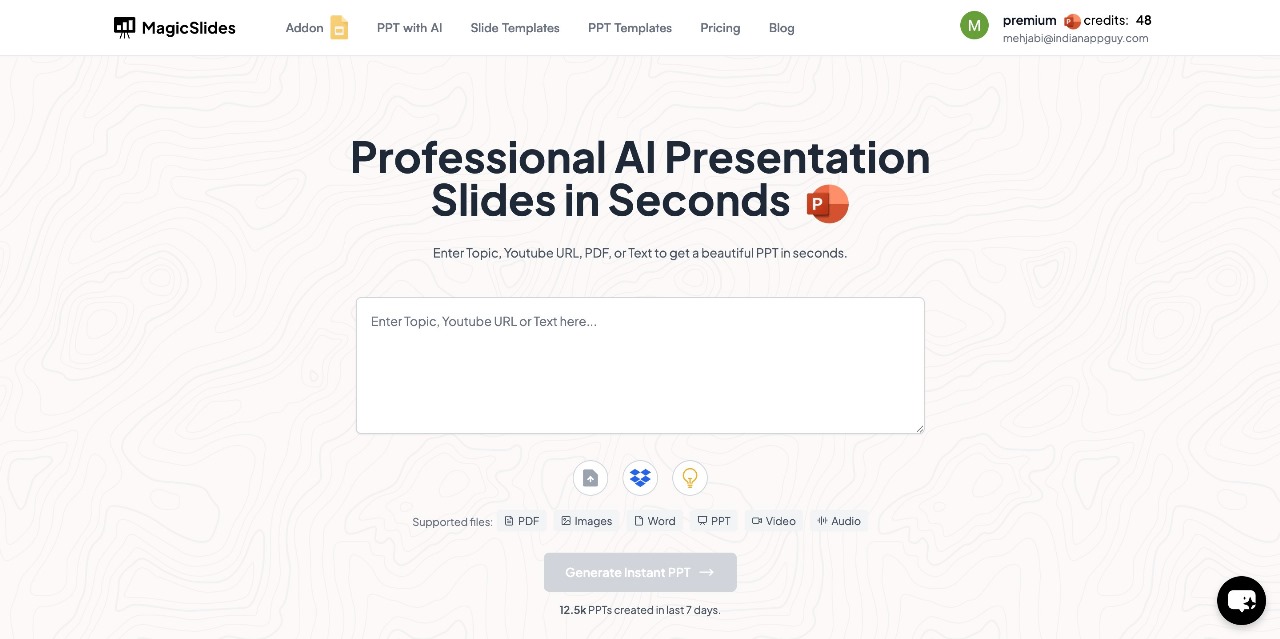
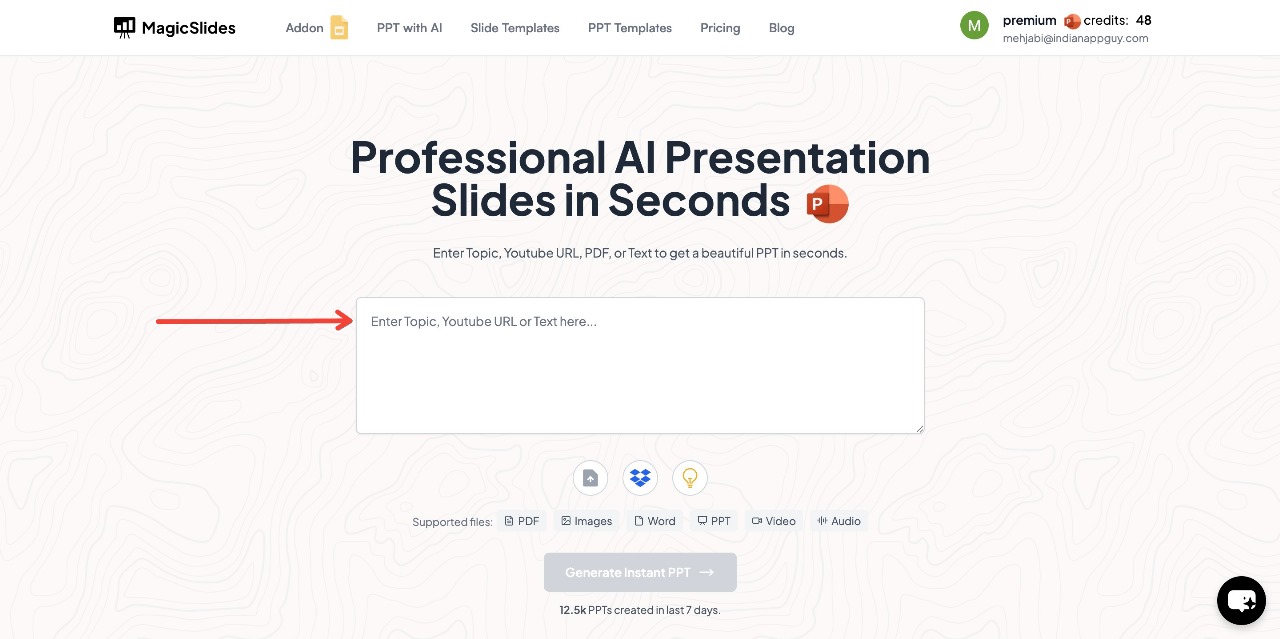
- Enter Your Topic – Type in the subject or title of your presentation in the provided space.
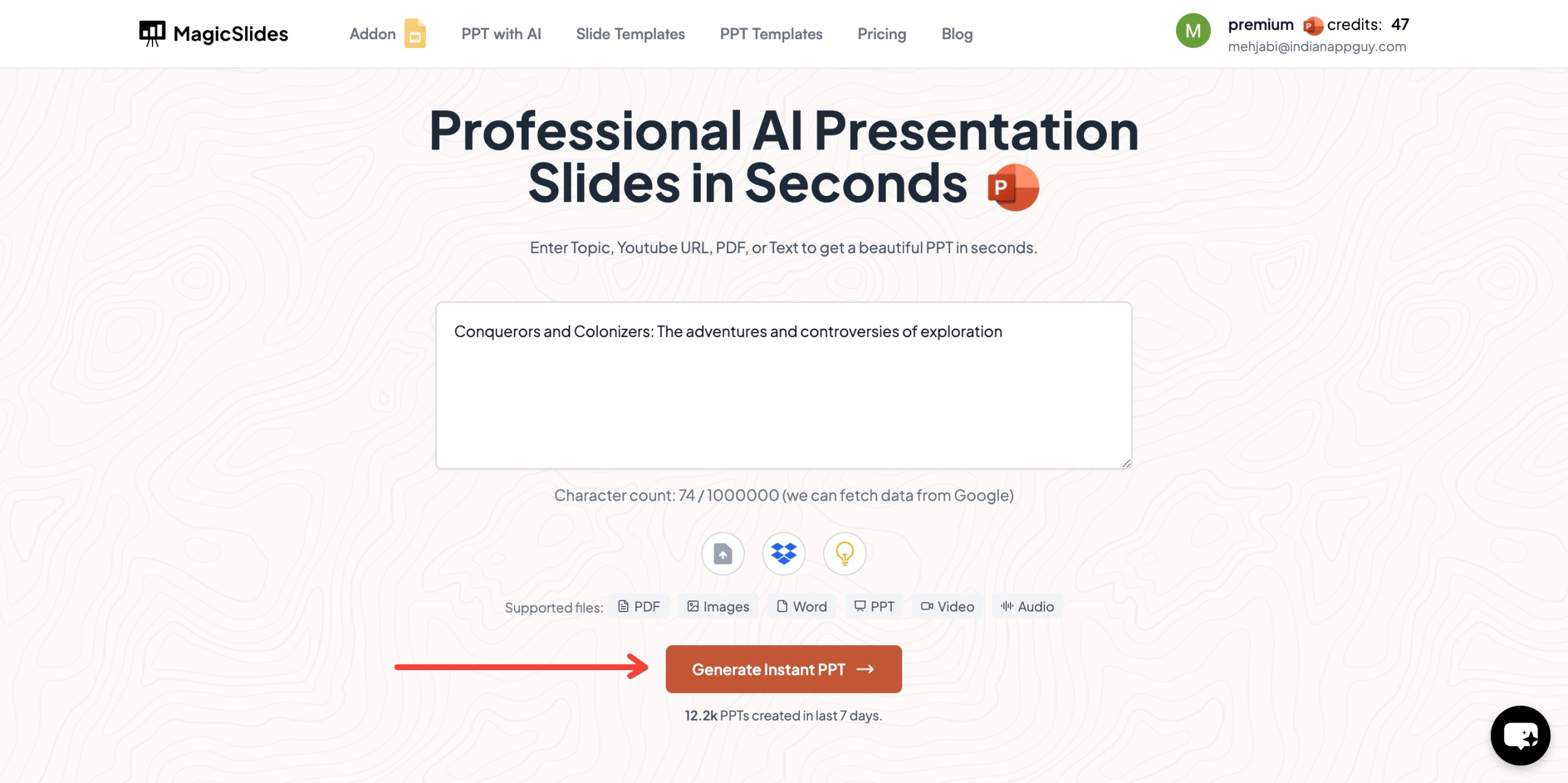
- Click "Generate Instant PPT" – The AI will start creating slides based on your topic.
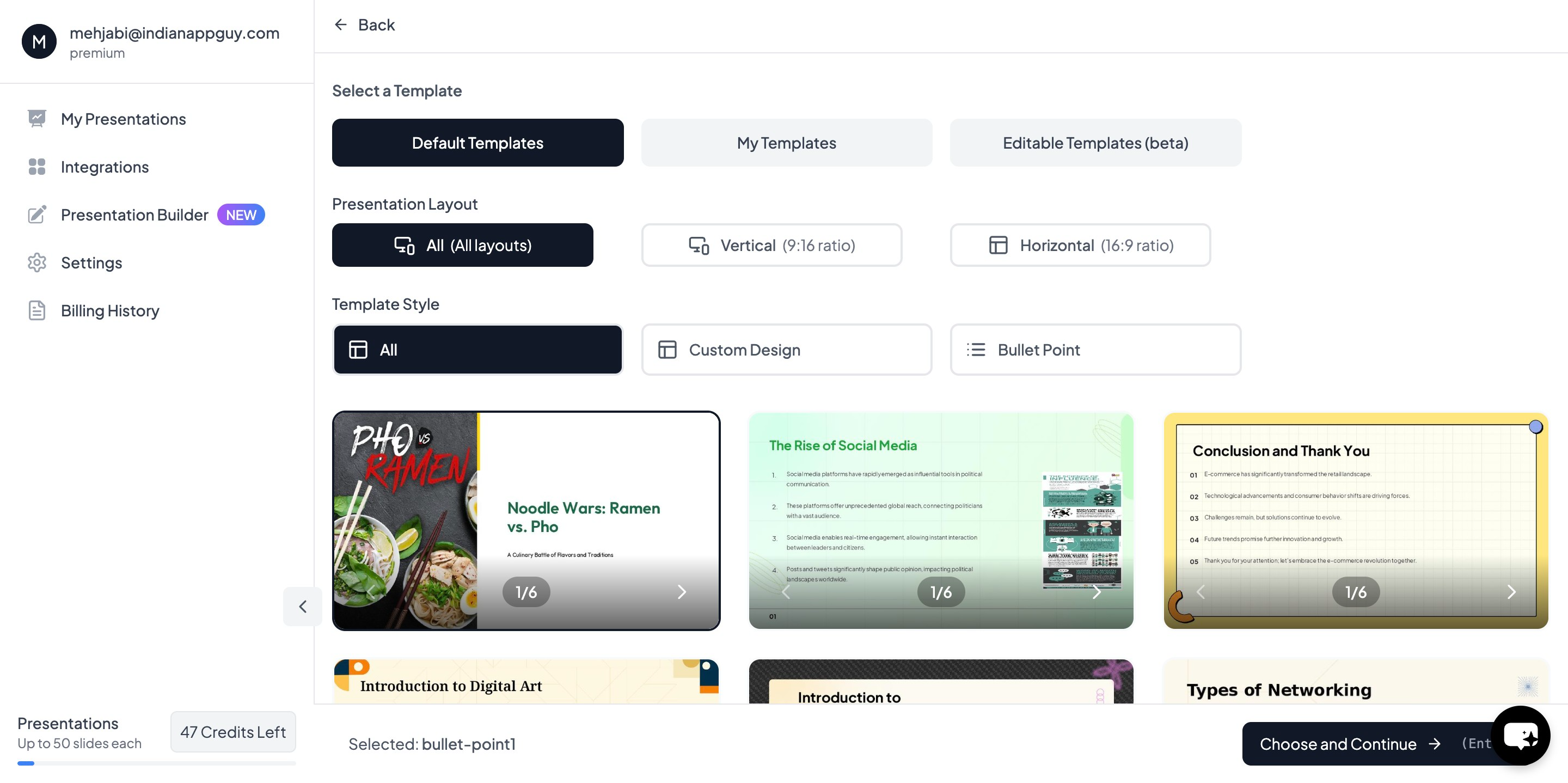
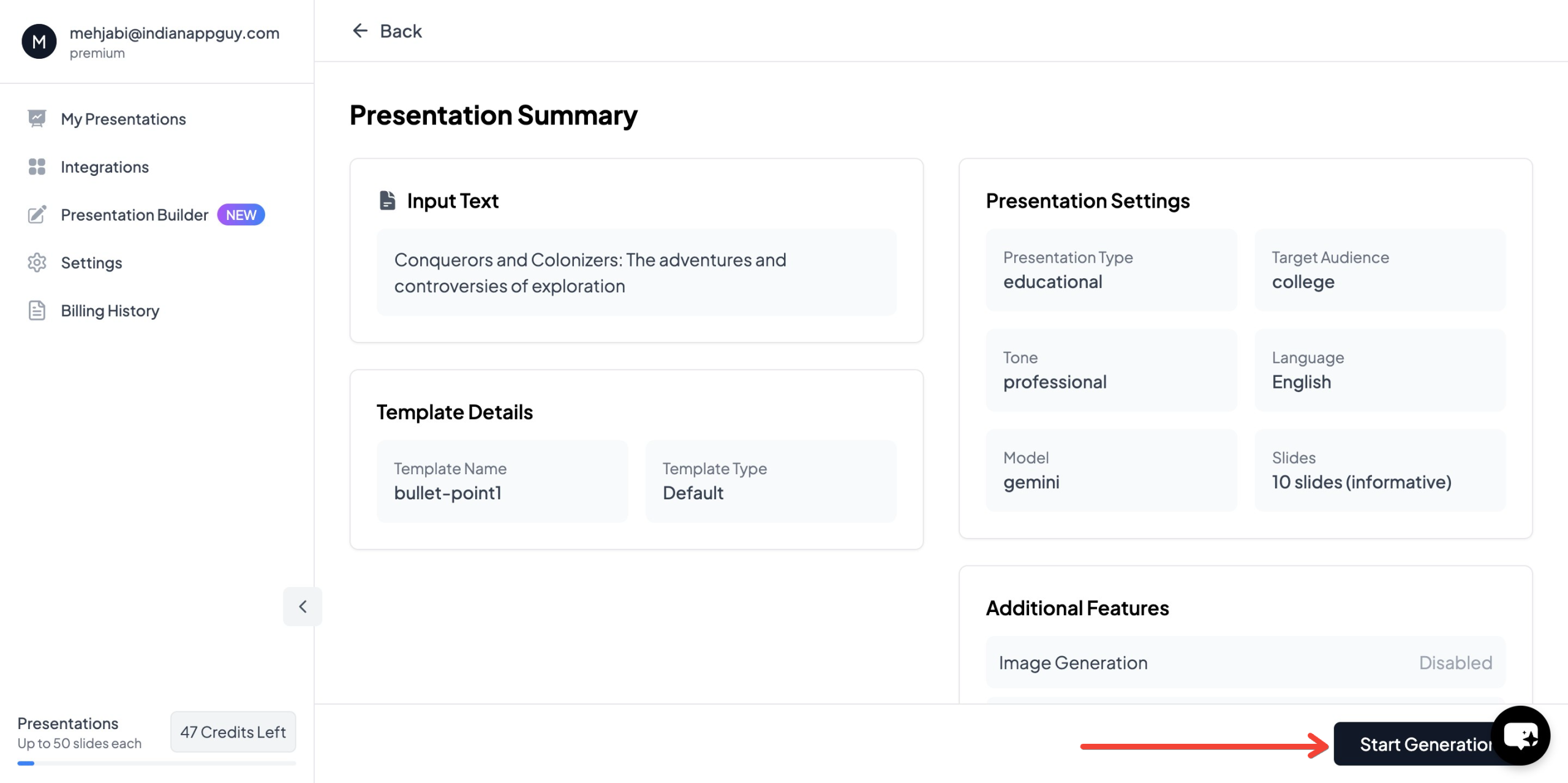
- Choose your template and select the number of slides as prompted
- Click "Start Generation" and wait for your slides to be created
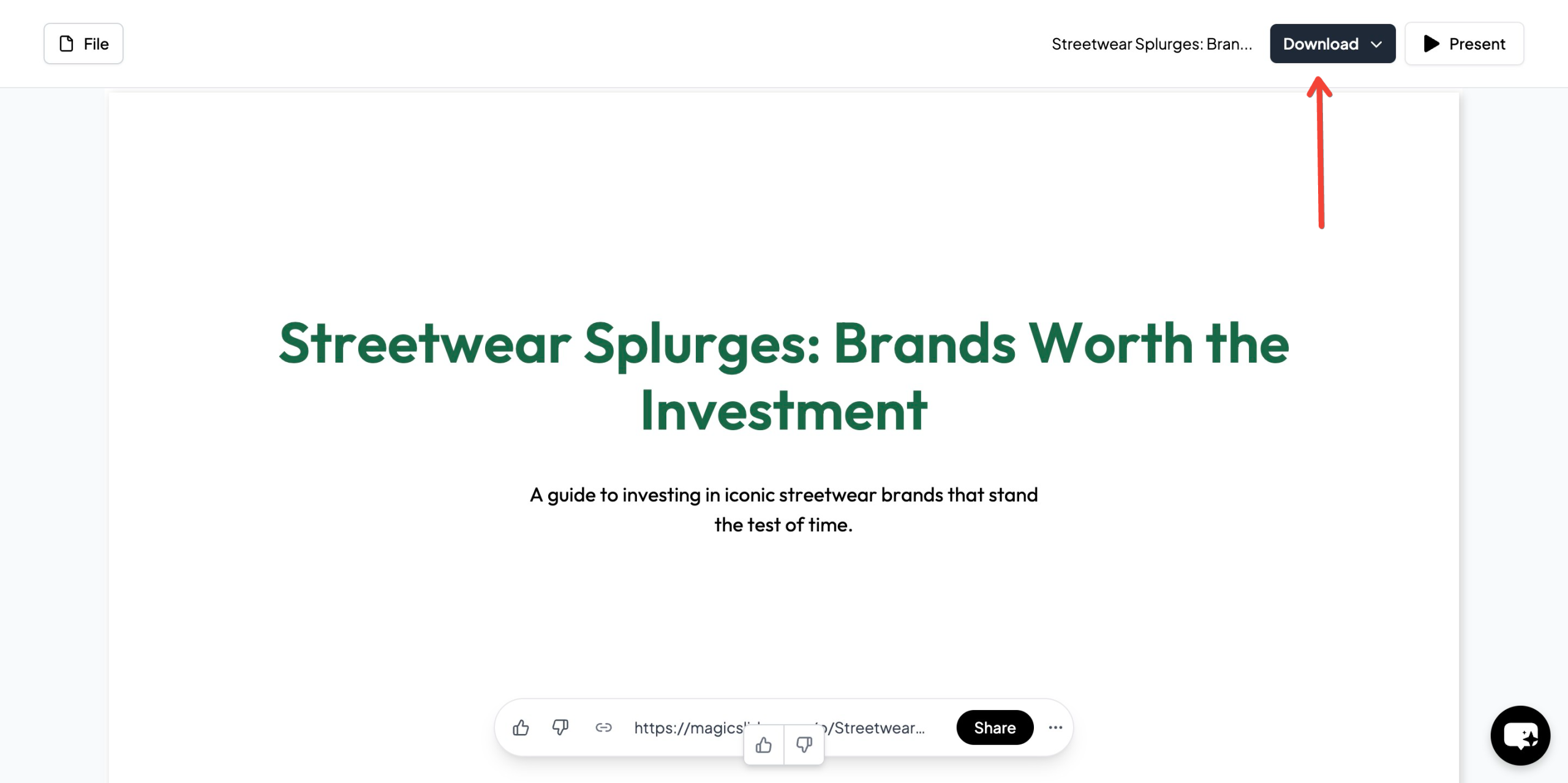
- Your presentation will be ready in seconds, complete with AI-generated content and images
Key Features of MagicSlides.app
- AI-powered content generation – Saves hours of work.
- Customizable templates – Choose from a variety of designs.
- Supports YouTube to PPT conversion – Convert video content into slides.
- Integrates with Google Slides & Figma – Works seamlessly with popular platforms.
- Supports 100+ languages – Ideal for global users.
5. MagicSlides.app Pricing Plans
MagicSlides offers flexible pricing options based on user needs.
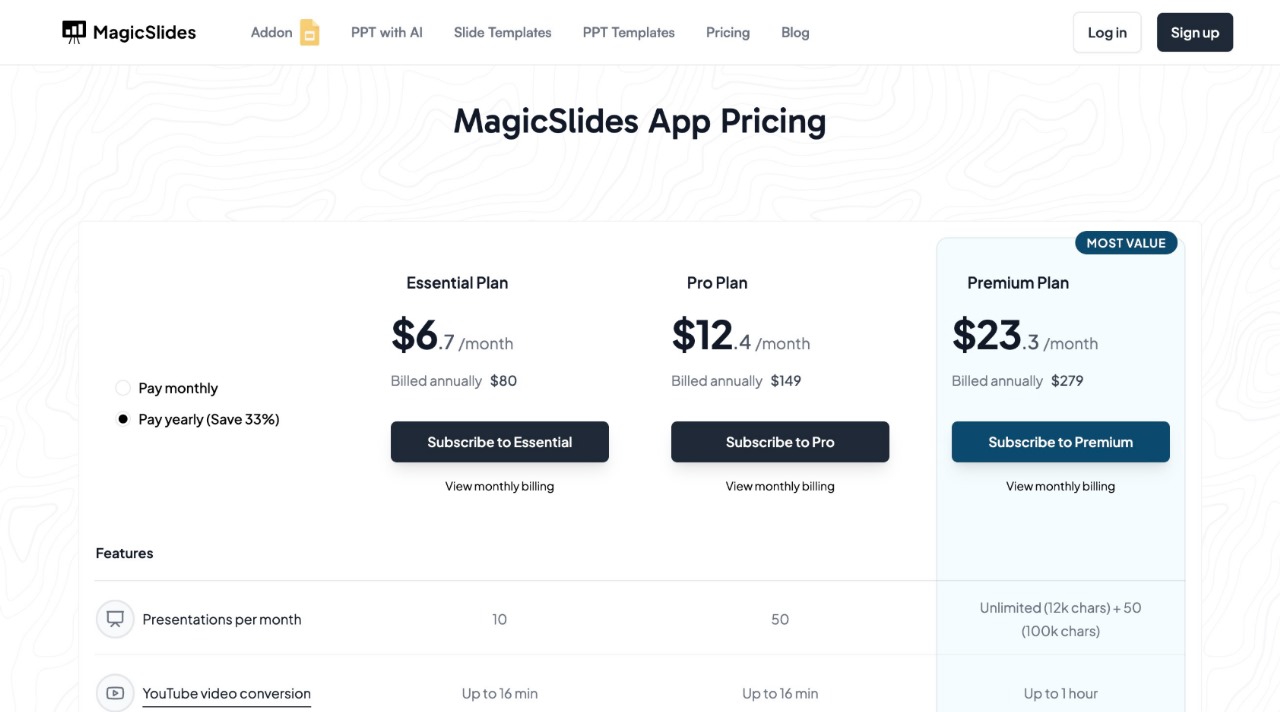
Additional Features in Pro & Premium Plans:
- AI-generated images
- AskPPT for chat
- Use any PPT as a template
- Supports 100+ languages
- Zapier integration
For businesses, educators, and professionals, MagicSlides offers an efficient, cost-effective solution to generate high-quality presentations in seconds.
Conclusion: Which PowerPoint Design Works Best?
Both minimalist and detailed PowerPoint designs have their place, and choosing the right one depends on your audience, content, and purpose.
- Use minimalist design for business pitches, marketing, and presentations where clarity and engagement are key.
- Use detailed design for technical reports, educational lectures, and data-heavy presentations.
- Consider a hybrid approach when you need clarity while also providing in-depth information.
For quick and professional presentations, MagicSlides.app is a game-changing AI tool that streamlines the entire process. Whether you need a minimalist or detailed design, MagicSlides helps you generate high-quality PowerPoint slides in seconds.
Ready to save time and create stunning presentations effortlessly? Try MagicSlides.app today! 🚀


