Plus AI for Presentation Review: Is It Really Worth It in 2025?
- What I found
- What I liked
- What I didn’t
What is Plus AI?

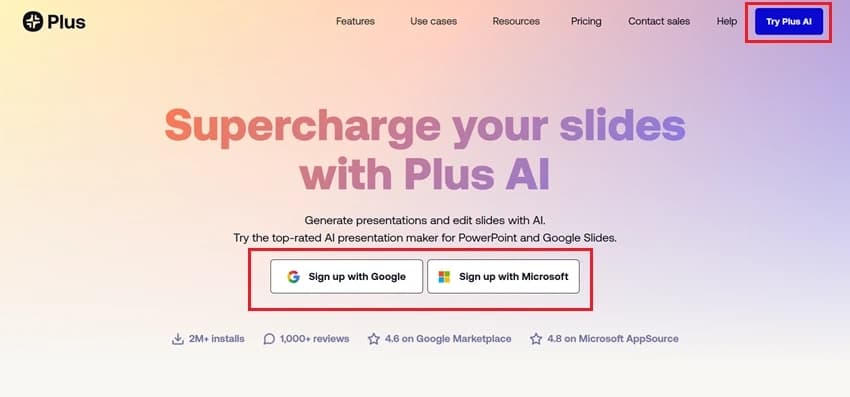
- You don’t move to a new platform.
- You don’t learn a new tool.
- Just install the add-on and start building decks with AI support.
My First Impression After Using Plus AI
- Created a full outline
- Divide relevant content into each slide, which looks professional and engaging
- Added design structure
- Suggested visuals
Core Features: What Plus AI Does Well
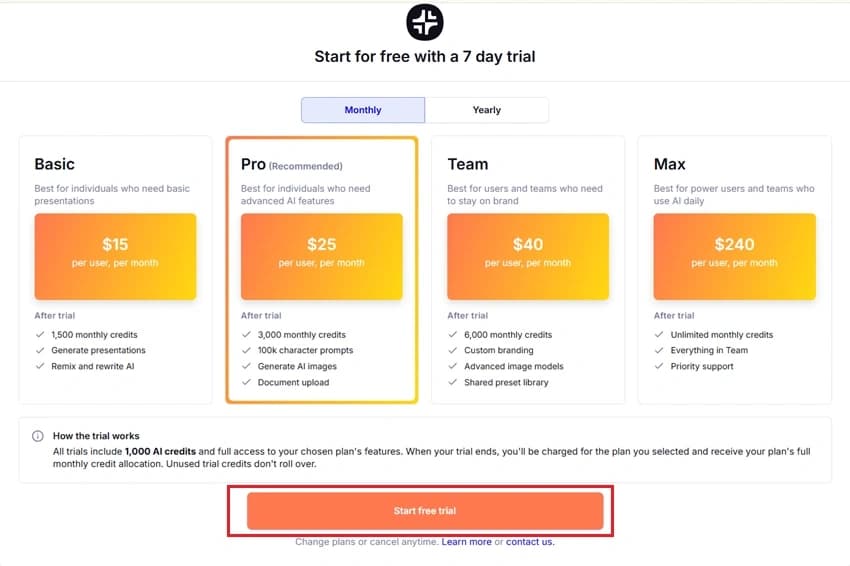
Pricing & Plans
- Their paid plan starts at $10/month for the Basic Plan.
- For enterprise or team users, there are “Plus AI for Teams” options: shared libraries, custom branding, etc, for $20 (Pro Plan).
- For robust security and more customizable templates, opt for $30 Team Plan.
Plus AI Pricing

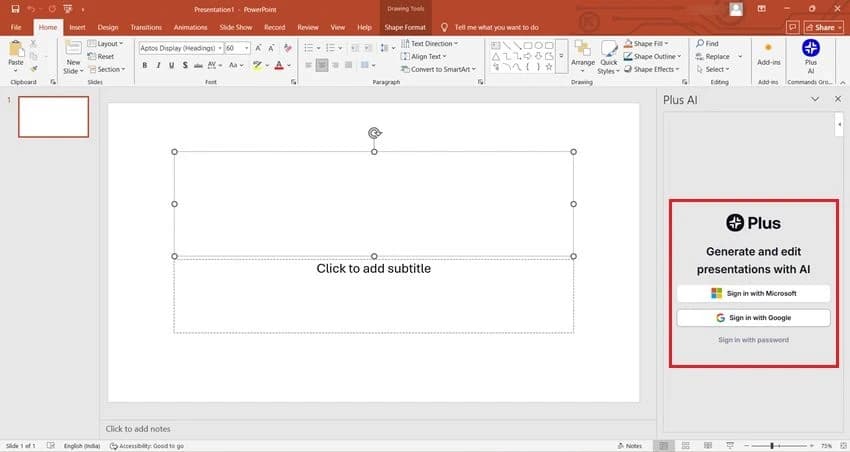
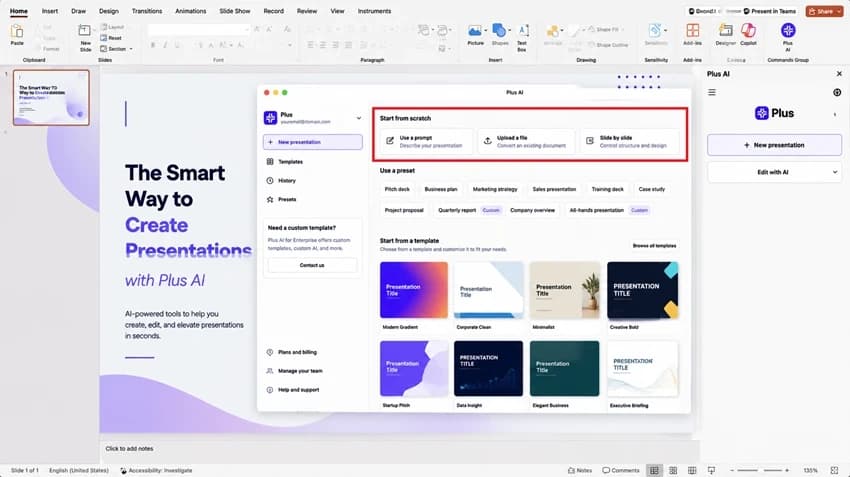
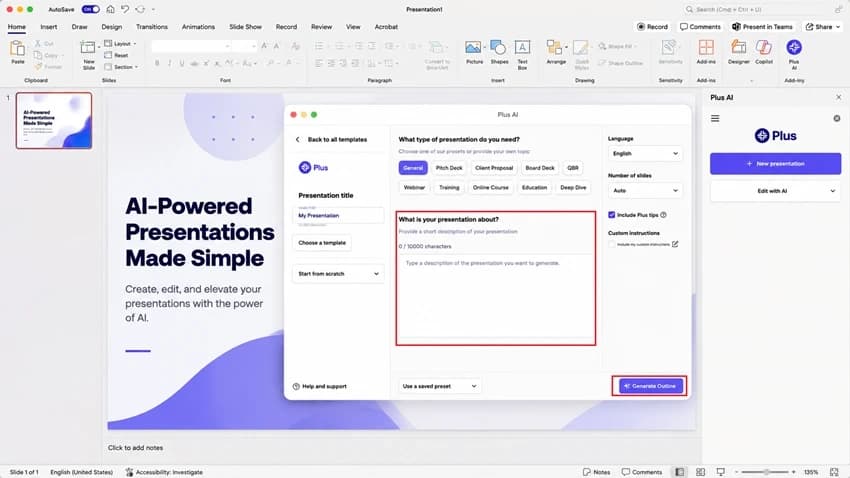
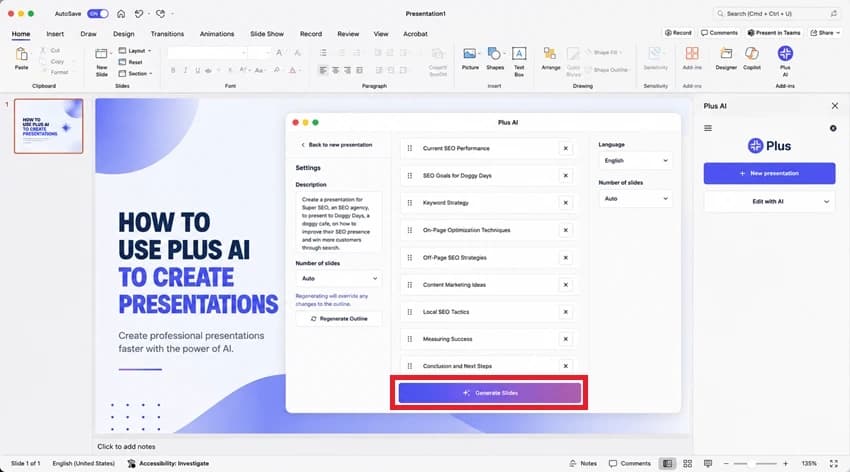
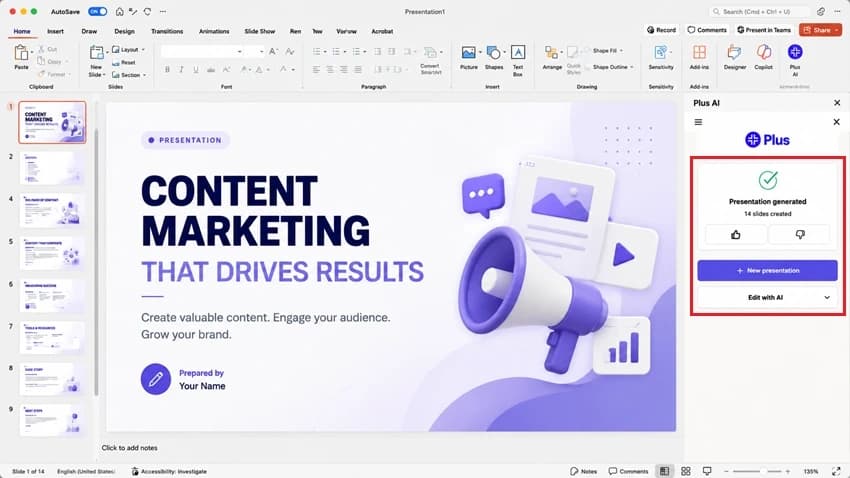
How I Created a Deck Using Plus AI Step-by-Step
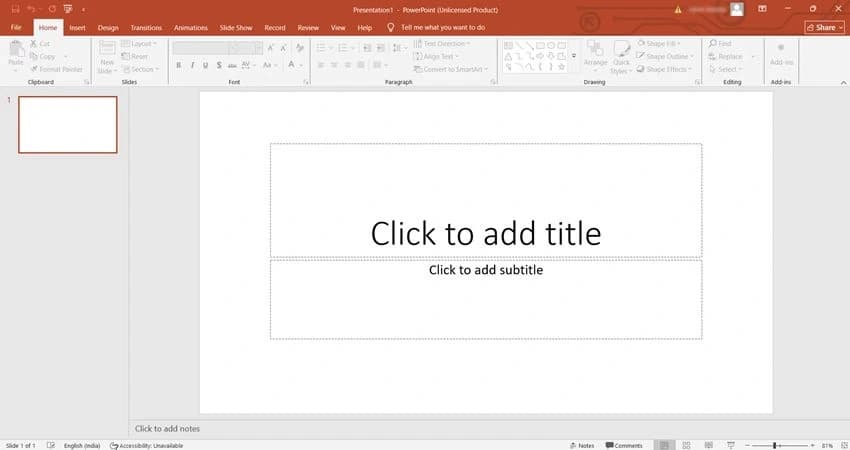
- Open Google Slides.
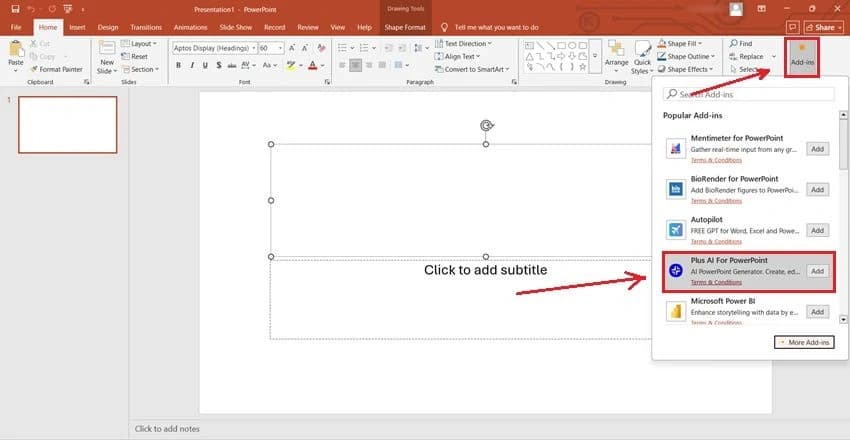
- Then click on Add-ons > Get Add-ons.
- Afterwards, search for Plus AI > installed.

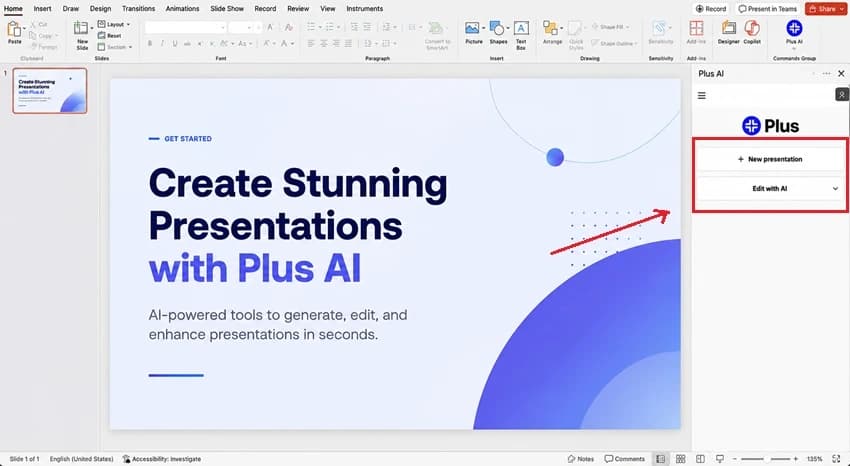
- Click Extensions
- Select Plus AI > Open in Sidebar
- Title slide
- Problem statement
- Solution
- Product features
- Business model
- Market opportunity
- Competitive landscape
- Roadmap
- Team slide
- Icon-based
- Visual-first
- Two-column
- Centered minimalist
- Timeline layouts
- Product mockups
- Illustrations
- Concept visuals
Comparison with Other AI Presentation Tools
- MagicSlides.app delivers more accurate slides, better layouts, and stronger AI understanding of context than Plus AI. It also offers powerful tools like YouTube-to-PPT, AI Summarizer, and auto-design enhancements, features that Plus AI simply doesn’t match. The output usually needs far fewer edits, making it faster and more reliable for real-world work.
- Prezi looks cool with its zoom effects, but not everyone likes that format. It also takes time to learn. Comparatively, Plus AI feels easier because it works with the tools you already know, such as Microsoft PowerPoint.
- Canva has good templates, but its AI slide maker is still basic. But with Plus AI, the first version of the slides is usually better and needs fewer changes.
Limitations and Areas for Improvement for Plus AI→
- Plus AI does offer branded templates, but full customisation requires a higher plan.
- Most slides it creates are good, but for detailed or tricky topics, I still have to fix or polish parts of the content.
- Sometimes the slide design feels too basic, and I had to adjust it according to my requirements.
MagicSlides – An Alternative to Plus AI→

How to Use MagicSlides.app to Create AI Presentations?→
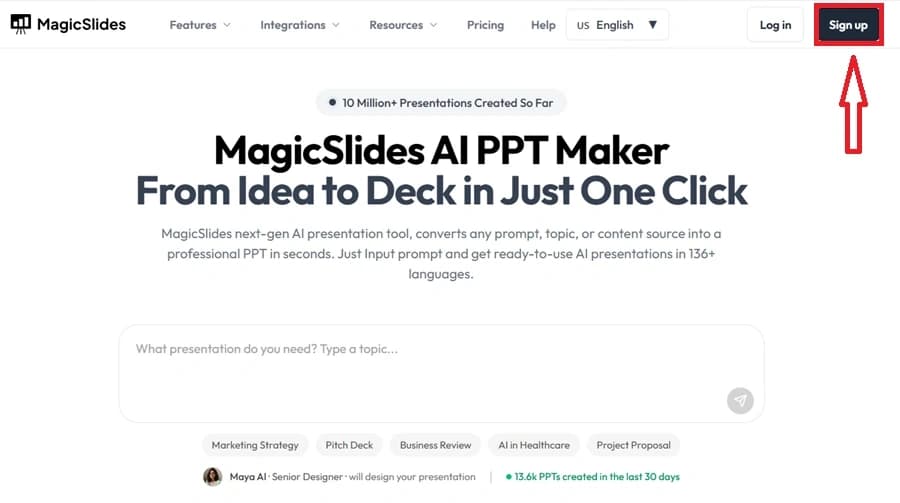
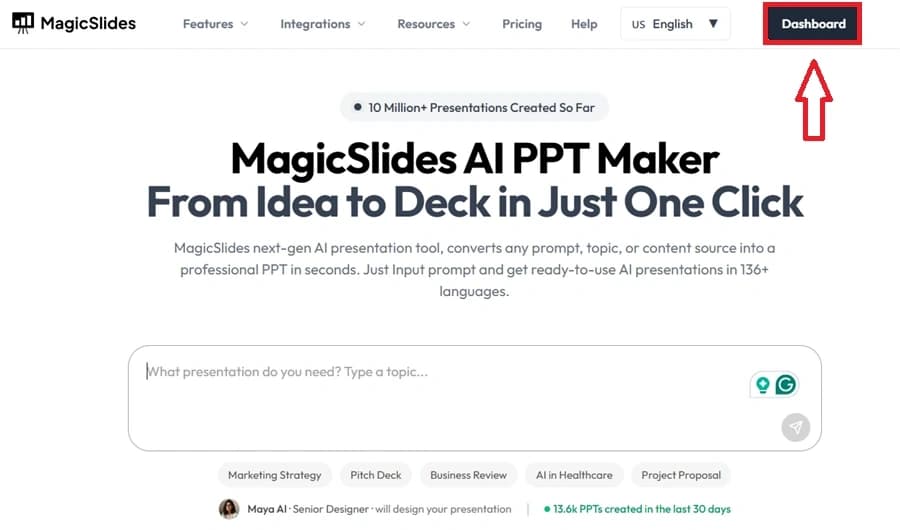
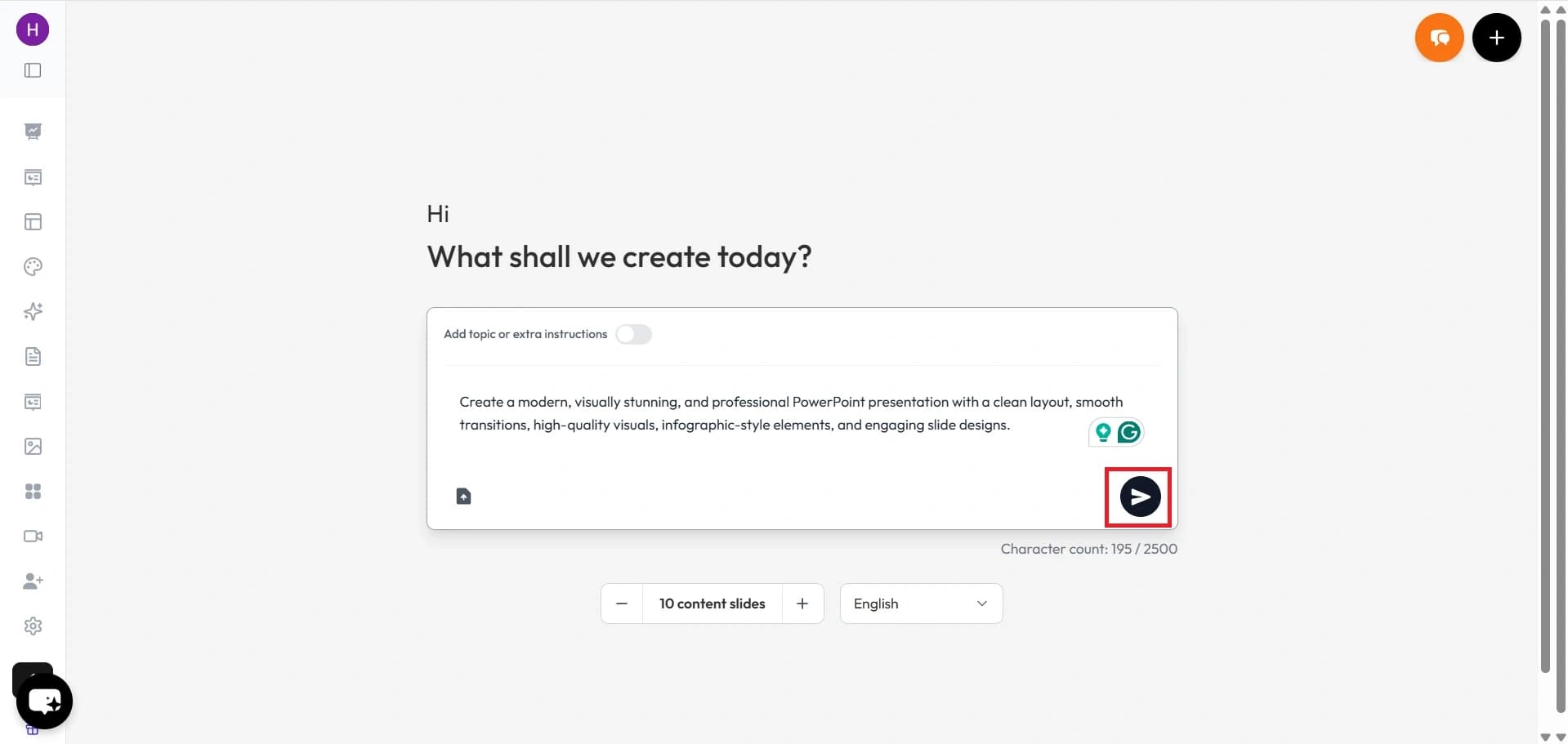
- Visit MagicSlides.app.

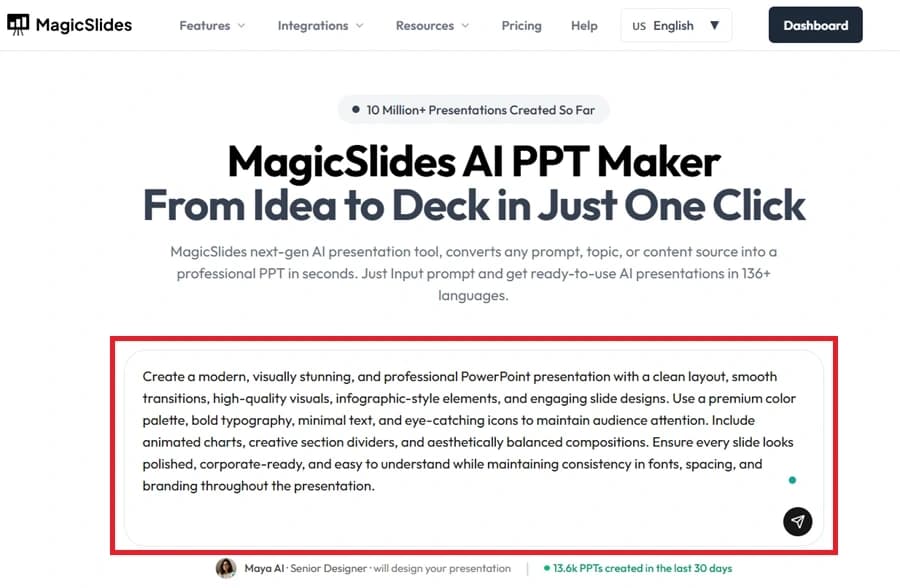
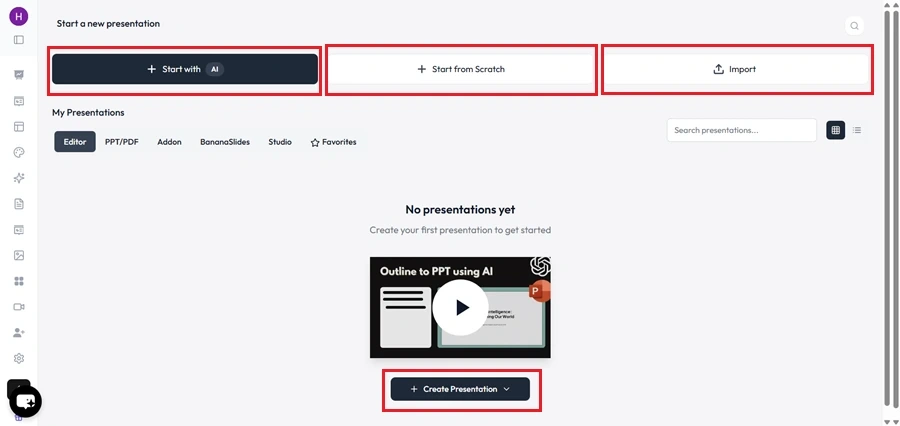
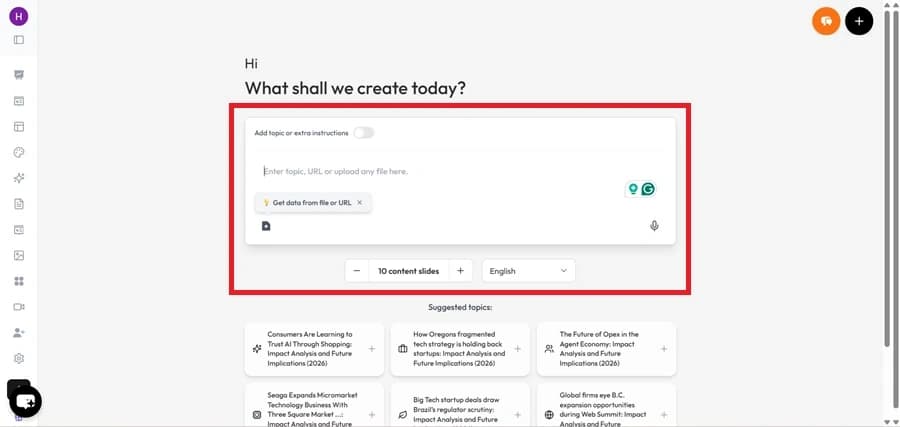
- Enter your topic in the provided space.
.png?table=block&id=1bb43bee-0072-80c7-a1d5-f2b559b7390e&cache=v2)
- Click "Generate Instant PPT" to let the AI create a presentation.
.png?table=block&id=1bb43bee-0072-804b-b665-d5c38bf526c9&cache=v2)
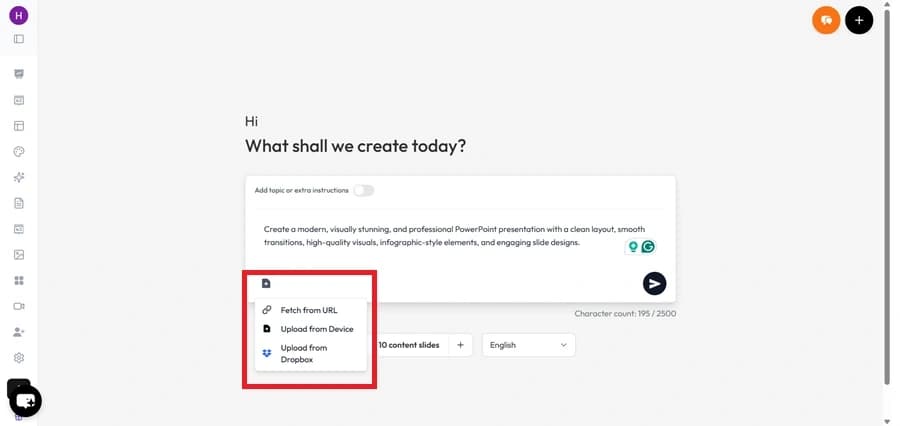
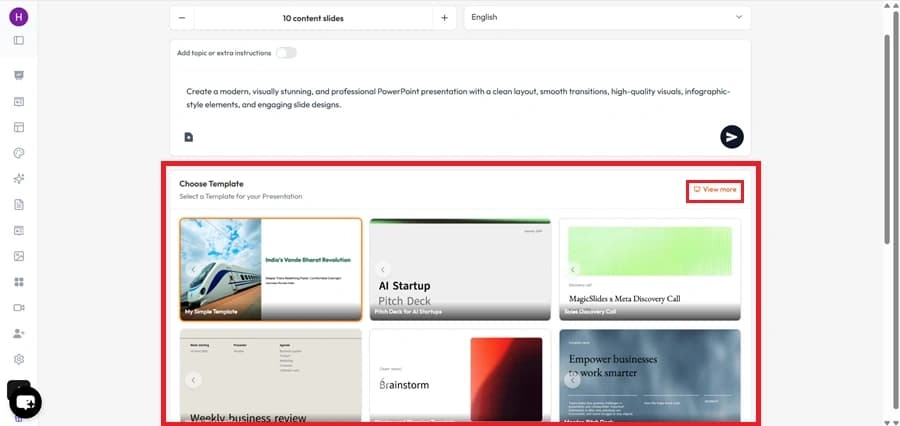
- Choose your template and the number of slides as prompted. Fill in any additional details required to customize the presentation.
.png?table=block&id=1bb43bee-0072-8091-8fc1-f70422a2046e&cache=v2)
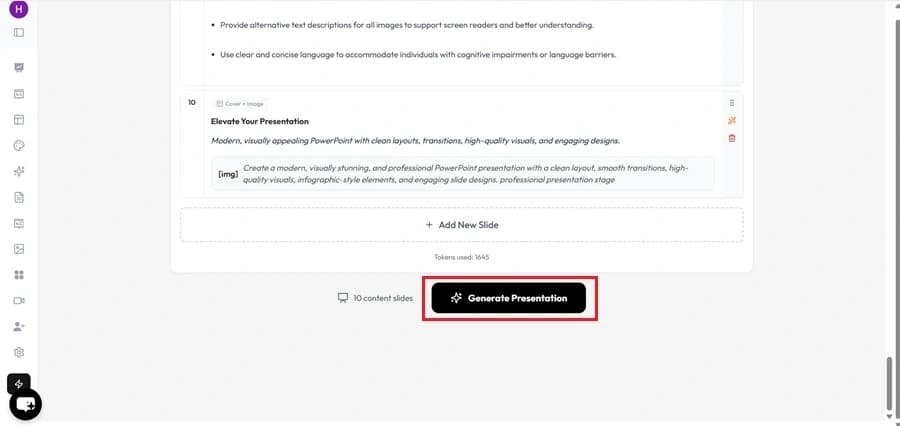
- Click "Generate Instant PPT" once all details are entered.
.png?table=block&id=1bb43bee-0072-803b-b39e-f50ead978d2a&cache=v2)
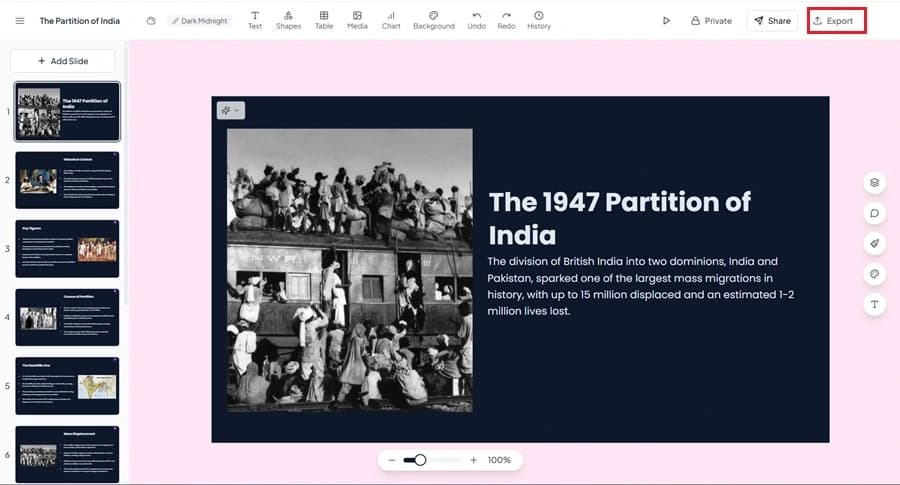
- Your AI-generated PPT will be ready to download and edit.
.png?table=block&id=1bb43bee-0072-809e-b34b-c4ee4aed65e9&cache=v2)

MagicSlides App Pricing→→
.png?table=block&id=1bb43bee-0072-8076-b4be-fd43eb2f48b4&cache=v2)
Plan | Monthly Price (Billed Annually) | Features |
Essential | $6.7/month ($80/year) | 10 presentations/month, 12,000 character limit, up to 10 slides per presentation, 5 PDF pages |
Pro | $12.4/month ($149/year) | 50 presentations/month, 12,000 character limit, up to 15 slides per presentation, AI images included, 5 PDF pages |
Premium | Custom Pricing | Unlimited presentations, 100,000 character input, up to 50 slides per presentation, AI images, Zapier integration, and advanced features |
Comparison: Plus AI vs. MagicSlides.app→→
Feature Comparison
Feature | Plus AI | MagicSlides.app |
AI-Powered Slide Generation | ✅ Yes | ✅ Yes |
Integration with Google Slides & PowerPoint | ✅ Yes | ✅ Yes |
Custom Templates | ✅ Yes | ✅ Yes |
File Upload for Slide Generation | ✅ Yes (PDF, Word, PPT) | ✅ Yes (PDF, Word, PPT) |
AI Image Generation | ✅ Yes (Pro & Premium) | ✅ Yes (Free, Pro & Premium) |
Character Input Limit | 12,000 – 100,000 | 12,000 – 100,000 |
Zapier Integration | ✅ Yes | ✅ Yes |
Video-to-PPT Conversion | ✅ Yes (up to 1 hour) | ✅ Yes (up to 1 hour) |
Slides Per Presentation | 10 – 15 | 10 – 50 |
100+ Language Support | ✅ Yes | ✅ Yes |
Pricing (Annually Billed) | Starts at $20/month | Starts at $6.7/month |
MagicSlides Customer Reviews→→

Plus AI Customer Reviews→→

User Feedback & Criticism→→
- On Trustpilot, Plus AI has a score (4.5/5), with users appreciating:
- Cost-effective subscriptions.
- 24/7 customer support, especially when trying to cancel free trials.
- The quality of slide generation is consistent.
- On Reddit, users also see the value:
Conclusion→→
Frequently Asked Questions (FAQ)→→
- Brand colors
- Fonts
- Templates
Share on socials
About the author

Priyansh Sharma is a seasoned Full Stack Developer with 3 years of experience architecting and developing scalable web applications.
More from the blog
250+ Good Morning Messages for Her (Romantic, Deep, Cute & Sweet)
28 January 2026
50+ History Presentation Topics For 2026
28 January 2026
Interview Preparation - Expert Strategies to Get Hired
28 January 2026
How to Add Music to Your Canva Presentation: A Step-by-Step Guide
27 January 2026
How to Add Music to PowerPoint in 5+ Easy Ways
22 January 2026
15 Quick Tips To Use ChatGpt At Work
22 January 2026
11 Best AI Tools for Business in 2025
22 January 2026
PopAI vs MagicSlides: Which AI Presentation Maker Should You Choose?
21 January 2026
Untitled
21 January 2026