75+ Prompts to Make Presentations with AI


Create stunning presentations in minutes using AI prompts and MagicSlides your ultimate AI-powered slide generator
75+ Prompts to Make Presentations with AI
Creating presentations has never been easier, thanks to AI tools like MagicSlides.
Whether you're preparing for a business pitch, a classroom lesson, or a personal portfolio, giving the right prompt to your AI presentation maker can save you hours and spark creativity.
Below, you'll find over 75 powerful prompts categorized by purpose each designed to help you instantly generate valuable and visually engaging presentations using AI.
How to Use Prompts with MagicSlides Web App
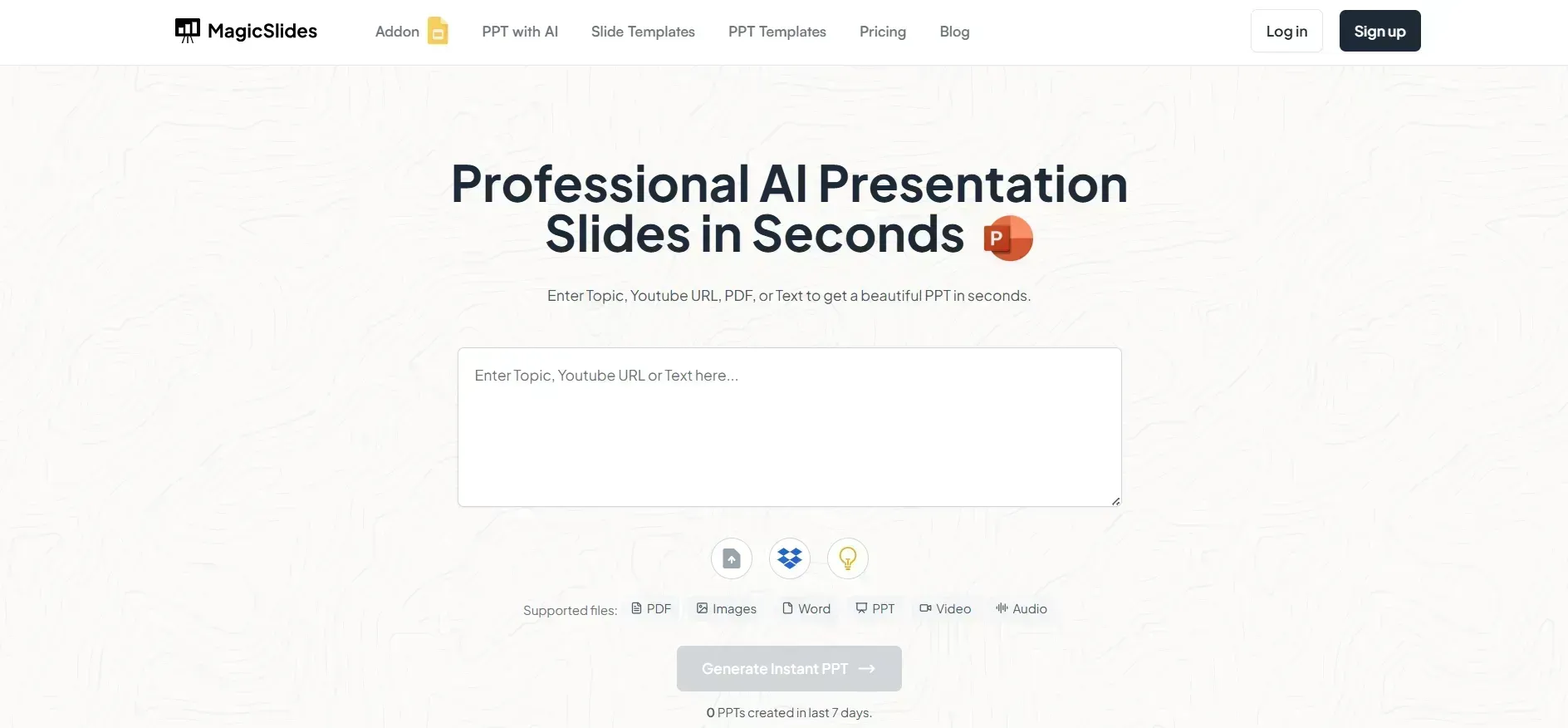
Step 1: Visit the MagicSlides Web App
Go to www.magicslides.app on your browser. The web app works on any device no downloads or extensions required.
Step 2: Sign In or Create an Account
Use your Google account or email ID to sign in. This allows you to save and access your past presentations easily.
Step 3: Choose a Prompt
Pick any of the 75+ prompts listed above that matches your need. For example, let’s say you choose:
“The Customer Journey Explained.”
Step 4: Enter the Prompt in the MagicSlides Generator
Paste the chosen prompt in the input box. You can also add extra details such as the number of slides, tone (professional, creative, fun), target audience, and visual style.
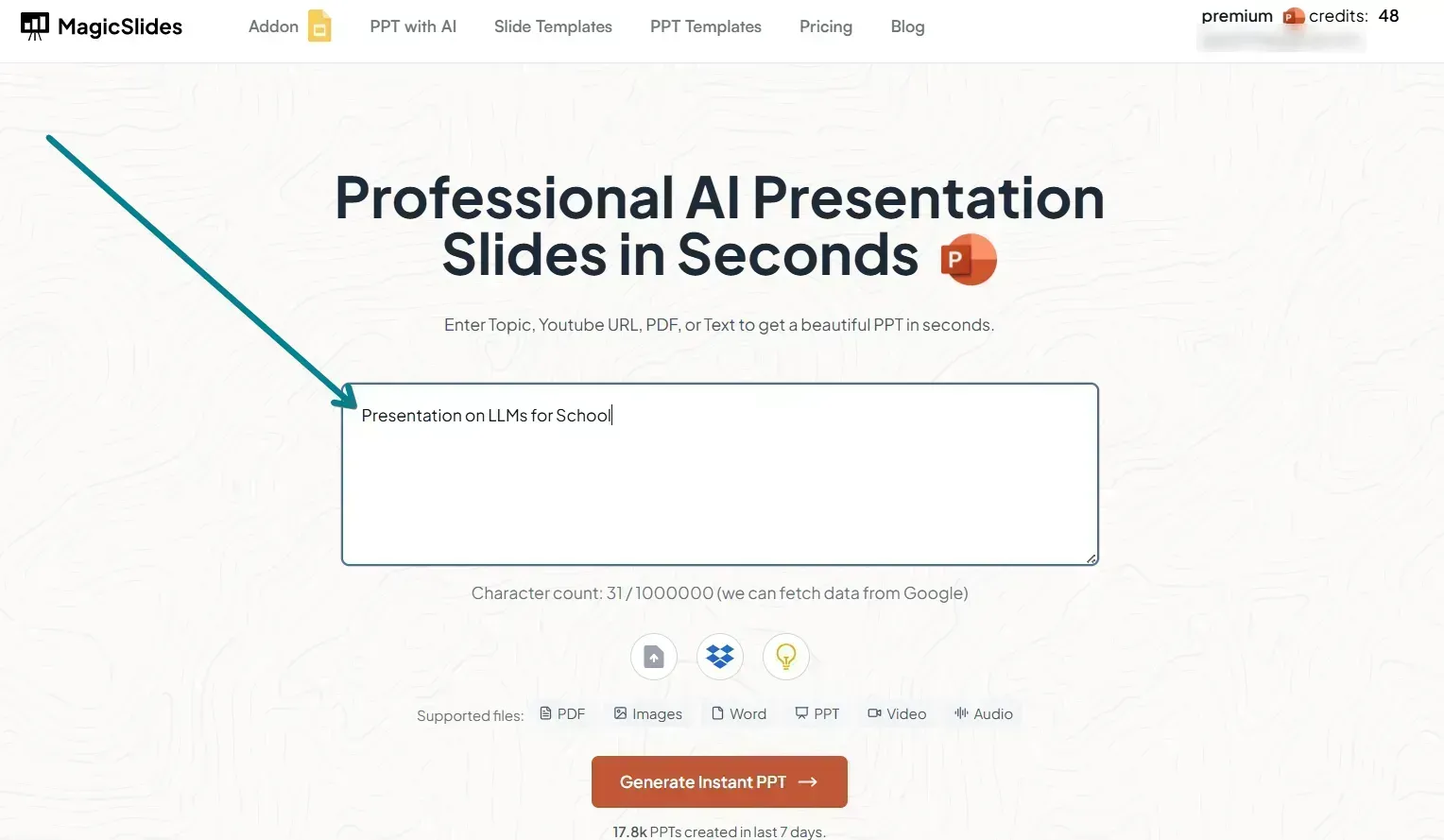
Example input:
Create a professional 10-slide presentation on “The Customer Journey Explained” for a marketing workshop. Include stages, examples, and relevant visuals.
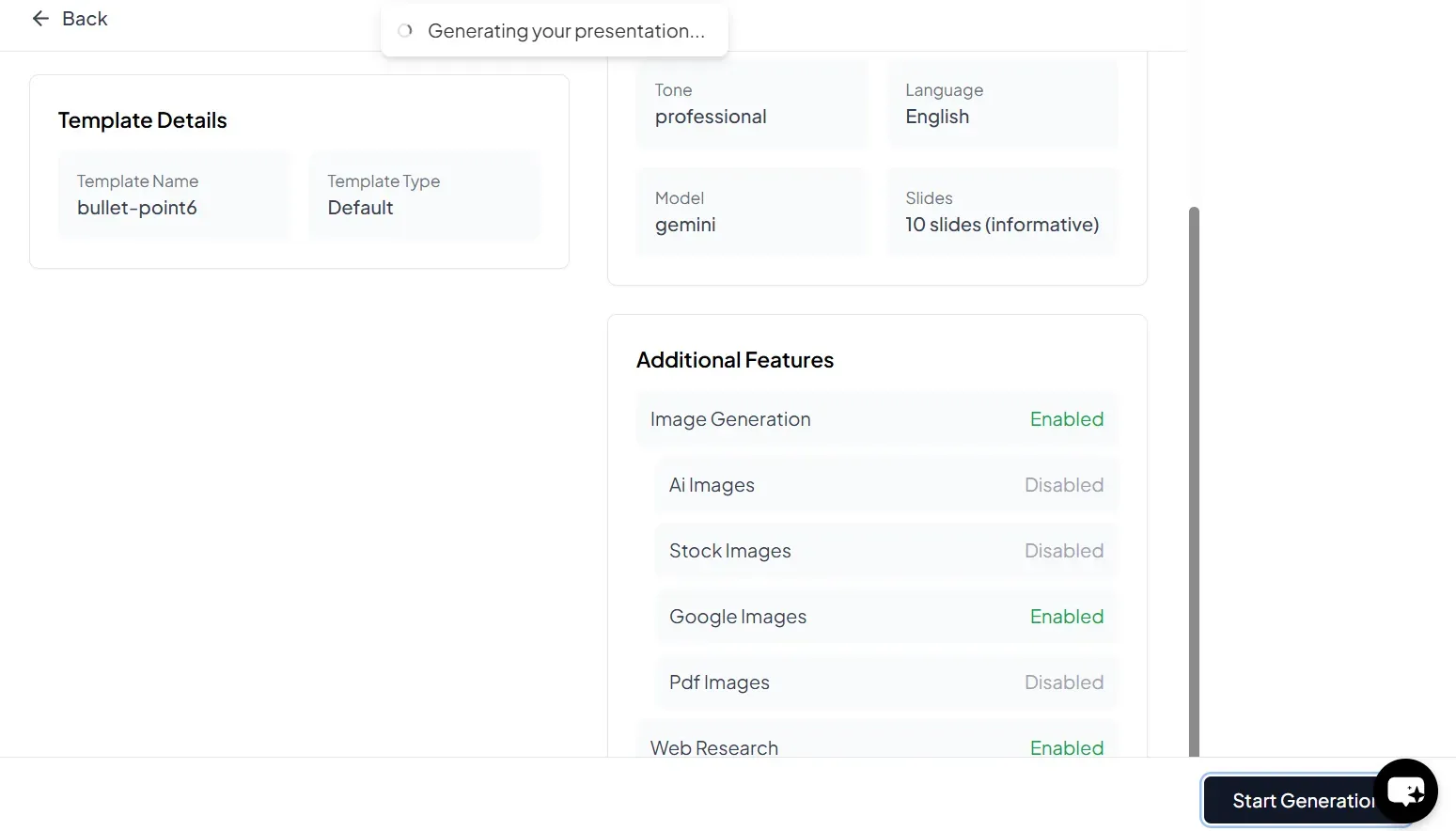
Step 5: Generate and Preview the Presentation
Click on Generate. Within seconds, MagicSlides will create a complete PowerPoint presentation with well-organized content, bullet points, headings, and relevant visual placeholders.
Step 6: Download or Edit
You can:
- Download the presentation as a
.pptxfile to use it in PowerPoint or Google Slides.
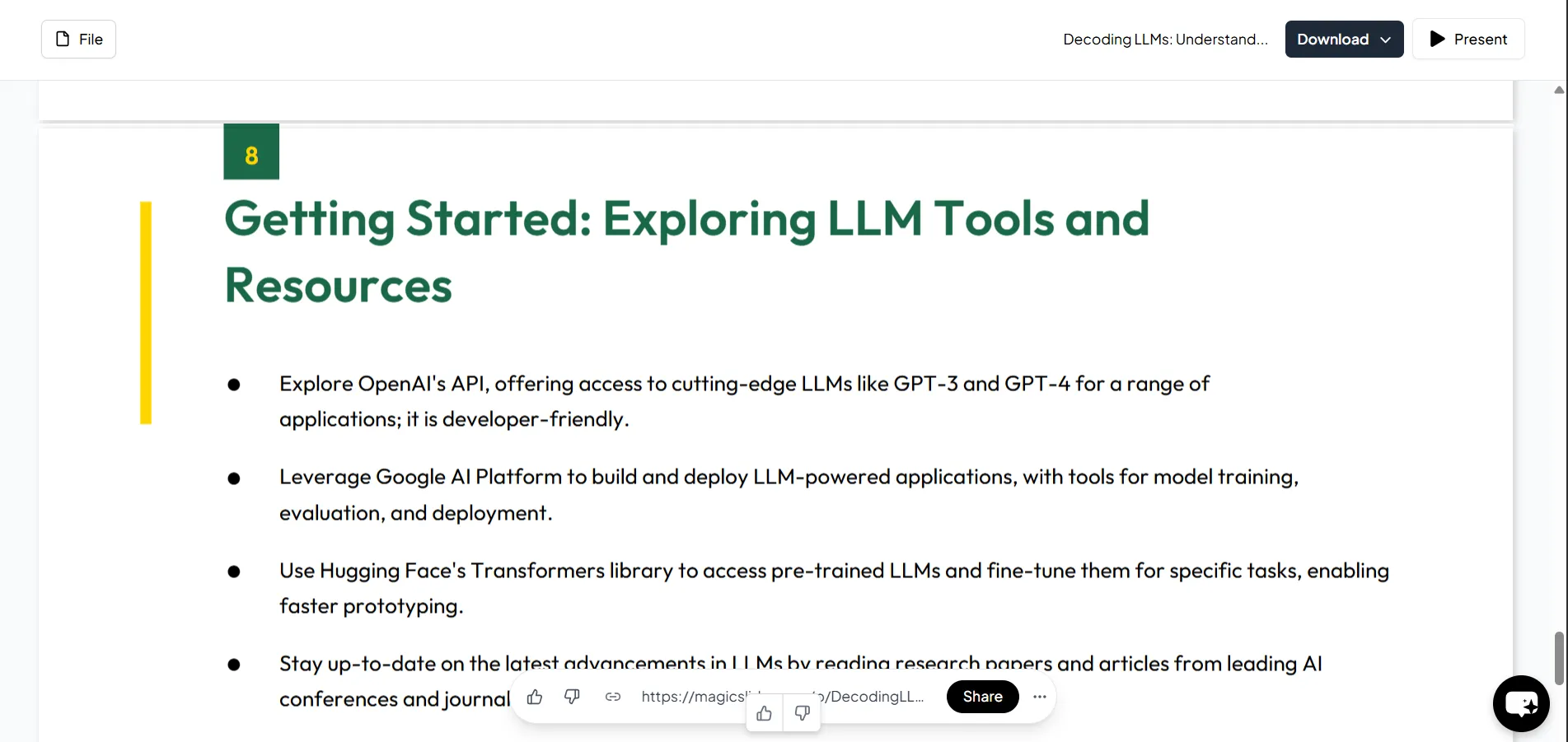
- Edit the slides within the app before exporting if you want to customize it further.
Business & Marketing Prompts
- Marketing Strategies for Small Businesses in 2025 – Generate slides on trends, tools, and examples.
- How to Build a Personal Brand on LinkedIn – Ideal for professional growth workshops.
- Email Marketing Best Practices – Useful for internal team training or client onboarding.
- The Customer Journey Explained – Great for marketing agencies and sales teams.
- Competitor Analysis Framework – Create side-by-side comparisons of market players.
- Understanding SEO in 2025 – Cover Google updates, keyword tools, and tactics.
- Social Media Strategy for E-commerce – Generate a plan tailored to platforms and conversion.
- How Influencer Marketing Works – Build awareness presentations or pitch decks.
- The Power of Branding in Modern Business – Perfect for founders and creatives.
- Growth Hacking for Startups – Focus on low-budget, high-impact strategies.
Education & Learning Prompts
- Introduction to Quantum Computing – Simplify complex topics into student-friendly content.
- How Photosynthesis Works – Great for school biology lessons.
- The History of the Roman Empire – Generate timelines and visual content.
- Basic Algebra for Beginners – Ideal for tutors or self-paced learners.
- Introduction to Artificial Intelligence – Cover basics, applications, and ethics.
- The Water Cycle Explained – Include diagrams and flow-based explanations.
- Understanding Climate Change – Raise awareness with facts, visuals, and solutions.
- Famous Indian Scientists and Their Contributions – Add cultural and national relevance.
- Human Digestive System – Use this for biology class visuals.
- How Elections Work in a Democracy – A civic and social science essential.
Technology & Innovation Prompts
- Top 10 AI Tools for Creators – Generate reviews, benefits, and use cases.
- How Blockchain Works – Great for fintech or technology workshops.
- Cybersecurity Tips for Beginners – Make an informative guide presentation.
- Latest Tech Trends in 2025 – Perfect for keynote or team updates.
- Machine Learning vs. Deep Learning – Educate tech learners with visual comparisons.
- How 5G is Transforming Industries – Explain impact on healthcare, education, logistics.
- A Beginner’s Guide to Web3 – Generate slides on decentralization, wallets, and dApps.
- Smart Cities of the Future – Ideal for government, urban planners, or students.
- Virtual Reality in Education – Use for school boards or tech innovators.
- How Drones Are Used in Agriculture – Niche but powerful prompt for rural innovation topics.
Health & Wellness Prompts
- 10 Simple Mental Health Tips – Make a community awareness presentation.
- Benefits of Daily Meditation – Use for wellness workshops or personal growth.
- The Importance of Physical Activity – For schools, offices, and gyms.
- Understanding Diabetes: Types, Causes, and Prevention – Educational and practical.
- Nutrition 101: Building a Balanced Diet – Perfect for health campaigns.
- How Sleep Affects Productivity – Great for corporate wellness sessions.
- Work-Life Balance in the Digital Age – Use for HR or self-help talks.
- How to Cope with Burnout – Mental health professionals or peer groups.
- The Science of Happiness – Motivational and scientifically backed content.
- Introduction to Ayurveda – Cultural wellness topics in modern context.
Career & Skill Development Prompts
- Resume Writing Tips for Freshers – Great for campus placement drives.
- How to Ace a Job Interview – Corporate trainings or career counseling.
- Top Soft Skills Employers Look For – Professional development for all ages.
- Introduction to Freelancing – Guide budding freelancers to build careers.
- How to Start a Career in Data Science – Include roadmap, tools, and examples.
- LinkedIn Profile Optimization Tips – Practical and instantly applicable.
- Time Management for Students and Professionals – Popular across industries and age groups.
- Mastering Public Speaking – Self-improvement and communication skills.
- Goal Setting Techniques That Work – For life coaches, mentors, and learners.
- Top Certifications for 2025 – Make a go-to resource presentation.
Creative & Miscellaneous Prompts
- How to Start a YouTube Channel – Step-by-step for aspiring creators.
- Minimalism: The Art of Less is More – Inspire simplicity and design thinking.
- A Guide to Personal Finance for Beginners – Money basics for anyone.
- The Power of Storytelling in Communication – For marketers, educators, or speakers.
- Creating a Vision Board with AI Tools – Blend creativity with purpose.
- Photography 101: Basics and Composition Tips – Visual arts made simple.
- Interior Design Trends in 2025 – Use for creative workshops or webinars.
- How to Plan a Solo Trip – Fun and practical.
- A Beginner's Guide to Journaling – Mental wellness meets creative expression.
- 10 Habits of Highly Productive People – Make it motivational and actionable.
AI & Presentation-Specific Prompts
- How to Use MagicSlides Web App – Educate others on using the tool itself.
- Create a Presentation from a YouTube Video – Explain a feature, e.g., MagicSlides Pro.
- Benefits of Using AI for Presentations – Justify the value to teams or students.
- How to Generate a PPT from a URL – Turn blogs or web content into slides.
- Top 5 AI Presentation Tools Compared – Highlight why MagicSlides stands out.
- AI for Students: Best Tools for Assignments – Focus on presentations and reports.
- Automate Your Daily Reports Using AI – For office or internal communication.
- Design Tips for Better Presentations with AI – Combine design and content automation.
- How AI Improves Learning Retention in Slides – Backed by visual learning research.
- Step-by-Step: Creating a Pitch Deck Using AI – Guide startups and founders.
Conclusion
AI tools like MagicSlides have completely changed how we create presentations.
By simply feeding a powerful prompt, you can generate engaging, professional, and visually appealing slides in minutes. Whether you're a student, marketer, teacher, or entrepreneur, these 75+ prompts combined with the MagicSlides web app can help you deliver impactful presentations with ease.
So, next time you need to make a deck, skip the stress use a smart prompt, open MagicSlides, and let AI do the heavy lifting.


