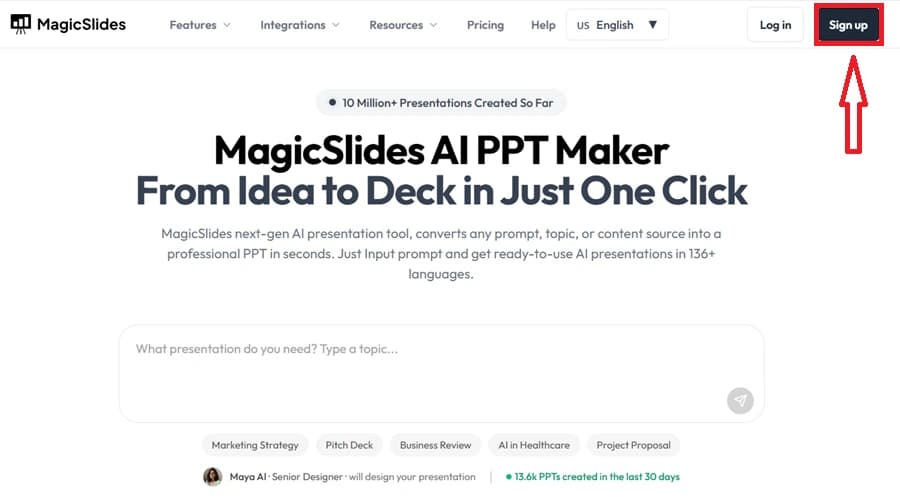
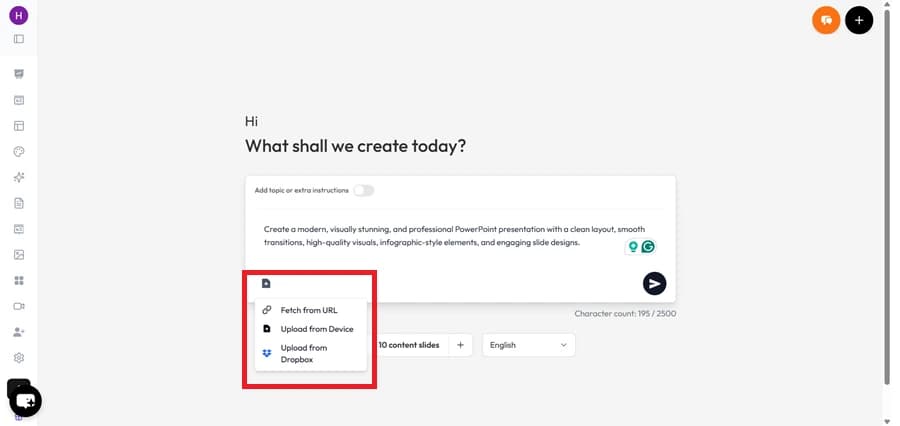
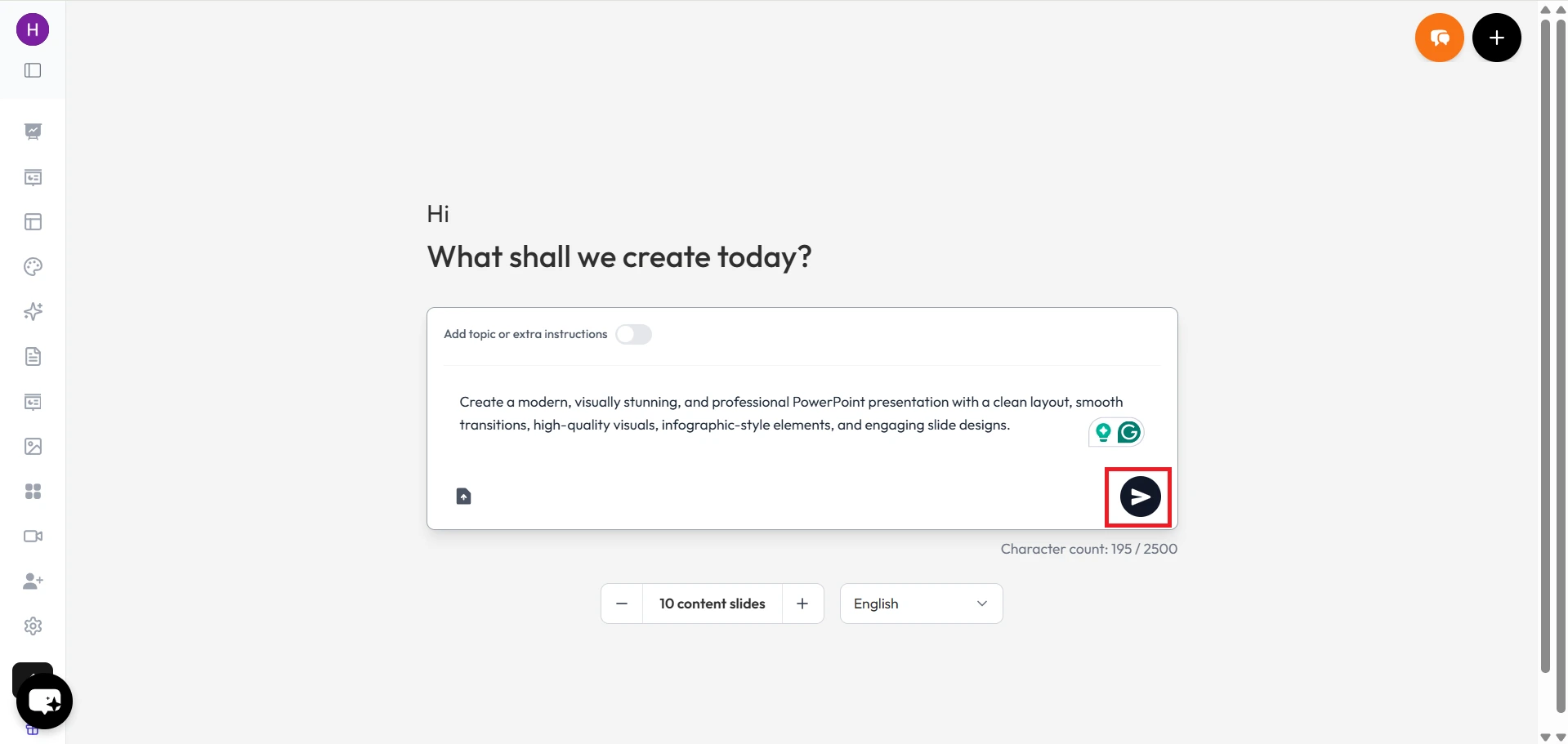
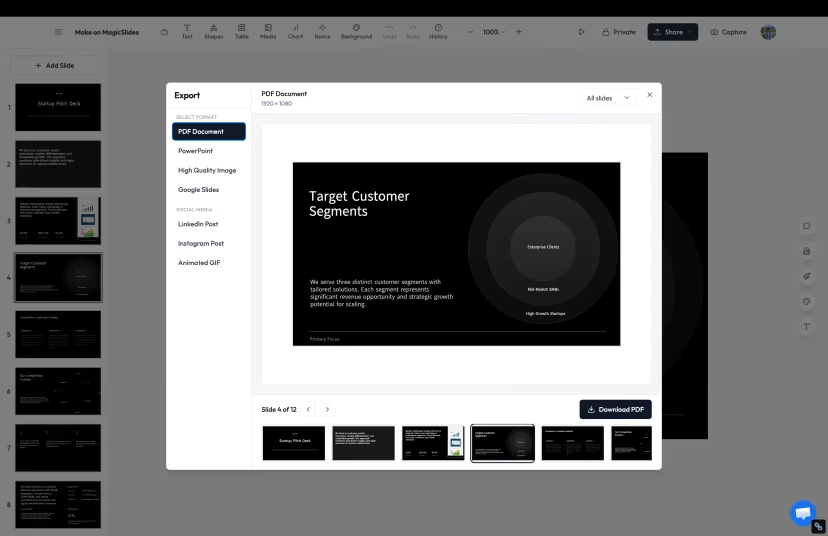
1. MagicSlides.app – The Best Free AI Canva Alternative

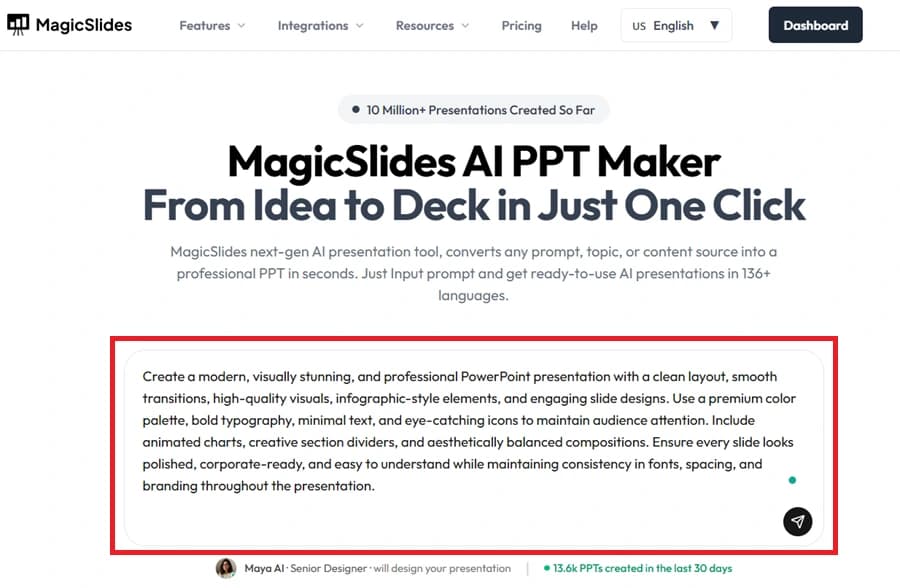
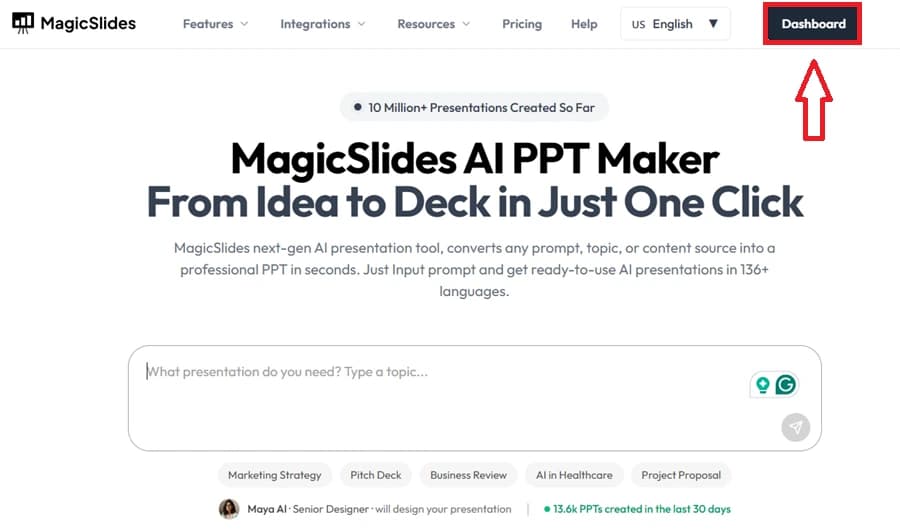
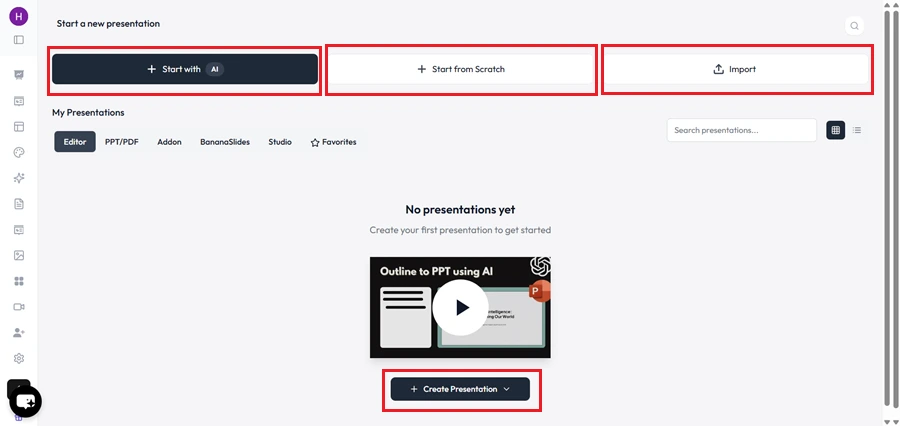
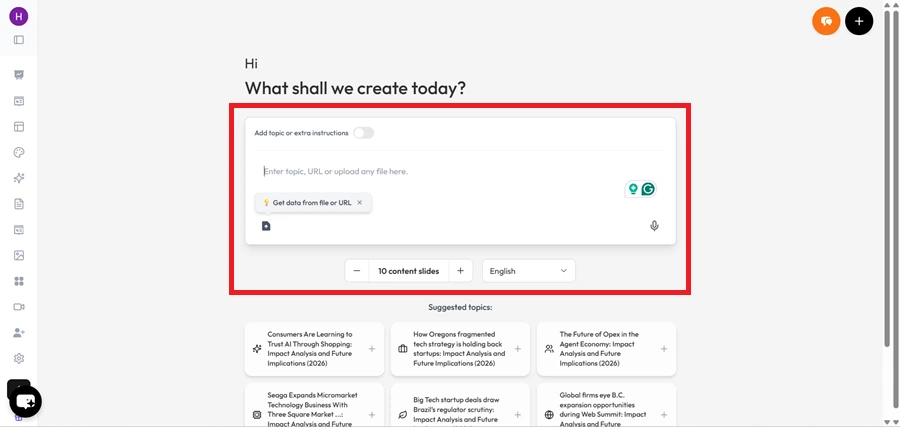
Why MagicSlides.app Stands Out
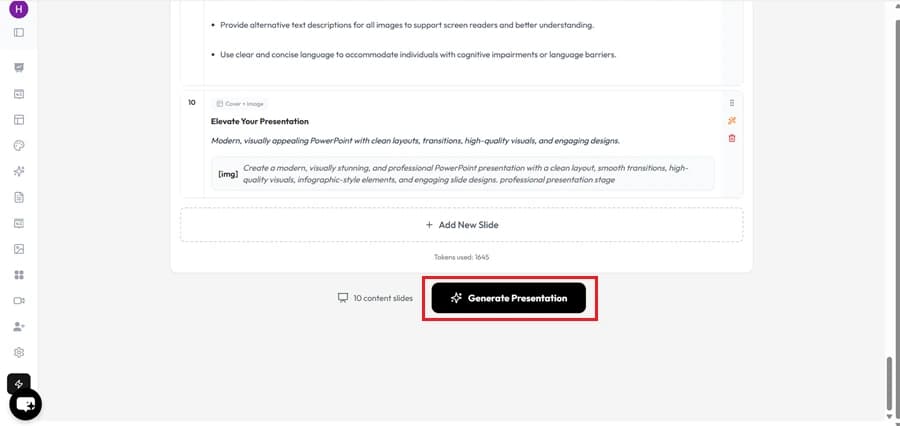
- AI-Powered Presentations: MagicSlides.app automates slide creation based on your content input, saving hours of manual effort.
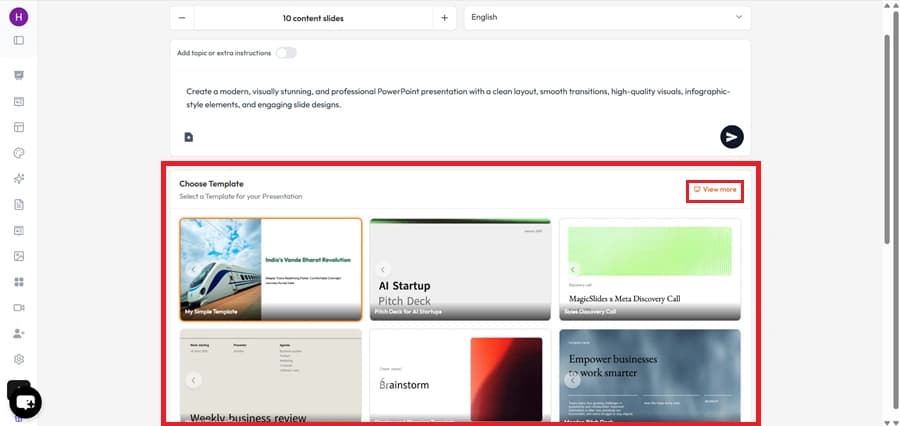
- Customizable Templates: Choose from a wide range of professional templates to match your brand or theme.
- Collaborative Features: Share and edit your designs in real-time with teammates.
- Completely Free: Unlike many platforms that lock features behind a paywall, MagicSlides.app ensures core functionalities remain free.

- Ease of Use: Even non-designers find it incredibly intuitive, making it a perfect tool for both professionals and beginners.
2. Visme

Highlights of Visme
- Interactive Features: Add animations and clickable buttons to enhance your visuals.
- Brand Kits: Easily manage brand colors, fonts, and logos for consistency.
- Templates Galore: Offers a rich library of templates for every use case.
3. Crello (VistaCreate)

Key Features of VistaCreate
- AI Design Suggestions: Smart recommendations based on your project.
- Rich Template Library: Thousands of templates for social media, ads, and more.
- Free Stock Media: Access to a vast collection of images, videos, and vectors.
4. Desygner

Why Desygner is Worth Trying
- AI Branding Tools: Automatically apply your brand’s colors, fonts, and styles.
- File Compatibility: Edit PDFs, PowerPoint presentations, and more directly in the app.
- Multi-Platform Access: Use it on mobile, desktop, or in your browser seamlessly.
5. Piktochart

What Sets Piktochart Apart
- Data Visualization Tools: Turn raw data into compelling charts and graphs.
- Drag-and-Drop Interface: Create professional designs without any prior experience.
- Customizable Templates: Tailored for industries like education, healthcare, and business.
6. DesignBold

Features of DesignBold
- Intuitive Dashboard: Navigate effortlessly through the platform.
- High-Quality Templates: Over 10,000 professionally designed templates.
- One-Click Edits: Simple tools for resizing, recoloring, and customizing content.
Conclusion
Share on socials
About the author
Mehjabi Khan is one of our talented writers with a background in creating content for major companies like Mahindra and Suzuki. She has a knack for explaining complex ideas in a way that’s easy to understand and enjoyable to read. When she's not writing, Mehjabi loves to cook, bringing the same creativity to her recipes as she does to her articles.
More from the blog
How to Curve Text in Google Slides in A Few Simple Steps
21 November 2025
How to insert a word document into powerpoint
20 November 2025
How to Convert Keynote to Google Slides - A Complete Tutorial
19 November 2025
AI से PPT कैसे बनाएं: आसान तरीका मिनटों में प्रेजेंटेशन बनाने का
17 November 2025
5 factors that must be considered when preparing for a presentation
14 November 2025
How to add pictures to powerpoint
14 November 2025
How to create a survey in google forms
14 November 2025
How to Add Continuous Music to Google Slides Presentation
14 November 2025
How to insert audio to a Slide in Google Slides
14 November 2025