Can’t see Left Canva Options


Resolve the issue of missing Canva’s left options panel with these simple, effective troubleshooting steps
How to Fix the Issue of Not Seeing Left Canva Options
The left panel in Canva is essential for accessing tools like templates, elements, text, and uploads.
If you can’t see these options, it can disrupt your workflow.
This guide provides a step-by-step solution to restore the left panel and get back to designing smoothly.
Steps to Fix the Issue of Not Seeing Left Canva Options
Step 1: Check Your Browser Zoom Settings
Sometimes, browser zoom settings can hide Canva's interface elements.
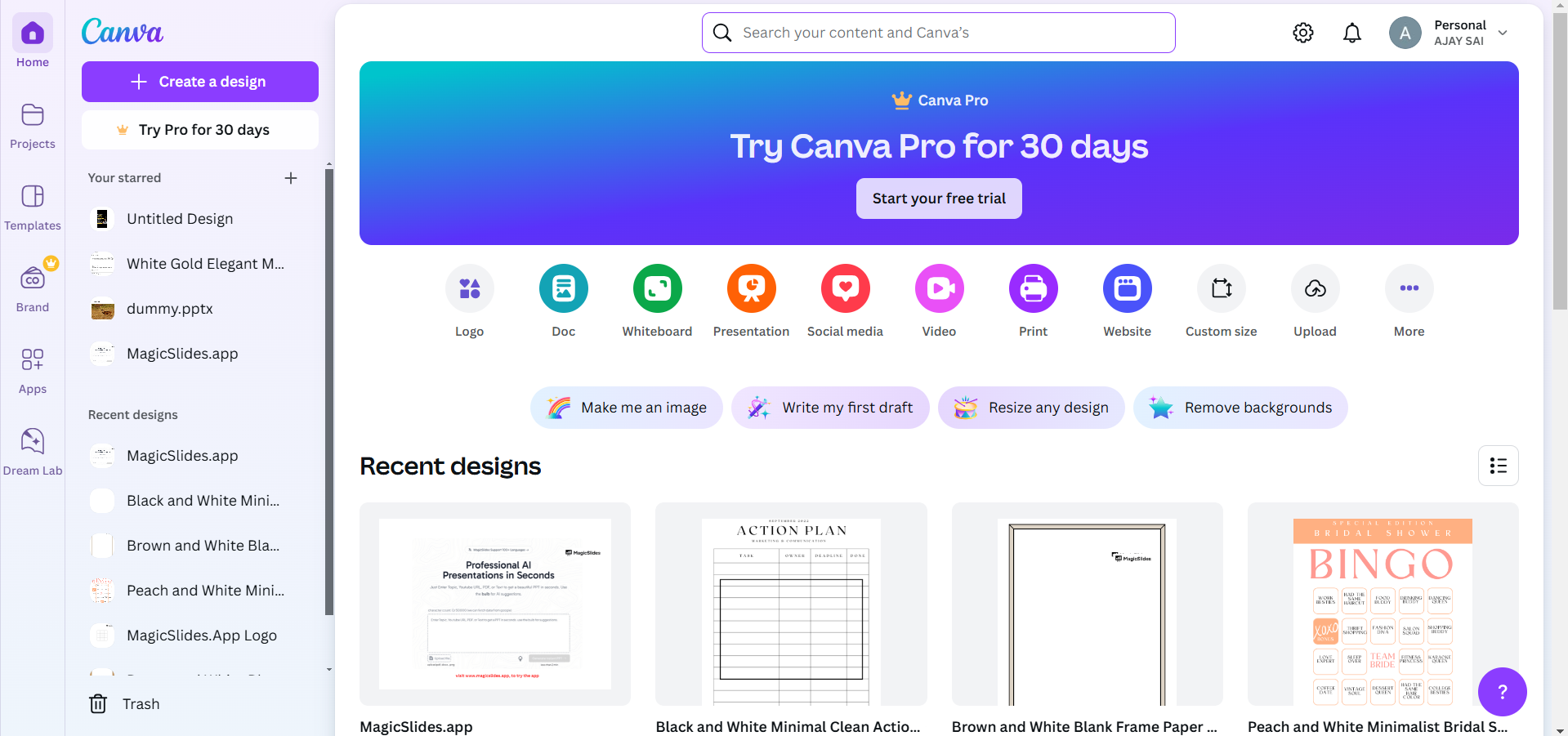
Press Ctrl + 0 (Windows) or Command + 0 (Mac) to reset the zoom to default.
Step 2: Refresh the Page
If the left panel still doesn’t appear, try refreshing the browser tab by pressing F5 or Command + R.
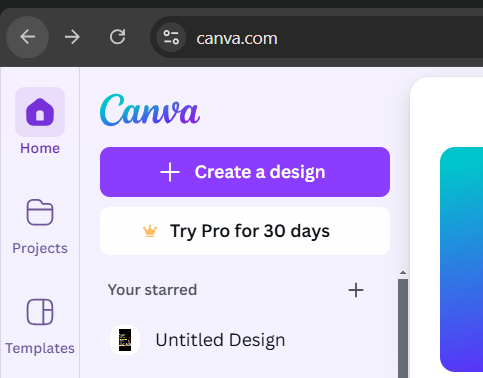
This action reloads Canva and can resolve minor display issues.
Step 3: Switch to Full-Screen Mode
Ensure Canva is displayed in full-screen mode.
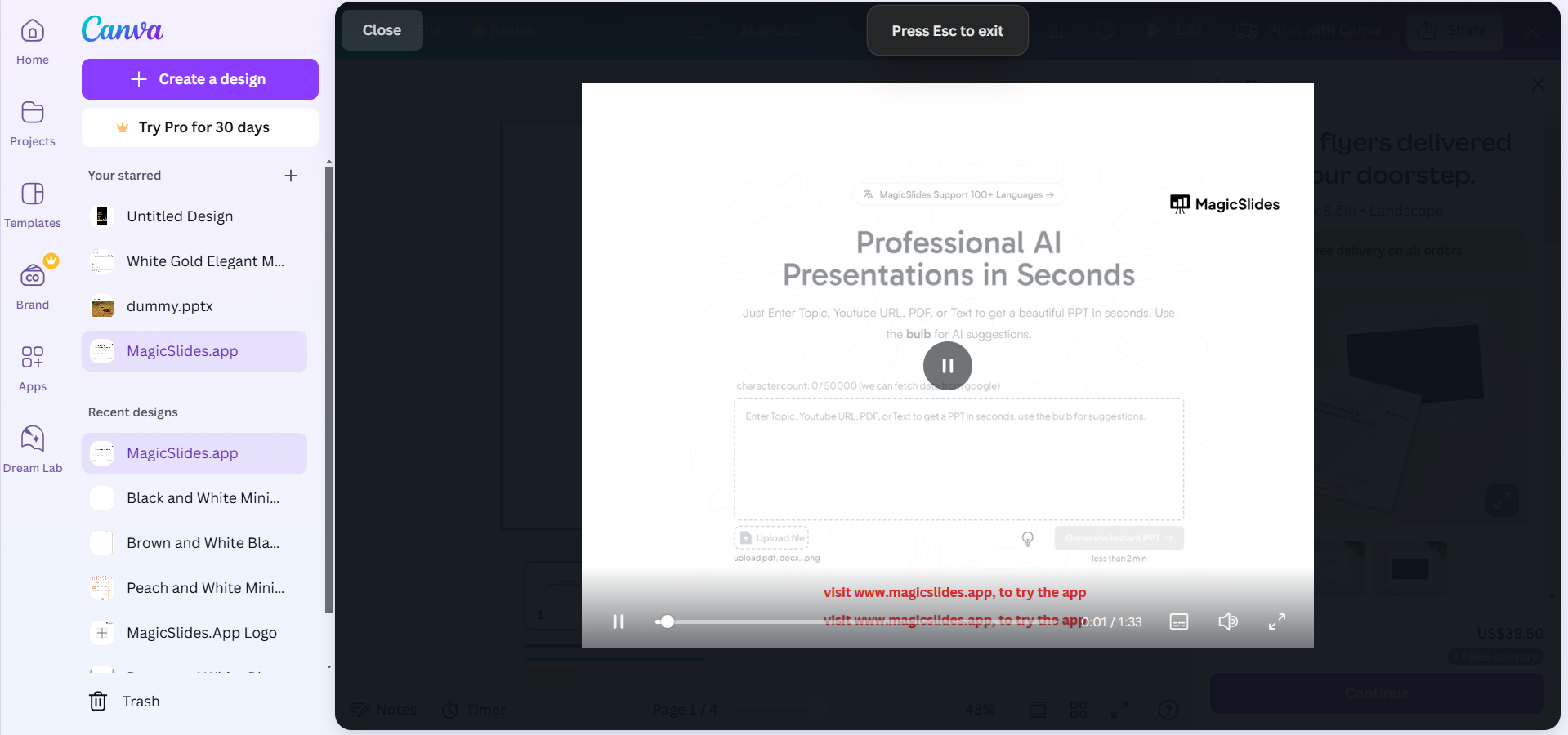
Press F11 on your keyboard (Windows) or Control + Command + F (Mac) to toggle full-screen mode.
Step 4: Clear Browser Cache
Open your browser settings and locate the option to clear browsing data.
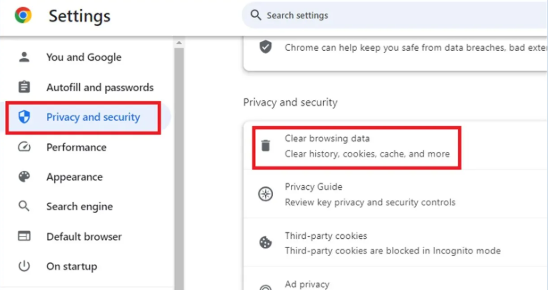
Select “Cached images and files” and clear the cache. Reload Canva to check if the left options panel is visible.
Step 5: Try a Different Browser or Device
If the issue persists, open Canva in a different browser like Google Chrome, Firefox, or Safari.
Alternatively, use another device to access your account and check if the panel is visible.
Step 6: Contact Canva Support
If none of the above steps work, contact Canva’s support team by navigating to the Help section.
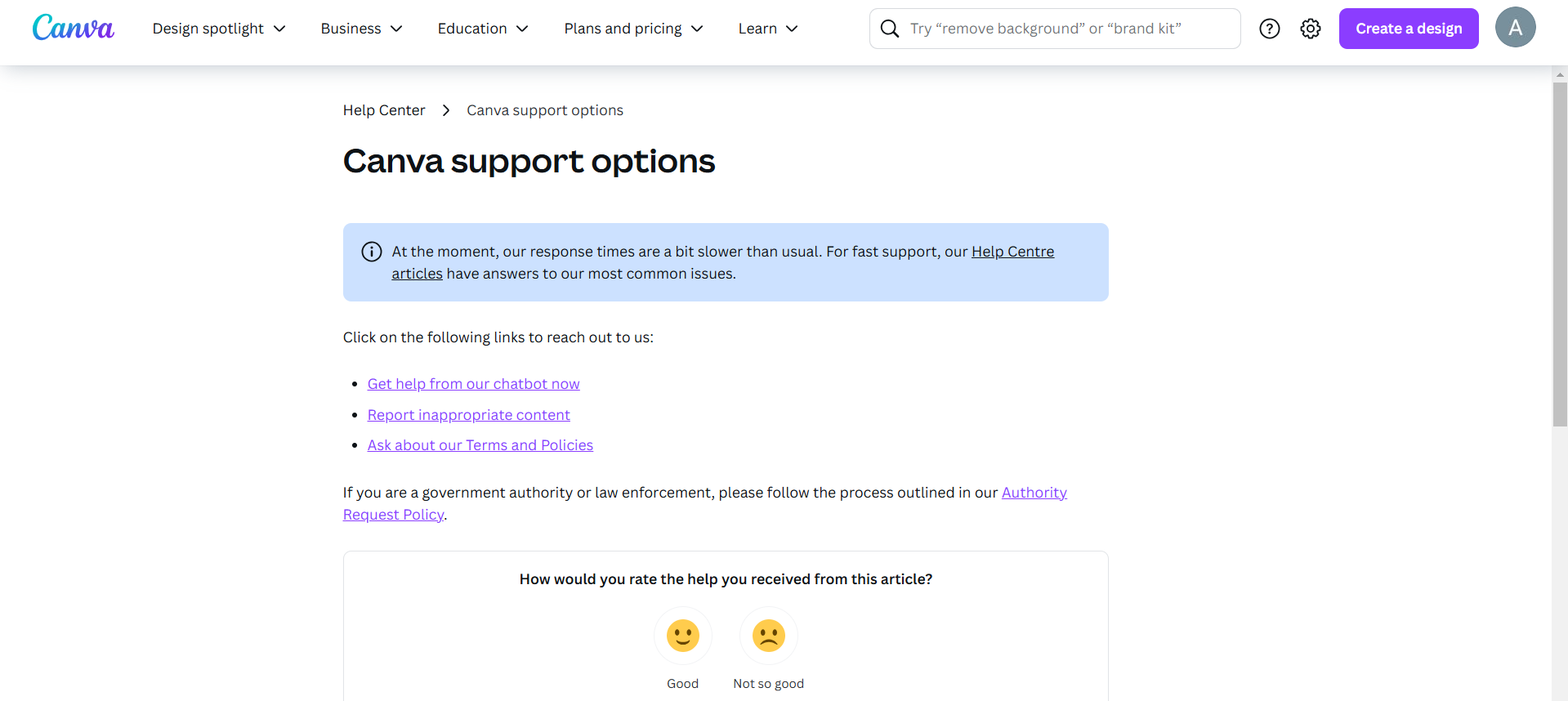
Provide a detailed description of the issue and include screenshots if possible. Having trouble navigating Canva? Once you've resolved this, explore how to change snap options on Canva to enhance your workspace customization.
Conclusion
Not seeing the left options panel in Canva can be frustrating, but it’s often a simple fix.
By following these steps, you can troubleshoot and restore the panel quickly, ensuring your workflow remains uninterrupted.
Regularly updating your browser and clearing cache can also prevent such issues in the future.
FAQs on Not Seeing Left Canva Options
Why did my Canva left panel disappear?
The left panel may disappear due to browser zoom settings, a temporary glitch, or outdated cache files.
Can I use Canva without the left options panel?
You can still design, but accessing essential tools like templates and elements will be limited without the panel.
How do I prevent this issue from happening again?
Regularly update your browser, clear cache, and use Canva in full-screen mode to minimize glitches.
With these solutions, you’ll regain access to Canva’s left options panel and enjoy a seamless design experience.


