How to clear the formating applied in Google Slides


Master clarity in Google Slides learn how to effortlessly clear formatting for polished and focused presentations.
In the realm of dynamic presentations, precision is paramount. Understanding how to clear formatting in Google Slides ensures your message stays crisp and focused. This guide unveils the straightforward steps to remove unwanted styles, bringing clarity and polish to your slides.
How to clear the formating applied in Google Slides
Open Your Google Slides:
Open the presentation in Google Slides that contains the text with formatting you want to clear.
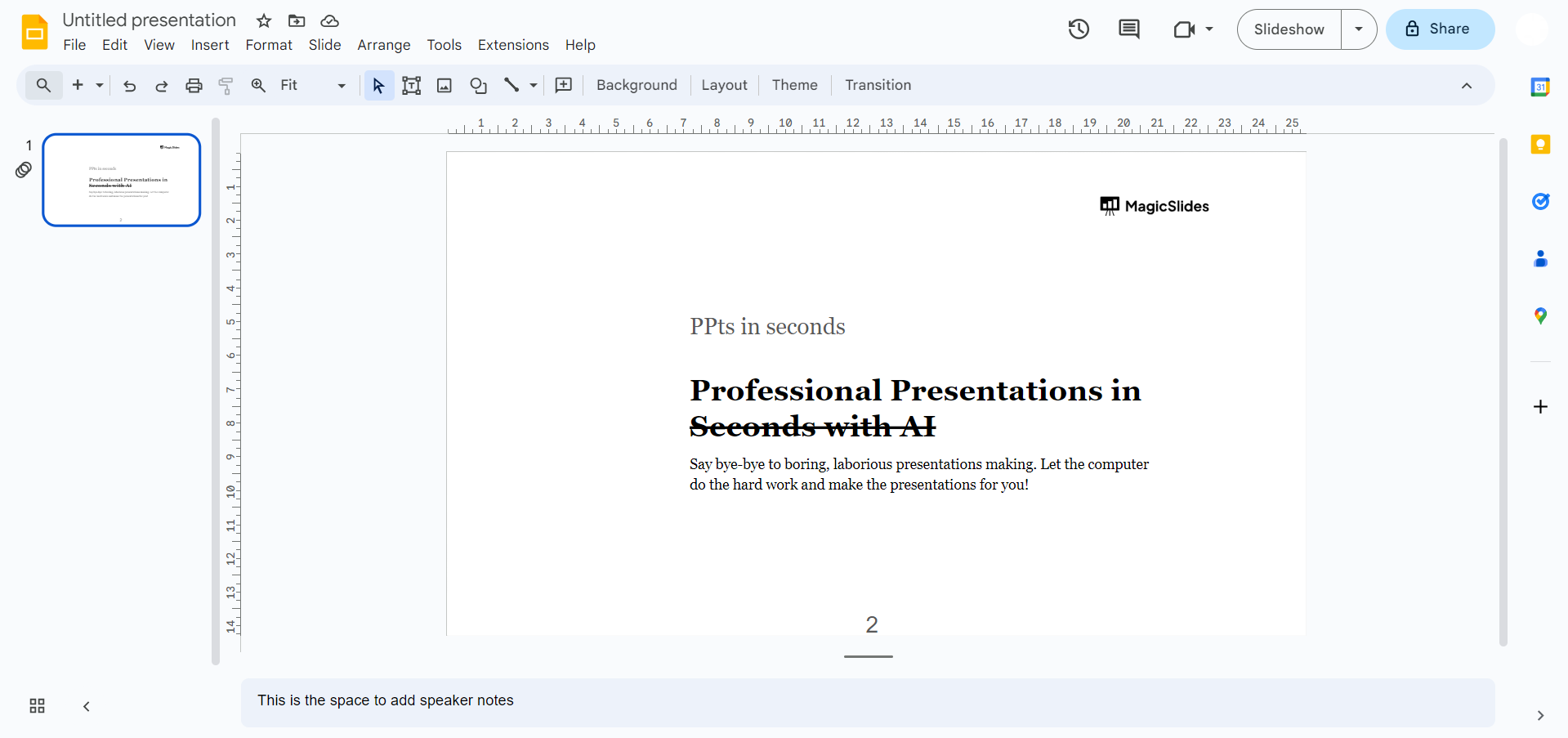
Select the Text:
Click on the text box or highlight the specific text within a text box that you want to remove formatting from.
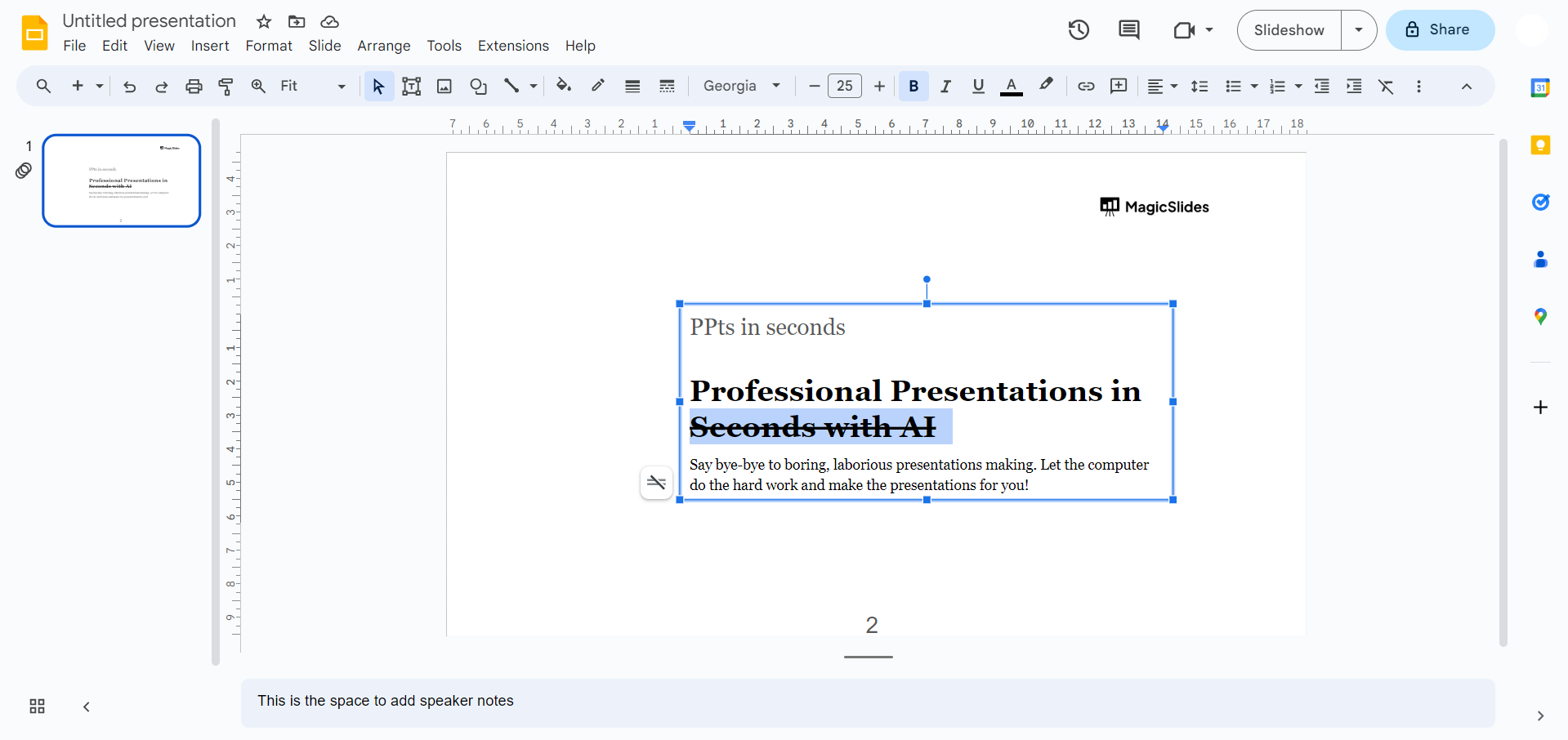
Access the Format Options:
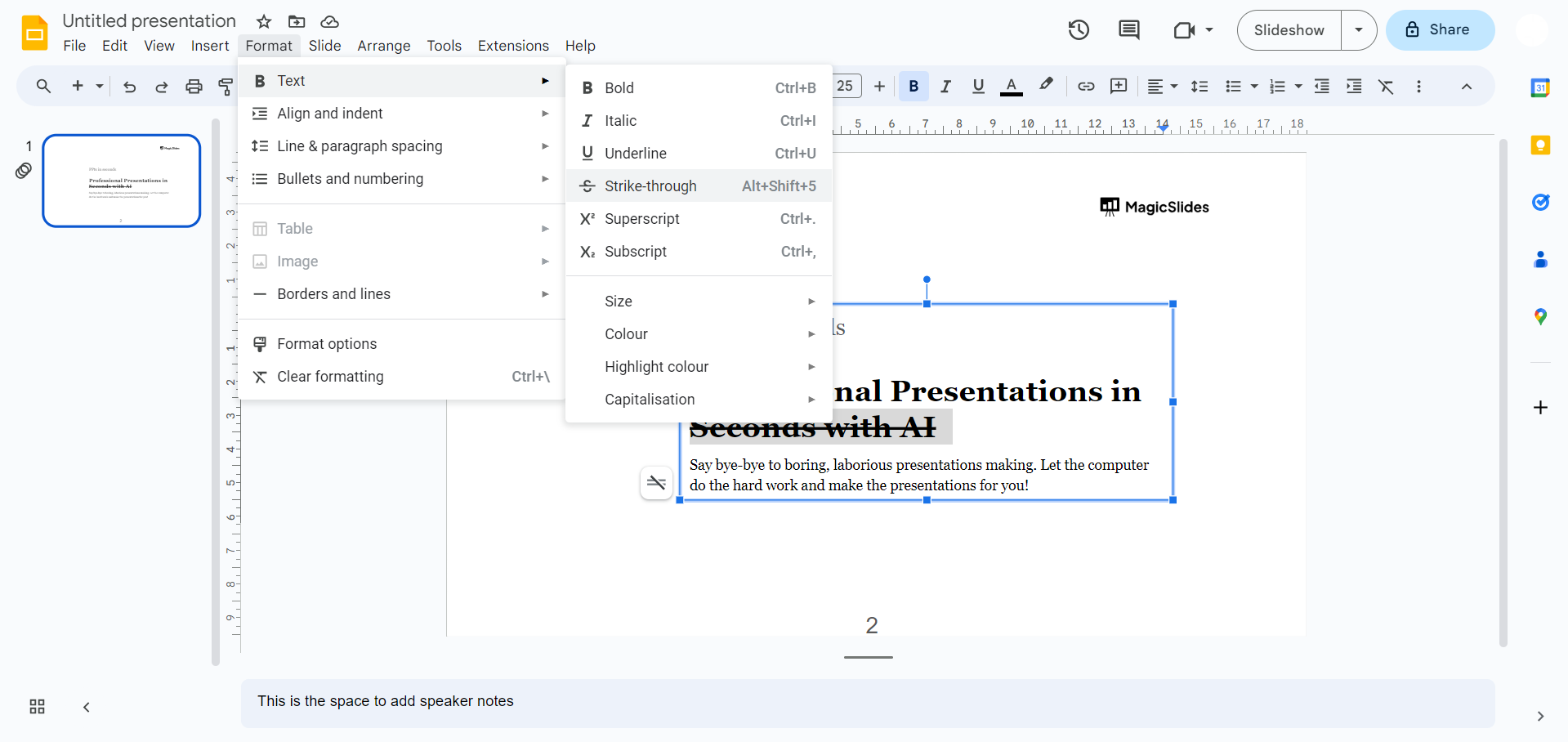
Navigate to the menu bar and click on "Format." From the dropdown menu, select "Clear formatting."
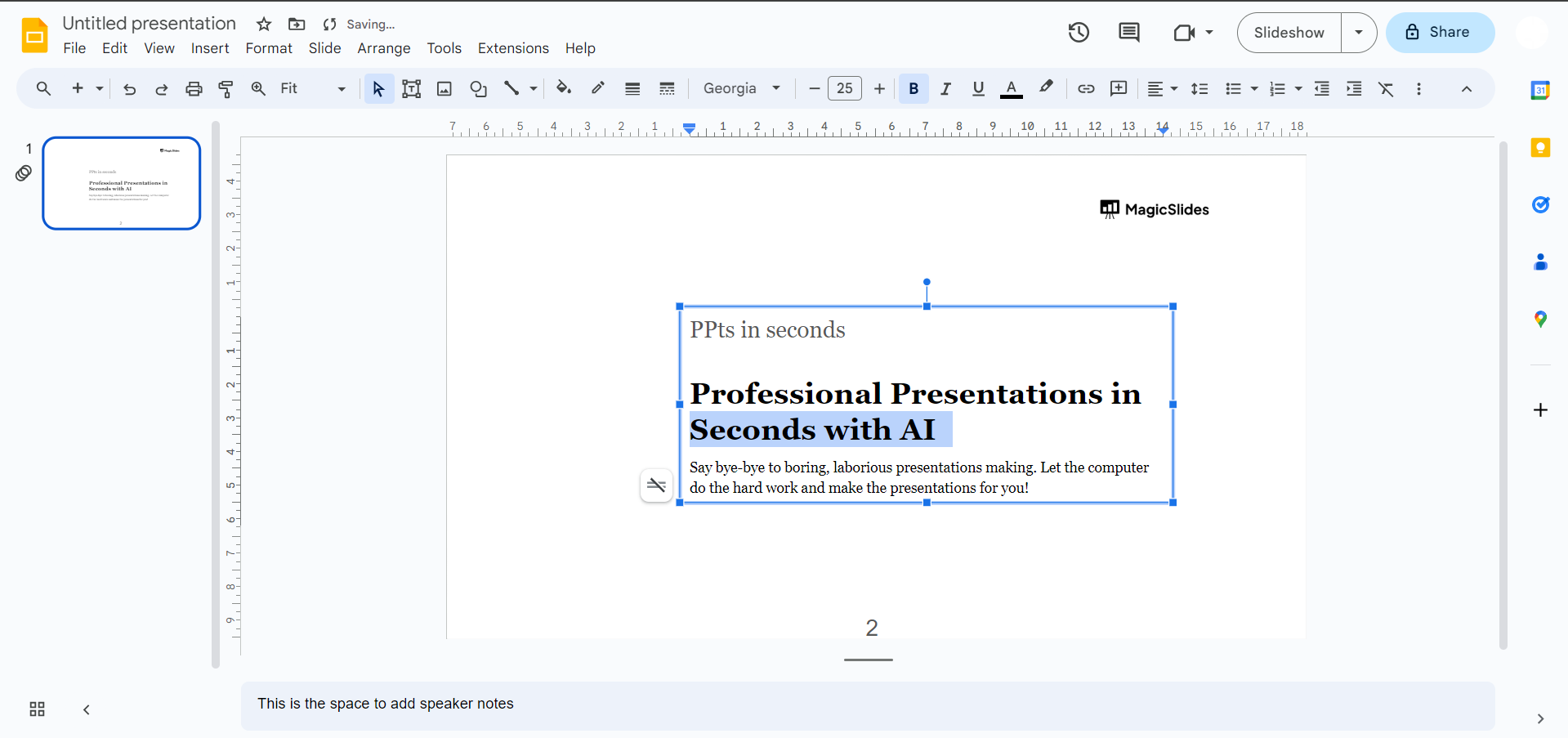
Verify the Changes:
The selected text will now be reverted to the default formatting for your theme. Ensure that the formatting has been cleared as desired.
Power Tip 💡:
Use Keyboard Shortcut:
You can use a keyboard shortcut to quickly clear formatting. Select the text and press Ctrl + \\ (Windows/Linux) or Command + \\ (Mac).
Conclusion:
By following these steps, you can easily remove any applied formatting, including styles such as bold, italics, underline, and more. This provides a clean slate for your text without any additional formatting. As we conclude, harness the power of a clean slate in your presentations.
With the ability to effortlessly clear formatting, your content retains its impact, allowing your audience to engage with your message without distractions. Elevate your presentation game by embracing simplicity and precision in every slide. Learn to convert News Articles To PPT Slides
Frequently Asked Questions:
How do I clear formatting for text in Google Slides?
Select text, go to Format > Clear formatting, or use the keyboard
shortcut Ctrl + \\.
Will clearing formatting affect other design elements in my slide?
No, it only removes text formatting. Design elements like shapes and images remain unaffected.
Can I undo the clear formatting action in Google Slides?
Yes, use the "Undo" command (Ctrl + Z) immediately after clearing formatting to revert changes.
Does clearing formatting affect text placed in text boxes or shapes?
Yes, the clear formatting action applies to text within text boxes or shapes in Google Slides.


