How to Turn TED Talks into PowerPoint summaries


Unlock the power of TED Talks with dynamic PowerPoint summaries using Google Slides and MagicSlides.
TED Talks are a treasure trove of knowledge, but summarizing their insights for presentations can be a game-changer. In this guide, we'll walk you through the simple steps of converting TED Talk videos into captivating PowerPoint summaries using Google Slides and the MagicSlides extension.
How to Turn TED Talks into PowerPoint summaries
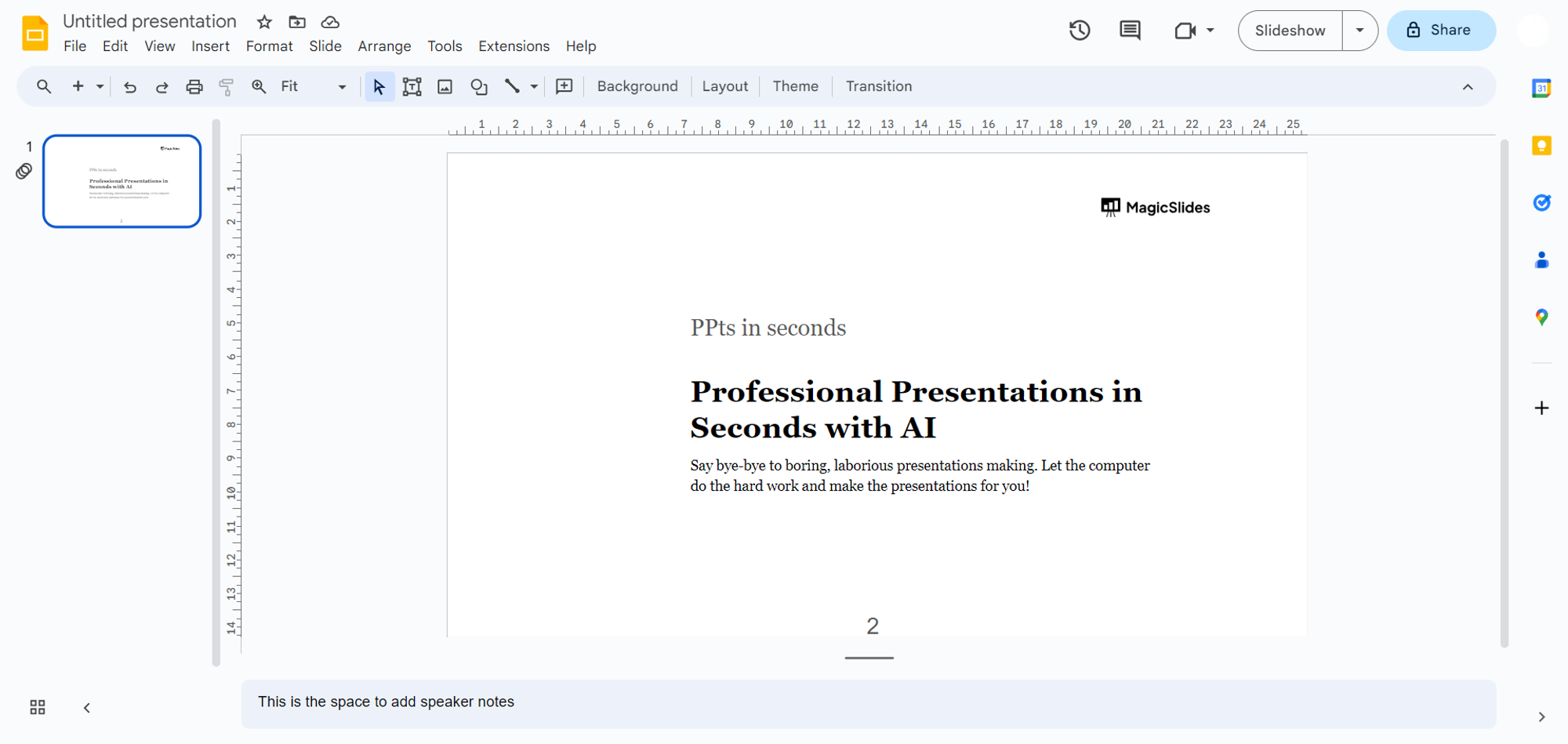
Open Google Slides:
Begin by navigating to slides.google.com and sign in with your Google account.
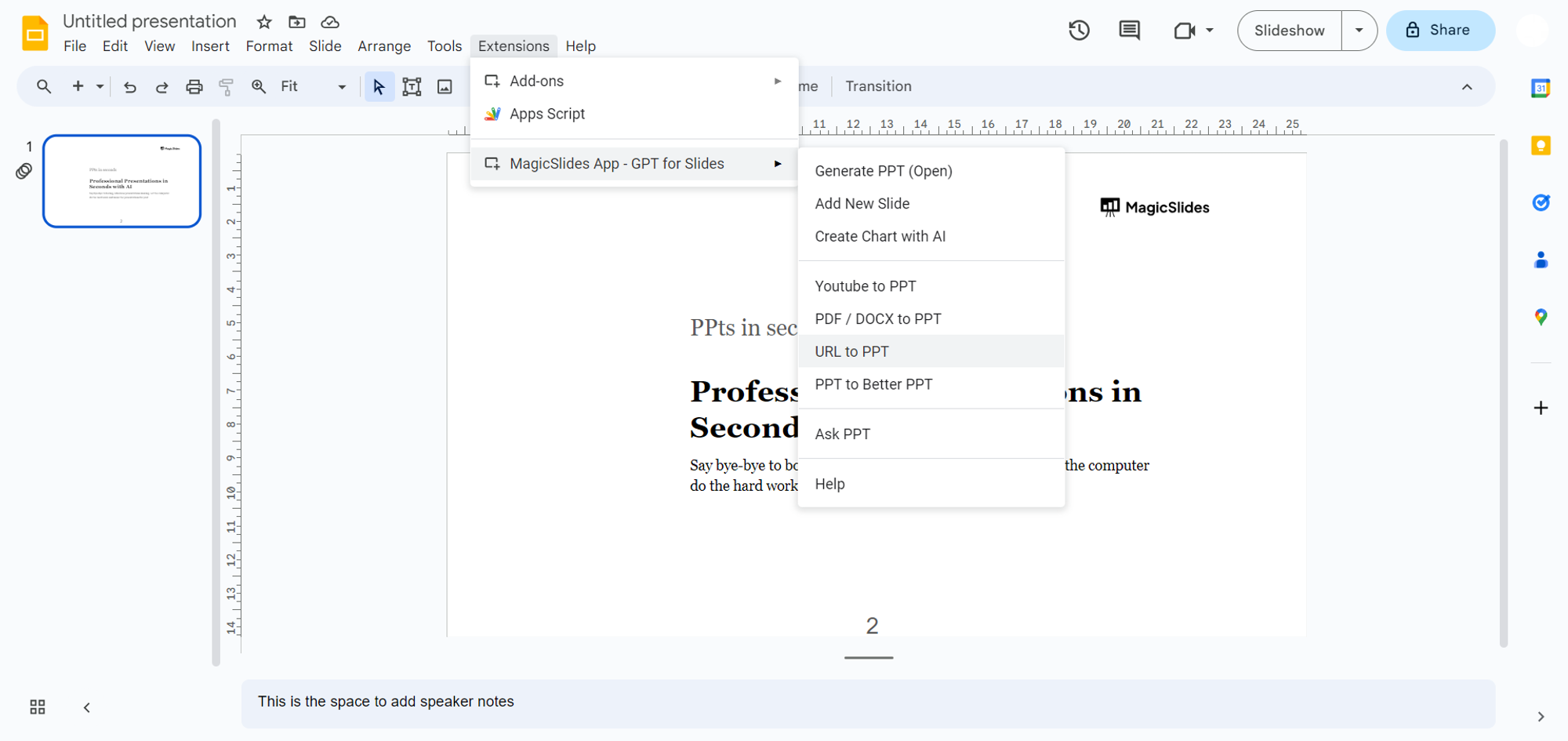
Access MagicSlides Extension:
If you've already downloaded MagicSlides, open it from the extensions tab.
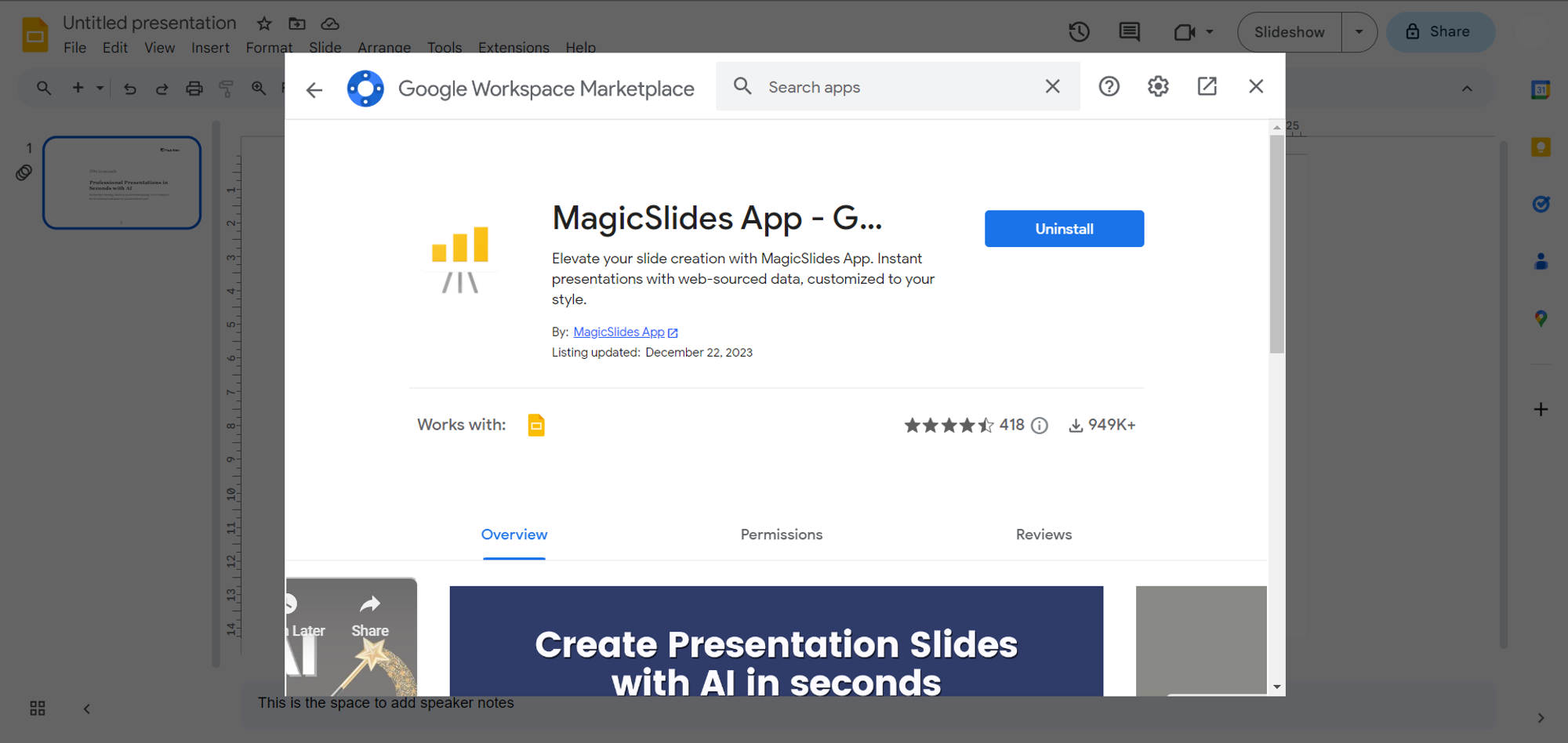
If not, head to the extensions marketplace within Google Slides and download "magicslides.app."
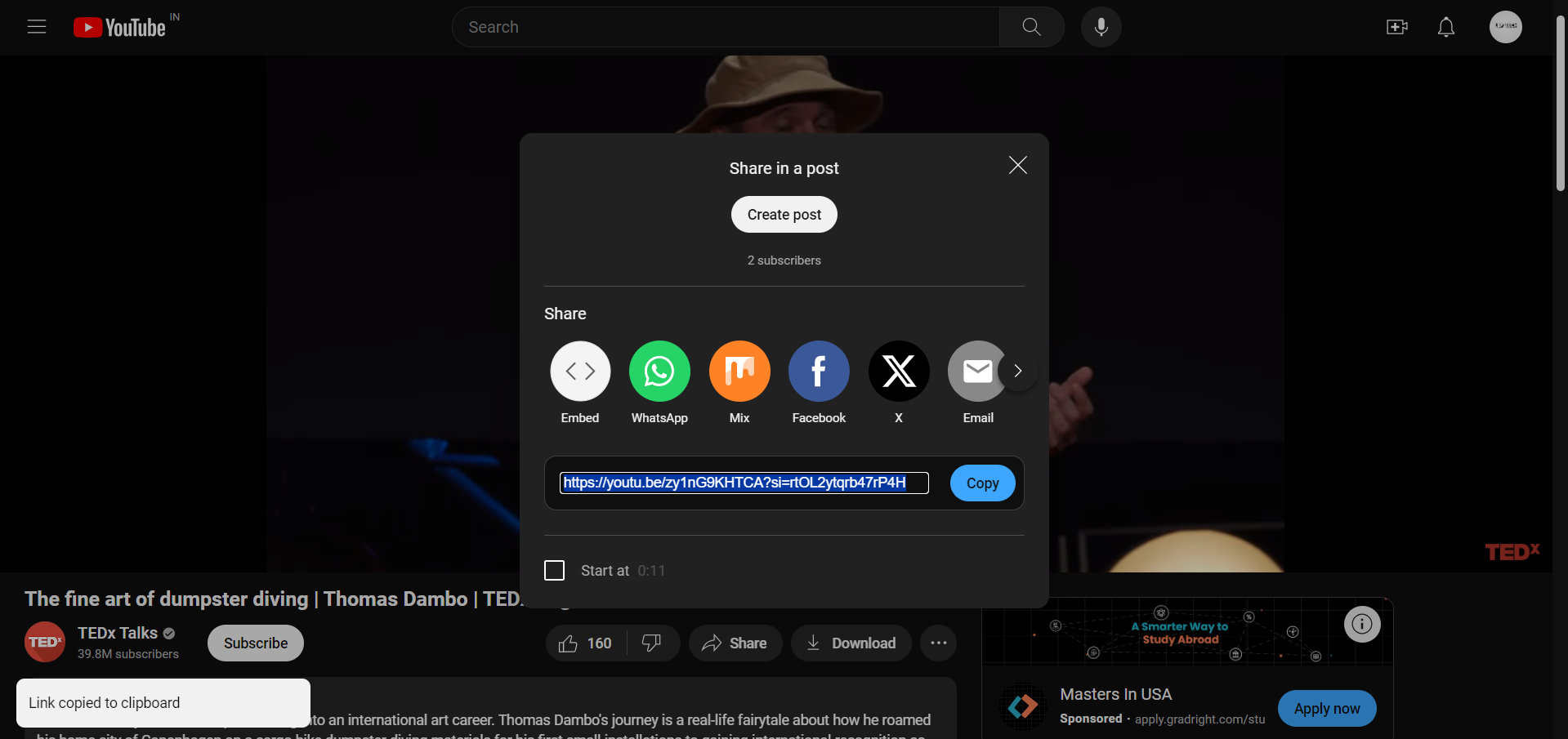
Copy TED Talk Video URL:
Find a TED Talk on YouTube that you wish to summarize. Copy the video URL from the browser's address bar.
Enter URL in MagicSlides:
Return to Google Slides, specifically MagicSlides. Paste the TED Talk video URL into the provided field.
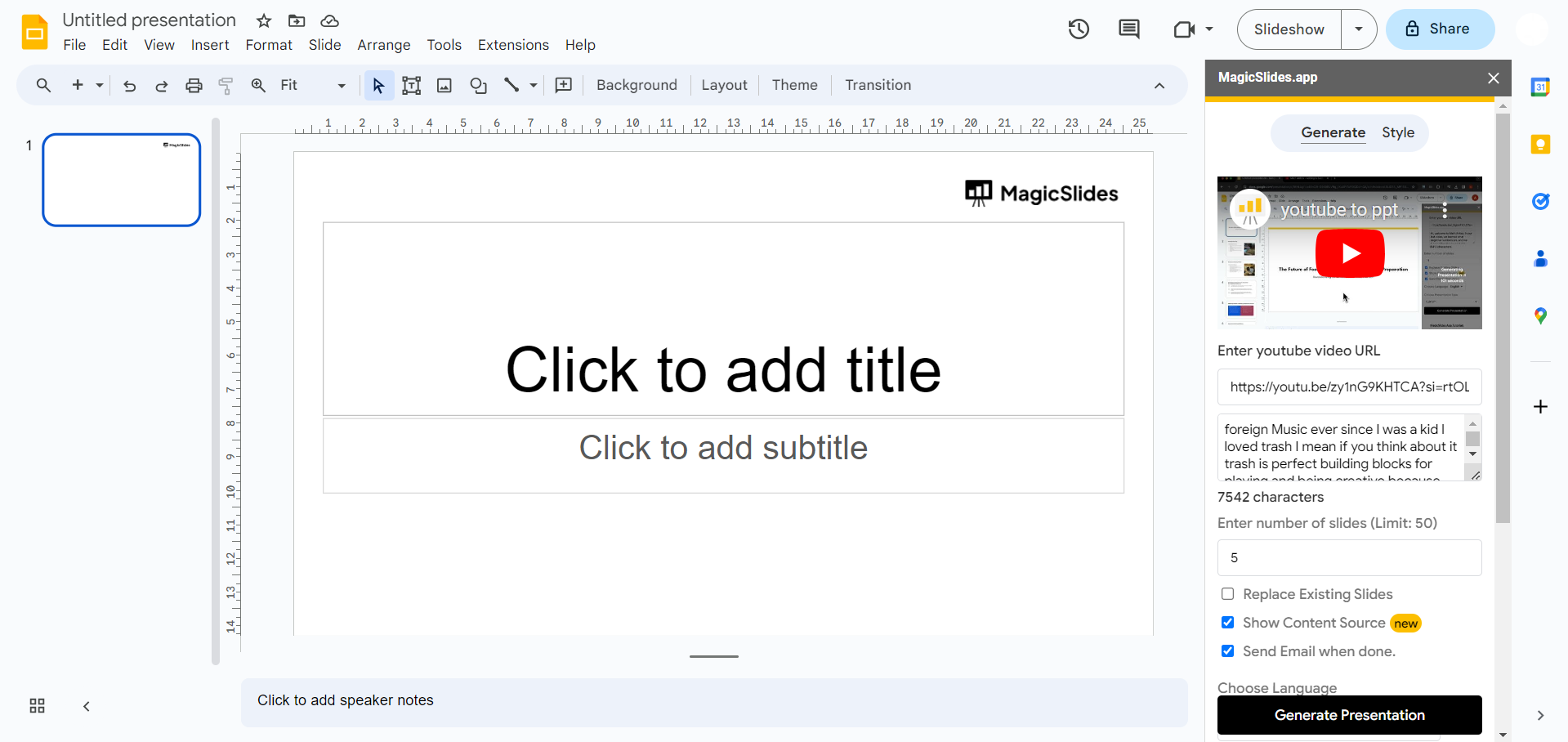
Generate Presentation:
Click on the "Generate Presentation" button. MagicSlides will process the video content, creating a structured PowerPoint presentation.
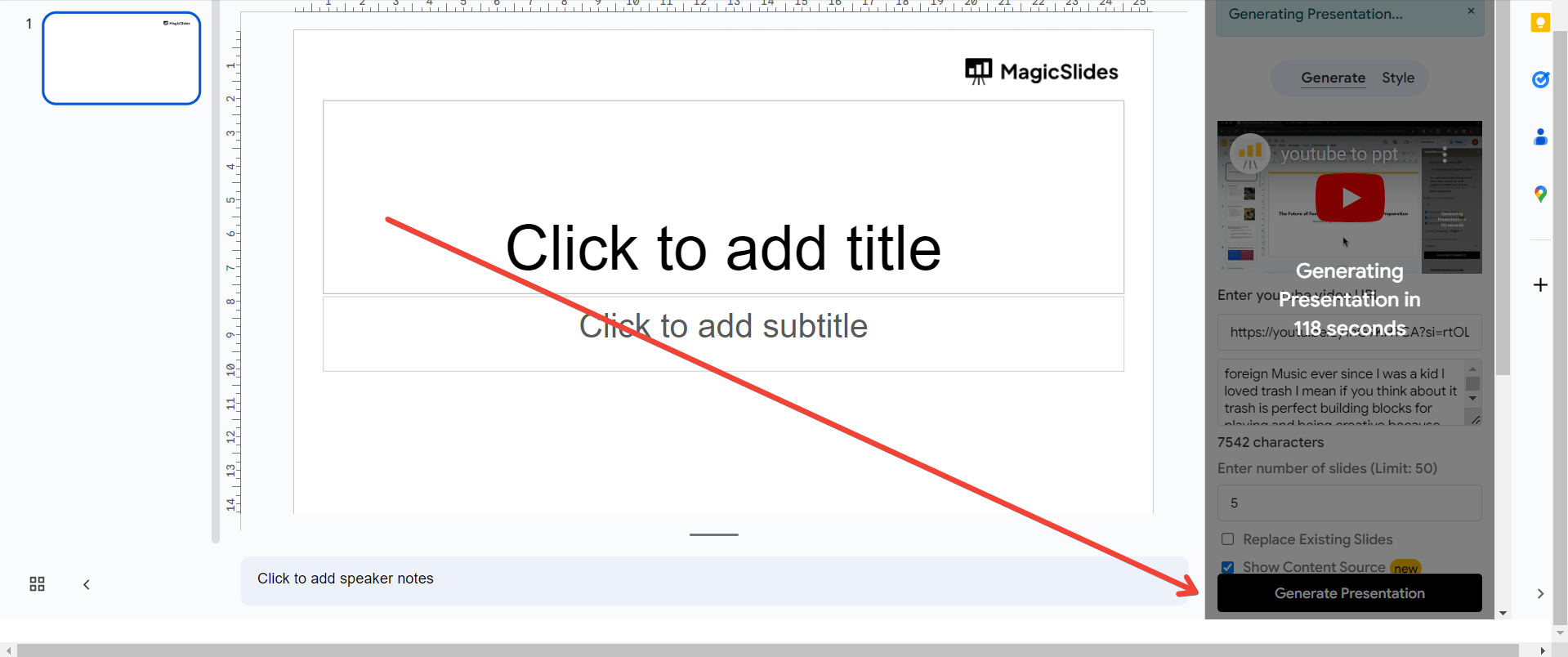
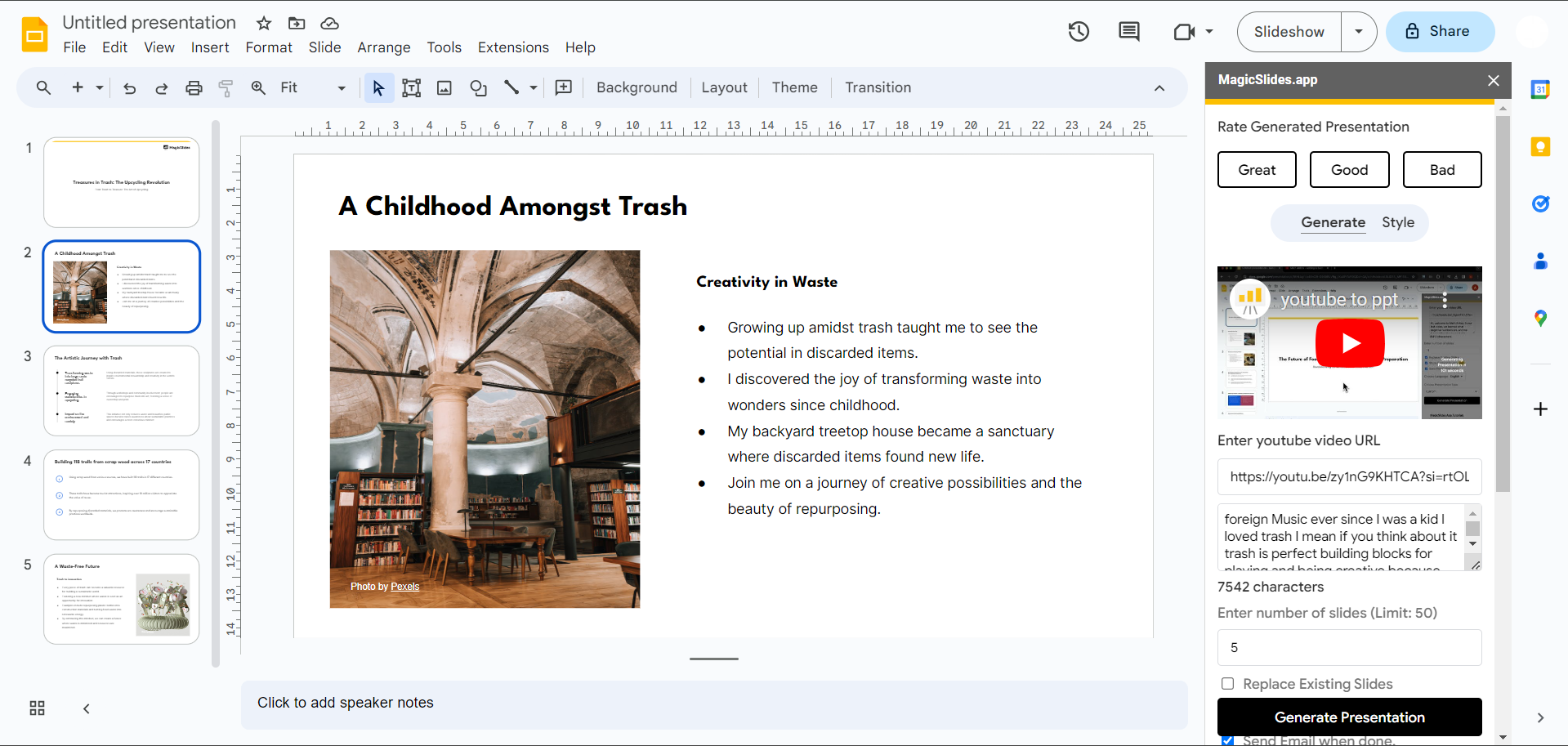
Explore Your Summary:
Voila! Your TED Talk topic is now transformed into a presentation. Explore the slides, add any personal touches, and fine-tune for maximum impact.
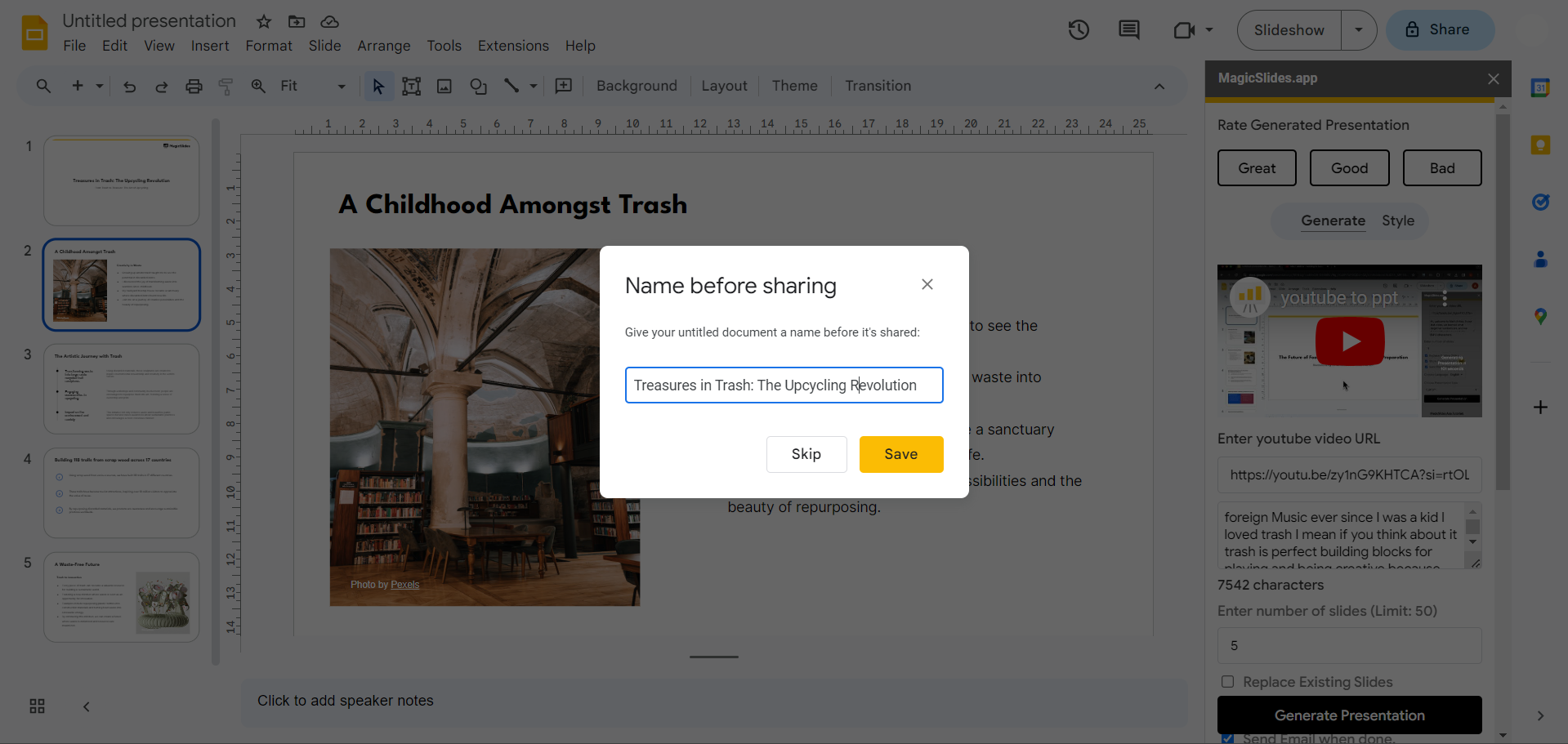
Save and Share:
Save your presentation, and share it with others to spread the distilled wisdom from the TED Talk effectively.
Pro Tip 💡:
Customize your presentation further by adding your insights, key takeaways, and relevant images to enhance the impact of the TED Talk summary. This personal touch ensures your presentation aligns with your unique style and resonates with your audience.
Conclusion:
Unlock the potential of TED Talks by condensing their brilliance into powerful PowerPoint summaries. The combination of Google Slides and MagicSlides streamlines the process, making it accessible to everyone. Whether you're a student preparing for a presentation or a professional looking to share insights, this approach adds a dynamic layer to your content. Elevate your storytelling and knowledge-sharing capabilities with this innovative method.
Frequently Asked Questions:
Can I Use MagicSlides for TED Talks on Platforms Other Than YouTube?
Ans: Currently, MagicSlides primarily supports YouTube videos, so TED Talks on YouTube work seamlessly.
Are There Specific TED Talk Video Requirements for MagicSlides?
Ans: No specific requirements. MagicSlides processes most TED Talk videos available on YouTube without issues.
Can I Edit the MagicSlides-Generated Presentation for Personalization?
Ans: Absolutely! After the generation, feel free to edit and add personal touches to the presentation.
Have a look @these informative blogs by us:
- How To Create PPTs For Seminar Topics From Website URL: https://www.magicslides.app/blog/how-to-create-ppts-for-seminar-topics-from-website-url
- How To Convert A Research Paper PDF To PowerPoint Slides?: https://www.magicslides.app/blog/how-to-convert-a-research-paper-pdf-to-powerpoint-slides
- How To Remove An App From Slack: https://www.magicslides.app/blog/how-to-remove-an-app-from-slack
- How To Convert Blog Post To Presentations: https://www.magicslides.app/blog/how-to-convert-blog-post-to-presentations


